Sizes
Printable Passport Size Notebook
A passport-size notebook fits in a jacket pocket and a small Traveler's Notebook cover. Print the inserts yourself on ordinary paper, two at a time, with exactly the pages you need for a trip, a week or a year.
- Page size
- 3.504 × 4.882 in89 × 124 mm
- Prints on
- A5, US Half Letter, US Letter, A4
Start from a preset
- Dot grid passport insert, 32 pages Two identical inserts per Letter or A4 sheet; cut them apart. Open in the maker →
- Lined passport insert, 32 pages 6 mm lines suit the small page. Open in the maker →
- Packing list and itinerary for a trip Plan the trip in a pocket insert, then journal on the go. Open in the maker →
- Monthly calendar insert, 12 months A year of month pages in a pocket-size booklet. Open in the maker →
Passport notebook size
| Notebook | Page size | Prints on |
|---|---|---|
| Passport | 89 × 124 mm (3.5 × 4.88 in) | A5 or Half Letter (one per sheet), A4 or Letter (two per sheet) |
The page is small, so margins shrink with it (about 6 mm), and font sizes in the templates stay readable. A 5 mm dot grid gives about 22 rows; 6 mm lines give about 17.
How to print and assemble passport inserts
- Open a preset above and adjust the pages. In Download PDF → Print-ready booklet, choose your paper and turn on Two copies per sheet for Letter or A4.
- Print double-sided, flip on the short edge, at 100% (Actual size).
- Cut the printed stack in half between the two copies, then fold each set of sheets and nest them in order.
- Trim the edges along the crop marks.
- Sew a three-hole pamphlet stitch through the fold, or staple with a long-reach stapler.
Passport notebooks are great for travel: put a packing list and itinerary in the front, then journal pages, a stamp or postcard log, and dot grid for sketches.
Free sample PDFs
Print at 100% (actual size). Made with the same engine as the maker, so the spacing is exact.
Frequently asked questions
What size is a passport notebook?
Passport-size inserts are about 89 × 124 mm (3.5 × 4.9 in), close to the size of a passport. Covers vary by a few millimeters, so measure yours and adjust the page size in the maker if needed.
How do I print a passport size notebook on Letter or A4 paper?
Choose Print-ready booklet and turn on Two copies per sheet. Each sheet then holds two identical spreads, one above the other. Print double-sided, cut the stack in half, and you have two inserts. You can also print on A5 or Half Letter paper, one spread per sheet.
Which page templates work on such a small page?
Dot grid, lined, blank, monthly calendars, to-do lists, packing lists and simple trackers all work well. The maker hides nothing, but very dense layouts such as hourly daily planners are easier to use on larger pages.
How many pages fit in a passport insert?
32 pages (8 sheets) is typical. Up to about 48 pages folds well on 80 g/m² paper.
Printing and binding guides
- How to print a booklet double-sidedPrint your notebook PDF at actual size, choose the right duplex setting, and get pages that come out in the right order after folding.
- Cutting and trimming your notebookUse crop marks to cut printed sheets and trim folded booklets cleanly, with a craft knife, a paper trimmer or a guillotine.
- Sew signatures into a thick notebookPrint a thick notebook as several signatures, fold them, and sew them together with a simple stitch, or bind each one as a Traveler's Notebook insert.
Related templates
-
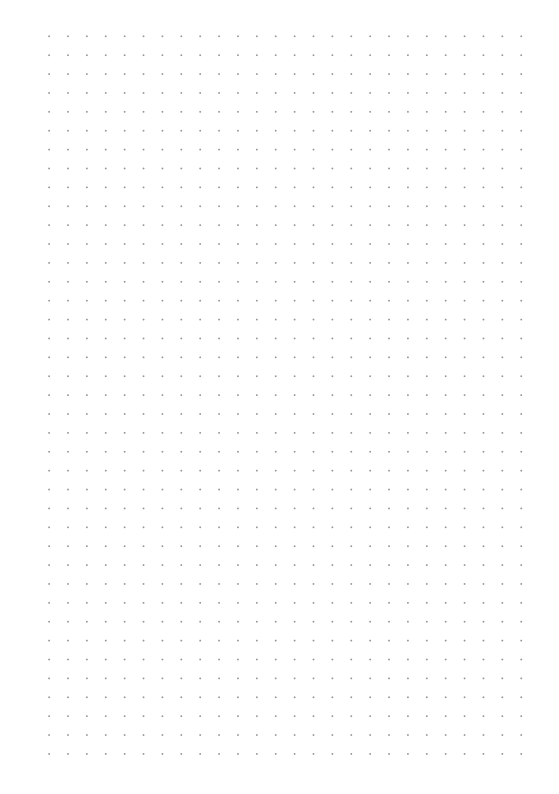
Dot Grid
Evenly spaced dots for bullet journals and sketches.
-
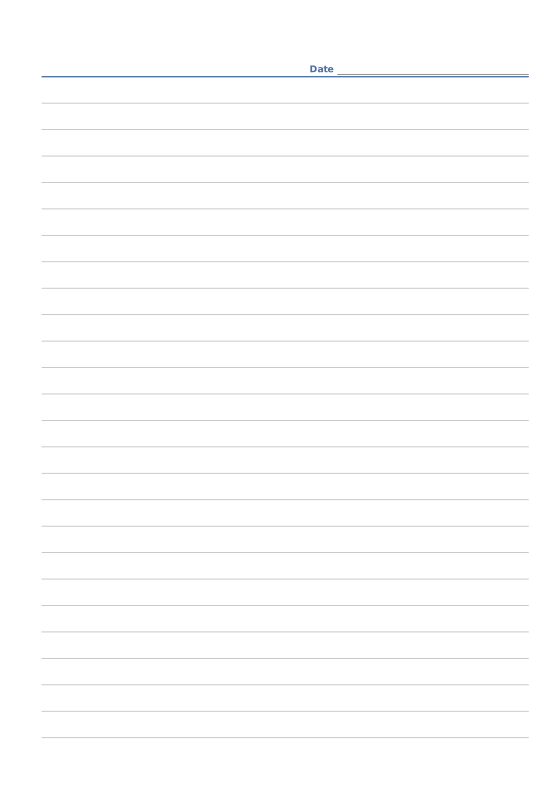
Ruled Paper
Lined writing paper with adjustable line spacing.
-
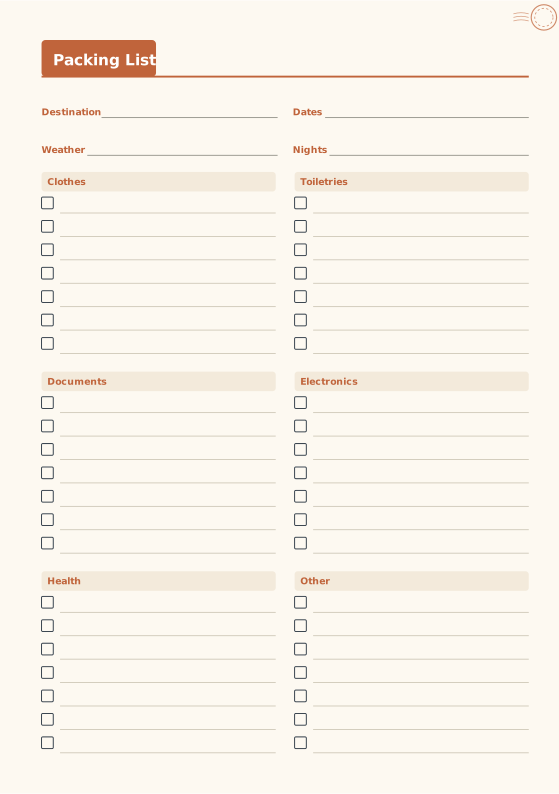
Packing List
Checklists for clothes, documents, electronics and more.
-
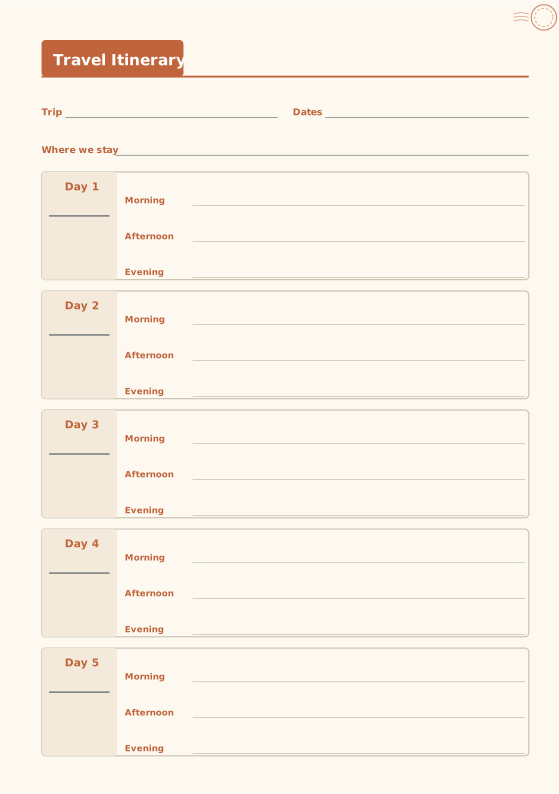
Travel Itinerary
Day-by-day morning, afternoon and evening plans.
-
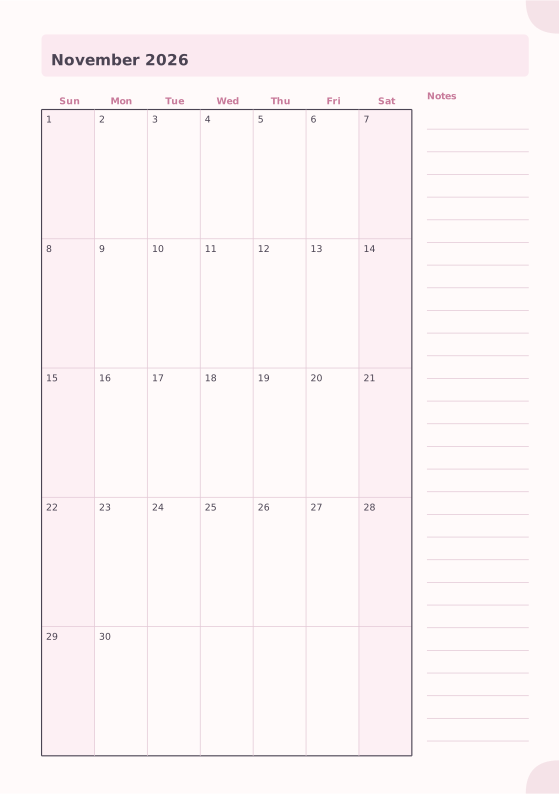
Monthly Planner
Full month calendar with a notes column.
-
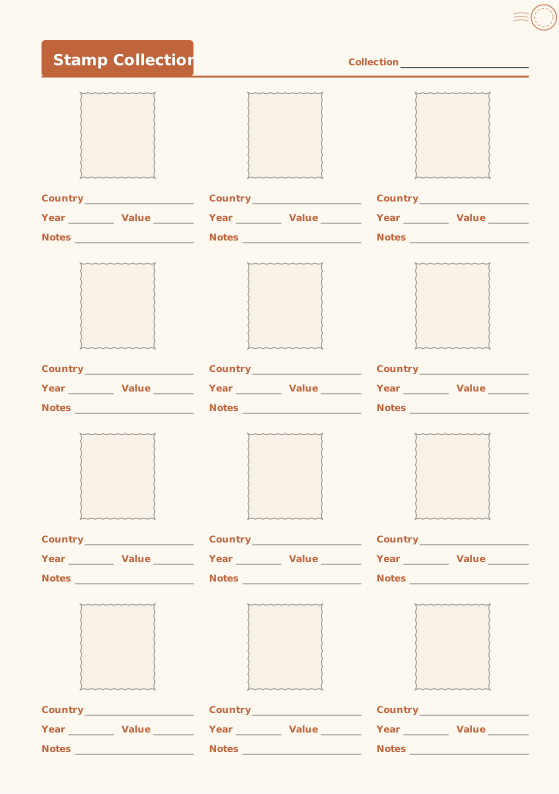
Stamp Collection Log
Perforated mounts with country, year and value.