Basic Paper
Cornell Notes Template
The Cornell method splits each page into notes, cues and a summary, so reviewing for a test takes minutes instead of hours. Print a ready-made sheet or adjust the layout to the way you study.
What you can customize
- Title
- Line spacing
- Cue column width (%)
- Summary height (%)
Works well in
- Traveler's Notebook Passport
- A6
- Traveler's Notebook Regular
- B6 (JIS)
- A5
- US Half Letter
- B5 (ISO)
- A4
- US Letter
All page sizes, from Passport to A4
Try it in another style
Start from a preset
- Cornell notes, US Letter, college ruled Standard layout for class binders. Open in the maker →
- Cornell notes, A4 Same layout on A4 for students outside North America. Open in the maker →
- Cornell notebook, A5 booklet A bound study notebook that prints on A4 or Letter and folds in half. Open in the maker →
- Wide cue column for language learning 40% cue column for vocabulary and questions, larger summary box. Open in the maker →
The Cornell note-taking layout
Each page has three areas:
- Notes (right): what you write during the lecture or while reading.
- Cues (left): questions, keywords and formulas you add after class. They become your review prompts.
- Summary (bottom): two or three sentences in your own words that capture the page.
You can change the cue column width (20–40% of the page), the summary height (10–35%), the line spacing and the page title. The preview updates as you type, and the PDF matches it exactly.
How to print Cornell notes
- For a binder, use the Letter or A4 preset, set how many pages you need and choose Download PDF → Reading order. Print single or double-sided.
- For a bound notebook, use the A5 preset and choose Print-ready booklet. Print double-sided (flip on the short edge), fold the stack and staple it. More than about 10 sheets? Choose Signatures (sew) binding instead.
- Print at 100% (Actual size) so the ruled lines keep their spacing.
Free sample PDFs
Print at 100% (actual size). Made with the same engine as the maker, so the spacing is exact.
Frequently asked questions
How do you use Cornell notes?
During class, write notes in the large right-hand area. Soon after, write questions and keywords in the left cue column that point to each part of your notes. At the bottom, summarize the page in two or three sentences. To review, cover the notes and answer the cues from memory.
How wide should the cue column be?
The original system uses about a third of the page width. The template starts at 30% and lets you choose from 20% to 40%. Wider cue columns suit language learning and subjects with many terms.
Can I put Cornell pages in a notebook with other pages?
Yes. Add Cornell pages next to lined, dot grid, study planner or vocabulary pages in the same notebook, then print it as a booklet.
Is there a title and date line?
Yes. Each page has a header with a title and a date line. You can type a fixed title, such as the course name, so it prints on every page.
Related guides
- How to print a booklet double-sidedPrint your notebook PDF at actual size, choose the right duplex setting, and get pages that come out in the right order after folding.
- Paper sizes, margins and binding allowanceWhich printer paper fits which notebook size, how to set margins and the binding margin, and when to use bleed and creep.
- How to staple a booklet in the middleFold and staple a booklet through the centre with a long-reach or normal stapler. Follow the sheet-order, backing and staple-closing steps.
- Cornell note-taking method: how to take Cornell notesHow the Cornell note-taking method works: the cue column, notes area and summary, the 5 Rs, an example page, review tips and a free printable Cornell notes template.
- Note-taking methods: 6 ways to take notes comparedThe Cornell, outline, mapping, charting, sentence and boxing methods explained, with a comparison table, the best paper for each and how to choose by subject.
Related templates
-

Ruled Paper
Lined writing paper with adjustable line spacing.
-
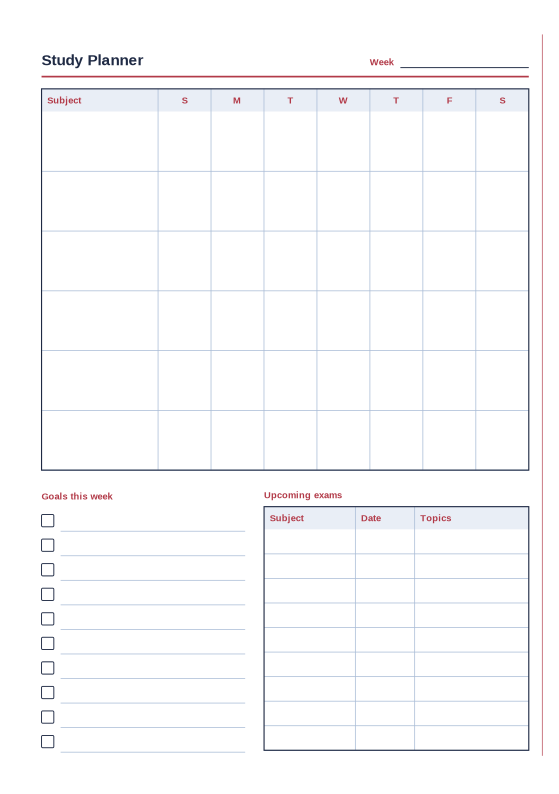
Study Planner
Weekly subject grid, goals and exam dates.
-
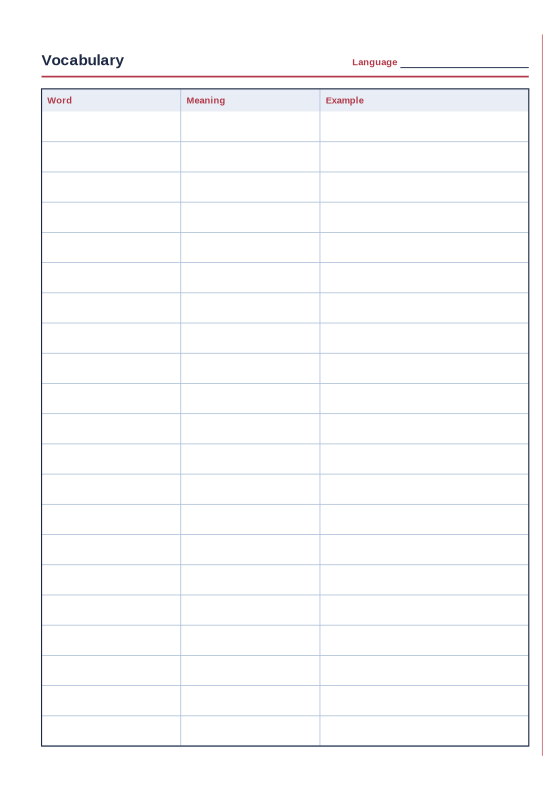
Vocabulary Notebook
Word, meaning and example columns.
-
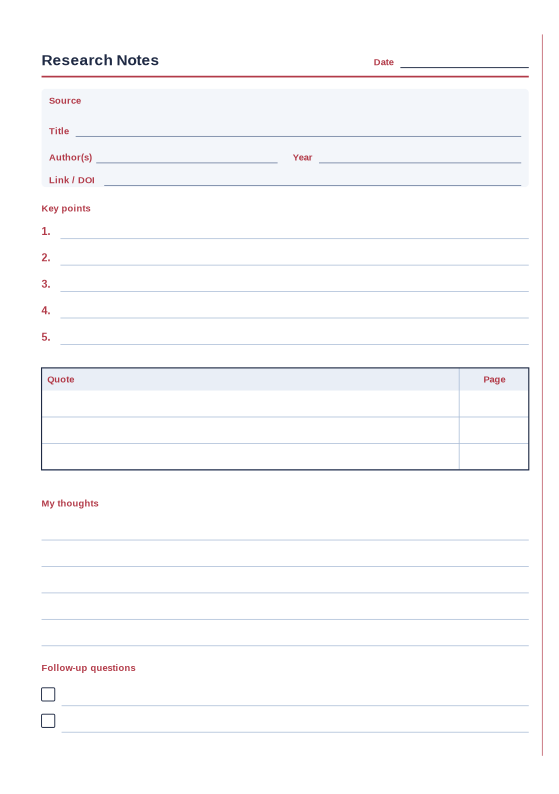
Research Notes
Source details, key points, quotes and questions.
-
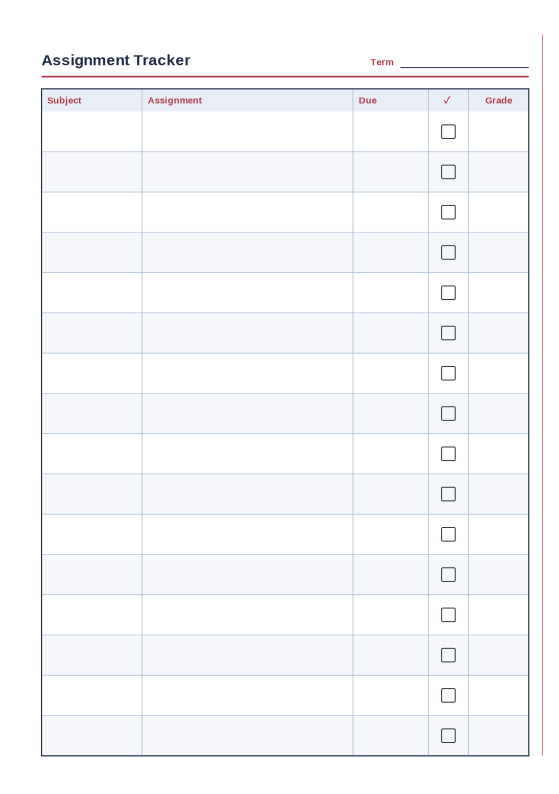
Assignment Tracker
Subjects, assignments, due dates and grades.














