Study & Work
Printable Weekly Study Planner
This printable study planner puts your whole week of revision on one page: subjects down the side, days across, plus goals and exam dates underneath. Use one page per week through a term or before finals.
What you can customize
- Subjects
Works well in
- Traveler's Notebook Passport
- A6
- Traveler's Notebook Regular
- B6 (JIS)
- A5
- US Half Letter
- B5 (ISO)
- A4
- US Letter
All page sizes, from Passport to A4
Try it in another style
Start from a preset
- Weekly study planner, US Letter Six subjects, weekly goals and upcoming exams. Open in the maker →
- Weekly study planner, A4 The same layout on A4. Open in the maker →
- Semester study notebook, A5 booklet One page a week for a whole school year. Open in the maker →
- Exam revision planner, 10 subjects More rows for GCSE, A-level, IB or finals revision. Open in the maker →
What’s on the study planner
- Subject grid: one row per subject and one column per day of the week. Write topics, chapters or minutes studied in each cell.
- Goals this week: a short checklist for the targets that matter most.
- Upcoming exams: a table with subject, date and topics, so nothing sneaks up on you.
The header has a week line for the dates. Set the number of Subjects (3–10), choose a theme, and add as many weeks as you need.
How to print the study planner
- For a binder, use the Letter or A4 preset and Download PDF → Reading order. Print single or double-sided.
- For a bound study notebook, choose the A5 preset and Print-ready booklet. Print double-sided (flip on the short edge). A 52-page notebook is more than 10 sheets, so choose Signatures (sew) binding and sew the folded signatures together.
- Print at 100% (Actual size).
Free sample PDFs
Print at 100% (actual size). Made with the same engine as the maker, so the spacing is exact.
Frequently asked questions
How do I use a weekly study planner?
At the start of the week, write each subject in the left column and fill the day cells with what you will study, or how long. List two or three goals in the checklist and add upcoming tests to the exams table. At the end of the week, tick what you finished.
How many subjects can I add?
Choose from 3 to 10 subject rows. Fewer rows give each cell more space for topics; 10 rows suit students with many classes.
Does the week start on Monday or Sunday?
It follows the usual week start for your language, and you can change the first day of the week in the maker's notebook settings.
What can I combine it with?
Add a timetable for your class schedule, an assignment tracker for homework, and Cornell notes or vocabulary pages for studying, all in one notebook.
Related guides
- How to print a booklet double-sidedPrint your notebook PDF at actual size, choose the right duplex setting, and get pages that come out in the right order after folding.
- How to staple a booklet in the middleFold and staple a booklet through the centre with a long-reach or normal stapler. Follow the sheet-order, backing and staple-closing steps.
- Sew signatures into a thick notebookPrint a thick notebook as several signatures, fold them, and sew them together with a simple stitch, or bind each one as a Traveler's Notebook insert.
- How to make a study schedule (with a printable planner)Make a study schedule step by step: list exams and deadlines, map your week, plan sessions with spaced repetition and active recall, and print a free study planner.
Related templates
-
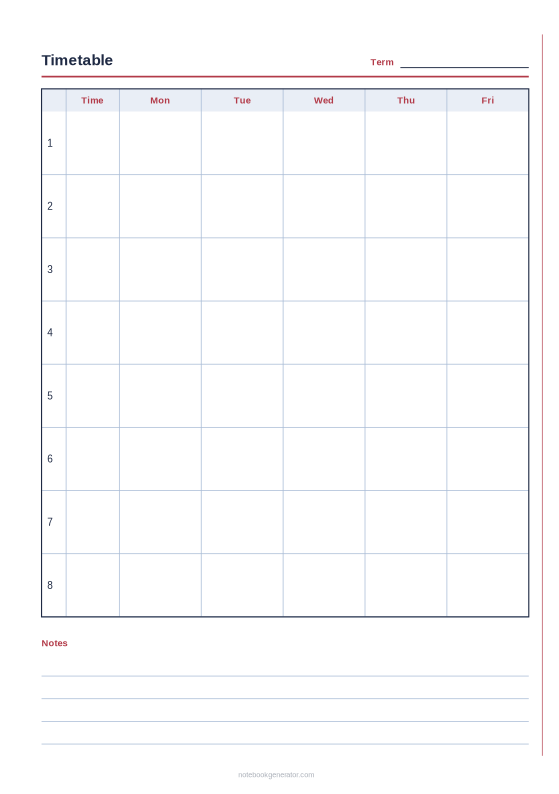
School Timetable
Class schedule with periods, times and 5, 6 or 7 school days.
-
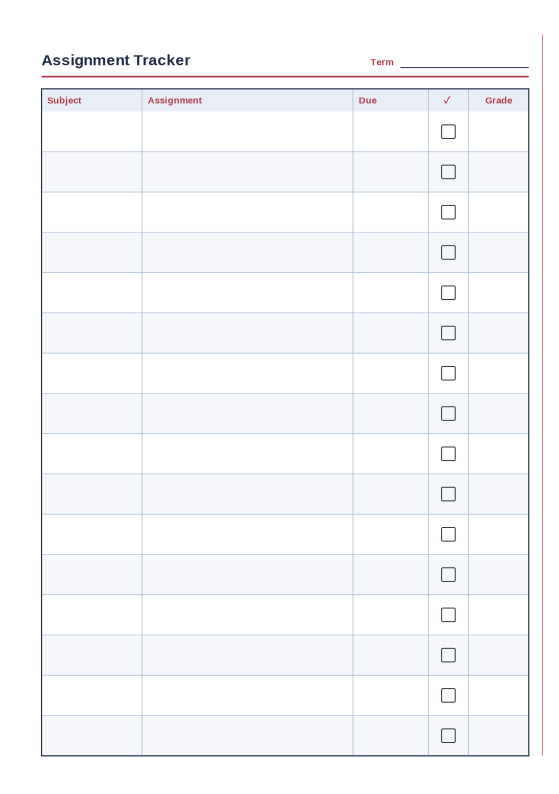
Assignment Tracker
Subjects, assignments, due dates and grades.
-
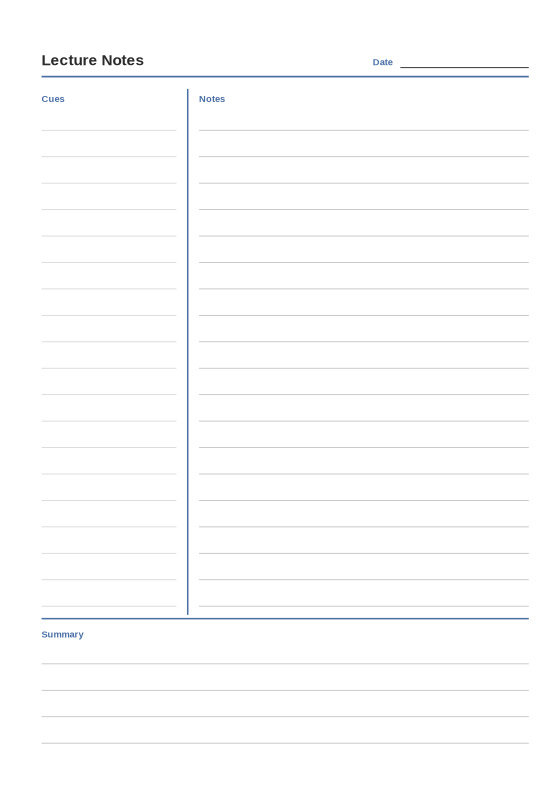
Cornell Notes
Cue column, notes area and summary box.
-
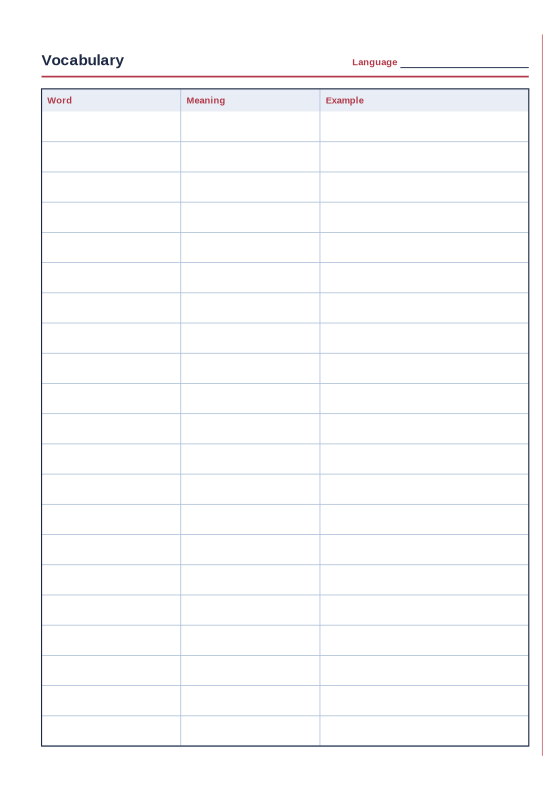
Vocabulary Notebook
Word, meaning and example columns.
-
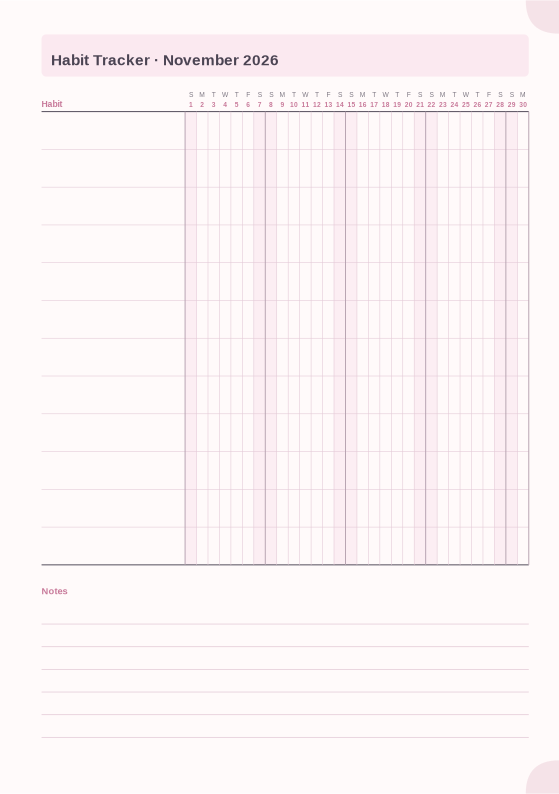
Habit Tracker
Monthly grid to track up to 20 habits.
-
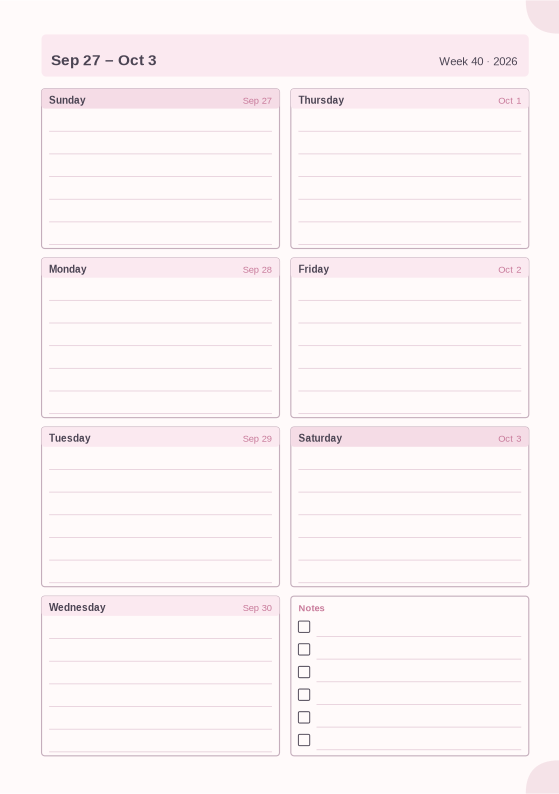
Weekly Planner
Seven days on one page with a notes box.














