Six-ring binders
Printable A5 planner inserts for six-ring binders
A5 ring planners take 148 × 210 mm pages with six holes in two groups of three. Print exactly the pages you want, dated for any year and in your language, with the hole positions marked on every page so you punch in the right place.
- Page size
- 5.827 × 8.268 in148 × 210 mm
- How it prints
- Loose pages, punched for ringsPrints on: A4
- Holes
- 6 marked6 rings, A5 (19-19-70-19-19 mm)
Start from a preset
- Dated weekly inserts, 26 weeks Week on one page with columns per day, starting this week. Set the week start and language in the maker. Open in the maker →
- Monthly calendar inserts, 12 months A month per page with a notes column, dated for the current year. Open in the maker →
- Dot grid refill, 5 mm Plain dot grid pages with a wide binding margin. Open in the maker →
- Daily pages with a timeline, one month A dated page per day: schedule, priorities and tasks. Open in the maker →
A5 six-ring inserts
| Insert | Page size | Holes | Prints on |
|---|---|---|---|
| A5 (Filofax A5 size) | 148 × 210 mm (5.8 × 8.3 in) | 6, in two groups: 19-19-70-19-19 mm | A4 or US Letter, one page per sheet |
Choose A5 six-ring binder under Planner or binder in the maker. The page size, a 16 mm binding margin, double-sided loose-page printing and the six-hole guide are set in one step, so every template you add already keeps clear of the rings.
Printing, trimming and punching
- Open a preset and add pages. Mix dated weeks, monthly calendars, trackers and plain pages in one file.
- Download PDF → Loose pages (already selected), crop marks and punch guides on.
- Print double-sided, flip on the long edge, at 100% (Actual size). On the back of each sheet the binding margin and the hole guides swap sides automatically.
- Trim along the crop marks. A stack of 10 sheets cuts cleanly in a guillotine trimmer.
- Punch through the circles with a six-hole A5 punch, or one hole at a time with a single-hole punch, then clip the pages into the binder.
The default order keeps each week’s two pages facing each other when filed in the rings.
Free sample PDFs
Print at 100% (actual size). Made with the same engine as the maker, so the spacing is exact.
Frequently asked questions
Which binders take A5 six-ring inserts?
Filofax A5, Kikki.K large, Louis Vuitton GM, Van der Spek A5, Gillio A5 and most other A5 personal organisers use the same six holes: two groups of three at 19 mm, 70 mm between the groups, about 6 mm from the edge. Check one of your existing pages against the printed circles before punching a stack.
Does the PDF punch the holes?
No printer can. The PDF marks each hole with a thin circle on the binding edge so you punch exactly in the right place with a six-hole planner punch or a single-hole punch. The circle is a guide; it disappears when you punch through it.
How wide is the binding margin?
16 mm on the ring side by default, which clears the rings and the holes. Change it under Margins in the maker if your rings are smaller or you want more writing room.
Can I print on A4 and get two inserts per sheet?
Not for A5: two A5 pages fill an A4 sheet with no room for crop marks. Print one page per A4 or Letter sheet, or use A3 or Tabloid for two per sheet.
Related guides
- Cutting and trimming your notebookUse crop marks to cut printed sheets and trim folded booklets cleanly, with a craft knife, a paper trimmer or a guillotine.
- Double-sided printing on a home printerPrint booklets double-sided on any home printer: automatic duplex settings, manual duplex step by step, the flip on long or short edge question, and a quick test sheet.
- Paper sizes chart: A4, A5, B5 and Letter in mm and inchesA4, A5, A6, B5, US Letter, Half Letter and Legal in millimetres and inches, how A4 compares with Letter, and which size suits a journal, planner or school notebook.
- How to make your own planner and print it at homeMake your own planner: choose the size and layout, pick your sections, count the pages, build it free in your browser, then print it double-sided and bind it.
Related templates
-
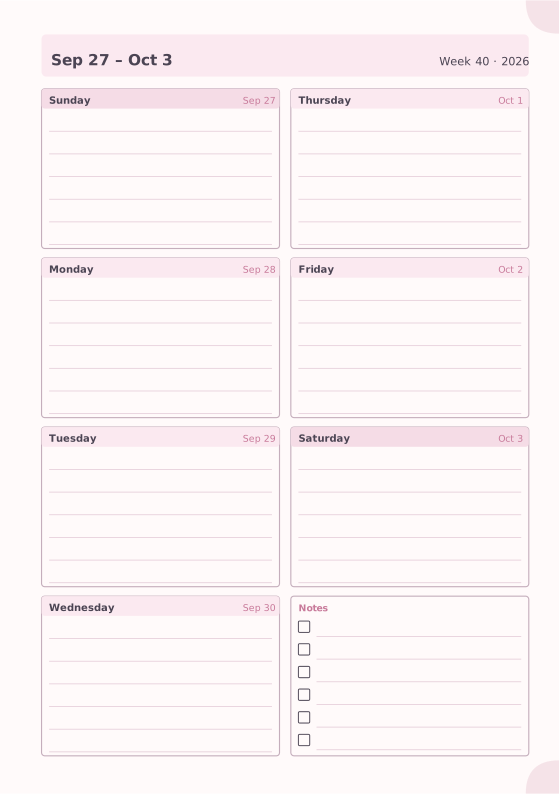
Weekly Planner
Seven days on one page with a notes box.
-
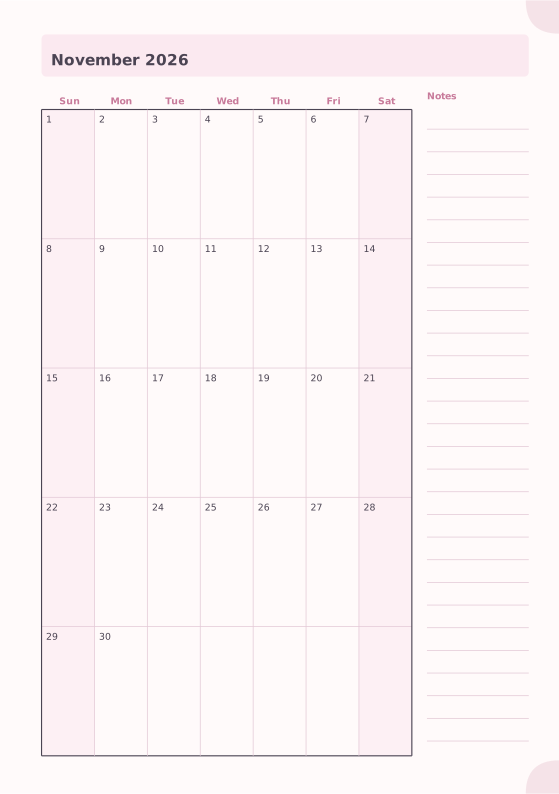
Monthly Planner
Full month calendar with a notes column.
-
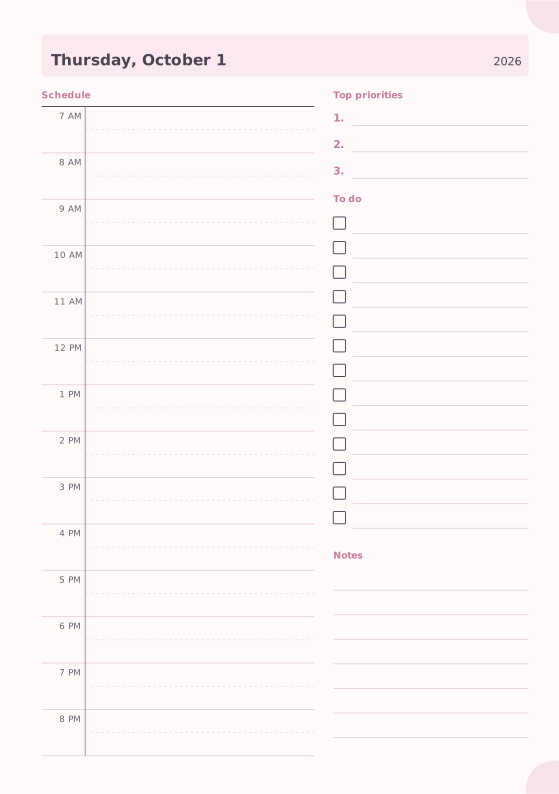
Daily Planner
Hourly schedule, top priorities, to-do list and notes.
-

Dot Grid
Evenly spaced dots for bullet journals and sketches.
-
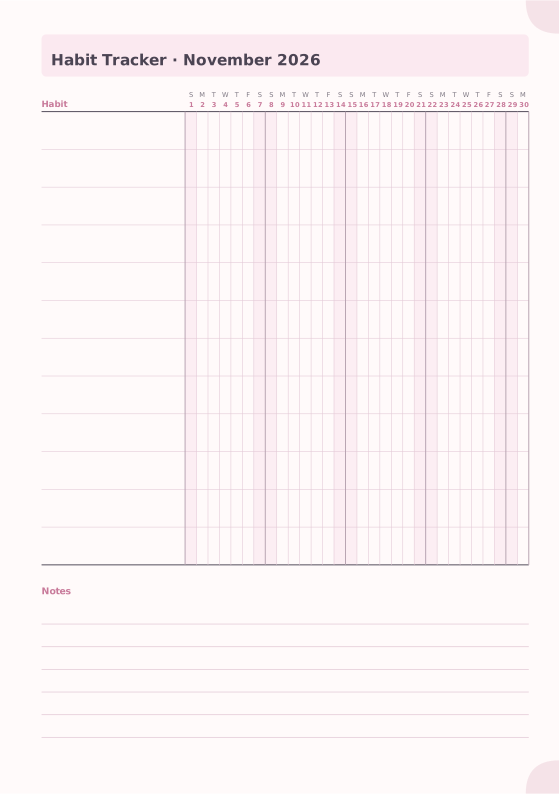
Habit Tracker
Monthly grid to track up to 20 habits.
-
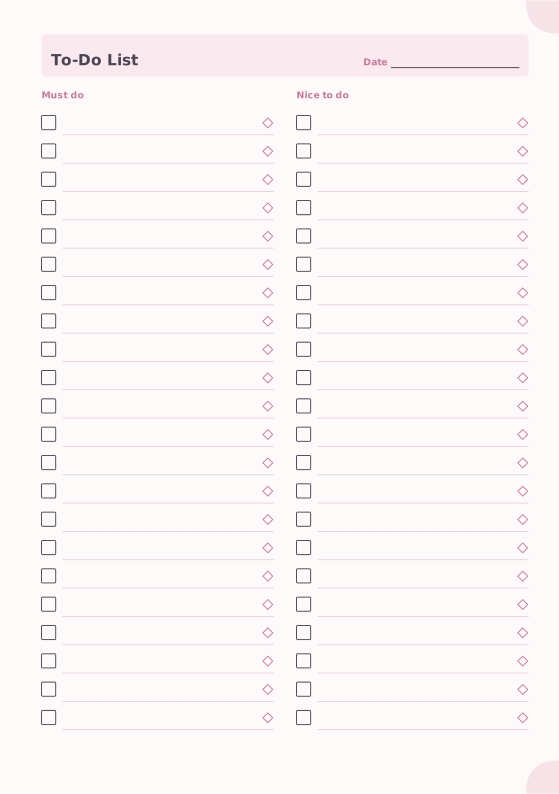
To-Do List
Must-do and nice-to-do checklists with priority marks.
-
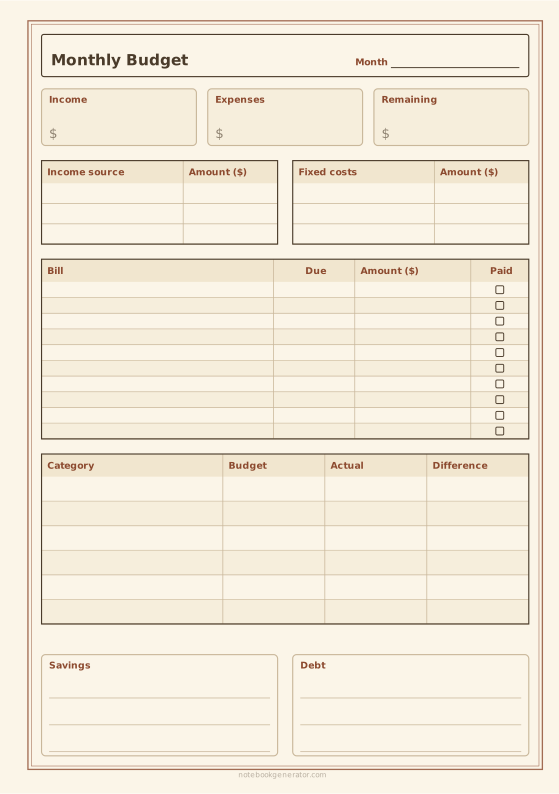
Monthly Budget Planner
Income, bills with due dates, spending by category, savings and debt on one page.














