Money
Monthly Budget Planner Printable
A printable monthly budget planner that puts the whole month on one page: what comes in, what goes out and what is left, plus a bill tracker with due dates and paid boxes and a budget-versus-actual table for each spending category.
What you can customize
- Layout
- Currency symbol
- Bills
- Savings and debt boxes
Works well in
- Traveler's Notebook Passport
- A6
- Traveler's Notebook Regular
- B6 (JIS)
- A5
- US Half Letter
- B5 (ISO)
- A4
- US Letter
All page sizes, from Passport to A4
Try it in another style
Start from a preset
- Monthly budget planner, US Letter Summary layout with 10 bills, savings and debt, in dollars. Open in the maker →
- Bill tracker with 16 bills, US Letter More rows for bills, no savings and debt boxes. Open in the maker →
- Daily ledger (kakeibo), US Letter A row for every day and a column for each spending category. Open in the maker →
- Budget planner in euros, A4 The summary layout on A4 with the euro sign. Open in the maker →
What’s on the budget planner
The Monthly summary layout has:
- Totals for income, expenses and remaining.
- Income sources and fixed costs, three lines each.
- Bill tracker: bill, due date, amount and a paid box, with 5 to 16 rows.
- Spending categories with budget, actual and difference columns.
- Savings and debt boxes at the bottom (optional).
Switch the Layout to Daily ledger for a day-by-day household budget book instead. Set your Currency symbol in the maker; the PDF is free and made in your browser, no sign-up.
How to print a budget planner
- For a budget binder, use the Letter or A4 preset and Download PDF → Reading order. Hole-punch and file one page per month.
- For a small budget book, choose Half Letter or A5 and Print-ready booklet, then print double-sided, fold and staple.
- Print at 100% (Actual size) so the rows keep their height.
Free sample PDFs
Print at 100% (actual size). Made with the same engine as the maker, so the spacing is exact.
Frequently asked questions
How do I fill in a monthly budget planner?
At the start of the month, list your income sources and fixed costs, then write each bill with its due date. Give every spending category a budget. During the month, tick bills as you pay them and add up actual spending; at the end, fill in the difference and the totals at the top.
What is the daily ledger layout?
It is a household ledger in the style of Japanese kakeibo: 31 numbered day rows and columns for food, household, transport, social, medical and other, with a total column and a totals row. Boxes at the top hold income, fixed costs, savings goal and what remains.
Can I use a different currency?
Yes. Type any symbol up to four characters, such as $, €, £ or CAD. It appears in the totals boxes and amount columns. Leave it empty for no symbol.
Should I use this or the expense tracker?
The budget planner plans the month: income, bills and category budgets. The expense tracker logs individual purchases. Many people print one budget page plus a few expense tracker pages for each month.
Related guides
- How to print a booklet double-sidedPrint your notebook PDF at actual size, choose the right duplex setting, and get pages that come out in the right order after folding.
- Paper sizes, margins and binding allowanceWhich printer paper fits which notebook size, how to set margins and the binding margin, and when to use bleed and creep.
- Double-sided printing on a home printerPrint booklets double-sided on any home printer: automatic duplex settings, manual duplex step by step, the flip on long or short edge question, and a quick test sheet.
Related templates
-
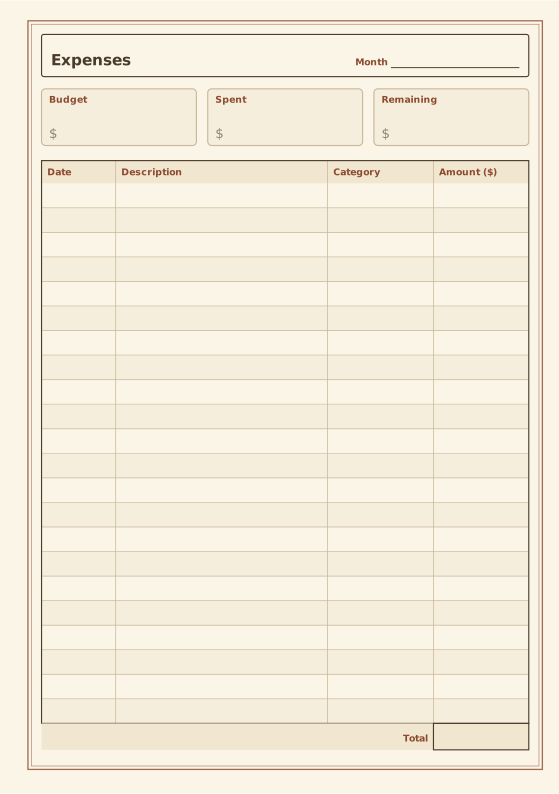
Expense Tracker
Budget summary and expense table with totals.
-
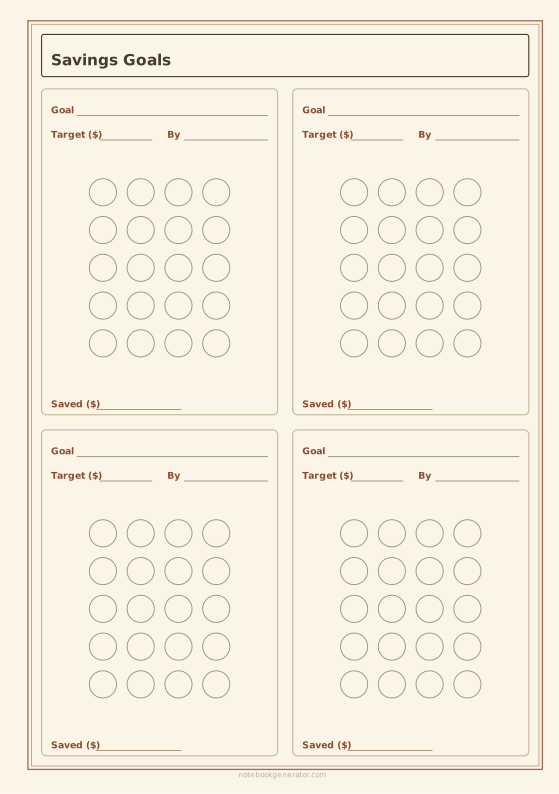
Savings Goal Tracker
Savings goal cards (sinking funds) with a circle to fill for every payment.
-
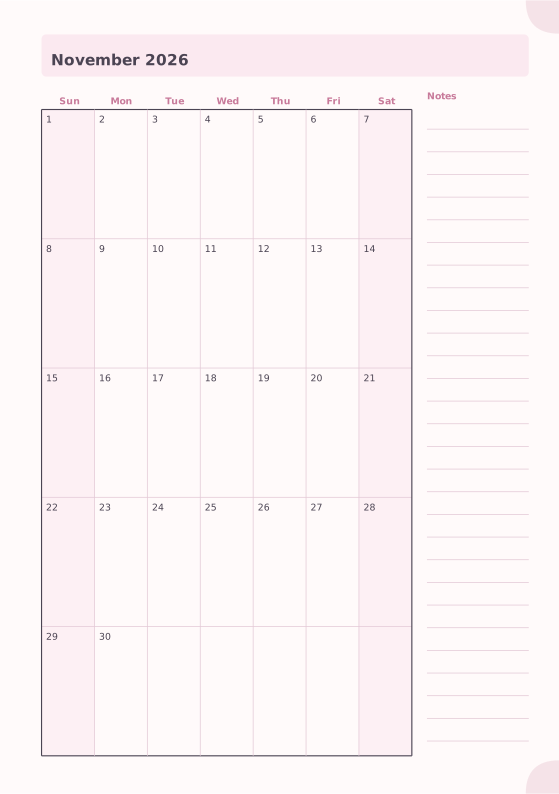
Monthly Planner
Full month calendar with a notes column.
-
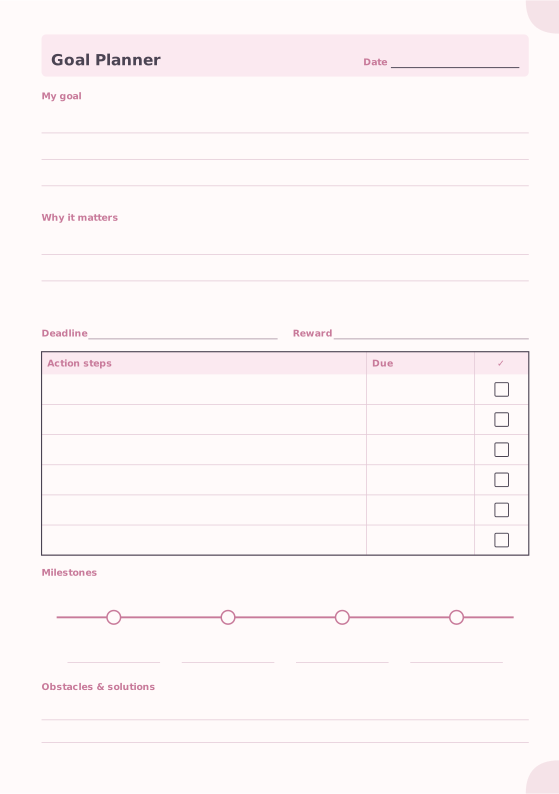
Goal Planner
Goal, motivation, action steps and milestones.
-
Shopping List
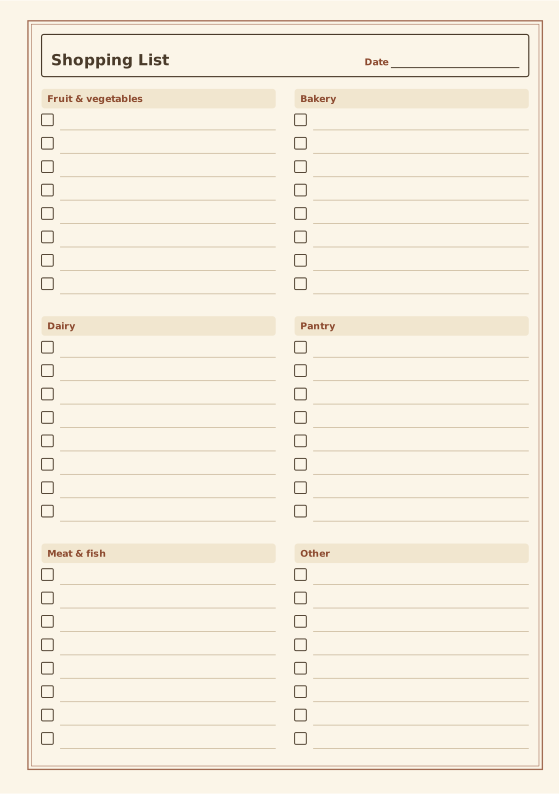
Grocery list grouped by store section.














