Planners
Printable Monthly Calendar Planner
A month at a glance with big boxes for every day. Pick a start month, add as many months as you need, and every page gets the right dates, weekday names and week start.
Dated or undated: add a whole sequence of monthly pages in one step.
What you can customize
- Month
- Notes column
- Shade weekends
Works well in
- Traveler's Notebook Passport
- A6
- Traveler's Notebook Regular
- B6 (JIS)
- A5
- US Half Letter
- B5 (ISO)
- A4
- US Letter
All page sizes, from Passport to A4
Try it in another style
Start from a preset
- 12 months from this month, US Letter A wall or binder calendar for the next year. Open in the maker →
- 12 months, A5 planner Month pages for a notebook; prints as a booklet on A4 or Letter. Open in the maker →
- Monthly calendar without notes column Wider day boxes for appointments. Open in the maker →
- Traveler's Notebook monthly insert A year of month pages in a regular-size insert. Open in the maker →
A monthly planner with real dates
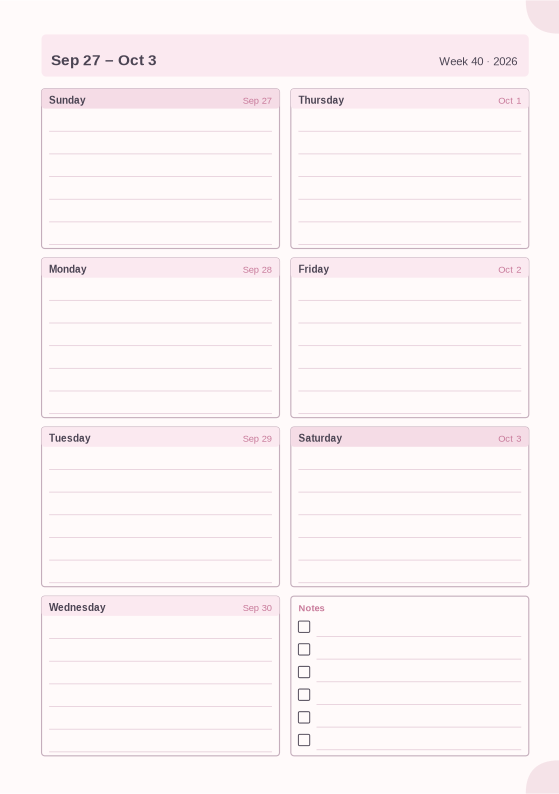
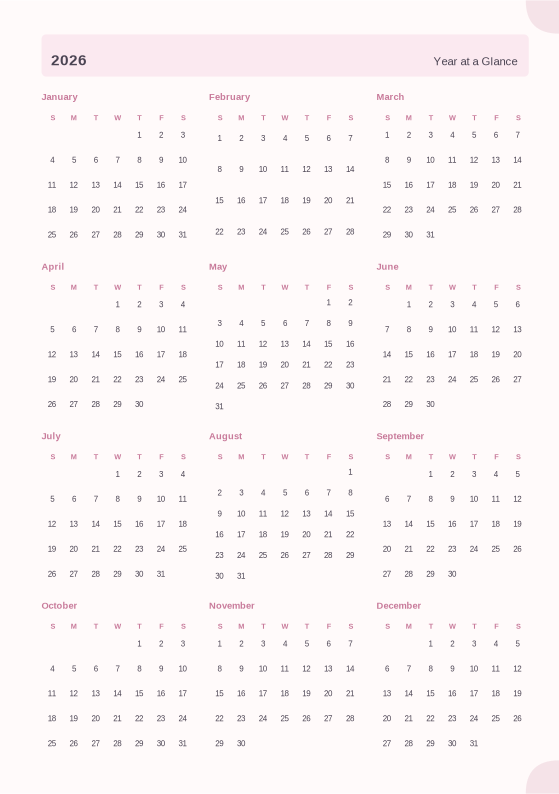
Each page shows one month with large day boxes, highlighted weekends and an optional notes column (on narrow pages the notes move below the calendar). Months, weekdays and the week start follow the notebook language, so the same planner prints correctly in English, German, Japanese or any of the 12 supported languages.
Add 12 months at once and every page gets the next month. The check view warns you about gaps or duplicates before you print.
How to print a monthly calendar
- Single pages or a wall calendar: use the Letter or A4 preset and Download PDF → Reading order.
- A planner: choose A5, Half Letter or a Traveler’s Notebook size, add monthly and weekly pages, and choose Print-ready booklet. Print double-sided (flip on the short edge), fold and staple or sew.
- Print at 100% (Actual size).
Free sample PDFs
Print at 100% (actual size). Made with the same engine as the maker, so the spacing is exact.
Frequently asked questions
Can I print a calendar for a specific month or year?
Yes. The maker starts at the current month; change the month of the first page and use Add pages with a date range to create any sequence of months, including next year.
Can the calendar start on Monday?
Yes. The week starts on the usual day for your language and can be changed to any day in the notebook settings. Weekday and month names follow the notebook language.
Are holidays included?
No. The calendar shows dates only, so it works in every country. Write your own holidays and birthdays in the day boxes.
Can I combine monthly pages with weekly pages?
Yes. A common planner layout is a monthly calendar at the start of each month followed by four or five weekly pages. The check view finds missing or duplicate months and weeks.
Related guides
- How to print a booklet double-sidedPrint your notebook PDF at actual size, choose the right duplex setting, and get pages that come out in the right order after folding.
- How to staple a booklet in the middleFold and staple a booklet through the centre with a long-reach or normal stapler. Follow the sheet-order, backing and staple-closing steps.
- Sew signatures into a thick notebookPrint a thick notebook as several signatures, fold them, and sew them together with a simple stitch, or bind each one as a Traveler's Notebook insert.
- How to make your own planner and print it at homeMake your own planner: choose the size and layout, pick your sections, count the pages, build it free in your browser, then print it double-sided and bind it.