Disc-bound planners
Printable inserts for the Classic Happy Planner
Classic Happy Planner pages are 7 × 9.25 inches on nine discs. Print the inserts you actually want, dated for any year, with the week starting on Monday or Sunday and every disc slot marked on the binding edge, then punch and snap them in.
- Page size
- 7 × 9.25 in177.8 × 235 mm
- How it prints
- Loose pages, punched for discsPrints on: Tabloid / Ledger, A3
- Holes
- 9 marked9 discs, Classic (1 in apart)
Start from a preset
- Vertical weekly layout, 26 weeks Seven columns per week with room for three boxes a day, dated from this week. Open in the maker →
- Monthly calendars, 12 months A month per page with a side notes area. Open in the maker →
- Habit tracker inserts, 12 months Fifteen habits across the days of each month. Open in the maker →
- Dot grid pages, 5 mm Plain dot grid for notes and dashboards. Open in the maker →
Classic size and discs
| Planner | Page size | Discs | Prints on |
|---|---|---|---|
| Happy Planner Classic, Arc Junior, Circa Junior | 7 × 9.25 in (177.8 × 235 mm) | 9 slots, 1 in apart | Tabloid / A3 (2 per sheet) or Letter (1 per sheet, trim) |
Choosing Happy Planner Classic under Planner or binder in the maker sets the page size, a 15 mm binding margin that clears the discs, double-sided loose-page printing and the nine-slot guide.
Printing, trimming and punching
- Open a preset and add pages. Dated layouts start on any date, with Sunday or Monday weeks.
- Download PDF → Loose pages. Choose Tabloid two per sheet for exact size, or Letter one per sheet.
- Print double-sided, flip on the long edge, at 100% (Actual size).
- Trim along the crop marks (or to 7 in wide on Letter).
- Punch the disc slots where the circles and stems are marked, and snap the pages onto the discs.
Free sample PDFs
Print at 100% (actual size). Made with the same engine as the maker, so the spacing is exact.
Frequently asked questions
What size are Classic Happy Planner pages?
7 × 9.25 in (177.8 × 235 mm) with nine mushroom-shaped slots 1 inch apart, centred on the long edge. Arc by Staples and Levenger Circa junior-size discs use the same 1 inch pitch, so their punches work too.
What paper do I print on?
A Classic page does not fit on Letter at full size (it is 9.25 in tall on 11 in paper, but 7 in wide with no room for marks). Print on Tabloid/Ledger (11 × 17 in) two per sheet for exact size, or on Letter one per sheet: the maker prints it at 100% without side marks, so trim the width by eye against a printed page.
Does the PDF cut the disc slots?
No. It marks each slot with a circle and a short stem toward the edge, exactly where the mushroom goes. Line your disc punch up with the first and last marks and punch; the marks vanish inside the slots.
Can I print on Letter and still use a disc punch?
Yes. Trim the Letter sheet to 7 in wide first, then punch. Nine slots at 1 inch leave 0.625 in at the top and bottom, the same as the official pages.
Related guides
- Cutting and trimming your notebookUse crop marks to cut printed sheets and trim folded booklets cleanly, with a craft knife, a paper trimmer or a guillotine.
- Double-sided printing on a home printerPrint booklets double-sided on any home printer: automatic duplex settings, manual duplex step by step, the flip on long or short edge question, and a quick test sheet.
- How to make your own planner and print it at homeMake your own planner: choose the size and layout, pick your sections, count the pages, build it free in your browser, then print it double-sided and bind it.
- Time blocking: how to plan your day in blocksTime blocking explained: how it differs from timeboxing and task batching, how to block your day step by step, a sample schedule and a free printable planner.
Related templates
-
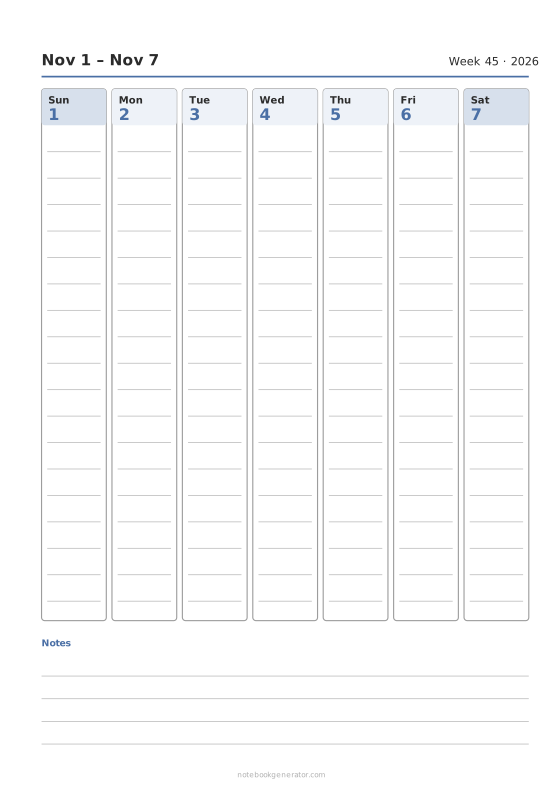
Weekly Calendar
A dated week on one page: day columns, day rows or an hourly schedule.
-
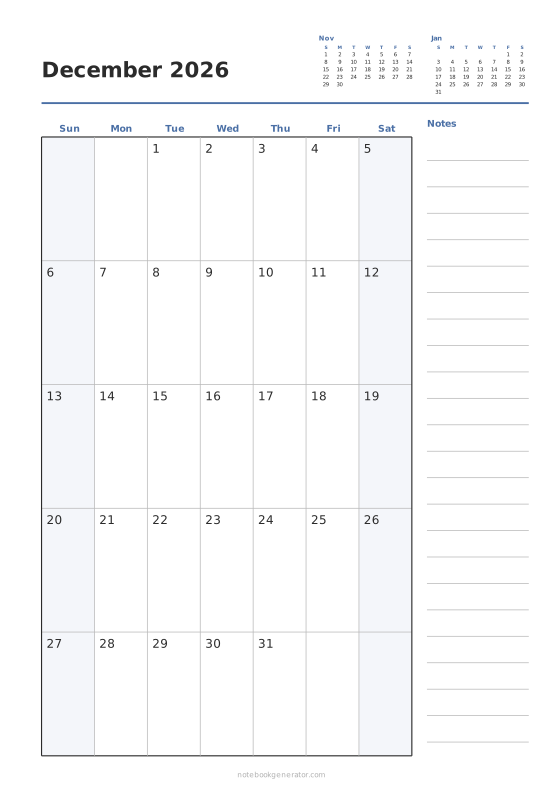
Monthly Calendar
One month per page with big day boxes, week numbers and a notes column.
-
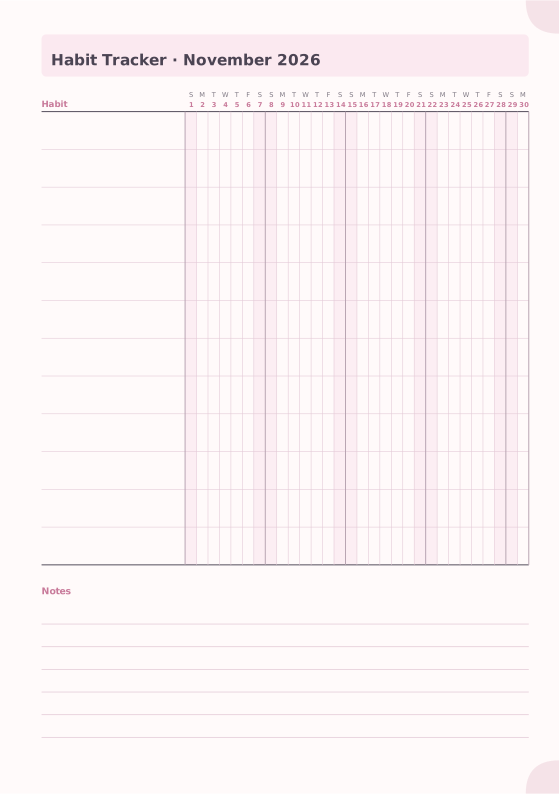
Habit Tracker
Monthly grid to track up to 20 habits.
-
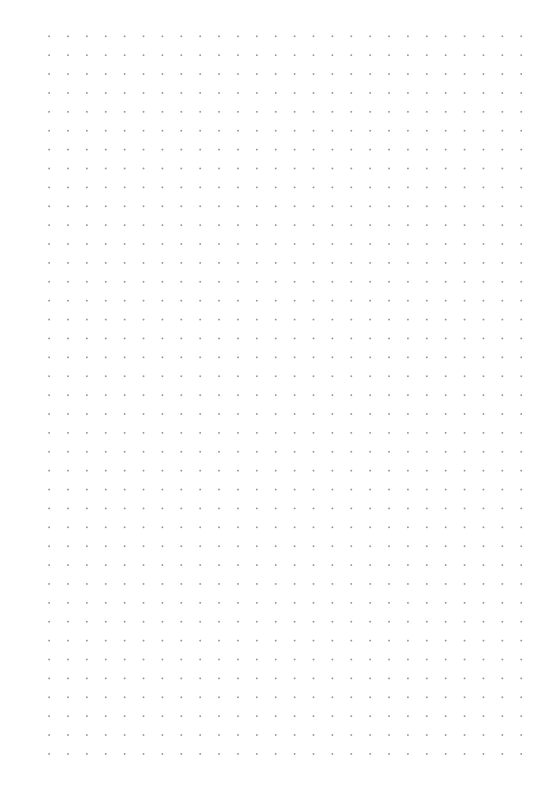
Dot Grid
Evenly spaced dots for bullet journals and sketches.
-
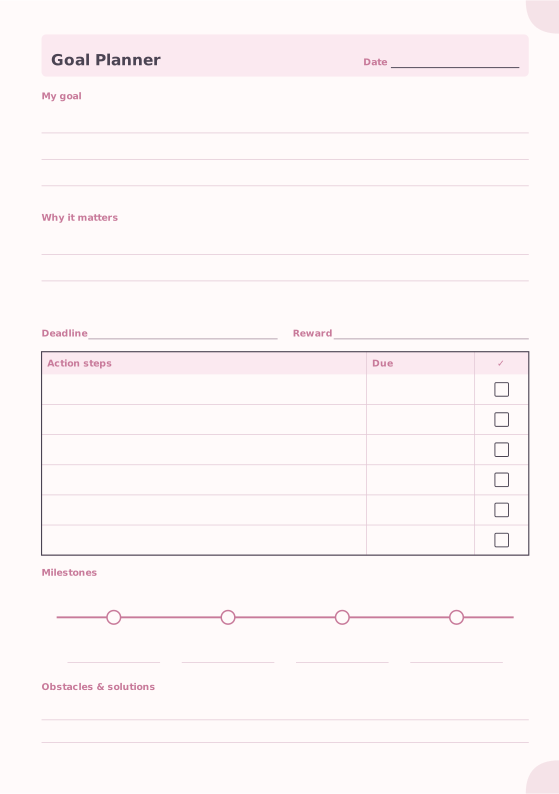
Goal Planner
Goal, motivation, action steps and milestones.
-
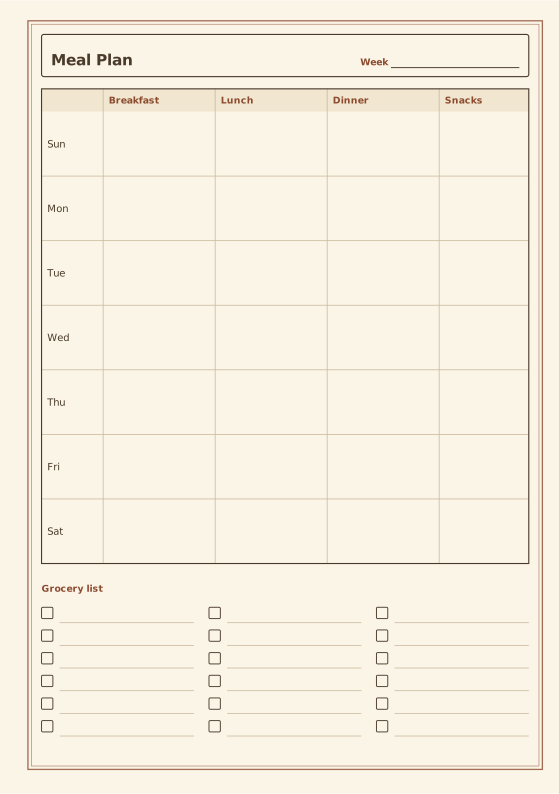
Meal Planner
Weekly meals with an optional grocery list.
-
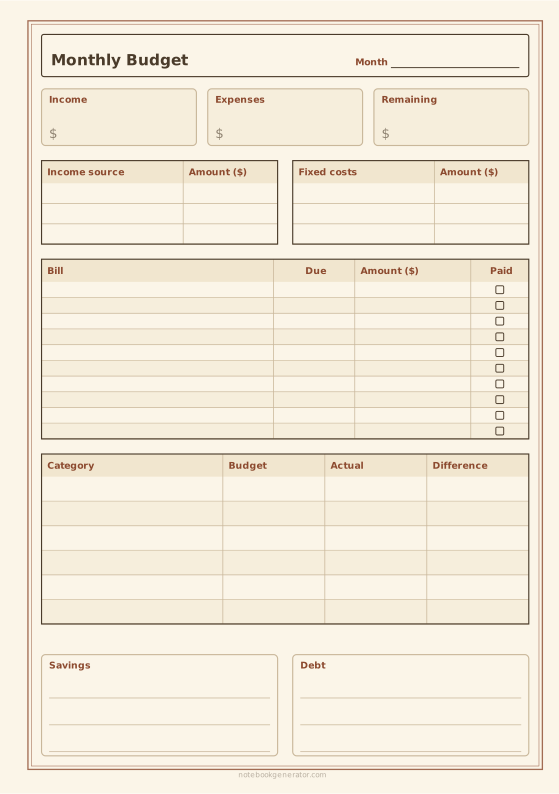
Monthly Budget Planner
Income, bills with due dates, spending by category, savings and debt on one page.














