Personal Life
Printable Weekly Meal Planner
Plan a week of breakfasts, lunches, dinners and snacks on one page, then write your grocery list underneath. Print a single sheet for the fridge or bind a whole meal planning notebook.
What you can customize
- Snacks column
- Grocery list
Works well in
- Traveler's Notebook Passport
- A6
- Traveler's Notebook Regular
- B6 (JIS)
- A5
- US Half Letter
- B5 (ISO)
- A4
- US Letter
All page sizes, from Passport to A4
Try it in another style
Start from a preset
- Weekly meal plan, US Letter Seven days, four meals and a grocery list for the fridge. Open in the maker →
- Meal plan without snacks, Half Letter Three meals a day on a planner-size page. Open in the maker →
- 52-week meal planning notebook, A5 A year of weekly menus as a sewn booklet. Open in the maker →
- Meal plan + recipe pages Start with weekly plans; add recipe and shopping list pages in the maker. Open in the maker →
Plan a week of meals on one page
Meal planning saves time, money and the daily “what’s for dinner?” question. The page is a simple grid: days down the side, meals across the top. Fill it in on the weekend, shop once from the grocery list, and cook from the plan during the week.
- Meals: breakfast, lunch, dinner and an optional snacks column.
- Days: seven rows. The week starts on the day you choose, and day names follow the notebook language.
- Grocery list: three checklist columns under the grid, so the shopping list stays with the plan. Turn it off for a larger meal grid.
Ideas for using your meal planner
- Diet and healthy eating: write portions or calories next to each meal and track water or vegetables on a habit tracker page.
- Family menus: plan around busy evenings and put leftovers to use in next day’s lunch.
- Batch cooking: mark what you’ll prep on Sunday and which meals reuse it.
- Budget: pair the plan with an expense tracker page to see what a week of meals really costs.
How to print the meal planner
- For the fridge, download a sample above, or open the Letter preset and choose Download PDF → Reading order.
- For a notebook, choose A5 or Half Letter and Print-ready booklet, print double-sided (flip on the short edge), fold and staple. Over about 10 sheets, choose Signatures (sew) binding.
- Print at 100% (Actual size).
Free sample PDFs
Print at 100% (actual size). Made with the same engine as the maker, so the spacing is exact.
Frequently asked questions
What should a weekly meal planner include?
The essentials are the seven days, a slot for each meal you cook, and a grocery list. This template has breakfast, lunch, dinner and an optional snacks column for every day, plus a three-column checklist for groceries below the grid.
Does the week start on Monday or Sunday?
It follows the usual week start for your language (Sunday in the US, Monday in most of Europe). You can change the first day of the week in the maker's notebook settings.
Can I use it as a diet or calorie planner?
Yes. Many people write portion sizes or calories next to each meal. Add a habit tracker page to log water, steps or fruit and vegetables, and a notes page for weekly weigh-ins or reflections.
How do I make a meal planning notebook instead of single sheets?
Choose a notebook size such as A5 or Half Letter, add as many weeks as you like, then download a print-ready booklet. Mix in recipe, shopping list and expense tracker pages for a complete kitchen planner.
Is it free?
Yes. There is no sign-up and nothing is uploaded: the PDF is created in your browser.
Related guides
- How to print a booklet double-sidedPrint your notebook PDF at actual size, choose the right duplex setting, and get pages that come out in the right order after folding.
- Paper sizes, margins and binding allowanceWhich printer paper fits which notebook size, how to set margins and the binding margin, and when to use bleed and creep.
- How to staple a booklet in the middleFold and staple a booklet through the centre with a long-reach or normal stapler. Follow the sheet-order, backing and staple-closing steps.
- How to meal plan for the week: a simple method for beginnersMeal plan for the week in simple steps: check your calendar, use what you have, pick easy theme nights, write a shopping list by aisle and prep once. Free printable.
Related templates
-
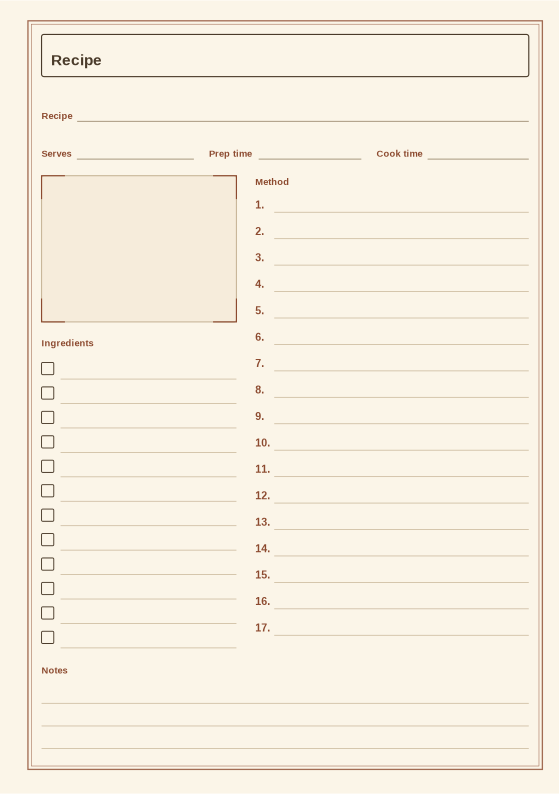
Recipe Page
Ingredients checklist, method and photo.
-
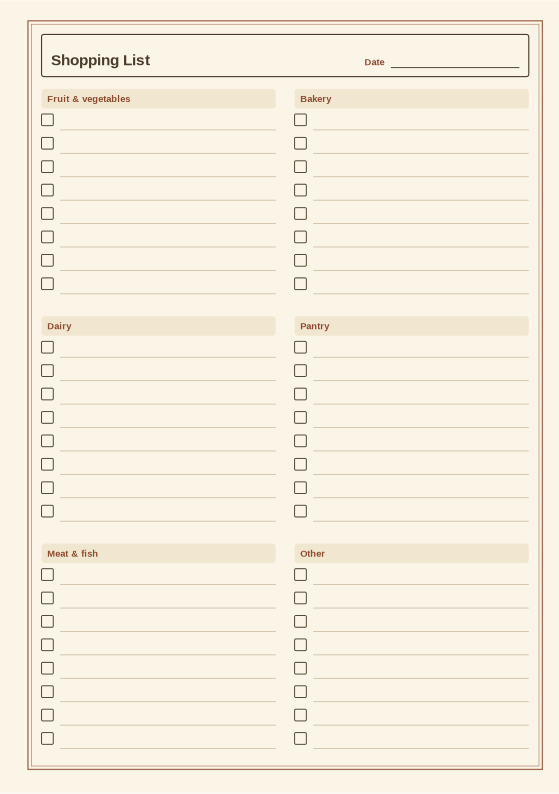
Shopping List
Grocery list grouped by store section.
-
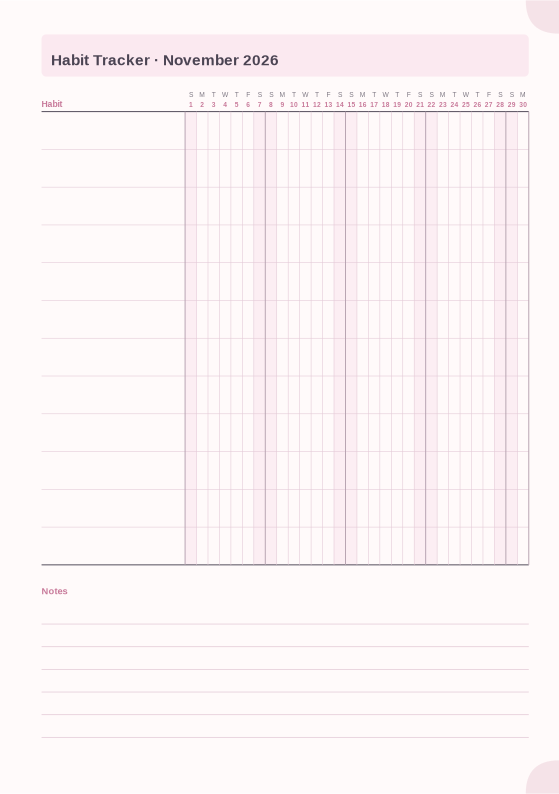
Habit Tracker
Monthly grid to track up to 20 habits.
-
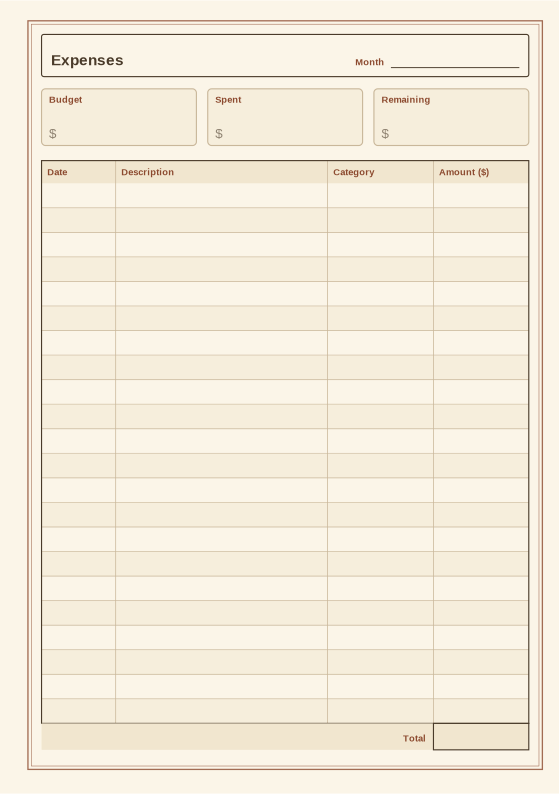
Expense Tracker
Budget summary and expense table with totals.
-
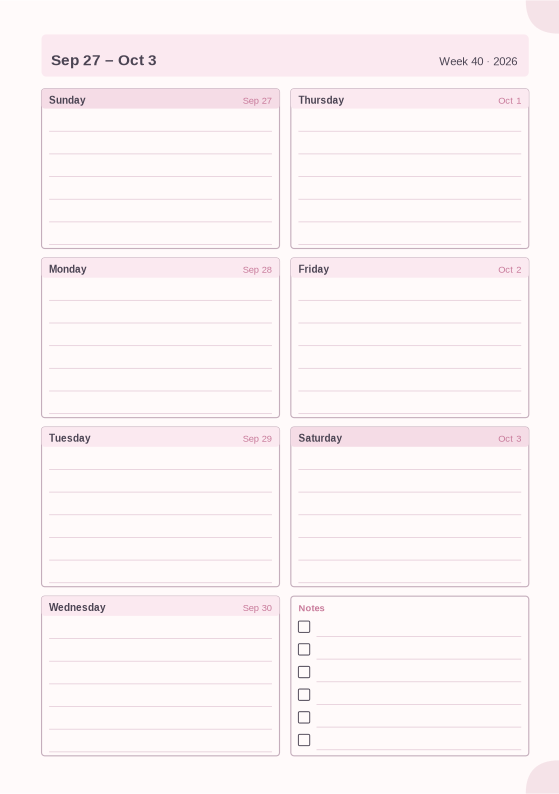
Weekly Planner
Seven days on one page with a notes box.
-
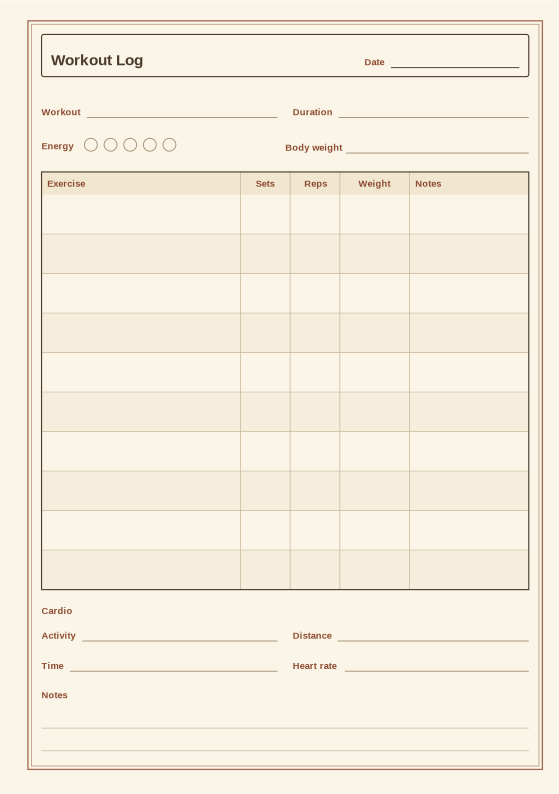
Fitness Log
Exercises, sets, reps and weight plus cardio.














