Personal Life
Printable Recipe Page Template
A printable recipe template for writing down family favorites: servings and times, an ingredients checklist, numbered steps and space for a photo. Print single recipe sheets or bind your own recipe book.
What you can customize
- Ingredient lines
- Photo frame
Works well in
- Traveler's Notebook Passport
- A6
- Traveler's Notebook Regular
- B6 (JIS)
- A5
- US Half Letter
- B5 (ISO)
- A4
- US Letter
All page sizes, from Passport to A4
Try it in another style
Start from a preset
- Recipe page, US Letter Ingredients and photo on the left, method on the right. Open in the maker →
- Recipe page, A4 The same layout on A4 paper. Open in the maker →
- Recipe book, A5 booklet 52 recipe pages folded and sewn into a cookbook. Open in the maker →
- Baking recipes, 20 ingredient lines, no photo More lines for long ingredient lists. Open in the maker →
What’s on a recipe page
- Recipe name line, plus Serves, Prep time and Cook time.
- Photo frame for a picture of the finished dish (on wider pages).
- Ingredients: a checklist with one line per ingredient.
- Method: numbered lines for the steps.
- Notes: for variations, oven settings or who gave you the recipe.
In the maker set the number of Ingredient lines (6 to 20) and turn the Photo frame on or off. On Letter, A4 and other wide pages, the ingredients sit in a left column next to the method; on narrow pages they stack.
How to print a recipe page
- For a kitchen binder, use the Letter or A4 preset and Download PDF → Reading order. Sheet protectors keep pages clean while you cook.
- For a recipe book, use the A5 preset and choose Print-ready booklet, or Signatures (sew) for 52 pages. Print double-sided (flip on the short edge), fold and bind.
- Print at 100% (Actual size).
Free sample PDFs
Print at 100% (actual size). Made with the same engine as the maker, so the spacing is exact.
Frequently asked questions
How do I make my own recipe book?
Add as many recipe pages as you need, then add Section pages as dividers for starters, mains, baking and so on. Add a cover with your title, choose a theme and download a print-ready booklet. Print, fold and sew or staple it.
How many ingredients fit on a page?
Choose 6 to 20 ingredient lines. Each line has a checkbox so you can tick ingredients off while shopping or cooking.
Can I make recipe cards instead of full pages?
Yes. Choose a small page size such as A6 for card-size recipes. On narrow pages the photo frame is left out and the method sits below the ingredients. The cutting and trimming guide shows how to cut printed pages to size.
What can I combine recipe pages with?
A meal planner and shopping lists make a complete kitchen notebook: plan the week, write the grocery list and keep the recipes in the same book.
Related guides
- How to print a booklet double-sidedPrint your notebook PDF at actual size, choose the right duplex setting, and get pages that come out in the right order after folding.
- Cutting and trimming your notebookUse crop marks to cut printed sheets and trim folded booklets cleanly, with a craft knife, a paper trimmer or a guillotine.
- Sew signatures into a thick notebookPrint a thick notebook as several signatures, fold them, and sew them together with a simple stitch, or bind each one as a Traveler's Notebook insert.
- How to meal plan for the week: a simple method for beginnersMeal plan for the week in simple steps: check your calendar, use what you have, pick easy theme nights, write a shopping list by aisle and prep once. Free printable.
Related templates
-
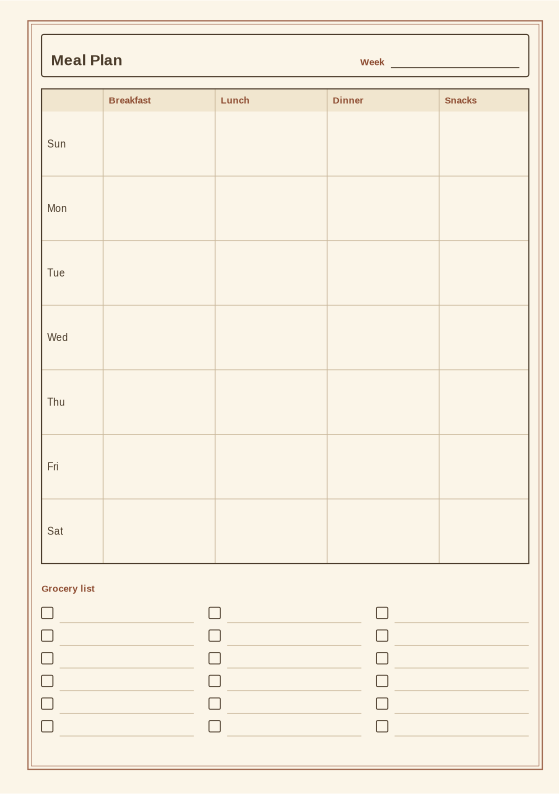
Meal Planner
Weekly meals with an optional grocery list.
-
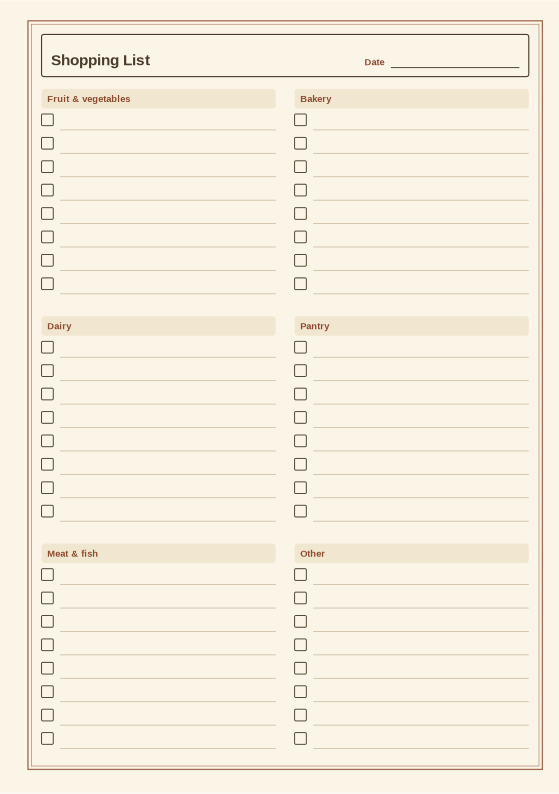
Shopping List
Grocery list grouped by store section.
-
Section divider
A title page that opens a section, with a large title and an ornament.
-
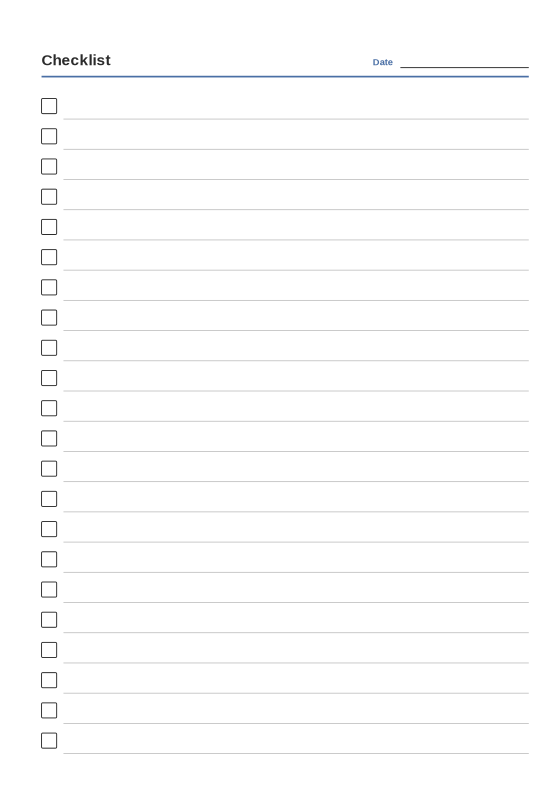
Checklist Paper
Rows of checkboxes with a title and date.
-
Ruled Paper
Lined writing paper with adjustable line spacing.














