Printable tools
Printable makers for school, home and events
Type your own words, names or characters, or start from a preset. Every tool shows a live preview and makes a print-ready PDF in your browser. Nothing is uploaded and there is no sign-up.
Letters, envelopes & postcards
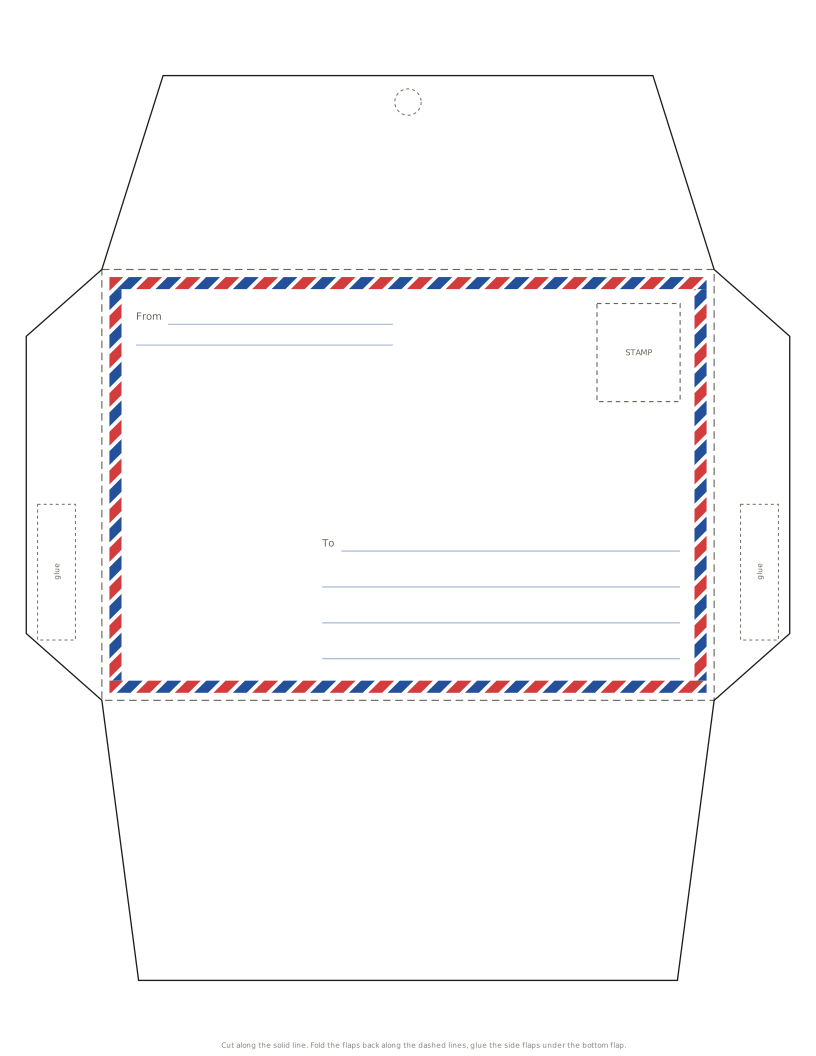
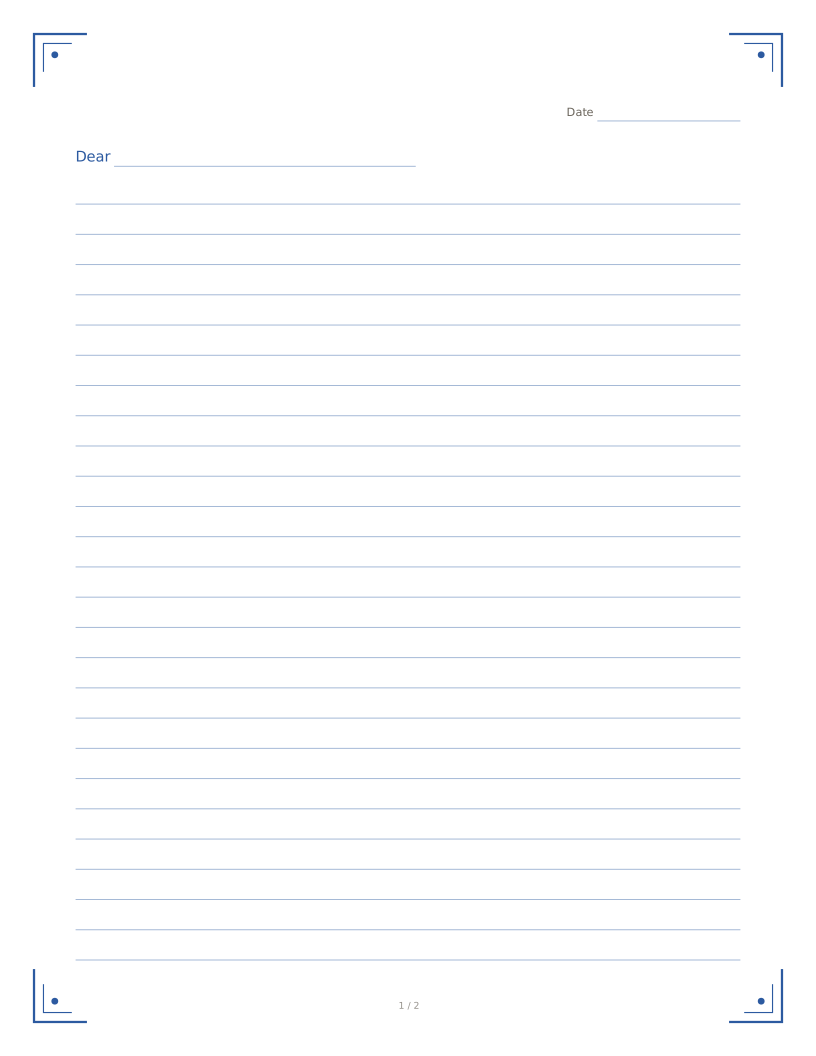
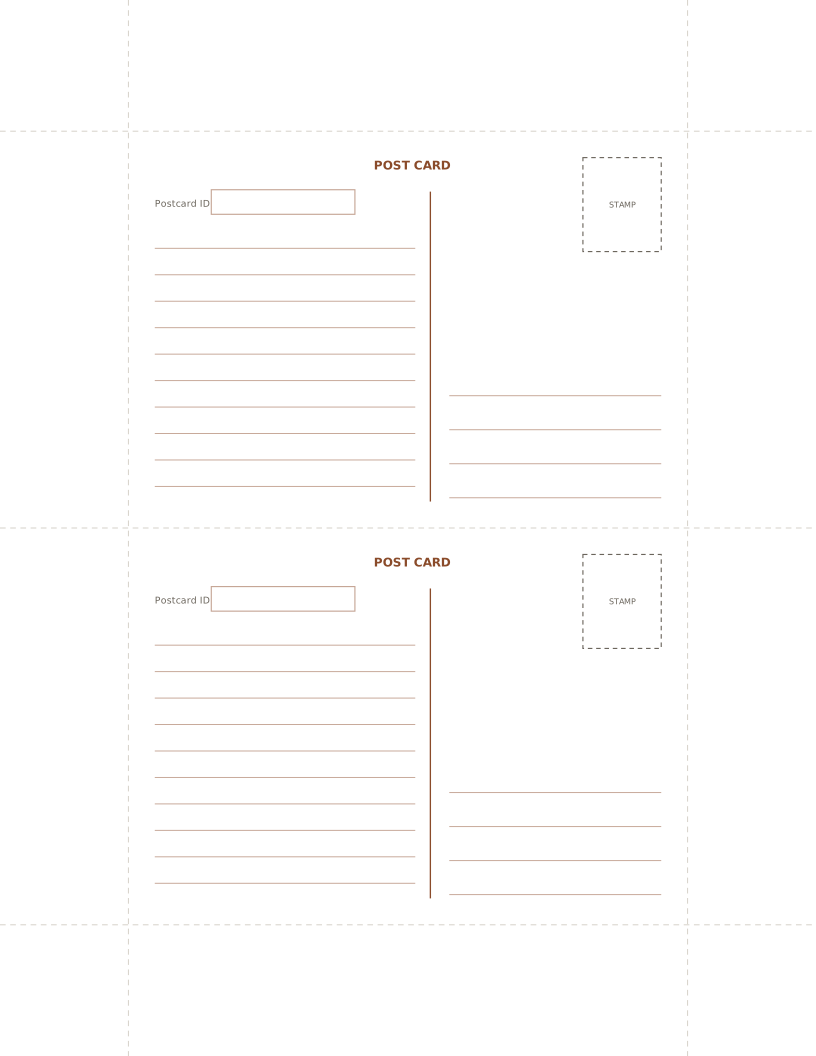
Writing paper that folds into its own envelope, envelope templates, stationery and postcard backs for pen pals and Postcrossing.
Open the letter writing corner
-
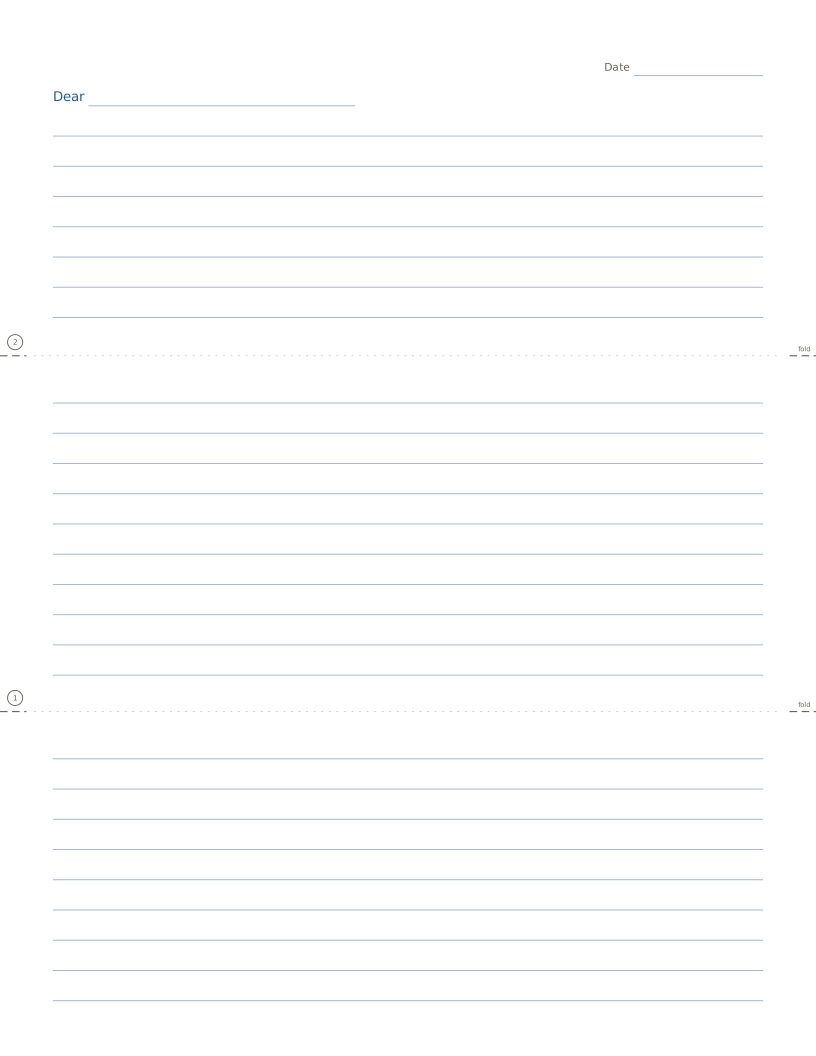
Fold-up letter (letter + envelope in one)
Writing paper that folds into its own envelope, aerogramme style.
Open maker
Worksheets for kids
Practice sheets that fill themselves in: math problems with answer keys, and tracing sheets for letters, pinyin and Chinese characters.
-
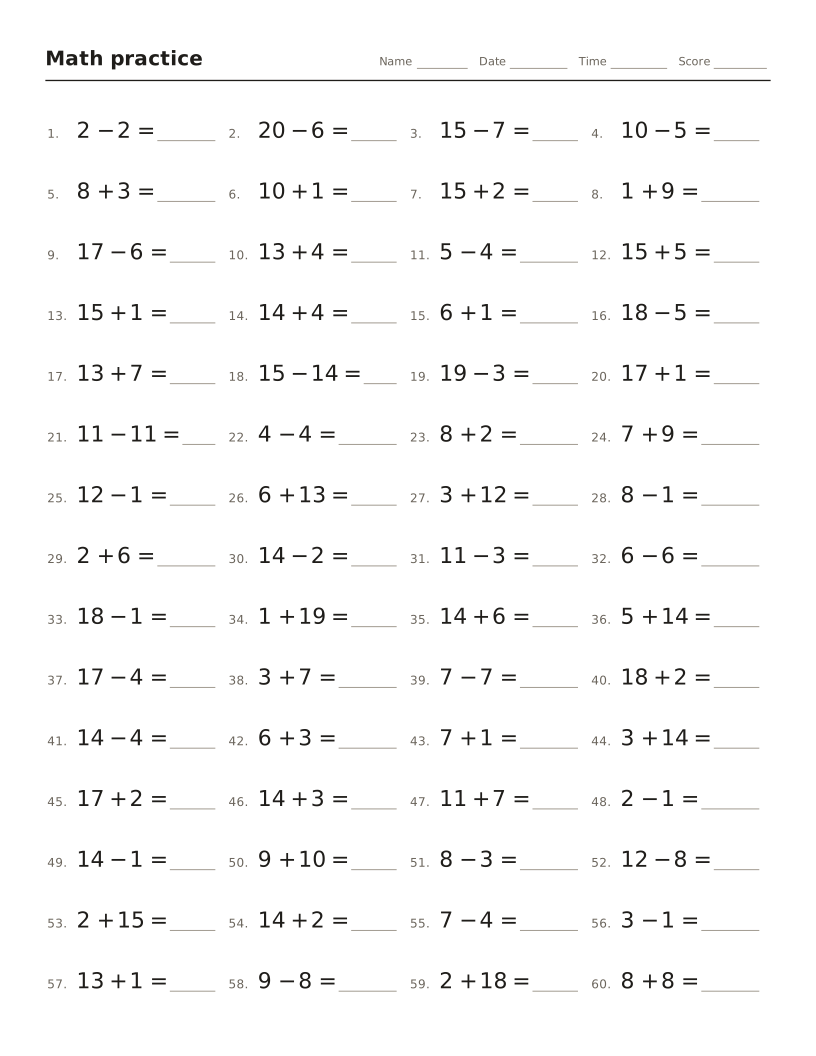
Math worksheet maker
Addition, subtraction, times tables and division drills with an answer key.
Open maker -
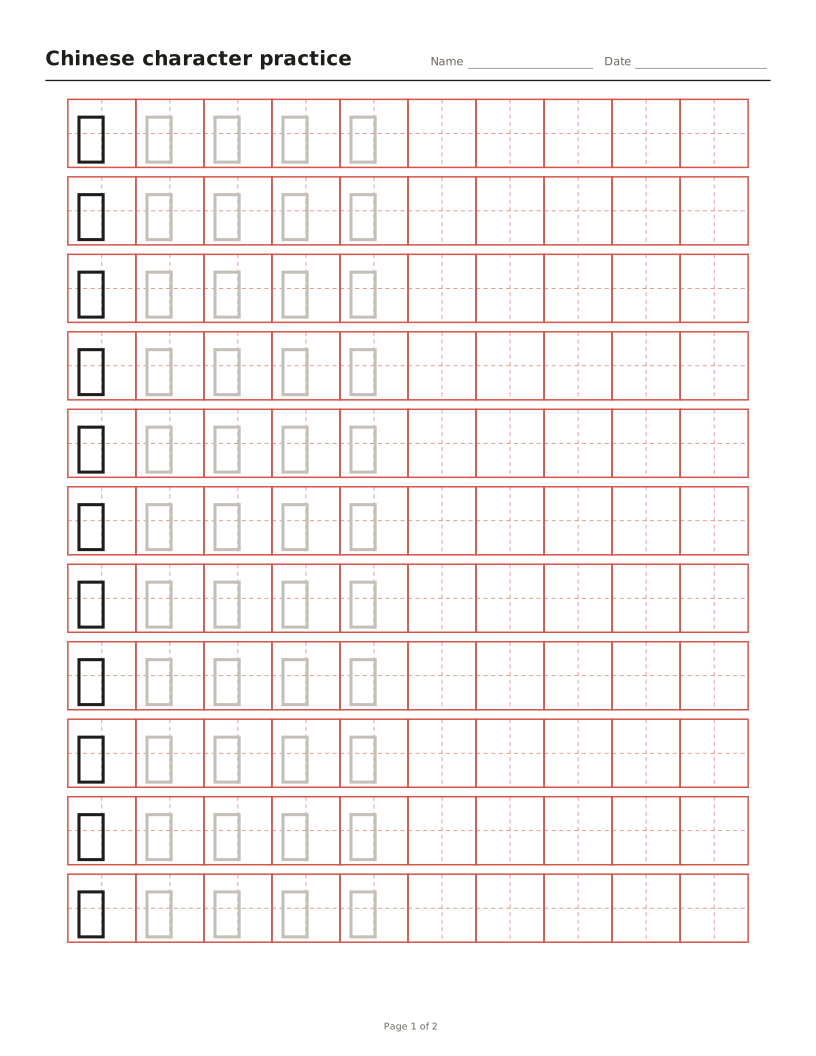
Chinese character tracing sheets
Tian, mi, hui or nine-square grids with characters to trace and optional pinyin.
Open maker -
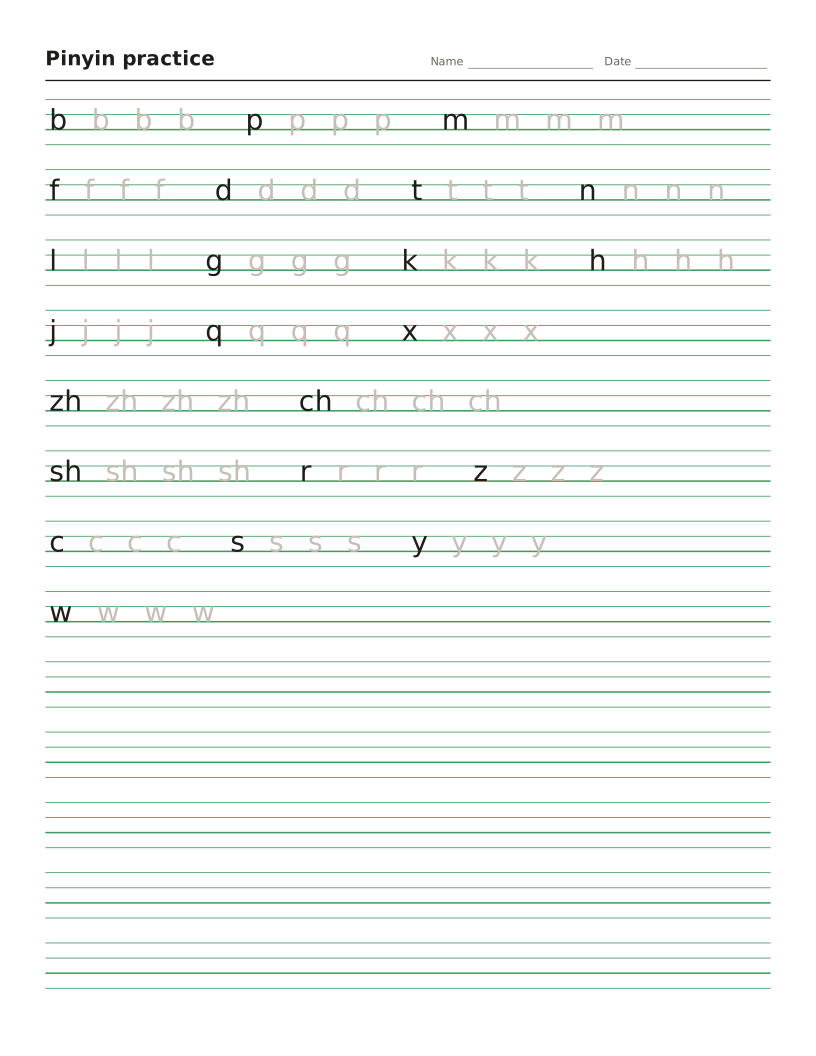
Pinyin worksheet maker
Four-line pinyin sheets for initials, finals and tones, or any text turned into pinyin.
Open maker -
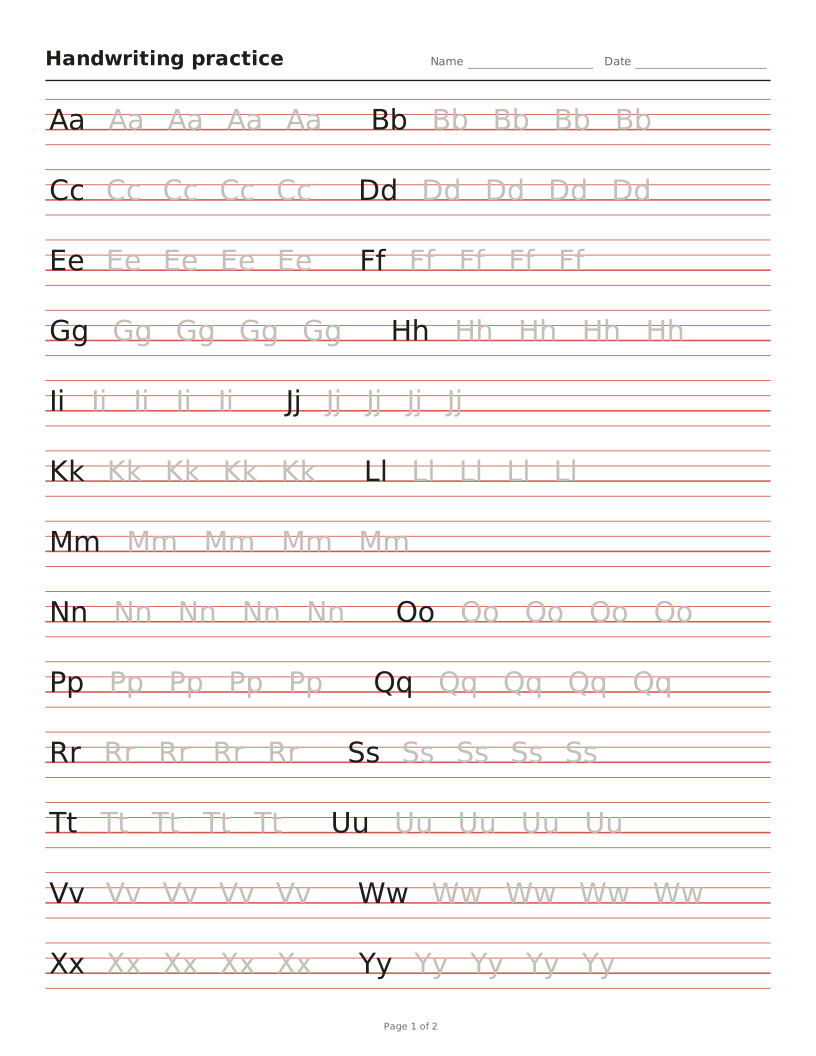
Handwriting worksheet maker
Letters, words or sentences to trace on four-line or primary lines.
Open maker
Puzzle makers
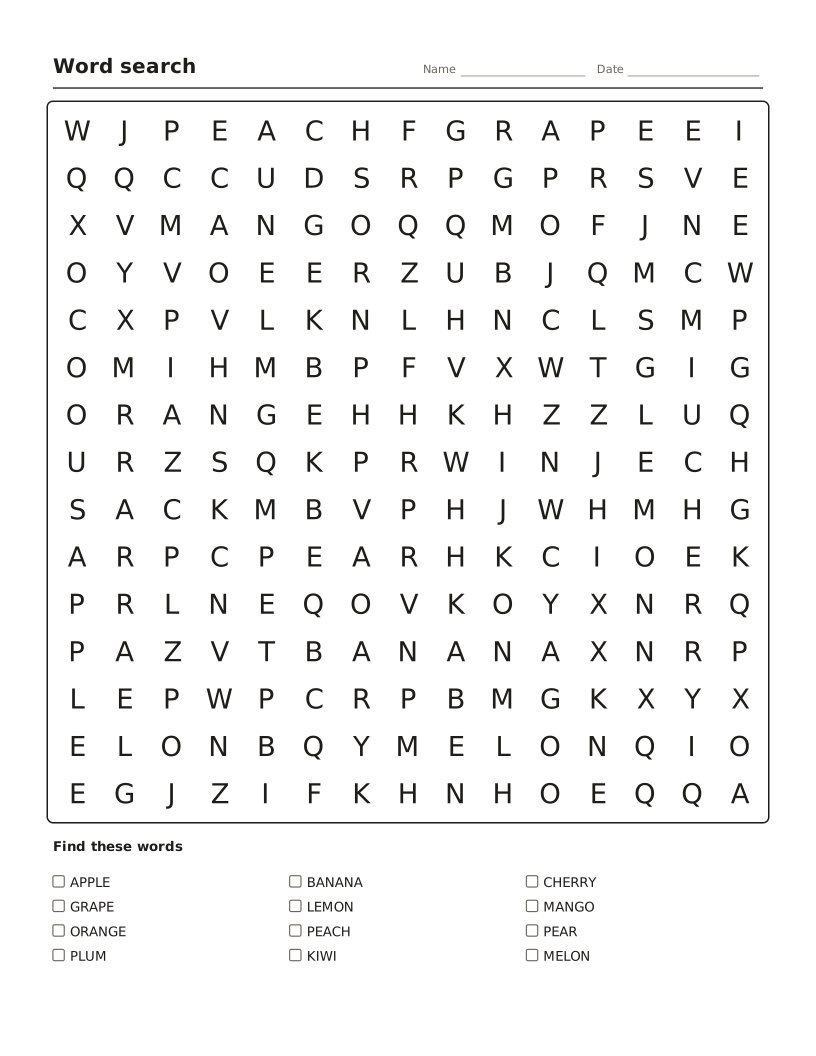
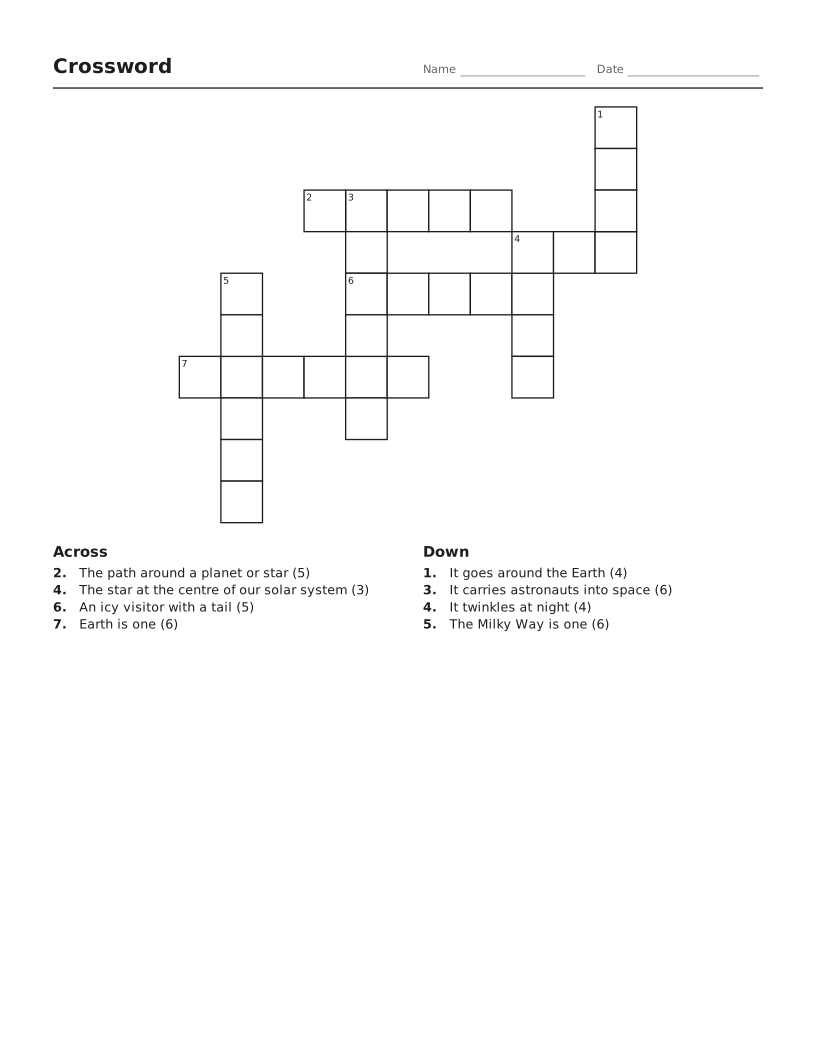
Turn a word list into a word search, a crossword or a stack of bingo cards that are all different.
-
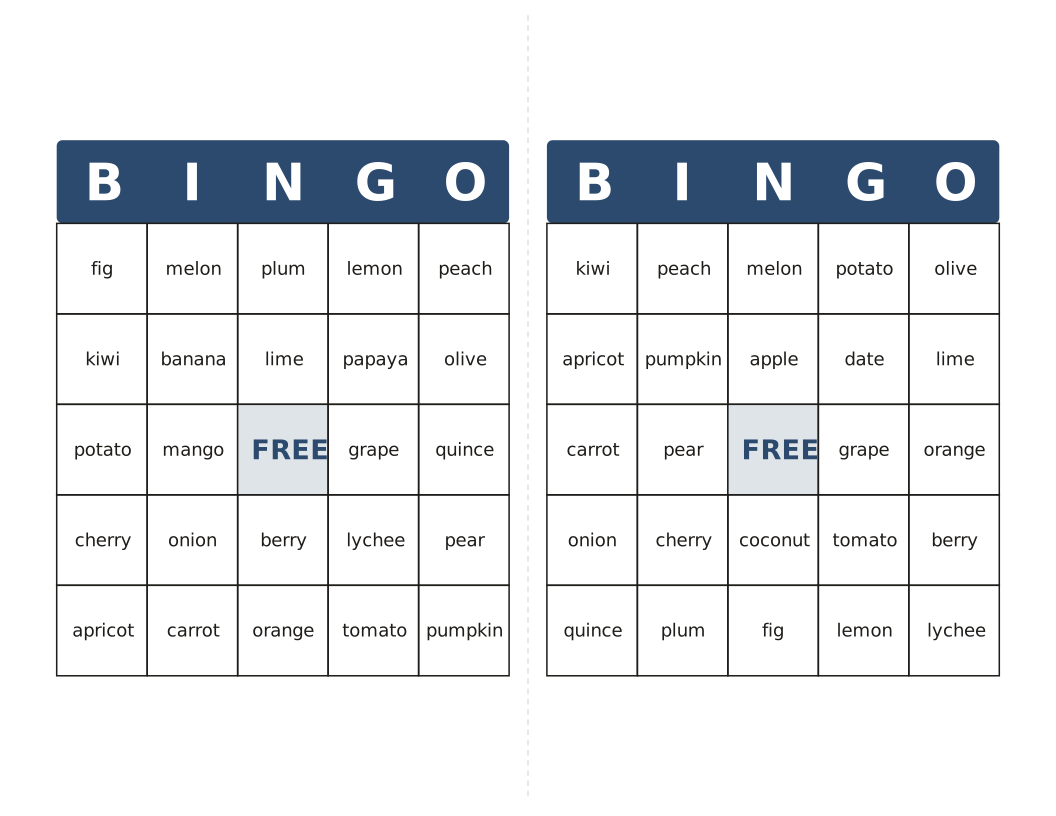
Bingo card maker
Different cards from your own words or 1–75 numbers, with a calling list.
Open maker
More printables
Cards, labels & certificates
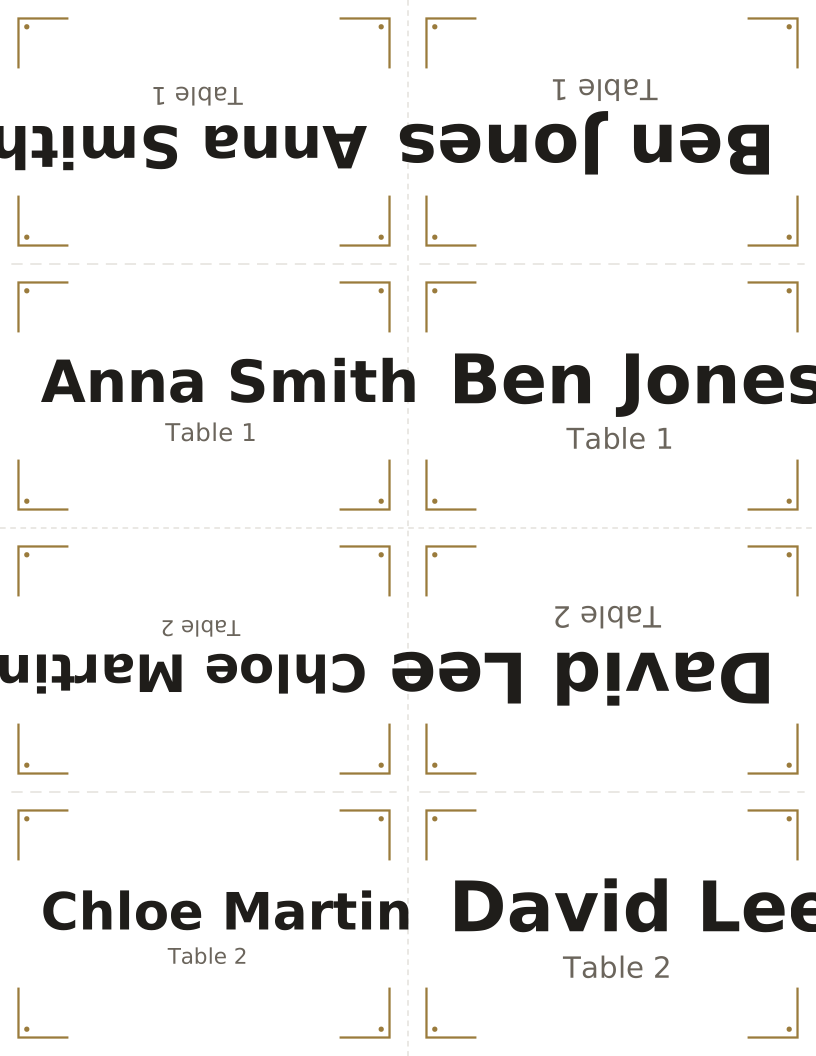
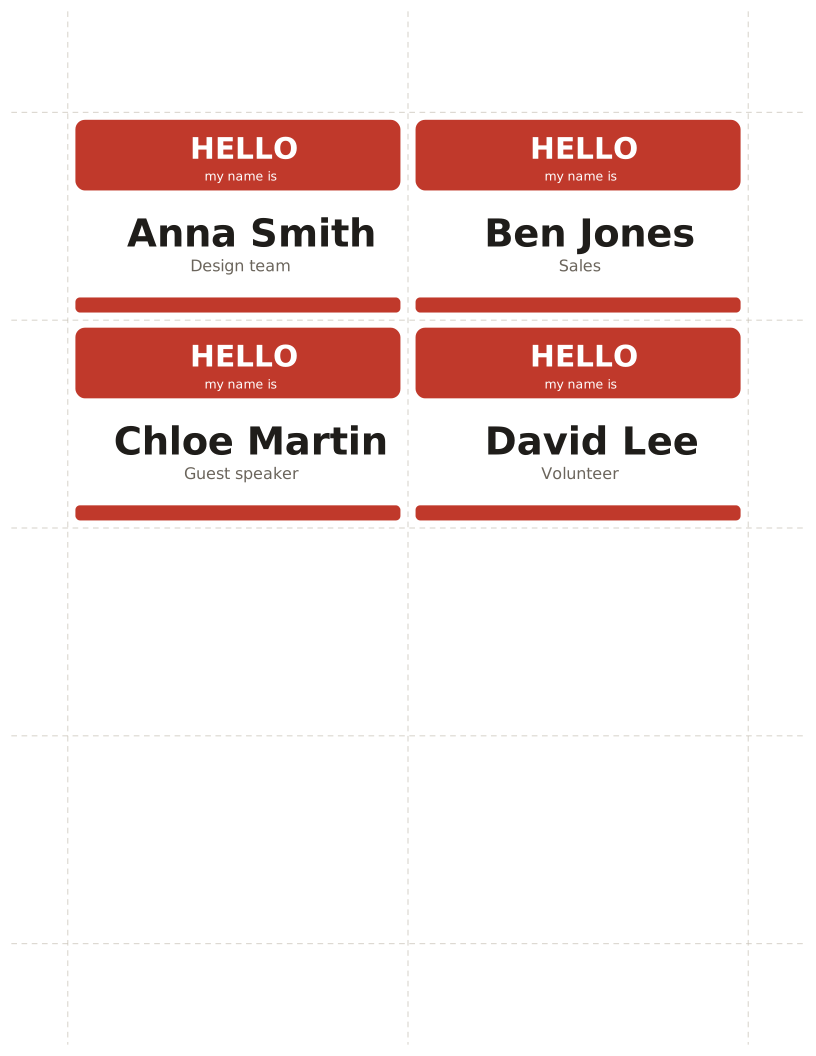
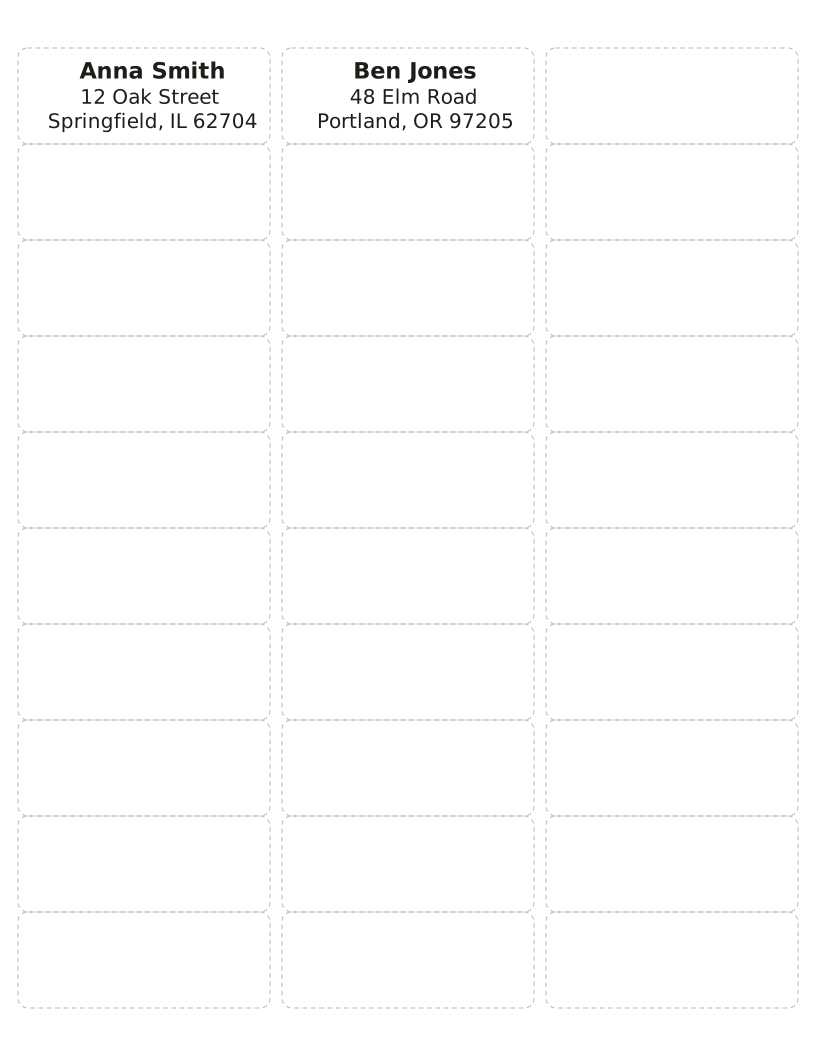
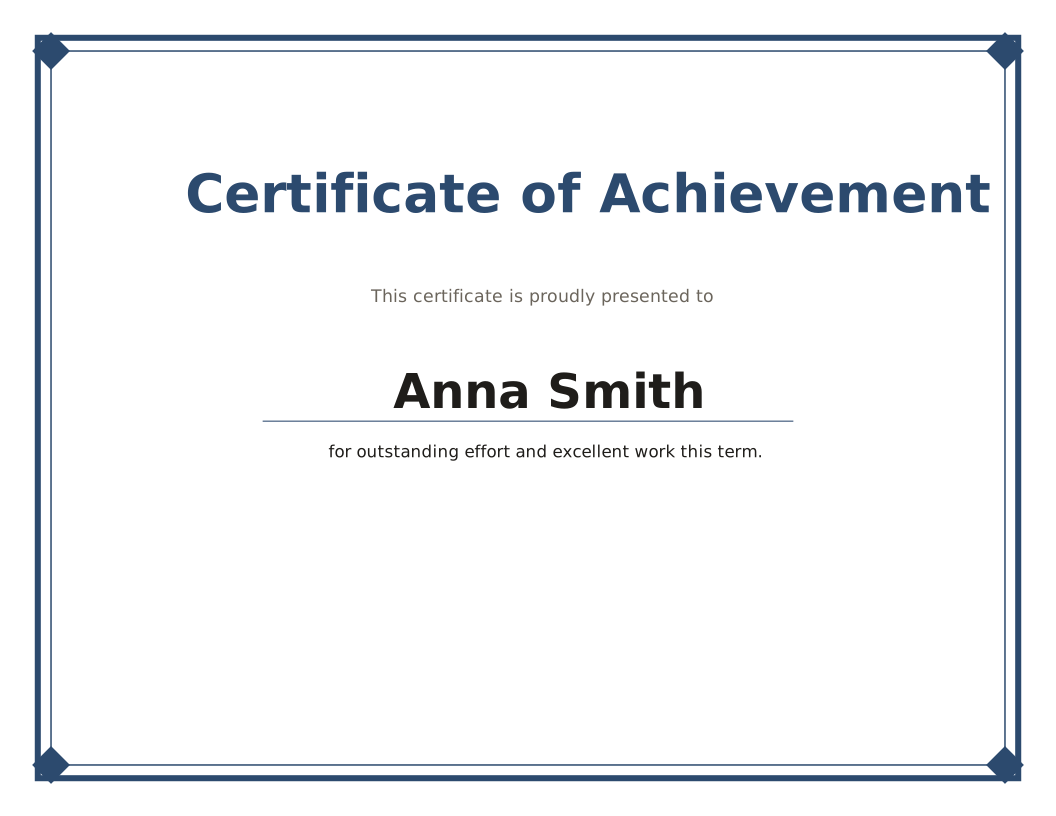
Paste a list of names and get place cards, name badges, labels for standard sticker sheets, or a certificate for everyone.
-
Label maker for Avery sheets
Address and product labels matched to Avery 5160, L7160 and other sheets.
Open maker
Need paper rather than content? These notebook templates work the same way: pick options, preview, download. Templates
Questions
Are the tools free?
Yes. Every tool is free to use with no account, watermark or limit on the number of PDFs.
Is my list uploaded anywhere?
No. Names, words and other content stay in your browser; the PDF is made on your device.
How do I print at the right size?
Open the PDF and print at 100% or "Actual size", not "Fit to page", especially for label sheets.














