Math worksheet generator
Pick the operations and number range and get a full page of practice problems with an answer key, or type your own problems and let the tool lay them out.
How to use it
- 1Choose the operations, the largest number and whether to carry or borrow.
- 2Pick across or column layout and how many problems fit on a page.
- 3Press New layout for a fresh set, then download the PDF with its answer key.
Questions
Can I type my own problems?
Yes. Choose "Type my own" and write one problem per line, such as 12 + 7 or 6 x 8. The answers are worked out for the key.
What does "without carrying" mean?
Additions never add up to ten or more in a column, and subtractions never need to borrow. It is how most children start.
How do I make many different sheets?
Set the number of pages; every page gets new problems. New layout shuffles all of them again.
Other tools
-
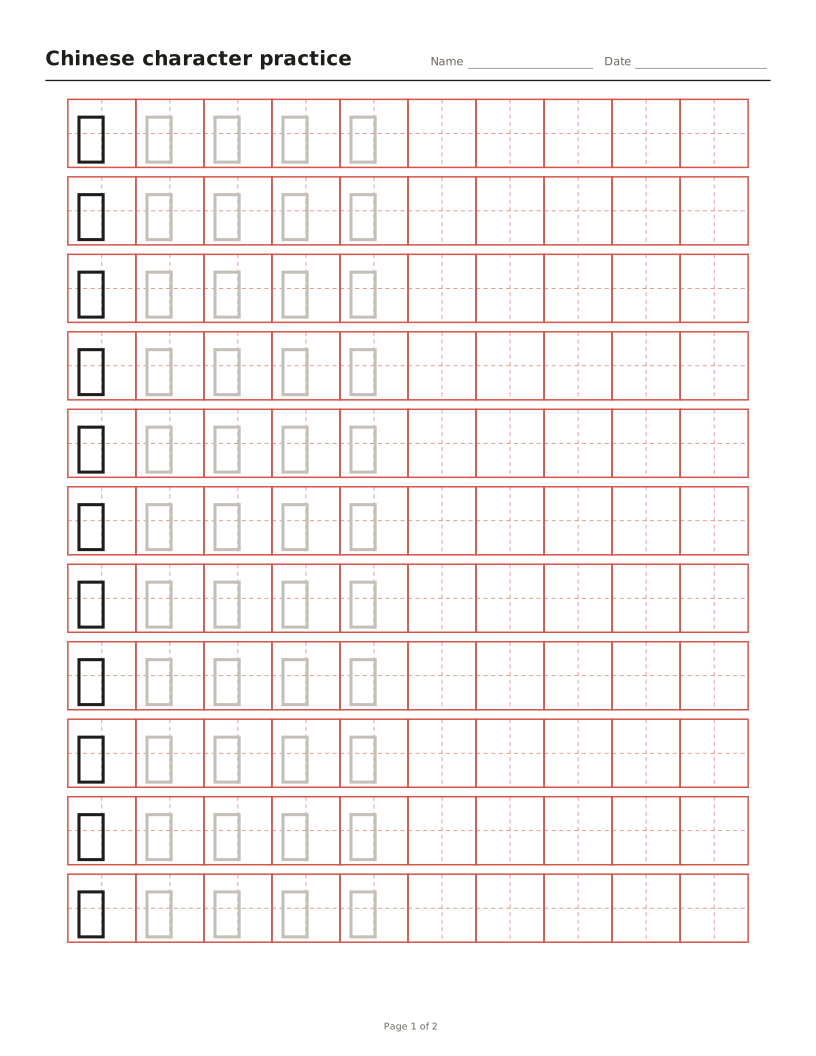
Chinese character tracing sheets
Tian, mi, hui or nine-square grids with characters to trace and optional pinyin.
-
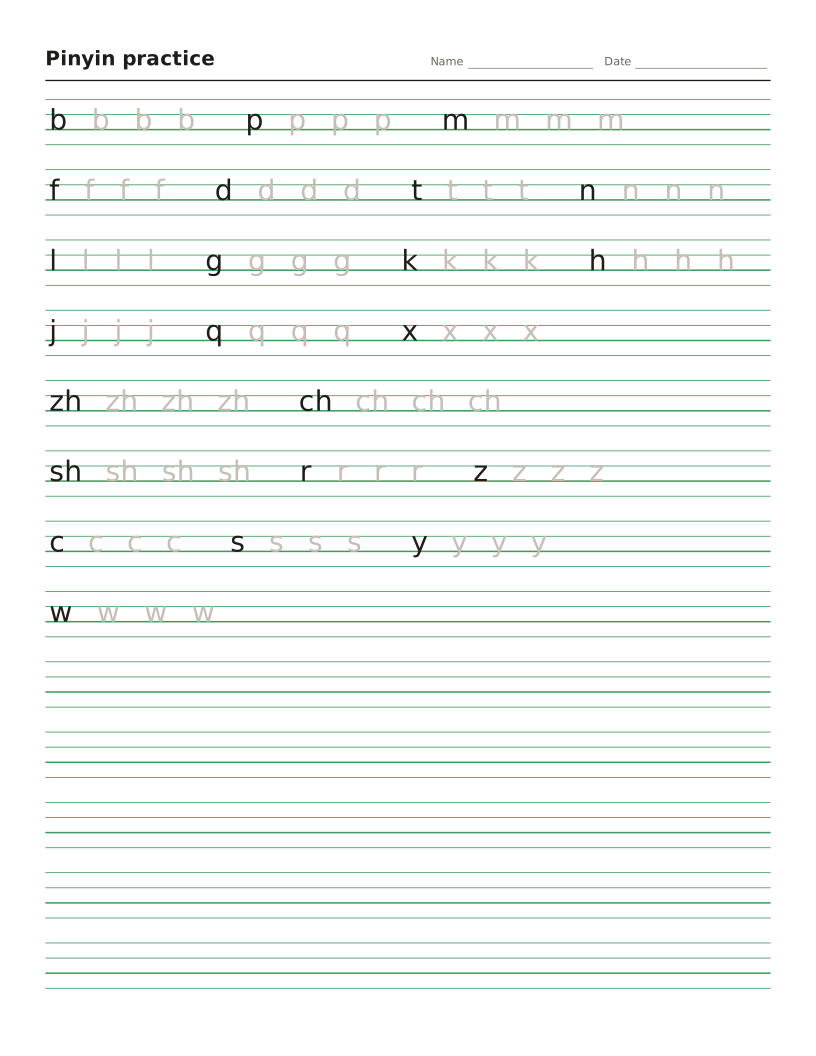
Pinyin worksheet maker
Four-line pinyin sheets for initials, finals and tones, or any text turned into pinyin.
-
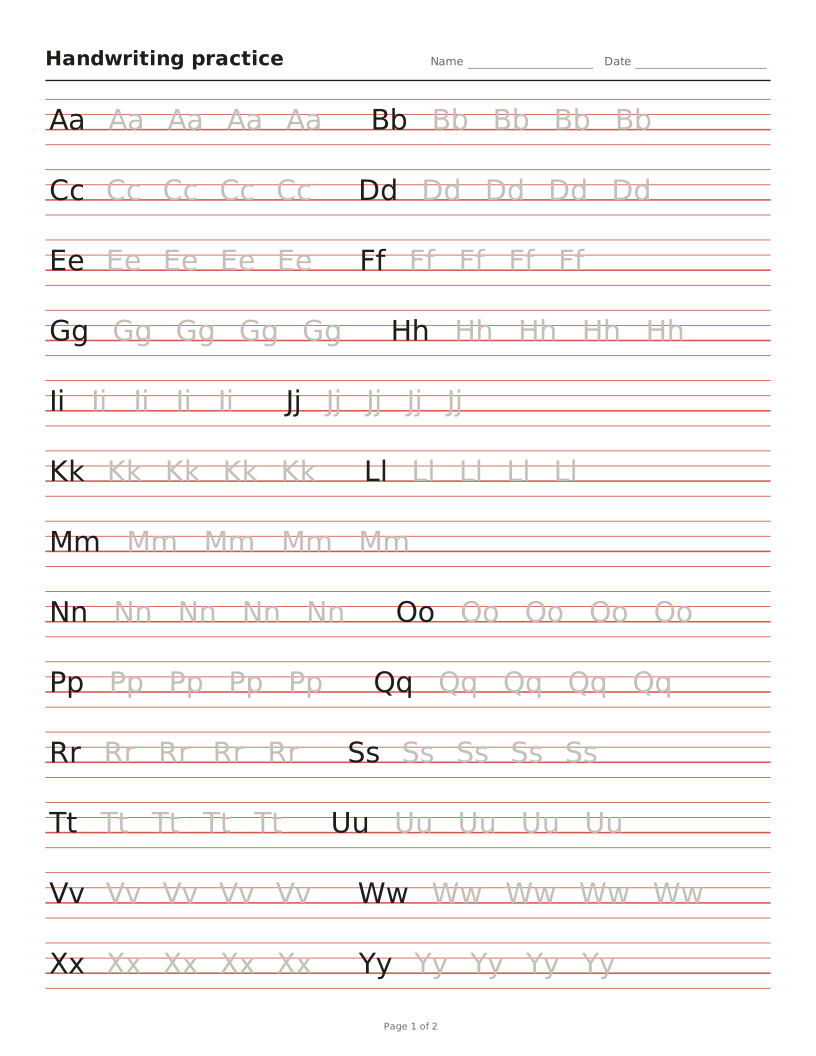
Handwriting worksheet maker
Letters, words or sentences to trace on four-line or primary lines.
-
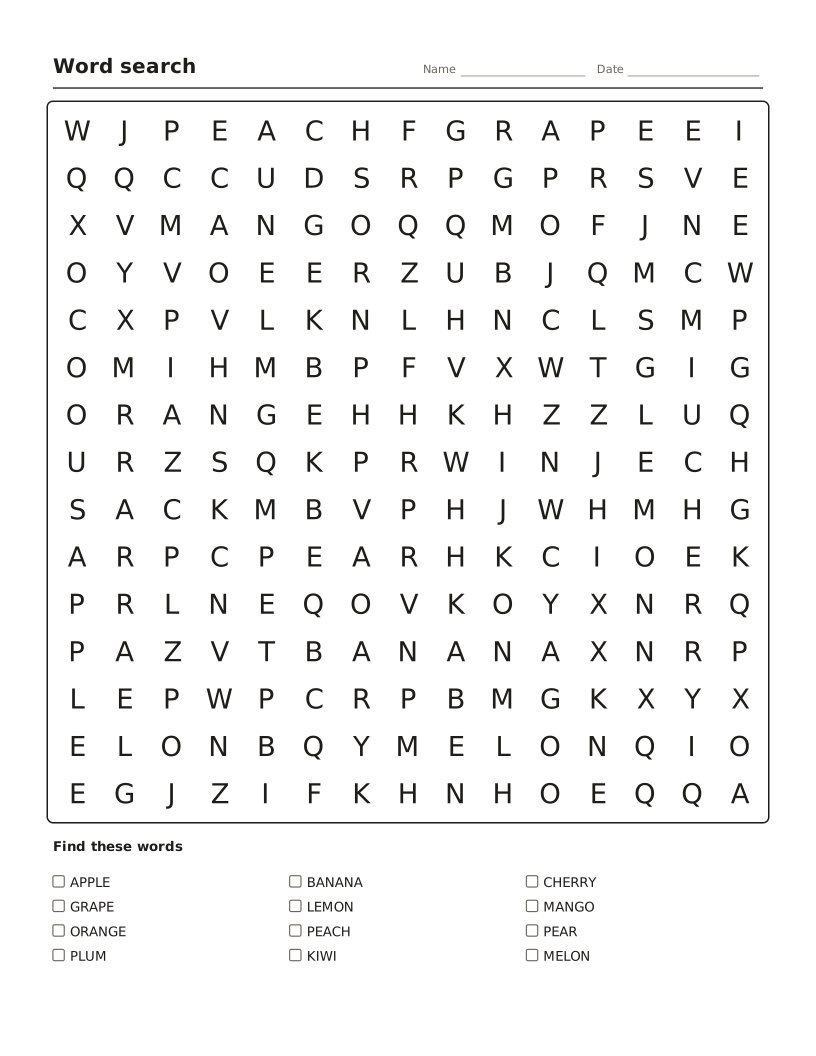
Word search maker
Hide your own words in a letter grid, with a word list and answer key.
-
Crossword maker
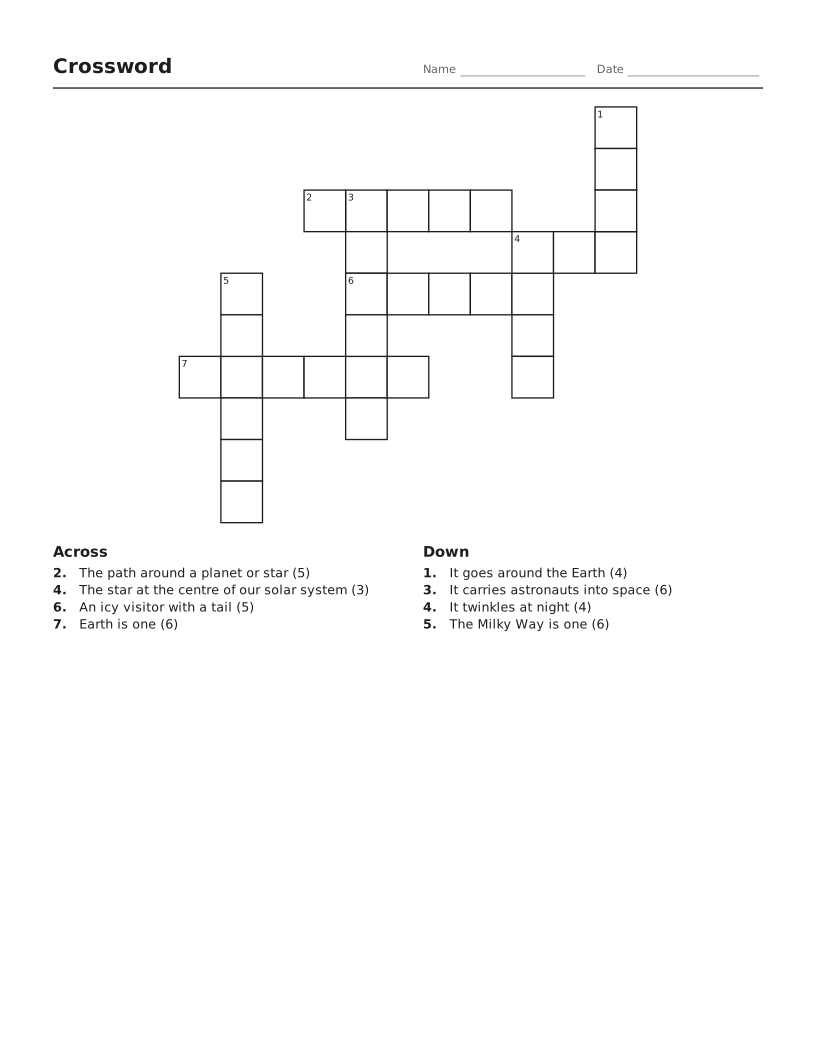
Words and clues become a numbered crossword with an answer key.
-
Bingo card maker
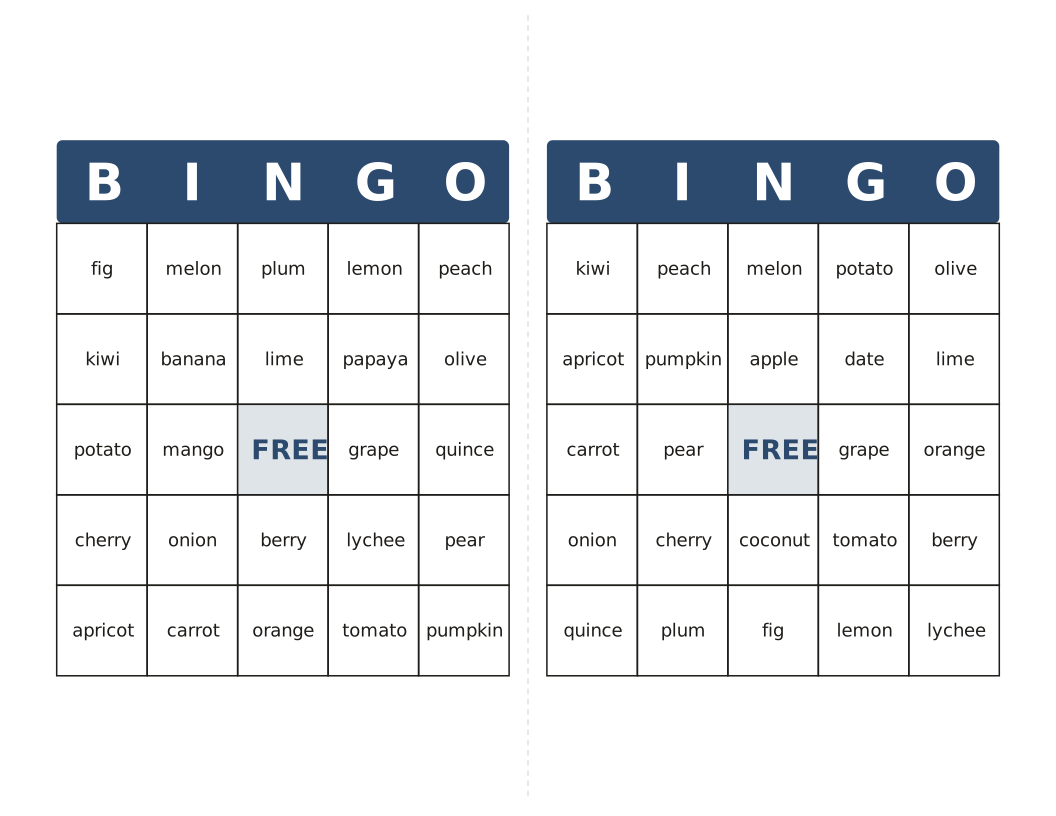
Different cards from your own words or 1–75 numbers, with a calling list.