Word search maker
Type your words and the maker hides them across, down, diagonally or backwards, fills the rest with letters, and adds an answer key.
How to use it
- 1Type one word per line (or separate them with commas).
- 2Choose the grid size and which directions words may run.
- 3Press New layout until you like it, then download the puzzle and answers.
Questions
How many words can I use?
Up to 80. A 15 × 15 grid comfortably holds 15–20 words; if a word does not fit, the tool tells you.
Can I make several different puzzles?
Yes. Set the number of puzzles and each one hides the same words in a different place.
Does it work with other alphabets?
Yes. Accented letters, Cyrillic and even Chinese words work; the empty cells are filled from the letters you use.
Other tools
-
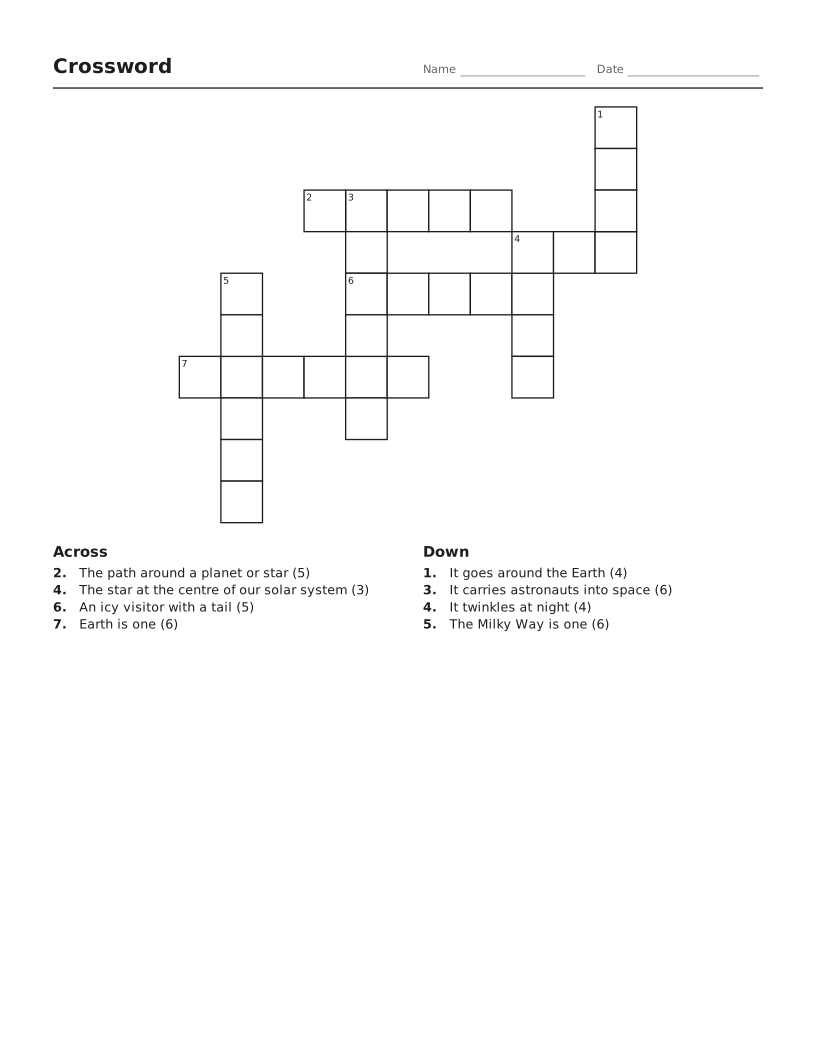
Crossword maker
Words and clues become a numbered crossword with an answer key.
-
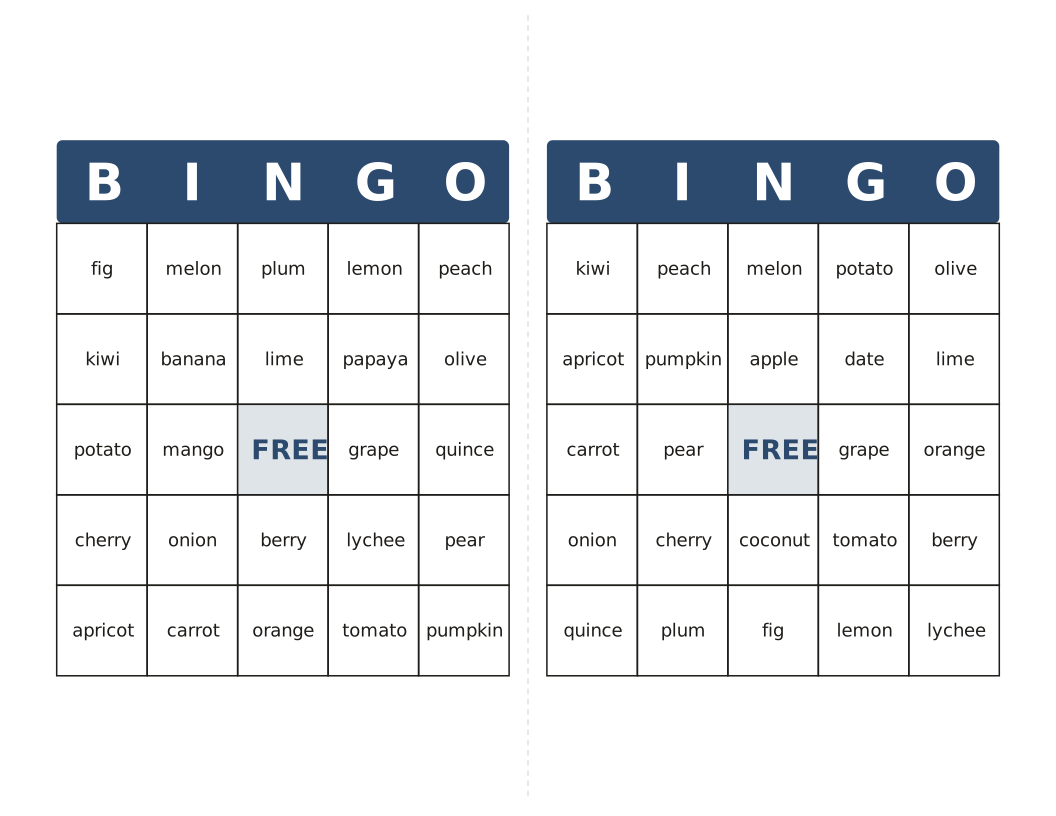
Bingo card maker
Different cards from your own words or 1–75 numbers, with a calling list.
-
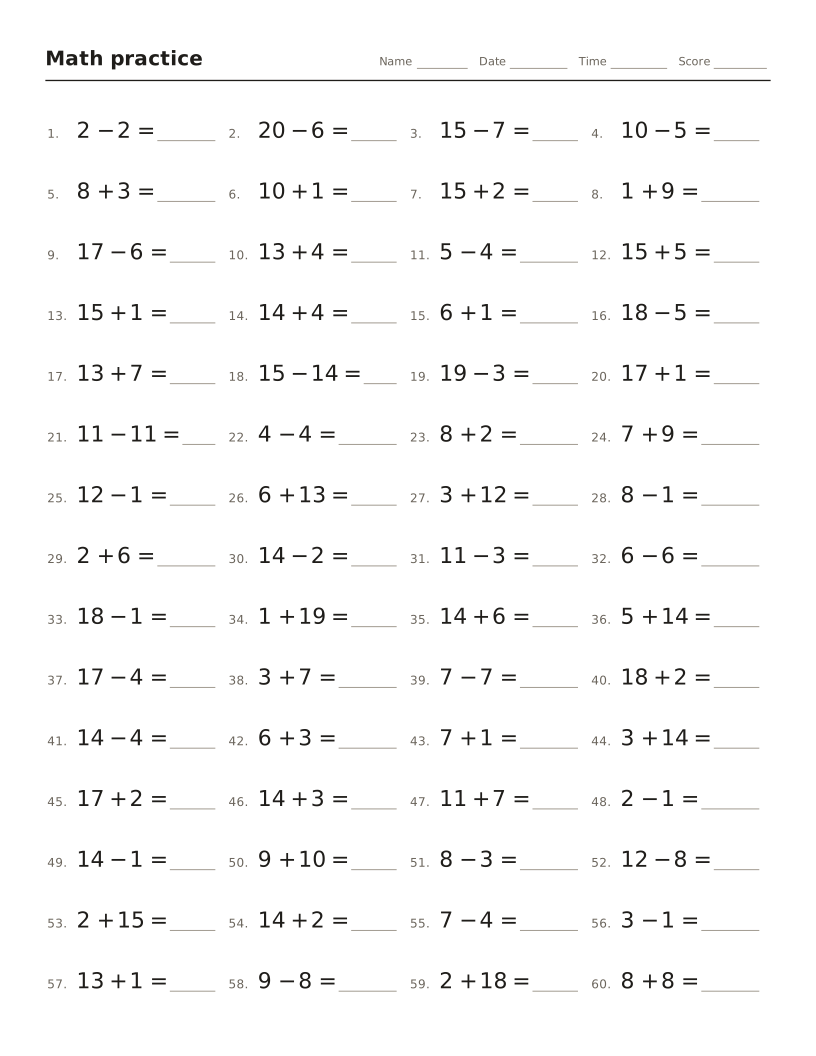
Math worksheet maker
Addition, subtraction, times tables and division drills with an answer key.
-
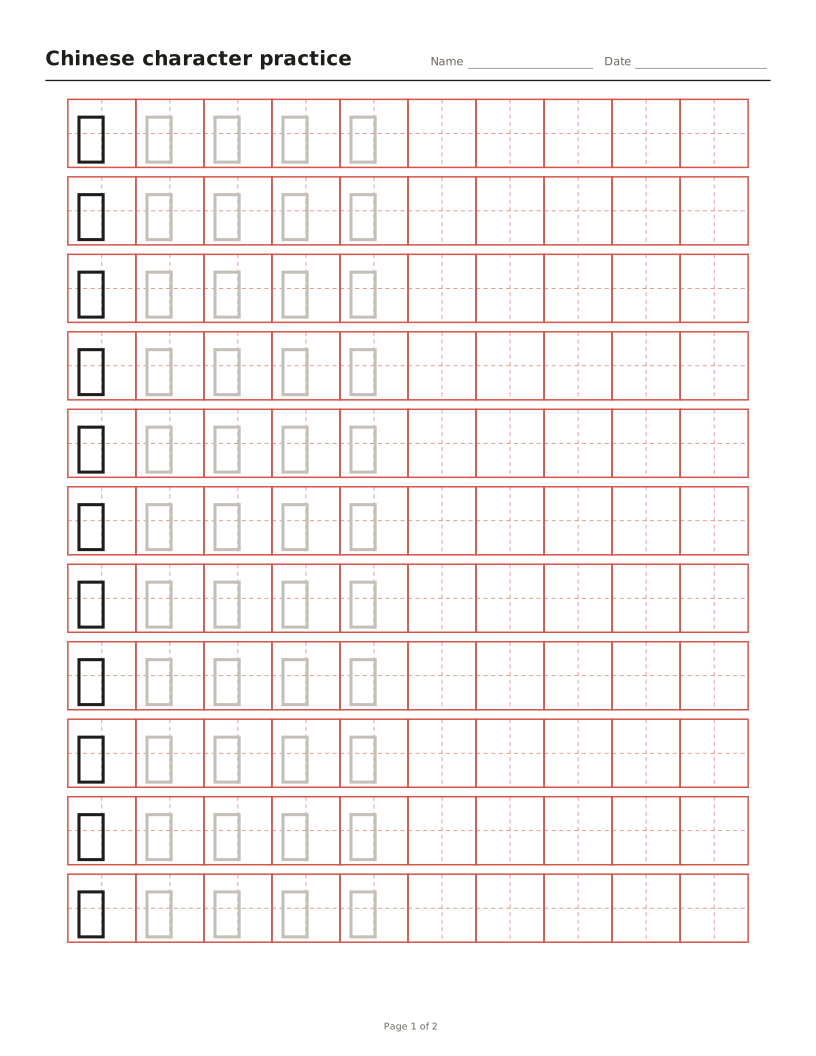
Chinese character tracing sheets
Tian, mi, hui or nine-square grids with characters to trace and optional pinyin.
-
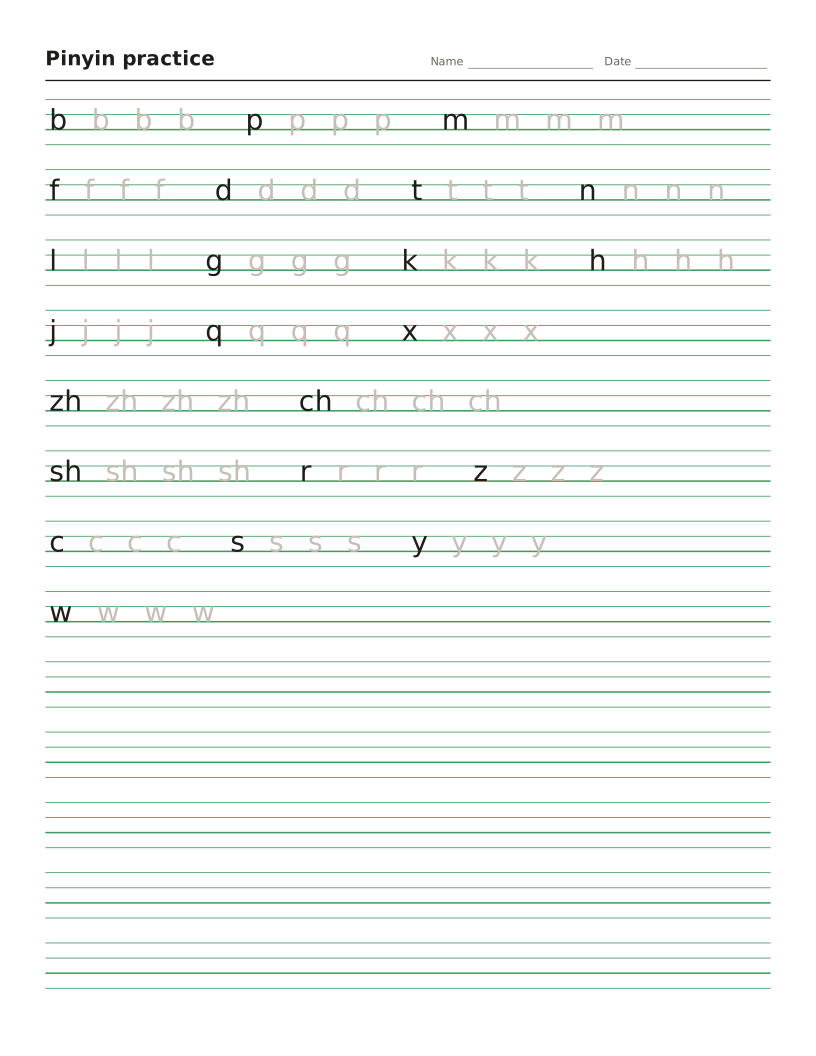
Pinyin worksheet maker
Four-line pinyin sheets for initials, finals and tones, or any text turned into pinyin.
-
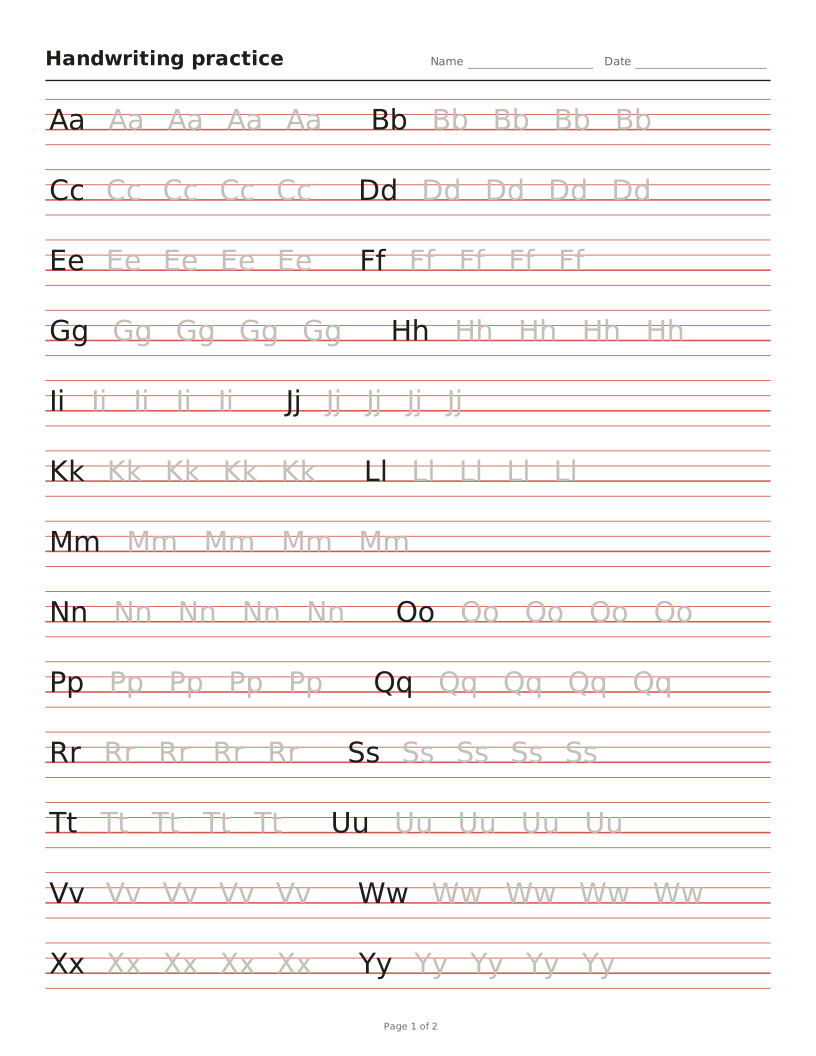
Handwriting worksheet maker
Letters, words or sentences to trace on four-line or primary lines.