Basic Paper
Printable Lined Paper
Classic ruled writing paper in the spacing you actually use. Print a single sheet of college ruled or wide ruled paper, or set your own line height and turn it into a notebook.
What you can customize
- Line spacing
- Margin line
- Date line at top
- Rule style
Works well in
- Traveler's Notebook Passport
- A6
- Traveler's Notebook Regular
- B6 (JIS)
- A5
- US Half Letter
- B5 (ISO)
- A4
- US Letter
All page sizes, from Passport to A4
Try it in another style
Start from a preset
- College ruled, US Letter 9/32 in (7.1 mm) lines with a margin line, like US notebook filler paper. Open in the maker →
- Wide ruled, US Letter 11/32 in (8.7 mm) lines for younger writers and larger handwriting. Open in the maker →
- Narrow ruled, Half Letter notebook 1/4 in (6.35 mm) lines in a 5.5 × 8.5 in notebook. Open in the maker →
- 8 mm lined, A5 notebook A common European line height, printed as a booklet on A4. Open in the maker →
Lined paper in the spacing you need
Most free lined paper is a fixed image in one size. Here the lines are drawn at print time, so you can choose any spacing from 4 to 14 mm and get exactly that distance on paper:
| Ruling | Line spacing | Good for |
|---|---|---|
| Narrow ruled | 1/4 in (6.35 mm) | Small handwriting, more lines per page |
| College ruled | 9/32 in (7.1 mm) | School and office notes in the US |
| European lined | 8 mm | A4 and A5 notebooks |
| Wide ruled | 11/32 in (8.7 mm) | Children, large handwriting |
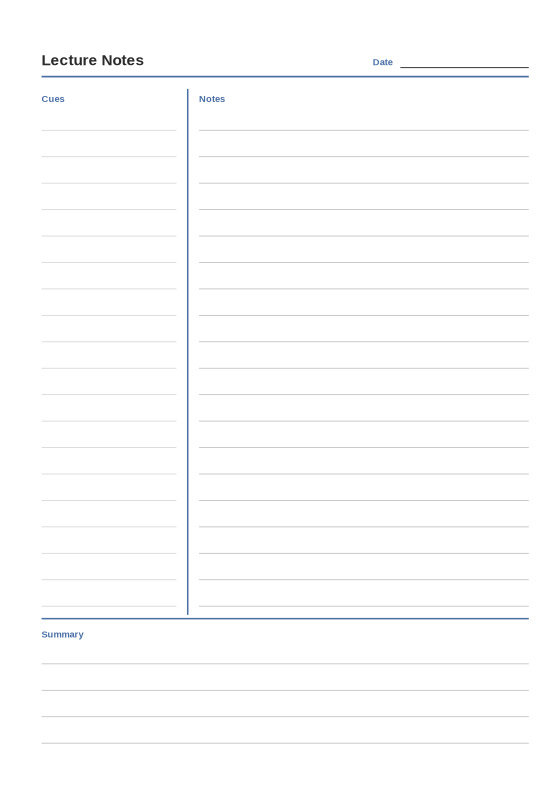
Each page has an optional header line for the date or a title, an optional margin line, and solid or dashed rules. Combine lined pages with dot grid, planner or Cornell pages in the same notebook.
How to print lined paper
- For loose sheets, use a Letter or A4 preset and Download PDF → Reading order. Load as much paper as you need and print.
- For a notebook, pick A5, Half Letter or Traveler’s Notebook as the page size and choose Print-ready booklet. Print double-sided, flip on the short edge, fold and staple.
- Print at 100% (Actual size). Fit to page makes the lines closer together than the spacing you chose.
- For fountain pens, use 90–100 g/m² (24–27 lb) paper to avoid feathering and show-through.
Free sample PDFs
Print at 100% (actual size). Made with the same engine as the maker, so the spacing is exact.
Frequently asked questions
What is the difference between college ruled and wide ruled paper?
College ruled (also called medium ruled) has 9/32 inch, about 7.1 mm, between lines. Wide ruled has 11/32 inch, about 8.7 mm. College ruled fits more lines per page; wide ruled is easier for children and large handwriting. Narrow ruled is 1/4 inch, about 6.4 mm.
Can I add a red margin line?
Yes. Turn on the margin line in the maker. Choose a style to change the line color, or switch the rules to dashed.
How many lines are on a page?
It depends on the page size, margins and spacing. A US Letter page with college ruled lines has about 34 writing lines; wide ruled has about 28. The maker updates the preview as you change the spacing, so you can see the exact count before printing.
Can I print lined paper double-sided?
Yes. In a reading-order PDF every page is the same, so you can print it double-sided on any printer. For a bound notebook, use the print-ready booklet, which keeps the margin line on the correct side of each page after folding.
Why is my printed line spacing slightly different?
The print dialog is probably scaling the page. Choose Actual size or 100% instead of Fit to page. If it is still off, run the printer calibration once.
Related guides
- How to print a booklet double-sidedPrint your notebook PDF at actual size, choose the right duplex setting, and get pages that come out in the right order after folding.
- Calibrate your printer for exact sizesMeasure your printer once so pages print at exactly the right size, find its unprintable margins, and line up the front and back of each sheet.
- Paper sizes, margins and binding allowanceWhich printer paper fits which notebook size, how to set margins and the binding margin, and when to use bleed and creep.
- College ruled vs wide ruled vs narrow ruled: line spacing explainedWide ruled is 11/32 in (8.7 mm), college ruled 9/32 in (7.1 mm) and narrow ruled 1/4 in (6.35 mm). Which to choose, plus handwriting paper and rulings worldwide.