Basic Paper
Printable Blank Paper
Printable blank paper with no lines, dots or grid, for sketching, lettering, mind maps and pasting in tickets or photos. Print a few plain sheets or bind a blank notebook in any size.
What you can customize
- Border
Works well in
- Traveler's Notebook Passport
- A6
- Traveler's Notebook Regular
- B6 (JIS)
- A5
- US Half Letter
- B5 (ISO)
- A4
- US Letter
All page sizes, from Passport to A4
Try it in another style
Start from a preset
- Blank paper, US Letter Plain unlined sheets for drawing, printing tests and crafts. Open in the maker →
- Blank paper, A4 The same plain pages on A4. Open in the maker →
- Blank sketchbook, A5 booklet 52 plain pages that print on A4 or Letter and fold into a notebook. Open in the maker →
- Framed blank pages, US Letter A thin border around each page for drawings, certificates or display. Open in the maker →
Blank pages for sketching and mixed notebooks
The Blank Paper template prints nothing but the page itself, inside the margins you set for the notebook. Turn on border to frame each page. Because you can mix templates in one notebook, blank pages work well:
- opposite a lined, travel journal or reading journal page, as room for sketches and tickets;
- as section breaks or a few spare pages at the end of each month;
- as a complete blank sketchbook or travel notebook, with a cover and page numbers.
The PDF is made in your browser, it’s free and there is no sign-up.
How to print blank paper
- For loose sheets, use the Letter or A4 preset and choose Download PDF → Reading order.
- For a blank notebook, use the A5 preset and choose Print-ready booklet. Print double-sided (flip on the short edge), fold the stack and staple it. For more than about 10 sheets, choose Signatures (sew).
- Print at 100% (Actual size) so borders and page numbers stay where you placed them.
Free sample PDFs
Print at 100% (actual size). Made with the same engine as the maker, so the spacing is exact.
Frequently asked questions
Why print blank paper instead of using printer paper?
On its own, a blank sheet is just printer paper. Blank pages become useful inside a notebook: as the left side of a spread opposite lined or journal pages, between sections, or as a whole blank sketchbook that you print as a booklet and bind.
Can I add a border to blank paper?
Yes. Turn on the border option to get a thin frame with rounded corners on every page. Themes and decorations can add more style, and page numbers can be turned on for the whole notebook.
How do I make a blank notebook or sketchbook?
Choose a notebook size such as A5, Half Letter or a traveler's notebook insert, set the number of pages, and download a print-ready booklet. Print double-sided, fold and staple, or sew several signatures for a thicker book.
Which paper should I use for a blank sketchbook?
Regular 80–90 g/m² (20–24 lb) paper works for pencil and pen. For markers or light watercolor, use heavier paper if your printer accepts it, and test one sheet first, because booklets are printed on both sides.
Related guides
- How to print a booklet double-sidedPrint your notebook PDF at actual size, choose the right duplex setting, and get pages that come out in the right order after folding.
- Paper sizes, margins and binding allowanceWhich printer paper fits which notebook size, how to set margins and the binding margin, and when to use bleed and creep.
- DIY notebook binding: 5 methods comparedHow to bind your own notebook at home: saddle stapling, pamphlet stitch, sewn signatures, Traveler's Notebook inserts and ring or disc binding, with what each needs.
- Paper sizes chart: A4, A5, B5 and Letter in mm and inchesA4, A5, A6, B5, US Letter, Half Letter and Legal in millimetres and inches, how A4 compares with Letter, and which size suits a journal, planner or school notebook.
Related templates
-
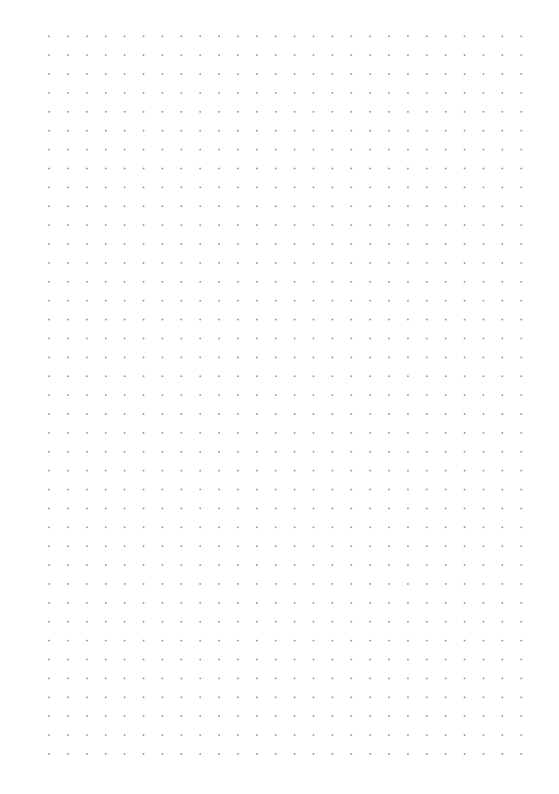
Dot Grid
Evenly spaced dots for bullet journals and sketches.
-
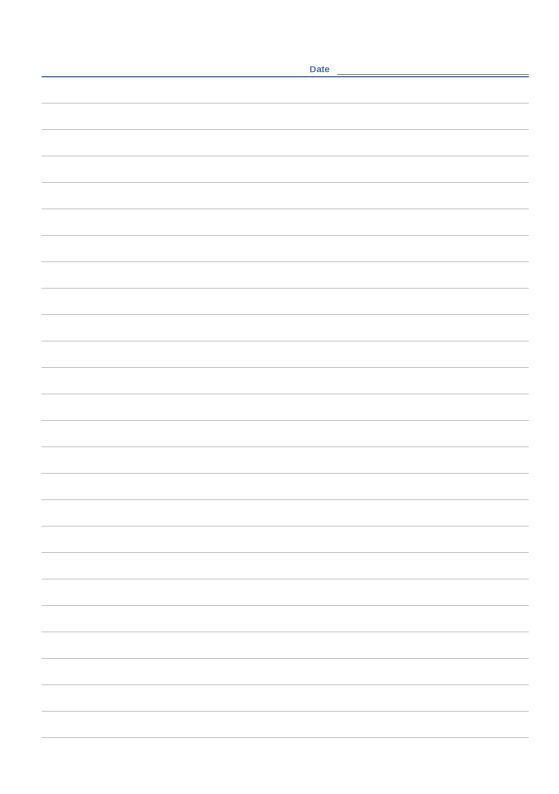
Ruled Paper
Lined writing paper with adjustable line spacing.
-
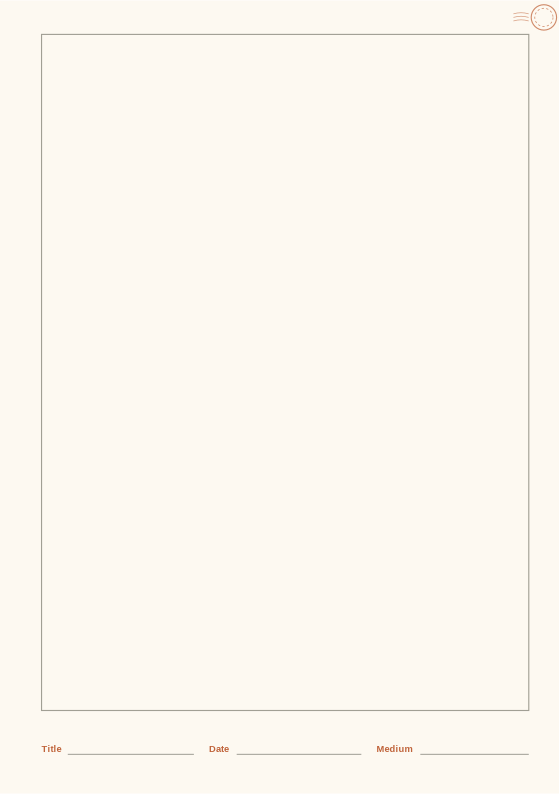
Sketchbook
Framed drawing area with a caption strip.
-
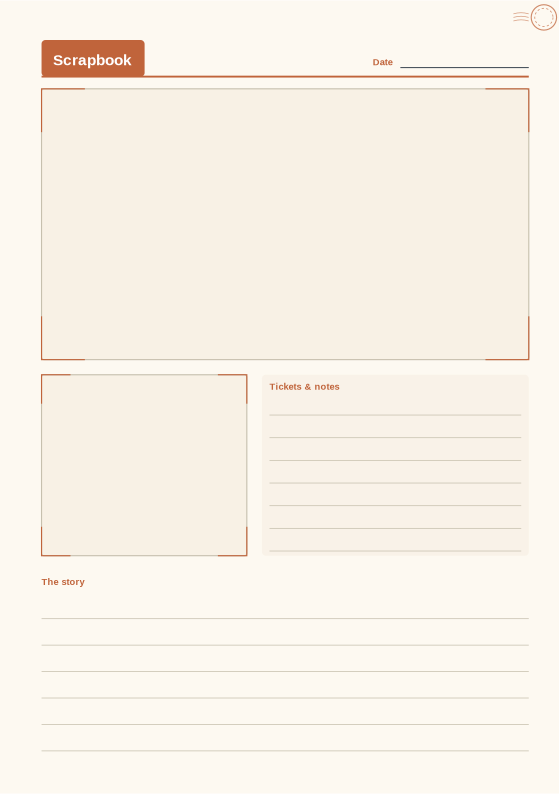
Scrapbook Layout
Photo frames with space for the story.
-
Section divider
A title page that opens a section, with a large title and an ornament.
-
Square Grid
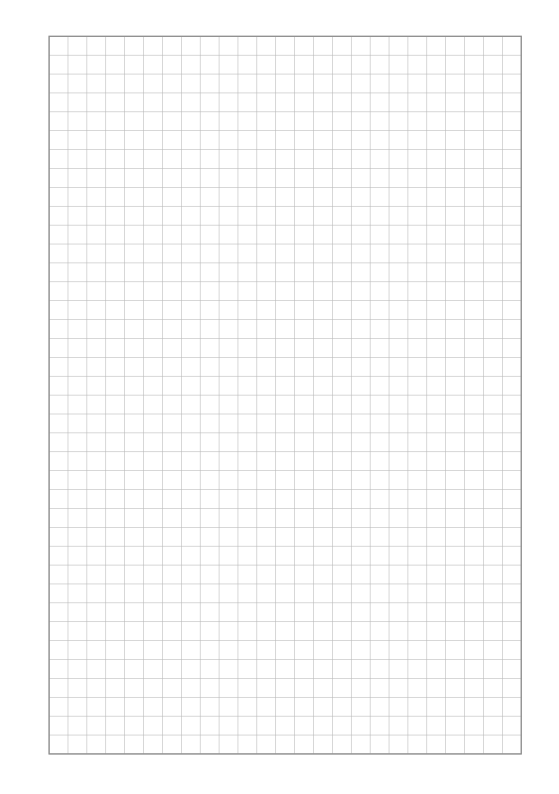
Quad-ruled squares for notes, math and diagrams.














