Creative & Travel
Printable Sketchbook Pages
Printable sketchbook paper with a clean drawing area, an optional frame and a caption strip for the title, date and medium. Print loose sheets or fold them into your own DIY sketchbook.
What you can customize
- Frame
- Caption strip
Works well in
- Traveler's Notebook Passport
- A6
- Traveler's Notebook Regular
- B6 (JIS)
- A5
- US Half Letter
- B5 (ISO)
- A4
- US Letter
All page sizes, from Passport to A4
Try it in another style
Start from a preset
- Sketchbook page, US Letter Framed drawing area with a caption strip. Open in the maker →
- Sketchbook page, A4 The same layout on A4. Open in the maker →
- DIY sketchbook, A5 booklet 32 pages that fold into a bound sketchbook. Open in the maker →
- Borderless drawing pages, A6 No frame and no caption, for pocket sketching. Open in the maker →
What’s on the sketchbook page
The page is mostly empty space for drawing. Two settings shape it:
- Frame: a thin border around the drawing area, which makes a finished sketch look like a framed piece. Turn it off for a borderless page.
- Caption strip: a row at the bottom with Title, Date and Medium lines.
Choose any page size, from a pocket Traveler’s Notebook Passport insert to US Letter, and add a cover to finish your sketchbook.
How to print and bind a sketchbook
- For loose sheets, use the Letter or A4 preset and Download PDF → Reading order.
- For a bound sketchbook, use the A5 preset and Print-ready booklet. Print double-sided (flip on the short edge). For more than about 10 sheets, choose Signatures (sew) and sew the signatures together.
- Print at 100% (Actual size) on the heaviest paper your printer handles well.
Free sample PDFs
Print at 100% (actual size). Made with the same engine as the maker, so the spacing is exact.
Frequently asked questions
What paper should I print sketchbook pages on?
Regular 80–90 g/m² (20–24 lb) copy paper is fine for pencil and pen. For markers, ink or light washes, use heavier 120–160 g/m² paper if your printer can feed it. Check your printer's paper weight limit first.
What is the caption strip for?
It is a line at the bottom of the page for the title, date and medium (for example graphite, ink or watercolor). It helps when you look back through a sketchbook or prepare a portfolio. Turn it off for a full-page drawing area.
Can I make a sketchbook with grid or dot pages too?
Yes. Mix sketchbook pages with dot grid, square grid or isometric pages in one notebook for design and perspective practice, then print it as a booklet.
How do I bind a DIY sketchbook?
Download a print-ready booklet, print double-sided, fold and staple for up to about 10 sheets. For thicker sketchbooks, choose Signatures (sew) and sew the folded signatures together.
Related guides
- Paper sizes, margins and binding allowanceWhich printer paper fits which notebook size, how to set margins and the binding margin, and when to use bleed and creep.
- Sew signatures into a thick notebookPrint a thick notebook as several signatures, fold them, and sew them together with a simple stitch, or bind each one as a Traveler's Notebook insert.
- DIY notebook binding: 5 methods comparedHow to bind your own notebook at home: saddle stapling, pamphlet stitch, sewn signatures, Traveler's Notebook inserts and ring or disc binding, with what each needs.
Related templates
-

Blank Paper
Plain pages with an optional thin border.
-
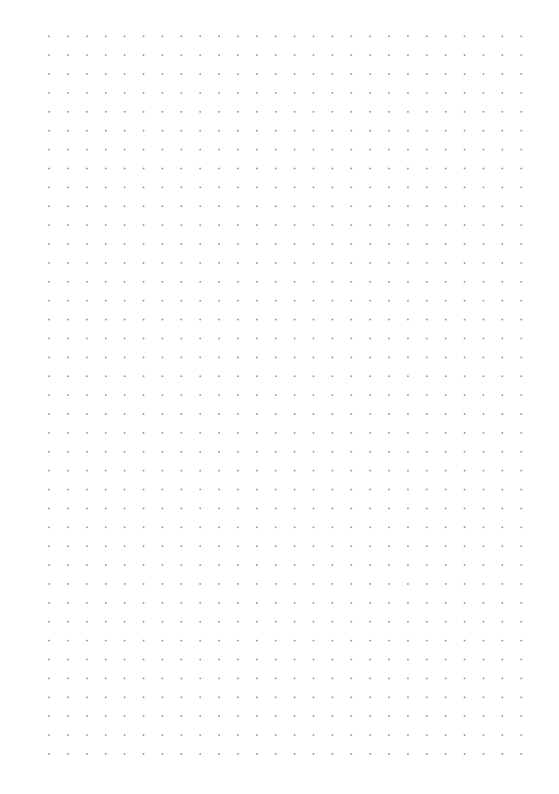
Dot Grid
Evenly spaced dots for bullet journals and sketches.
-
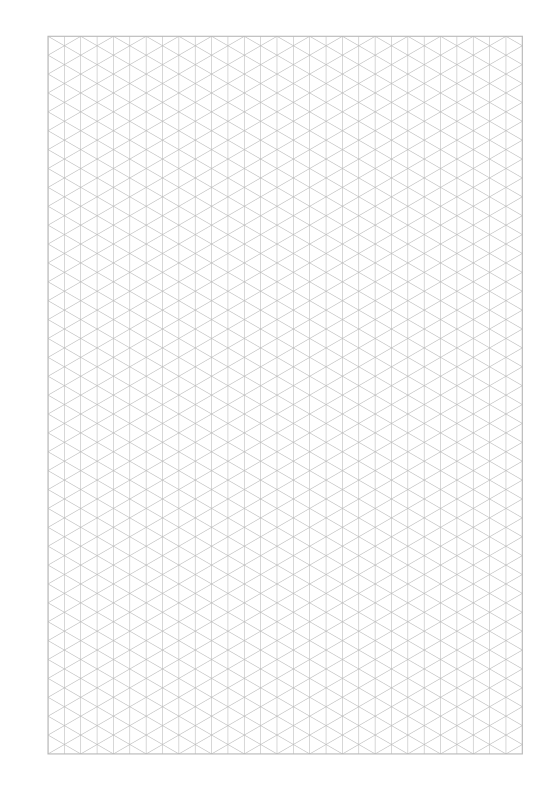
Isometric Grid
Triangular grid for 3D drawings and patterns.
-
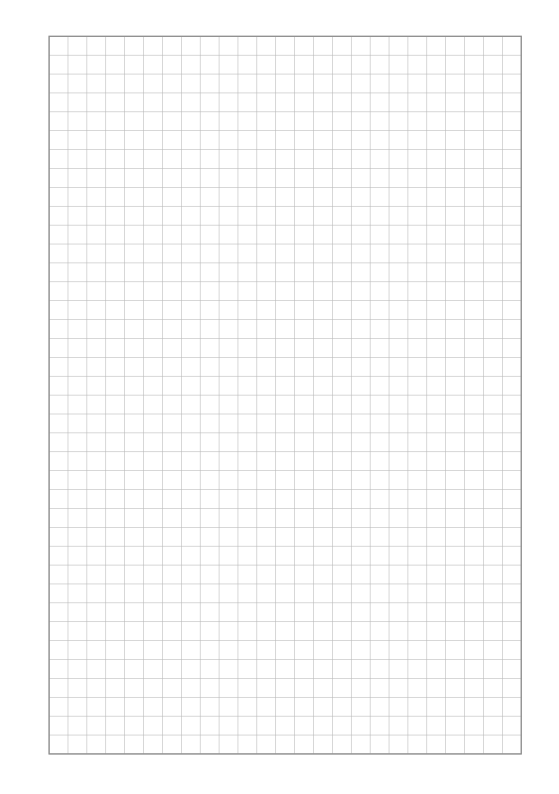
Square Grid
Quad-ruled squares for notes, math and diagrams.
-
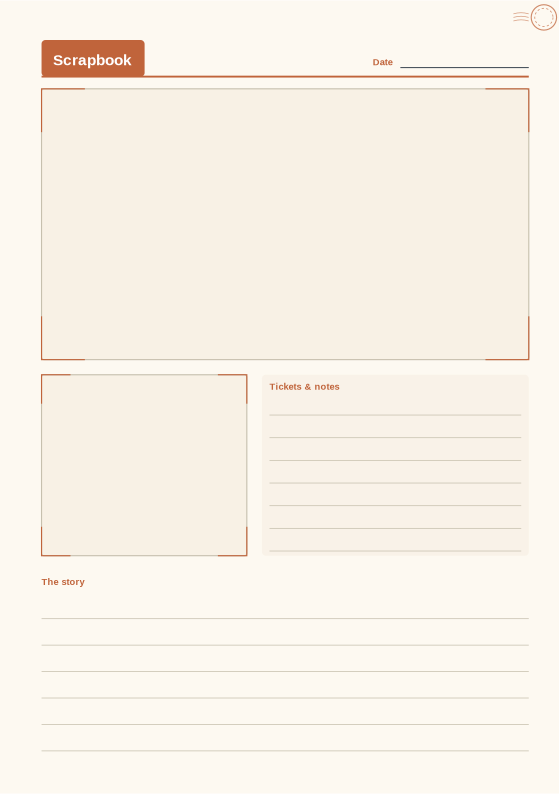
Scrapbook Layout
Photo frames with space for the story.
-
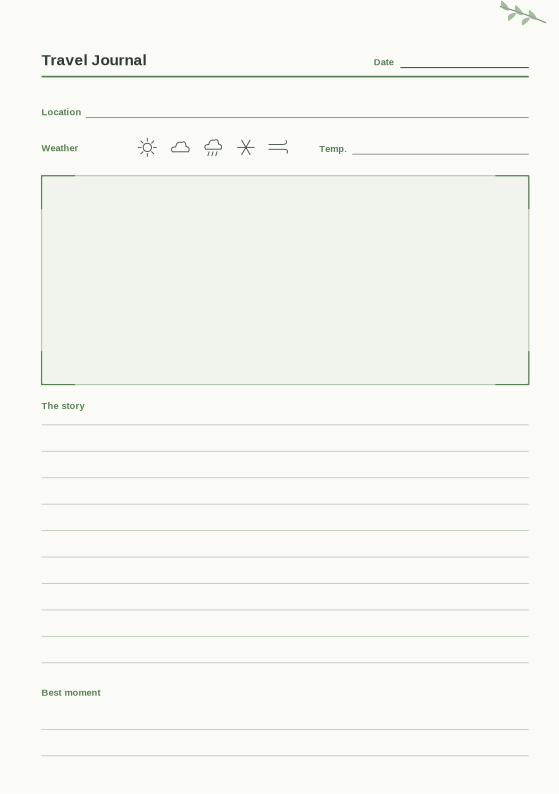
Travel Journal
Location, weather, photo space and lined pages.














