Planners
Printable Habit Tracker
Write your habits down the side and fill in a square every day you keep them. Print a single undated tracker or a dated tracker for every month of the year.
Dated or undated: add a whole sequence of monthly pages in one step.
What you can customize
- Month
- Habits
- Days
Works well in
- Traveler's Notebook Passport
- A6
- Traveler's Notebook Regular
- B6 (JIS)
- A5
- US Half Letter
- B5 (ISO)
- A4
- US Letter
All page sizes, from Passport to A4
Try it in another style
Start from a preset
- 12 dated months, A5 One tracker per month, starting this month, with weekends shaded. Open in the maker →
- Undated tracker, US Letter 31 days and 15 habits on a full-size sheet for your fridge or binder. Open in the maker →
- Short list of 6 habits, Half Letter Bigger squares for a few habits that matter most. Open in the maker →
A habit tracker that fits the month
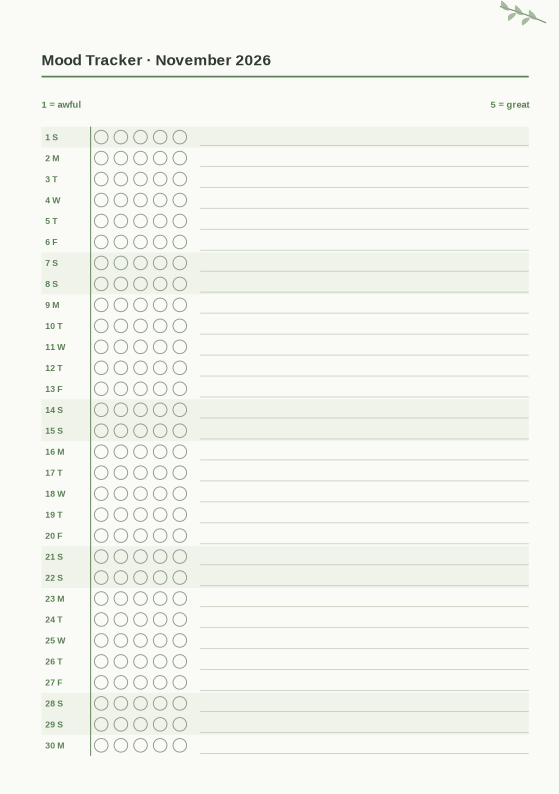
Each tracker is a grid with your habits as rows and the days of the month as columns. Write the habit names in the left column and fill in or tick a square each day. A row of filled squares is a streak you won’t want to break.
- Dated: pick a month and the grid shows exactly that many days, with weekday initials and shaded weekends. Add 12 months at once and each page gets the next month.
- Undated: choose from 7 to 31 days and fill in the dates yourself.
- Habits: 4 to 20 rows. A lined notes area below the grid is good for monthly reflections.
How to print a habit tracker
- For a single sheet on the wall, use the Letter preset and Download PDF → Reading order.
- For a notebook or planner, use A5 or Half Letter and Print-ready booklet, print double-sided (flip on the short edge), fold and staple.
- Print at 100% (Actual size) so the squares stay square.
Free sample PDFs
Print at 100% (actual size). Made with the same engine as the maker, so the spacing is exact.
- Undated habit tracker, 15 habits, US Letter (1 page) PDF ↓
Frequently asked questions
How many habits can I track?
From 4 to 20 per page. Fewer habits give taller rows that are easier to color in. If you need more, add a second tracker page for the same month.
Does the tracker know how many days each month has?
Yes. A dated tracker shows exactly the days of that month, with weekday initials and shaded weekends. An undated tracker lets you choose from 7 to 31 days, for a week-long challenge or a full month.
Can I add a habit tracker to my planner?
Yes. Add a habit tracker page at the start of each month in a weekly or daily planner, then print the whole planner as one booklet.
Which habits should I track?
Start with three to six habits you can do daily, such as water, steps, reading, sleep before 11 pm or no phone after dinner. Track the action, not the outcome, and keep the list short for the first month.
Related guides
- How to print a booklet double-sidedPrint your notebook PDF at actual size, choose the right duplex setting, and get pages that come out in the right order after folding.
- How to staple a booklet in the middleFold and staple a booklet through the centre with a long-reach or normal stapler. Follow the sheet-order, backing and staple-closing steps.
- Habit tracker ideas: 60 habits to track (and how to make it stick)60 habit tracker ideas for health, mind, productivity, home, money and learning, how to set up a tracker you will keep using, and a free printable template.