Planners
Printable Weekly Planner
A week on one page, with the right dates printed on every page. Start this week or any date, add a whole year at once, and print it as a planner booklet that you fold and staple.
Dated or undated: add a whole sequence of weekly pages in one step.
What you can customize
- Date
- Layout
- Notes box
- Week number
Works well in
- Traveler's Notebook Passport
- A6
- Traveler's Notebook Regular
- B6 (JIS)
- A5
- US Half Letter
- B5 (ISO)
- A4
- US Letter
All page sizes, from Passport to A4
Try it in another style
Start from a preset
- 52 dated weeks, Half Letter planner Starts this week. Fits a 5.5 × 8.5 in planner; prints on Letter. Open in the maker →
- 13 weeks, A5 (one quarter) A thin quarterly planner that is easy to staple. Open in the maker →
- Weekly columns, US Letter Seven columns side by side on full-size sheets. Open in the maker →
- Undated weekly planner Fill in the dates yourself and skip weeks without wasting pages. Open in the maker →
A weekly planner with real dates
Choose a start date and the planner fills in the days of the week, the dates and the ISO week number on every page. Weeks begin on the day you choose. Day and month names follow the language of your notebook, which can differ from the website language.
Layouts:
- Boxes: seven day boxes plus a notes box on one page (the default).
- Columns: seven tall columns, good for appointments on a full-size page.
- Rows: one row per day, like a horizontal week.
Add a monthly calendar at the start of each month, a habit tracker, and notes pages to make a complete planner. The check view counts your pages and finds missing or duplicate weeks before you print.
How to print a weekly planner
- Choose a page size: Half Letter or A5 prints two pages per Letter or A4 sheet.
- Choose Download PDF → Print-ready booklet. The pages are imposed so that after printing double-sided and folding, every week is in the right place.
- Print double-sided, flip on the short edge, at 100% (Actual size).
- Up to about 10 sheets (40 pages) can be folded and stapled as one booklet. A full year of 52 weeks is thicker: choose Signatures (sew) binding and sew the signatures together, or print one booklet per quarter.
Free sample PDFs
Print at 100% (actual size). Made with the same engine as the maker, so the spacing is exact.
- Undated weekly planner, US Letter (1 page) PDF ↓
Frequently asked questions
Can the weekly planner start on Monday?
Yes. The week starts on the day that is usual for your language (Sunday in the US, Monday in most of Europe), and you can change it to any day in the maker's notebook settings.
How do I make a whole year of weekly pages?
Use the 52-week preset, or in the maker choose Add pages, pick Weekly Planner and add a date range. Every page gets the correct dates and ISO week number, and the check view warns you about missing or duplicate weeks.
What is the difference between dated and undated planners?
A dated planner prints the dates for you, which saves time and keeps weeks in order. An undated planner leaves the dates blank, so you can start any time and skip weeks you don't use.
Which size should I print my weekly planner in?
Half Letter (5.5 × 8.5 in) and A5 are the most popular planner sizes; two pages fit on one Letter or A4 sheet. Choose Letter or A4 if you want a full-size sheet for a binder or a desk.
Can I add monthly calendars and notes pages?
Yes. Mix weekly pages with monthly calendars, a yearly overview, habit trackers and notes pages in the same planner, in any order.
Related guides
- How to print a booklet double-sidedPrint your notebook PDF at actual size, choose the right duplex setting, and get pages that come out in the right order after folding.
- How to staple a booklet in the middleFold and staple a booklet through the centre with a long-reach or normal stapler. Follow the sheet-order, backing and staple-closing steps.
- Sew signatures into a thick notebookPrint a thick notebook as several signatures, fold them, and sew them together with a simple stitch, or bind each one as a Traveler's Notebook insert.
- How to make your own planner and print it at homeMake your own planner: choose the size and layout, pick your sections, count the pages, build it free in your browser, then print it double-sided and bind it.
Related templates
-
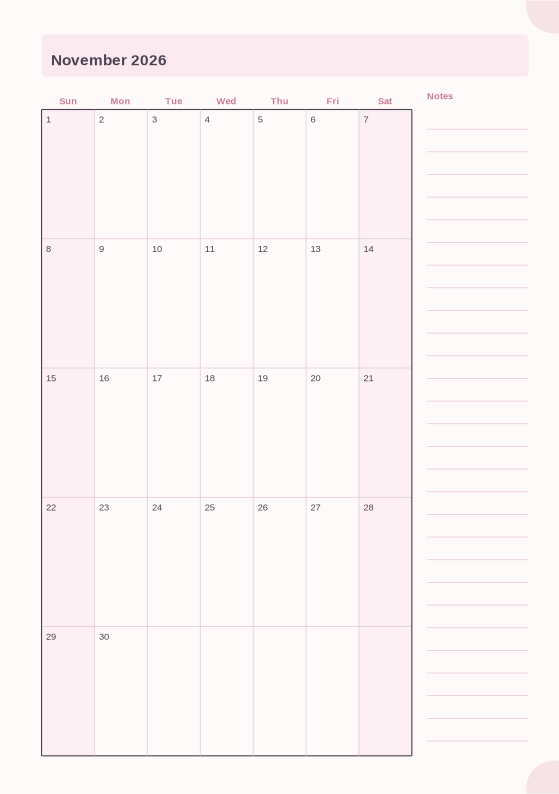
Monthly Planner
Full month calendar with a notes column.
-
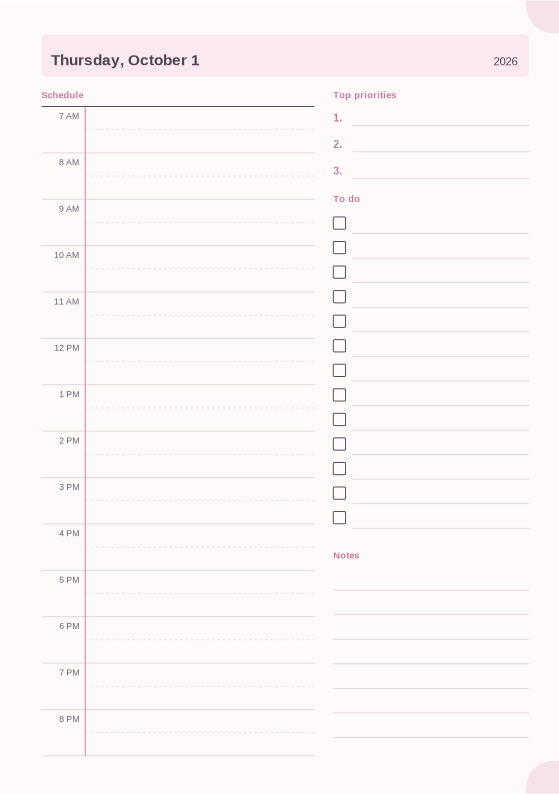
Daily Planner
Hourly schedule, top priorities, to-do list and notes.
-
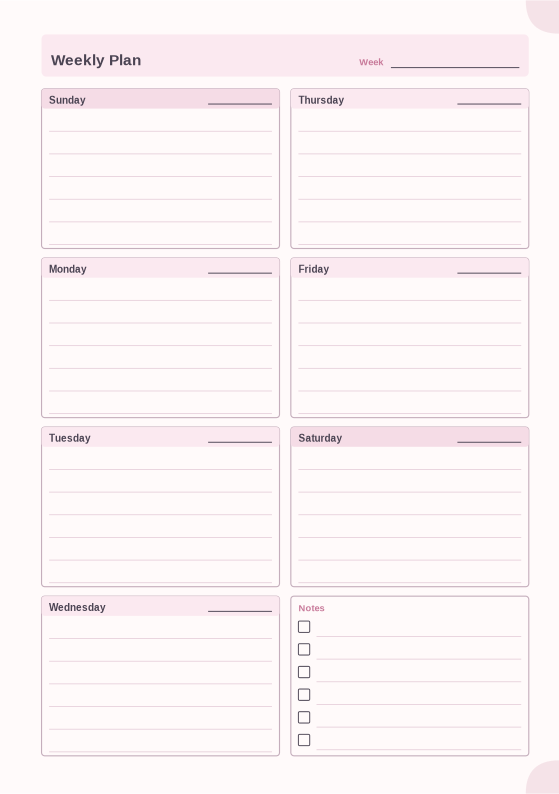
Undated Planner
Weekly layout with blank dates you fill in.
-
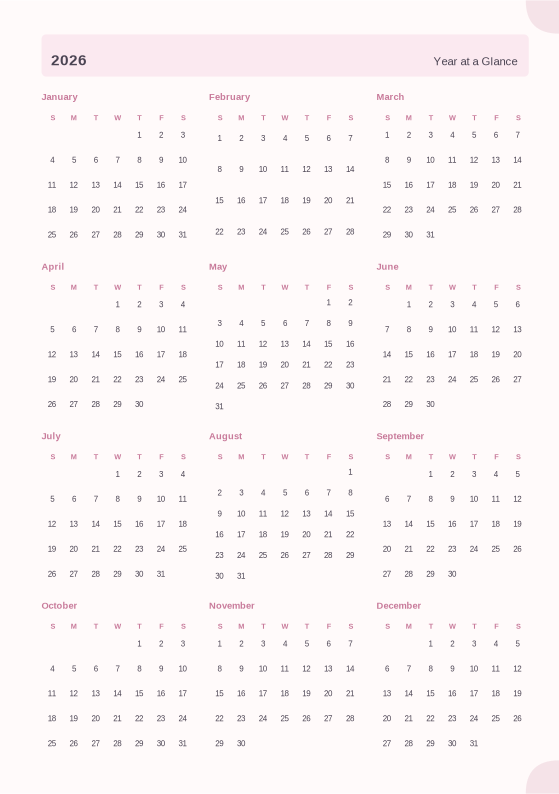
Yearly Overview
Twelve mini calendars or a twelve-month list.
-
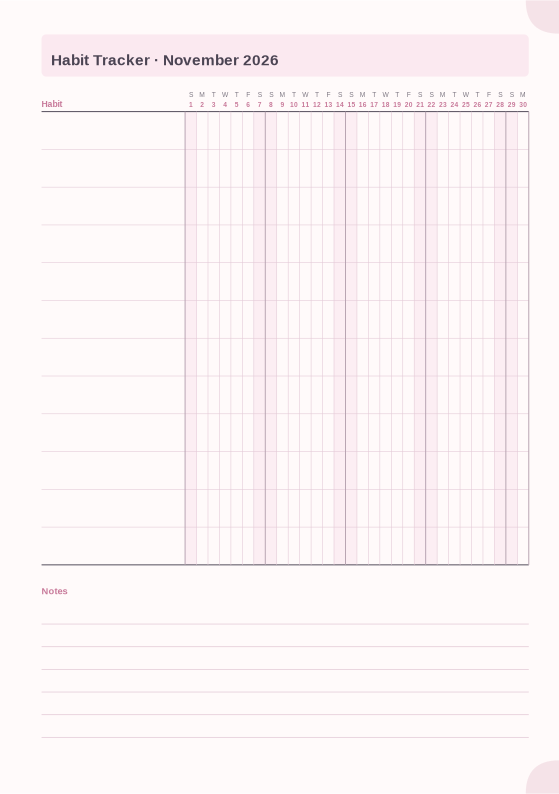
Habit Tracker
Monthly grid to track up to 20 habits.
-
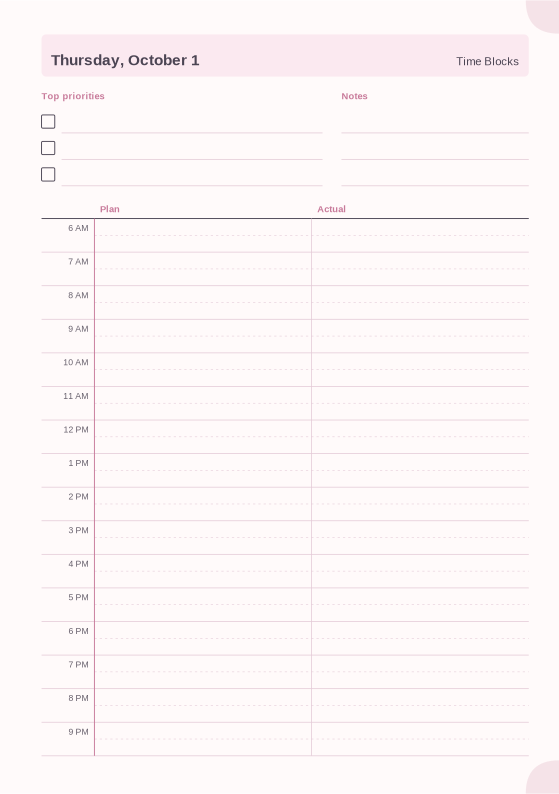
Time Blocking
Plan versus actual hourly blocks.














