Planners
Printable Yearly Calendar (Year at a Glance)
A printable yearly calendar with the whole year on one page: twelve mini month calendars, or a list layout with space under every month for birthdays, holidays and deadlines.
Dated or undated: add a whole sequence of yearly pages in one step.
What you can customize
- Year
- Layout
Works well in
- Traveler's Notebook Passport
- A6
- Traveler's Notebook Regular
- B6 (JIS)
- A5
- US Half Letter
- B5 (ISO)
- A4
- US Letter
All page sizes, from Passport to A4
Try it in another style
Start from a preset
- Year at a glance calendar, US Letter Twelve mini calendars on one page for your wall or binder. Open in the maker →
- Yearly calendar, A4 The same calendar on A4. Open in the maker →
- Yearly overview list, A5 Lines under every month for planning dates and events in a planner. Open in the maker →
- Future log, Half Letter Month-by-month lines for a bullet journal or planner future log. Open in the maker →
Two yearly calendar layouts
- Grid: twelve mini calendars on one page, in three columns on portrait pages and four on landscape pages. Weekday headers and dates match the year you choose.
- List: the twelve month names in two columns, each with ruled lines for events and deadlines.
Pick a Theme for colors and fonts. The yearly page works on its own as a wall calendar or at the front of a planner, bullet journal or teacher planner.
How to print a yearly calendar
- For a wall or desk calendar, use the Letter or A4 preset and choose Download PDF → Reading order. Heavier paper or cardstock lasts longer.
- Inside a planner, put the yearly page first and choose Print-ready booklet for the whole notebook. Print double-sided (flip on the short edge), fold and staple.
- Print at 100% (Actual size) so the small calendars stay sharp and readable.
Free sample PDFs
Print at 100% (actual size). Made with the same engine as the maker, so the spacing is exact.
Frequently asked questions
Which year does the calendar show?
By default it shows the current year, or next year from October on. You can change the year in the maker, and adding several pages creates consecutive years. Month and weekday names follow your language.
Does the week start on Sunday or Monday?
It follows the usual week start for your language, Sunday in the US and Monday in most of Europe. You can change the first day of the week in the notebook settings.
What is the list layout for?
The list layout replaces the mini calendars with twelve lined boxes, one per month. Use it as a future log or year overview to collect birthdays, holidays, trips, exams and deadlines before you plan each month.
Can I put the yearly calendar at the front of a planner?
Yes. Add the yearly page first, then monthly, weekly or daily pages in the same notebook, and print everything as one booklet.
Related guides
- How to print a booklet double-sidedPrint your notebook PDF at actual size, choose the right duplex setting, and get pages that come out in the right order after folding.
- Paper sizes, margins and binding allowanceWhich printer paper fits which notebook size, how to set margins and the binding margin, and when to use bleed and creep.
- How to staple a booklet in the middleFold and staple a booklet through the centre with a long-reach or normal stapler. Follow the sheet-order, backing and staple-closing steps.
- How to make your own planner and print it at homeMake your own planner: choose the size and layout, pick your sections, count the pages, build it free in your browser, then print it double-sided and bind it.
Related templates
-
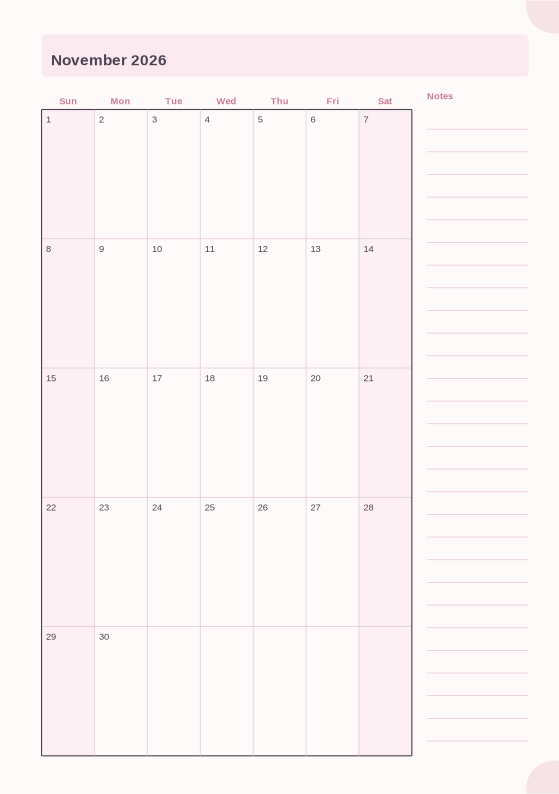
Monthly Planner
Full month calendar with a notes column.
-
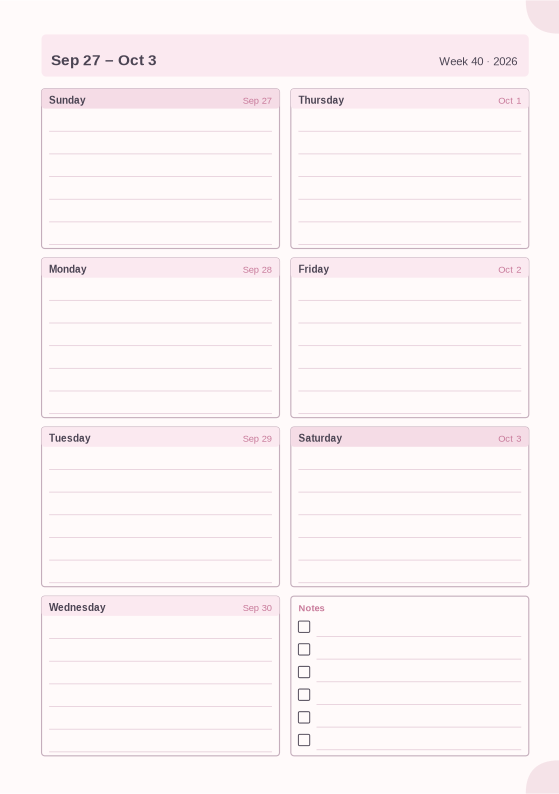
Weekly Planner
Seven days on one page with a notes box.
-
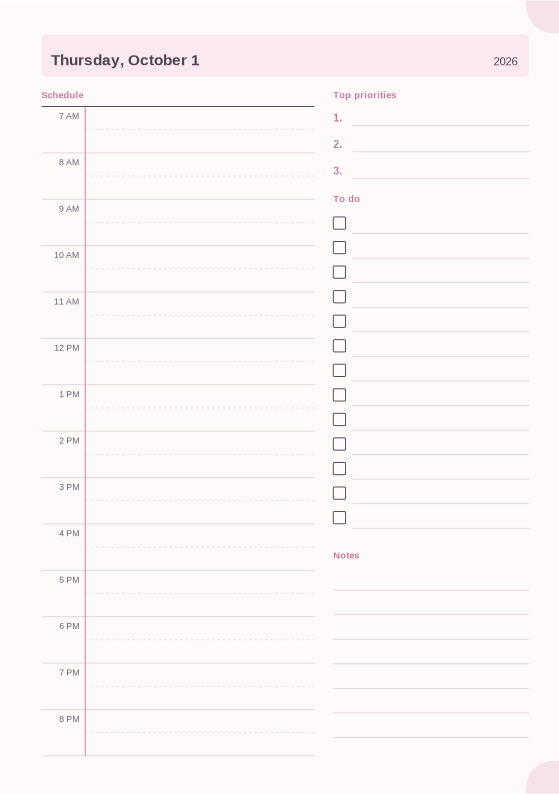
Daily Planner
Hourly schedule, top priorities, to-do list and notes.
-
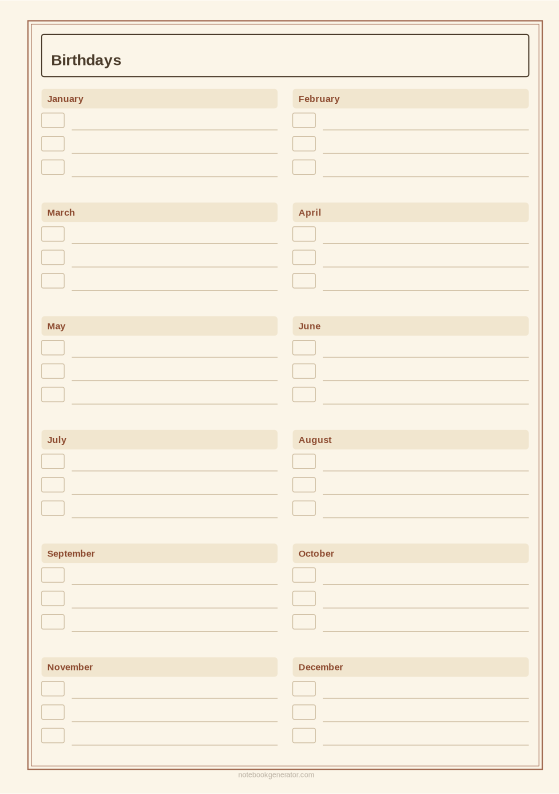
Birthday Calendar
Perpetual birthday and anniversary calendar with a box for each month.
-
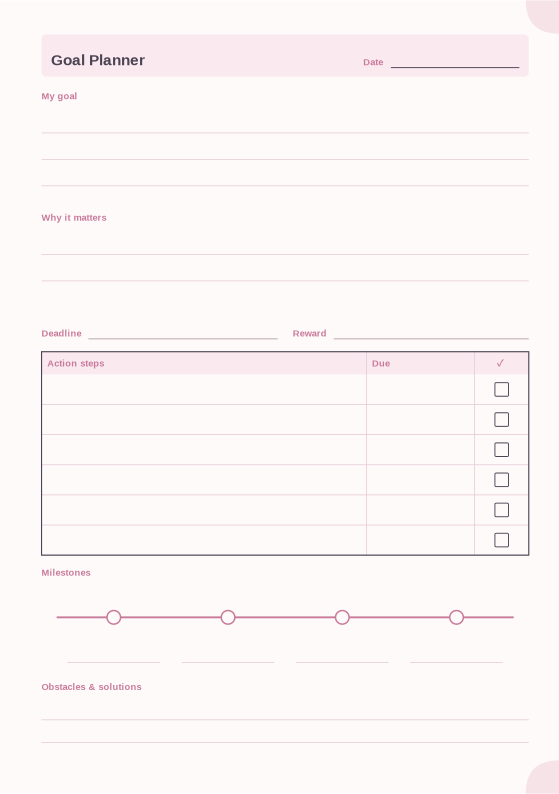
Goal Planner
Goal, motivation, action steps and milestones.














