Basic Paper
Printable Dot Grid Paper
Evenly spaced dots that guide your writing and drawing without getting in the way. Download a ready-made 5 mm dot grid PDF, or set your own dot spacing, dot size and page size and print a whole notebook.
What you can customize
- Spacing
- Dot size
- Border
Works well in
- Traveler's Notebook Passport
- A6
- Traveler's Notebook Regular
- B6 (JIS)
- A5
- US Half Letter
- B5 (ISO)
- A4
- US Letter
All page sizes, from Passport to A4
Try it in another style
Start from a preset
- 5 mm dot grid, A5 notebook The classic bullet journal grid. Prints as a booklet on A4 or Letter. Open in the maker →
- 5 mm dot grid, US Letter sheets Full-size loose sheets for binders, sketches and planning. Open in the maker →
- 1/4 inch dot grid, Half Letter 6.35 mm pitch, common in US dotted notebooks. Fits a 5.5 × 8.5 in planner. Open in the maker →
- 4 mm fine dot grid, A6 pocket A tighter grid for small handwriting in a pocket notebook. Open in the maker →
What dot grid paper is good for
Dot grid paper sits between blank and lined paper. The dots give you a structure for straight lines, boxes, tables and lettering, but they fade into the background when you sketch. That is why it became the standard page for bullet journals, and why designers use it for wireframes and storyboards.
Notebook Generator draws the grid centered on the page, so the outer dots line up with your margins on every side instead of stopping at a random partial row. The same drawing code produces the preview and the PDF, so what you see is what prints.
5 mm dot grid paper
A 5 mm dot pitch is the default here and the most popular choice. On an A5 page with standard margins it gives about 38 rows and 26 columns of dots. Choose it when you want:
- a bullet journal with daily logs, trackers and collections on the same page,
- handwriting at a normal size (5 mm is close to college ruled line spacing),
- a grid that matches most dotted notebooks and stencils.
If 5 mm feels cramped, try 6 mm or 1/4 inch. For pocket notebooks and small handwriting, 4 mm keeps more rows on a small page.
How to print dot grid paper
- Single sheets: download a sample below, or open a preset with Letter or A4 as the page size, set the number of pages and choose Download PDF → Reading order. Print double-sided if you like.
- A notebook: choose a notebook size such as A5, Half Letter or Traveler’s Notebook, add pages and choose Download PDF → Print-ready booklet. Print double-sided, flipping on the short edge, then fold and staple.
- In the print dialog, always choose Actual size or 100%. Scaling changes the dot spacing.
- Plain 80–100 g/m² (20–24 lb) copy paper works well. Heavier paper reduces show-through if you use pens or markers.
To measure your printer’s accuracy, print the calibration sheet from the maker once. It takes a minute and fixes small scale and offset errors for all future booklets.
Free sample PDFs
Print at 100% (actual size). Made with the same engine as the maker, so the spacing is exact.
Frequently asked questions
What is the standard dot grid spacing?
5 mm between dots is the most common spacing for bullet journals and dotted notebooks. It gives about five rows per inch, a comfortable line height for most handwriting. Some US notebooks use 1/4 inch (6.35 mm); small notebooks often look better with 4 mm.
How do I make sure the dots print exactly 5 mm apart?
Print at 100% or Actual size, never Fit to page. Fit to page shrinks everything by a few percent. To check, measure ten spaces with a ruler: on a 5 mm grid they should span exactly 50 mm. If your printer is still slightly off, the printer calibration sheet measures and corrects it.
Can I make the dots lighter or smaller?
Yes. In the maker, set the dot size from 0.2 mm (barely there) to 1.2 mm, and choose a style whose line color is lighter. Faint dots are easy to ignore when you draw and still keep your writing straight.
Is dot grid paper the same as graph paper?
No. Dot grid has only the intersections of a grid, so the page looks almost blank. Graph paper (square grid) draws every line. Both are available here: choose Square Grid or Graph Paper if you want full lines.
Can I print a dot grid notebook instead of loose sheets?
Yes. Choose a notebook size such as A5 or Traveler's Notebook, add as many pages as you need, and download a print-ready booklet. The pages are arranged so that after double-sided printing you fold the stack and staple or sew it.
Related guides
- How to print a booklet double-sidedPrint your notebook PDF at actual size, choose the right duplex setting, and get pages that come out in the right order after folding.
- Calibrate your printer for exact sizesMeasure your printer once so pages print at exactly the right size, find its unprintable margins, and line up the front and back of each sheet.
- How to staple a booklet in the middleFold and staple a booklet through the centre with a long-reach or normal stapler. Follow the sheet-order, backing and staple-closing steps.
- How to start a bullet journal: a simple setup for beginnersStart a bullet journal in one evening: the index, future log, monthly and daily logs, rapid logging symbols, a first-month checklist and how to print your own.
Related templates
-
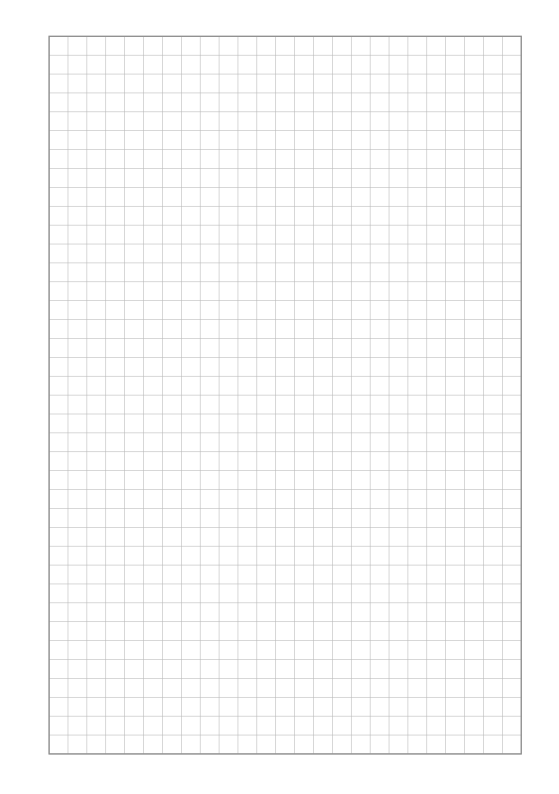
Square Grid
Quad-ruled squares for notes, math and diagrams.
-
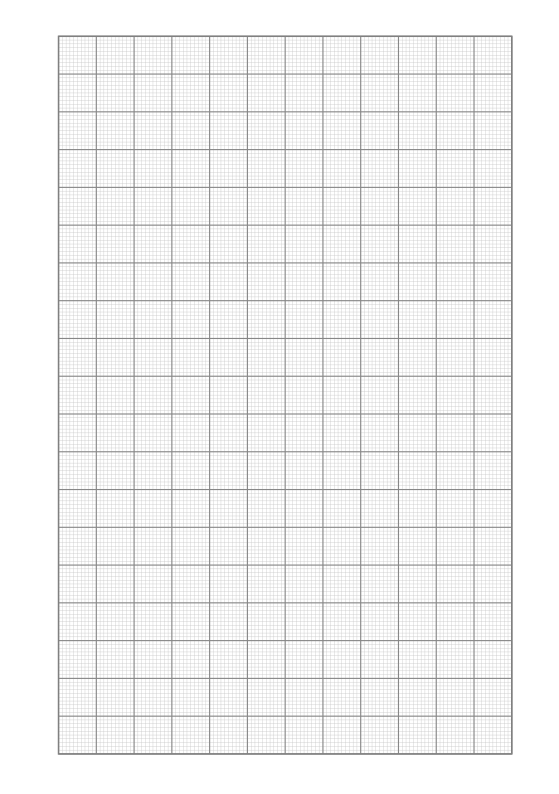
Graph Paper
Engineering graph paper with major and minor lines.
-

Ruled Paper
Lined writing paper with adjustable line spacing.
-
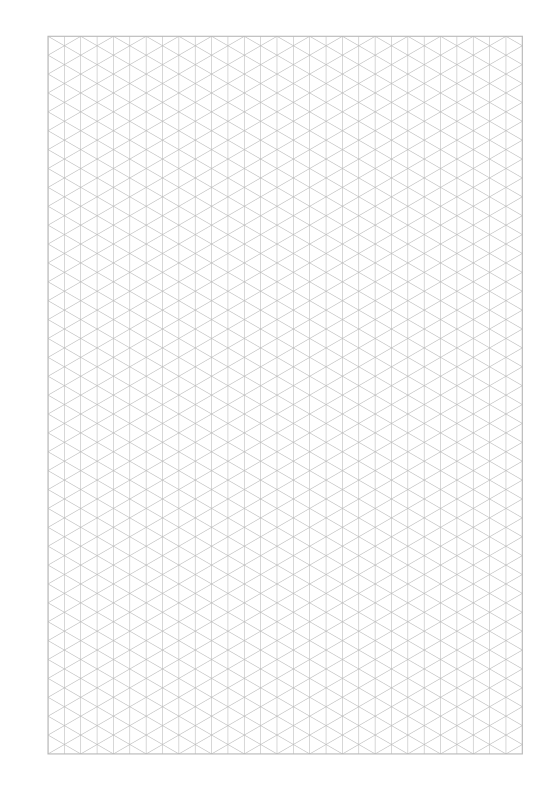
Isometric Grid
Triangular grid for 3D drawings and patterns.
-
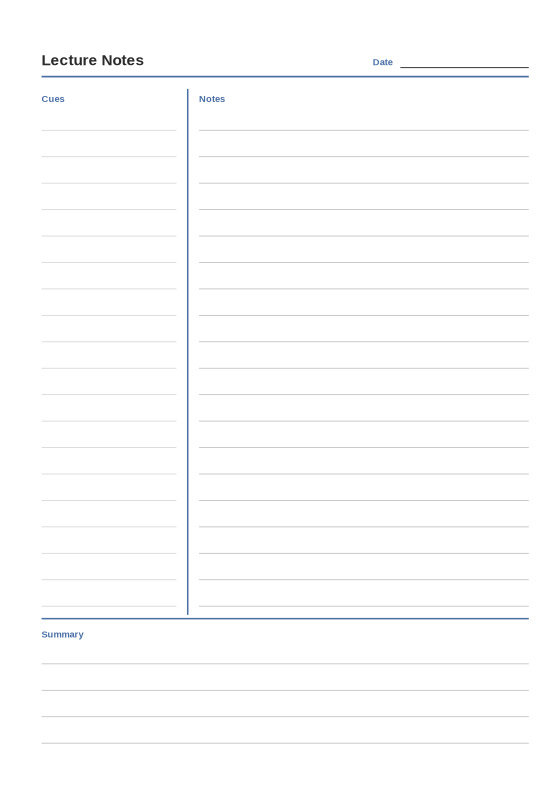
Cornell Notes
Cue column, notes area and summary box.














