Dot Grid
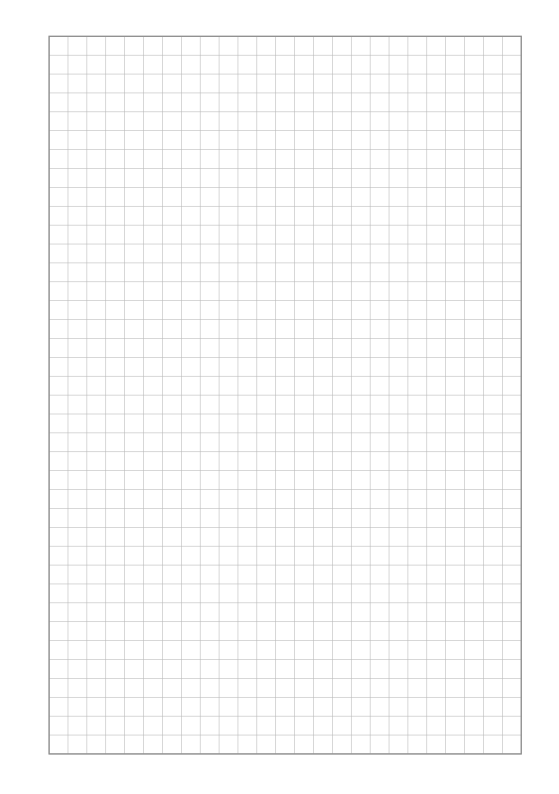
A5 Dot Grid Paper, 5 mm
A5 pages (148 × 210 mm) with 5 mm dots, the usual bullet journal grid. Print loose sheets, or make a whole dotted notebook from plain A4 paper.
- Page size
- 5.827 × 8.268 in148 × 210 mm
- Paper for 64 pages
- 16 × A4, double-sided
Start from a preset
- A5 dot grid notebook, 5 mm, 64 pages 16 sheets of A4. Thicker than one stapled booklet; sew signatures or split it in two. Open in the maker →
- A5 dot grid booklet, 5 mm, 32 pages 8 sheets of A4, easy to staple on the fold. Open in the maker →
- A5 dot grid, 4 mm fine dots, 32 pages Tighter grid with smaller dots for small handwriting. Open in the maker →
Make an A5 dot grid notebook from A4
- Open a preset above and set the page count (a multiple of 4).
- Click Download PDF and keep Print-ready booklet.
- Print on A4, double-sided, Flip on short edge, at 100% / Actual size so the dots stay exactly 5 mm apart.
- Fold the stack in half and staple twice on the fold.
Free sample PDFs
Print at 100% (actual size). Made with the same engine as the maker, so the spacing is exact.
Frequently asked questions
How many A4 sheets does an A5 dot grid notebook need?
One A4 sheet holds 4 A5 pages (2 per side). 16 pages take 4 sheets, 32 pages take 8, 64 pages take 16. Above about 12 sheets, sew signatures or make several booklets instead of one stapled stack.
How do I print the booklet double-sided?
Keep "Print-ready booklet" when you download, then print double-sided with "Flip on short edge" at 100% / Actual size. Try one sheet first to check the backs line up.
Can I print A5 dot grid as loose pages?
Yes. Choose "Reading order" or "Single pages" in the download dialog to get one A5 page per PDF page, for a binder or a ring planner.
Related guides
- How to staple a booklet in the middleFold and staple a booklet through the centre with a long-reach or normal stapler. Follow the sheet-order, backing and staple-closing steps.
- Double-sided printing on a home printerPrint booklets double-sided on any home printer: automatic duplex settings, manual duplex step by step, the flip on long or short edge question, and a quick test sheet.
- How to print an A5 booklet on A4 paperTurn ordinary A4 paper into an A5 notebook: set the page size, count the sheets, print double-sided at 100%, then fold and staple or sew.