Dot Grid
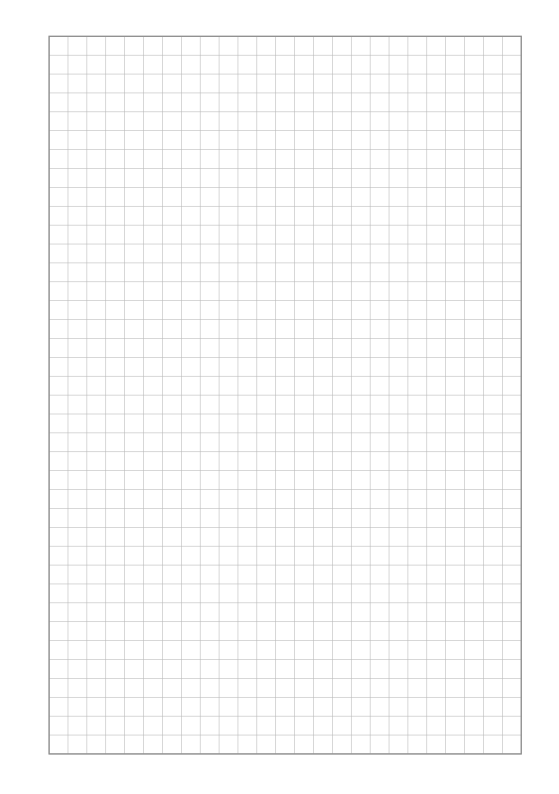
A4 Dot Grid Paper, 5 mm
A4 sheets with a 5 mm dot grid for notes, bullet journal spreads, sketches and diagrams. Print loose pages for a ring binder or a clipboard.
- Page size
- 8.268 × 11.693 in210 × 297 mm
Start from a preset
- 5 mm dot grid, A4, 20 pages Loose A4 sheets for a binder. Open in the maker →
- 5 mm dot grid with border, A4 Grid framed by a thin border line. Open in the maker →
- 6 mm dot grid, A4, light dots A roomier grid with smaller dots for larger handwriting. Open in the maker →
How to print it
- Open the preset and set the number of pages.
- Click Download PDF and choose Reading order or Single pages.
- Print on A4 at 100% / Actual size, single- or double-sided.
Free sample PDFs
Print at 100% (actual size). Made with the same engine as the maker, so the spacing is exact.
- 5 mm dot grid, A4 (1 page) PDF ↓
Frequently asked questions
Why do my printed dots measure less than 5 mm?
The print dialog is scaling the page. Choose 100% / Actual size instead of Fit to page. Ten spaces should measure exactly 50 mm.
Can I make the dots fainter?
Yes. Set the dot size anywhere from 0.2 to 1.2 mm in the maker. Small dots almost disappear behind ink and still keep lines straight.
Can I turn A4 dot grid into a notebook?
Use the A5 dot grid page instead: its PDF prints A5 pages as a booklet on A4 paper, ready to fold and staple.
Related guides
- Calibrate your printer for exact sizesMeasure your printer once so pages print at exactly the right size, find its unprintable margins, and line up the front and back of each sheet.
- Paper sizes, margins and binding allowanceWhich printer paper fits which notebook size, how to set margins and the binding margin, and when to use bleed and creep.
- Choosing paper for printed notebooksPaper weight, finish, size and grain for homemade notebooks and planners: what works with fountain pens, markers and pencil, and what folds well.