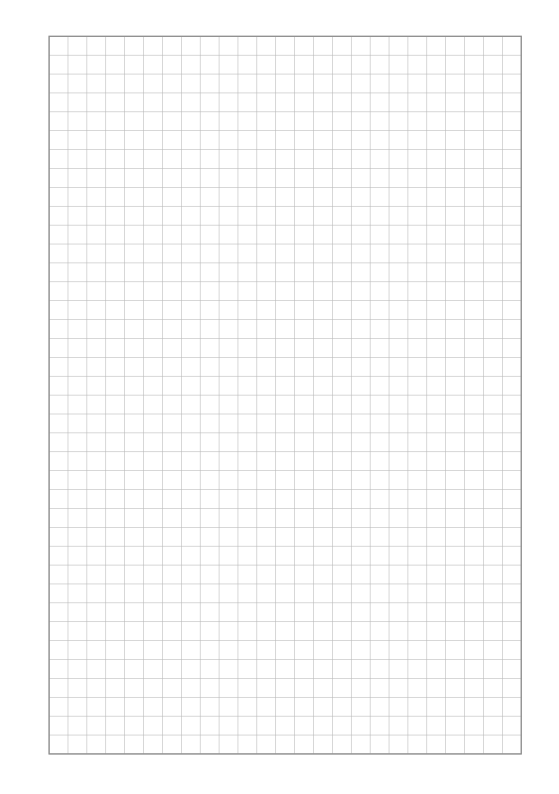
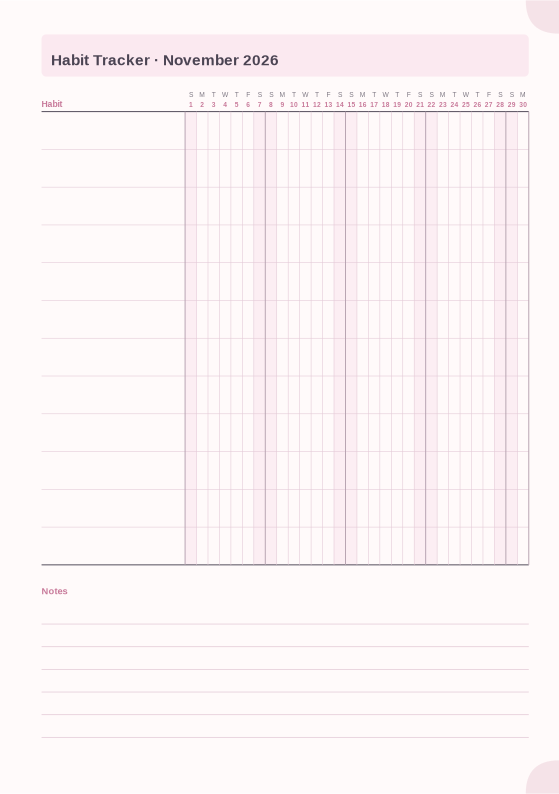
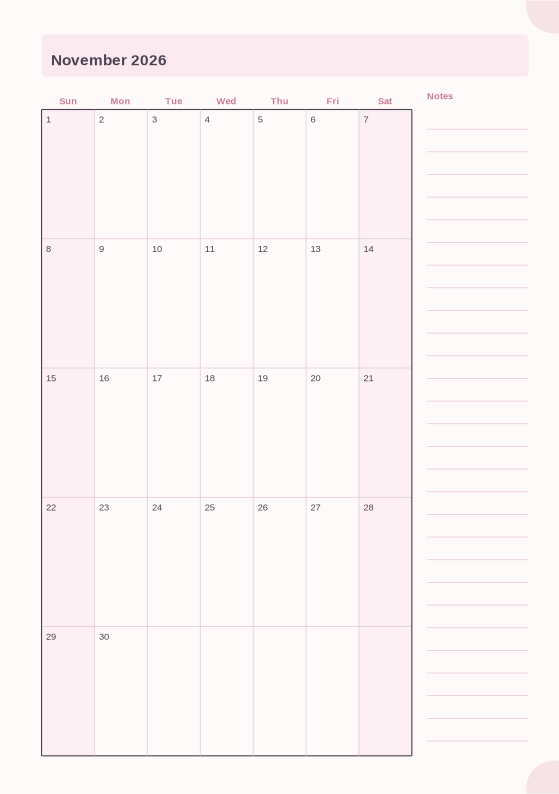
Dot Grid
Half Letter Dot Grid, 5 mm
5.5 × 8.5 in pages with 5 mm dots. Make a dotted notebook from ordinary Letter paper, or print single pages as a dot grid insert for a half letter planner or binder.
- Page size
- 5.5 × 8.5 in139.7 × 215.9 mm
- Paper for 48 pages
- 12 × US Letter, double-sided
Start from a preset
- Half Letter dot grid notebook, 5 mm, 48 pages 12 sheets of Letter paper, about the limit for a regular stapler. Open in the maker →
- Half Letter dot grid booklet, 5 mm, 32 pages 8 sheets of Letter paper. Open in the maker →
- Half Letter dot grid insert, 5 mm, with border A frame around the grid; print as single pages for a planner. Open in the maker →
Make a Half Letter notebook from Letter paper
- Open a preset above and set the page count (a multiple of 4).
- Click Download PDF and keep Print-ready booklet.
- Print on Letter paper, double-sided, Flip on short edge, at 100% / Actual size.
- Fold the stack in half and staple twice on the fold.
Free sample PDFs
Print at 100% (actual size). Made with the same engine as the maker, so the spacing is exact.
Frequently asked questions
How many Letter sheets does a 48-page notebook take?
12. One Letter sheet holds 4 Half Letter pages, 2 on each side. Above about 12 sheets, sew signatures or make two booklets.
How do I print planner inserts instead of a booklet?
Choose "Single pages" in the download dialog. Each PDF page is one 5.5 × 8.5 in page; print on Half Letter paper, or print on Letter at 100% and trim. Then punch for your binder.
How do I print the booklet double-sided?
Keep "Print-ready booklet" and print double-sided with "Flip on short edge" at 100% / Actual size, so the dots stay 5 mm apart.
Related guides
- How to print a booklet double-sidedPrint your notebook PDF at actual size, choose the right duplex setting, and get pages that come out in the right order after folding.
- How to staple a booklet in the middleFold and staple a booklet through the centre with a long-reach or normal stapler. Follow the sheet-order, backing and staple-closing steps.
- Double-sided printing on a home printerPrint booklets double-sided on any home printer: automatic duplex settings, manual duplex step by step, the flip on long or short edge question, and a quick test sheet.