Planners
Printable Time Blocking Template
A printable time blocking template that splits your day into hourly blocks: plan your blocks in one column, record what actually happened in the next, and keep your top priorities at the top of the page.
Dated or undated: add a whole sequence of daily pages in one step.
What you can customize
- Date
- First hour
- Last hour
- Clock
- Plan vs. actual
Works well in
- Traveler's Notebook Passport
- A6
- Traveler's Notebook Regular
- B6 (JIS)
- A5
- US Half Letter
- B5 (ISO)
- A4
- US Letter
All page sizes, from Passport to A4
Try it in another style
Start from a preset
- Time block planner, US Letter 6 am to 10 pm with plan and actual columns. Open in the maker →
- Time blocking template, A4, 24-hour clock The same page on A4 with 24-hour times. Open in the maker →
- Time blocking notebook, A5 52 days of time blocks in a bound booklet. Open in the maker →
- Workday schedule, single column, US Letter 8 am to 6 pm with one wide column for blocks. Open in the maker →
What’s on the time blocking page
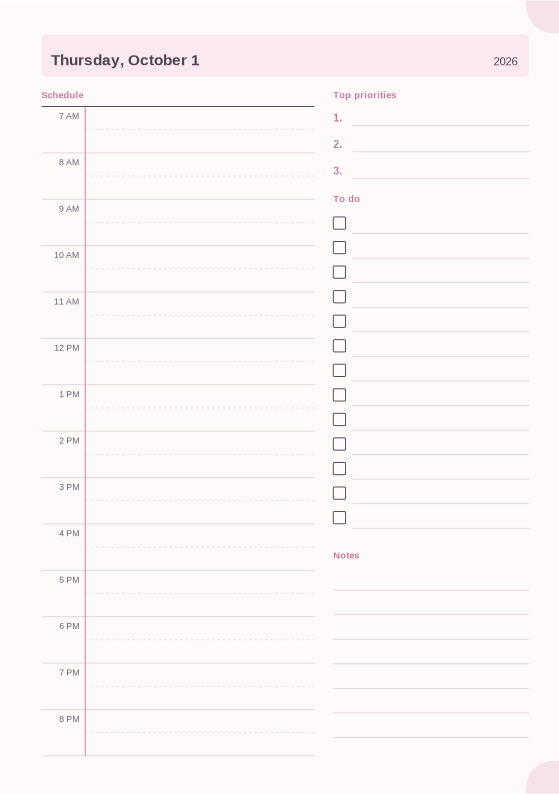
- Top priorities: a short checklist at the top.
- Notes: a box next to the priorities for reminders.
- Schedule: hourly rows with half-hour guides, from the start hour (midnight to noon) to the end hour (1 pm to midnight).
- Plan and Actual columns, or a single Schedule column if you turn plan-versus-actual off.
Times follow your language’s 12- or 24-hour clock, or you can choose one. On dated pages the header shows the date. Pick a Theme to change colors and fonts.
How to print a time blocking planner
- For single days, use the Letter or A4 preset and choose Download PDF → Reading order.
- For a planner, use the A5 preset and choose Print-ready booklet. Print double-sided (flip on the short edge) and fold; for more than about 10 sheets choose Signatures (sew).
- Print at 100% (Actual size) so the hour rows keep their height.
Free sample PDFs
Print at 100% (actual size). Made with the same engine as the maker, so the spacing is exact.
Frequently asked questions
How does time blocking work?
Instead of a loose to-do list, you give every task a block of time on your schedule: deep work, meetings, email, breaks. Write your top priorities first, block time for them before anything else, then fill the rest of the day. During the day, note what really happened in the Actual column.
Why plan versus actual?
Comparing the two columns shows where your time really goes and which tasks always take longer than planned. That makes tomorrow's plan more realistic. If you only want one column, turn the option off.
Can I make dated time blocking pages?
Yes. Set a date on the page in the maker and the header shows the date. Adding several pages at once creates consecutive days. Leave the date empty for undated pages you can use any day.
What is the difference from the daily planner?
The Daily Planner puts the schedule next to a to-do list and notes. Time Blocking gives the schedule the full width of the page, with two columns, so there is more room to write in each block.
Related guides
- How to print a booklet double-sidedPrint your notebook PDF at actual size, choose the right duplex setting, and get pages that come out in the right order after folding.
- Paper sizes, margins and binding allowanceWhich printer paper fits which notebook size, how to set margins and the binding margin, and when to use bleed and creep.
- Sew signatures into a thick notebookPrint a thick notebook as several signatures, fold them, and sew them together with a simple stitch, or bind each one as a Traveler's Notebook insert.
- Time blocking: how to plan your day in blocksTime blocking explained: how it differs from timeboxing and task batching, how to block your day step by step, a sample schedule and a free printable planner.