Planners
Printable Project Planner Template
A printable project planner template that fits a whole project on one page: name, start date, deadline, objective and a numbered task list with owner, due date and a done box.
What you can customize
- Rows
- Owner column
Works well in
- Traveler's Notebook Passport
- A6
- Traveler's Notebook Regular
- B6 (JIS)
- A5
- US Half Letter
- B5 (ISO)
- A4
- US Letter
All page sizes, from Passport to A4
Try it in another style
Start from a preset
- Project plan, US Letter 12 tasks with an owner column, for team projects. Open in the maker →
- Project planner, A4 The same one-page project plan on A4. Open in the maker →
- Project planning notebook, A5 One project per page, bound as a booklet. Open in the maker →
- Personal project, 20 tasks, US Letter No owner column and more rows, for solo projects, renovations and events. Open in the maker →
What’s on the project planner page
- Header with a status field.
- Project, Start and Deadline fields.
- Objective: a few lines for the goal and scope.
- Task table: numbered rows with Task, Owner, Due and a check box, with alternating shaded rows for easy reading.
- Notes at the bottom for risks, contacts and decisions.
You can set the number of task rows (5 to 24) and turn the owner column on or off. Pick a Theme to change colors and fonts.
How to print a project planner
- For single plans, use the Letter or A4 preset and choose Download PDF → Reading order. Print and keep it in a project folder or binder.
- For a project notebook, use the A5 preset and choose Print-ready booklet. Print double-sided (flip on the short edge), fold and staple.
- Print at 100% (Actual size) so the layout matches the preview.
Free sample PDFs
Print at 100% (actual size). Made with the same engine as the maker, so the spacing is exact.
Frequently asked questions
What should a project plan include?
At minimum: what the project is, when it starts and must be finished, the objective (what done looks like), the list of tasks, who does each one and when it is due. This page has a field or column for each of these, plus a status field in the header and space for notes.
How many tasks fit on one page?
Twelve rows by default; you can set anything from 5 to 24. Fewer rows give you more room to write. For bigger projects, use several pages, one per phase.
Can I use it for solo projects?
Yes. Turn off the owner column to give the task column more space. It works for home renovations, events, school projects, side projects and job searches.
What can I combine with the project planner?
Add meeting notes pages for project meetings, a monthly calendar for deadlines and checklist or to-do pages for details. All can go into one project notebook, printed as a booklet with a cover.
Related guides
- How to print a booklet double-sidedPrint your notebook PDF at actual size, choose the right duplex setting, and get pages that come out in the right order after folding.
- Paper sizes, margins and binding allowanceWhich printer paper fits which notebook size, how to set margins and the binding margin, and when to use bleed and creep.
- How to staple a booklet in the middleFold and staple a booklet through the centre with a long-reach or normal stapler. Follow the sheet-order, backing and staple-closing steps.
Related templates
-
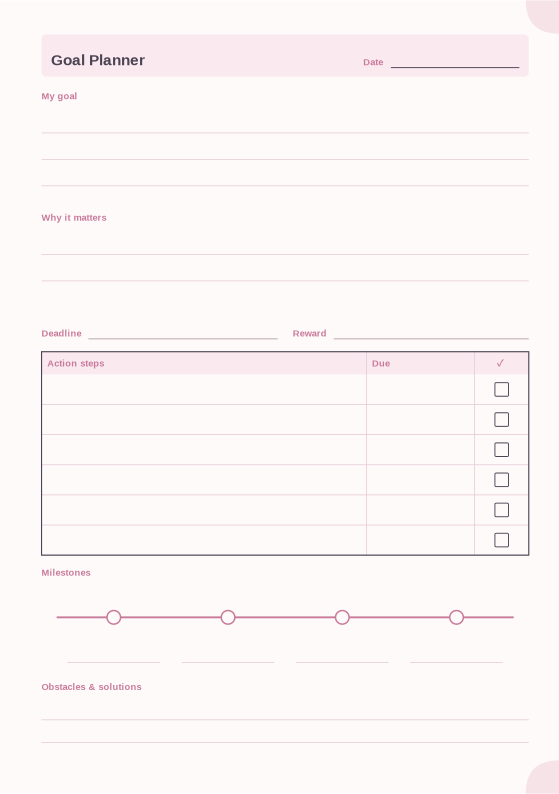
Goal Planner
Goal, motivation, action steps and milestones.
-
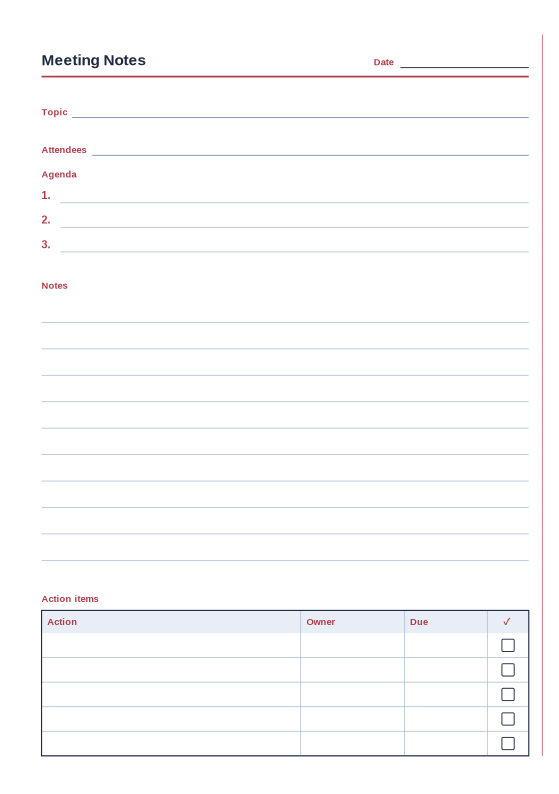
Meeting Notes
Agenda, notes and an action items table.
-
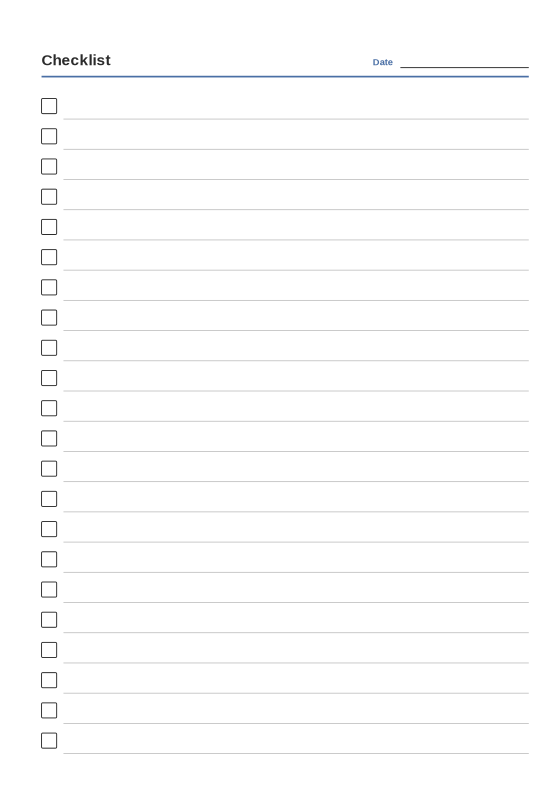
Checklist Paper
Rows of checkboxes with a title and date.
-
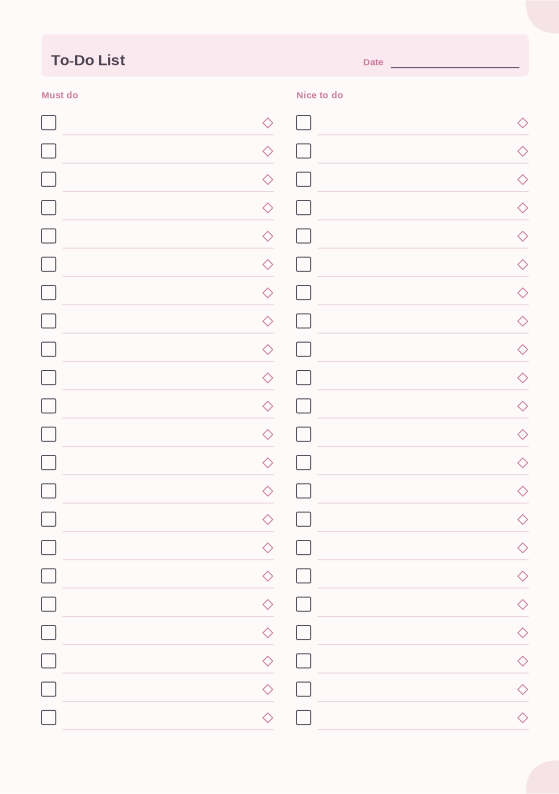
To-Do List
Must-do and nice-to-do checklists with priority marks.
-
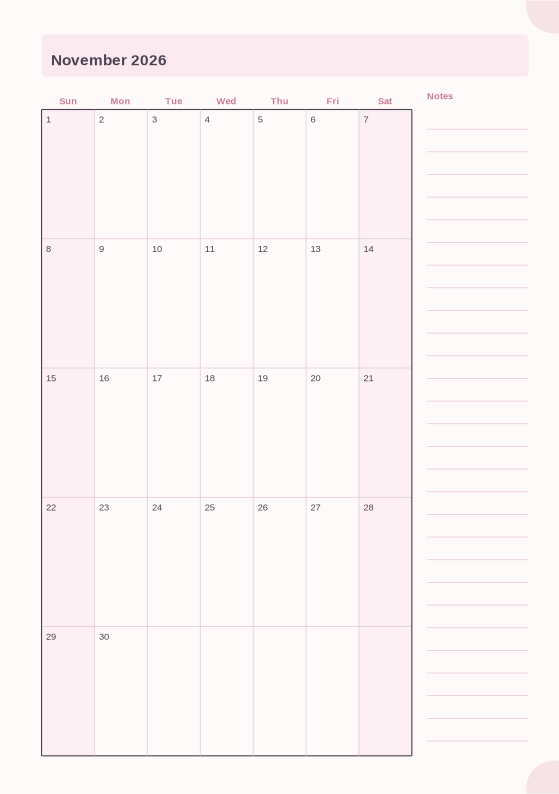
Monthly Planner
Full month calendar with a notes column.
-
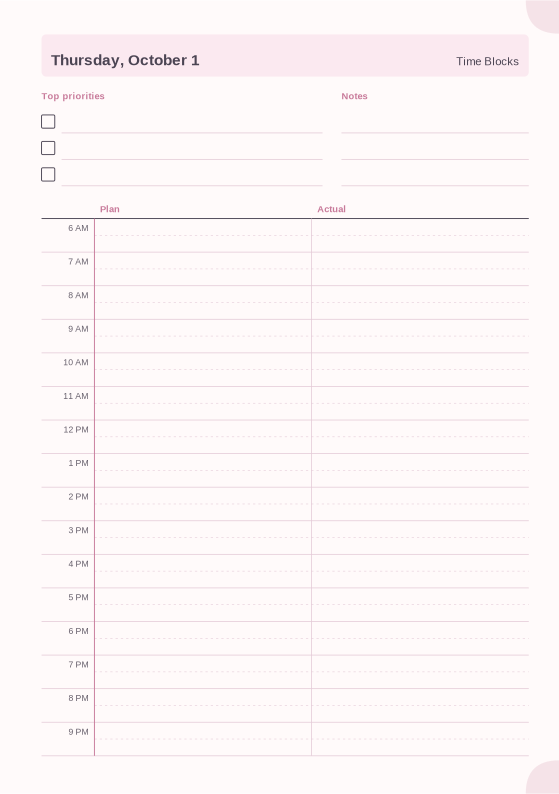
Time Blocking
Plan versus actual hourly blocks.














