Basic Paper
Printable Blank Checklist
A clean page of checkboxes for anything you want to tick off: chores, routines, packing, moving, inventories or projects. Add a title so it prints on every page.
What you can customize
- Title
- Line spacing
- Checkbox shape
- Two columns
Works well in
- Traveler's Notebook Passport
- A6
- Traveler's Notebook Regular
- B6 (JIS)
- A5
- US Half Letter
- B5 (ISO)
- A4
- US Letter
All page sizes, from Passport to A4
Try it in another style
Start from a preset
- Blank checklist, US Letter One column of square checkboxes with a title and date line. Open in the maker →
- Two-column checklist, A4 Twice the items on one page. Open in the maker →
- Round checkboxes, Half Letter Bullet journal style task list for a planner. Open in the maker →
A simple checklist for every list
Choose square or round checkboxes, one or two columns and the row spacing. The header has a title and a date line. Print single sheets for the fridge or clipboard, or add checklist pages to a planner or Traveler’s Notebook insert.
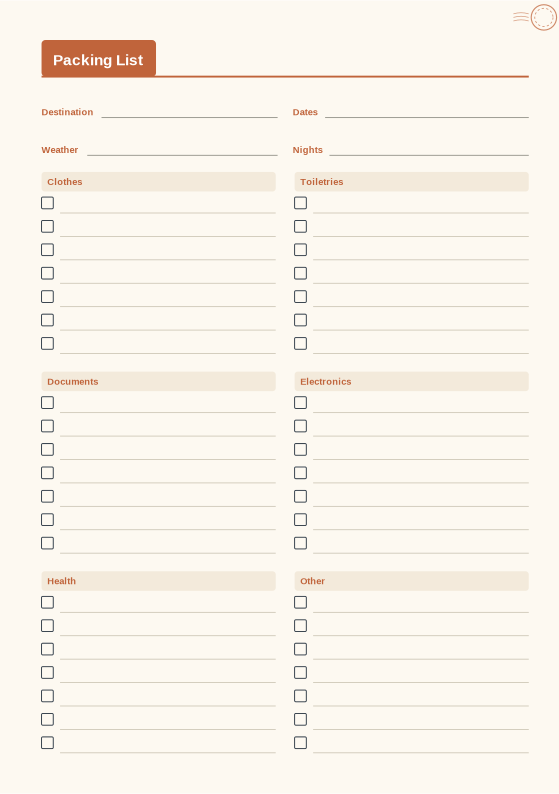
Ideas: cleaning schedule, moving checklist, wedding or event planning, packing list, daily routine, inventory, reading list, gift list.
How to print the checklist
- Use the Letter or A4 preset and Download PDF → Reading order, or download a sample above.
- For a notebook, choose A5 or Half Letter and Print-ready booklet.
- Print at 100% (Actual size).
Free sample PDFs
Print at 100% (actual size). Made with the same engine as the maker, so the spacing is exact.
Frequently asked questions
How many items fit on a checklist page?
On US Letter with the default 8 mm spacing there are about 30 rows per column, or about 60 with two columns. Change the row spacing from 6 to 12 mm in the maker.
Can I type the items before printing?
You can type a title that prints on every page. The rows are left blank for handwriting.
What is the difference between the checklist and the to-do list?
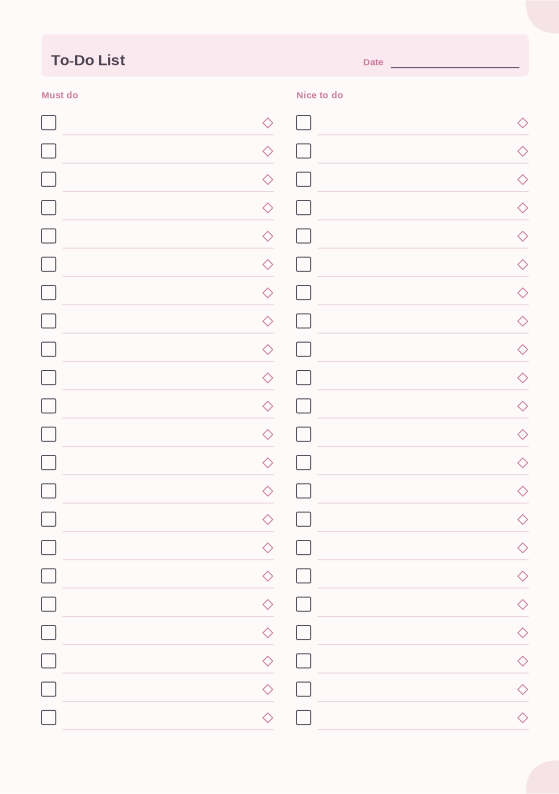
The checklist is a plain list of checkboxes. The To-Do List template splits tasks into must-do and nice-to-do with priority marks.
Related guides
- How to print a booklet double-sidedPrint your notebook PDF at actual size, choose the right duplex setting, and get pages that come out in the right order after folding.
- How to staple a booklet in the middleFold and staple a booklet through the centre with a long-reach or normal stapler. Follow the sheet-order, backing and staple-closing steps.