Personal Life
Printable Grocery Shopping List
A printable grocery list sorted by store section, so you shop aisle by aisle instead of walking back for the milk. Print a pad of lists for the fridge or add them to a meal planning notebook.
What you can customize
- Sections
Works well in
- Traveler's Notebook Passport
- A6
- Traveler's Notebook Regular
- B6 (JIS)
- A5
- US Half Letter
- B5 (ISO)
- A4
- US Letter
All page sizes, from Passport to A4
Try it in another style
Start from a preset
- Grocery list, 6 sections, US Letter Produce, dairy, meat and fish, bakery, pantry and other. Open in the maker →
- Grocery list, all 8 sections, A4 Adds frozen and household for a big weekly shop. Open in the maker →
- Shopping list pad, A6 Small enough for a pocket or a magnet on the fridge. Open in the maker →
- Shopping list notebook, A5 booklet 52 lists for a year of weekly shopping. Open in the maker →
A grocery list sorted by aisle
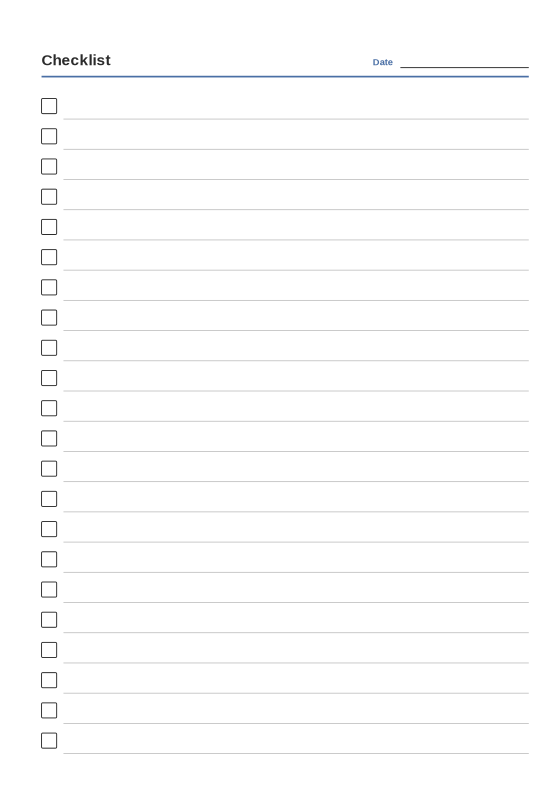
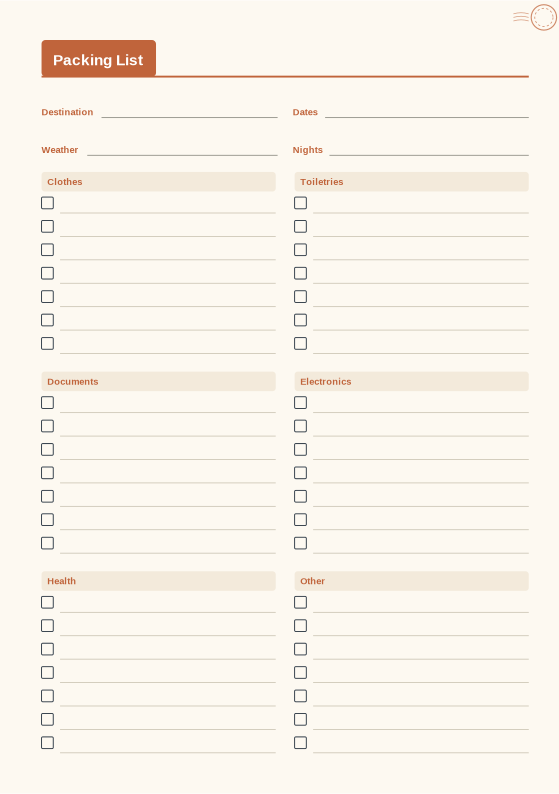
The page is split into two columns of sections. Each section has a shaded heading and a list of checkboxes, so you can tick items off as they go in the cart. A date line in the header tells you which week a list belongs to.
- Sections: from 2 to 8. The default 6 covers fruit and vegetables, dairy, meat and fish, bakery, pantry and other; 8 adds frozen and household.
- Theme: pick colors and fonts, or match your meal planner.
- Page size: anything from a pocket-size A6 pad to US Letter.
How to print your shopping list
- For loose sheets, open the Letter or A4 preset, set the number of pages and choose Download PDF → Reading order.
- For a notebook of lists, use the A5 preset and Print-ready booklet. Print double-sided (flip on the short edge), fold and staple. With more than about 10 sheets, choose Signatures (sew).
- Print at 100% (Actual size).
Free sample PDFs
Print at 100% (actual size). Made with the same engine as the maker, so the spacing is exact.
Frequently asked questions
How is the grocery list organized?
Items are grouped by store section with checkboxes: fruit and vegetables, dairy, meat and fish, bakery, pantry, frozen, household and other. Choose 2 to 8 sections; with fewer sections each one gets more lines, and the last one is always Other.
Can I use it with a meal planner?
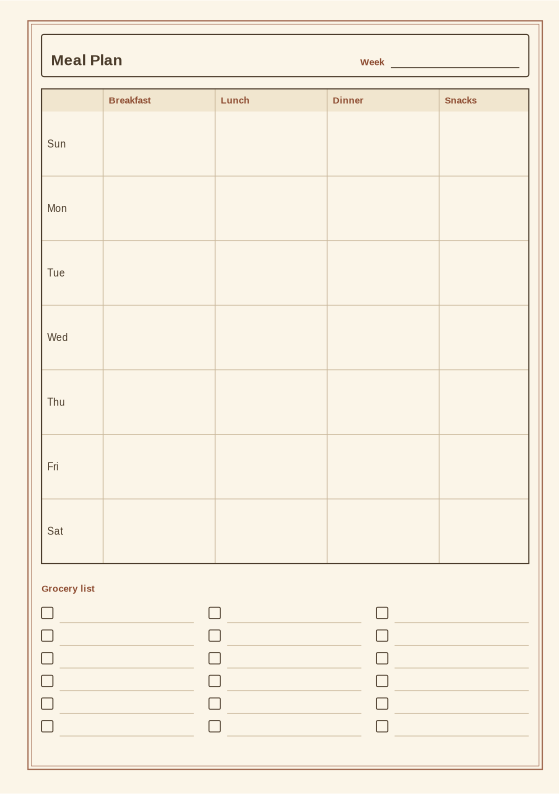
Yes. Add shopping list pages after weekly meal planner pages in the same notebook. Plan the week, then copy what you need into the matching sections.
What size is best for a shopping list?
A6 or Half Letter fits in a pocket or bag. Letter or A4 gives the most room for a big family shop.
Do I need an account?
No. The maker is free, needs no sign-up and creates the PDF in your browser.
Related guides
- How to print a booklet double-sidedPrint your notebook PDF at actual size, choose the right duplex setting, and get pages that come out in the right order after folding.
- Cutting and trimming your notebookUse crop marks to cut printed sheets and trim folded booklets cleanly, with a craft knife, a paper trimmer or a guillotine.
- How to staple a booklet in the middleFold and staple a booklet through the centre with a long-reach or normal stapler. Follow the sheet-order, backing and staple-closing steps.
- How to meal plan for the week: a simple method for beginnersMeal plan for the week in simple steps: check your calendar, use what you have, pick easy theme nights, write a shopping list by aisle and prep once. Free printable.