Personal Life
Printable Expense Tracker
A printable expense tracker for writing down every purchase: date, what it was, the category and the amount, with your budget, spent and remaining totals at the top. Use any currency symbol.
What you can customize
- Currency symbol
- Budget summary
Works well in
- Traveler's Notebook Passport
- A6
- Traveler's Notebook Regular
- B6 (JIS)
- A5
- US Half Letter
- B5 (ISO)
- A4
- US Letter
All page sizes, from Passport to A4
Try it in another style
Start from a preset
- Monthly expense tracker, US Letter Budget summary and expense table in dollars. Open in the maker →
- Expense tracker in euros, A4 The same page on A4 with the euro sign. Open in the maker →
- Budget notebook, A5 booklet 32 pages for a year of spending, folded into a small notebook. Open in the maker →
- Plain spending log, Half Letter No budget boxes, just the table for a cash envelope or wallet notebook. Open in the maker →
What’s on the expense tracker
- Month line in the header.
- Budget summary: three boxes for budget, spent and remaining, each with your currency symbol.
- Expense table: date, description, category and amount columns with shaded alternate rows. The table fills the rest of the page.
- Total row at the bottom of the amount column.
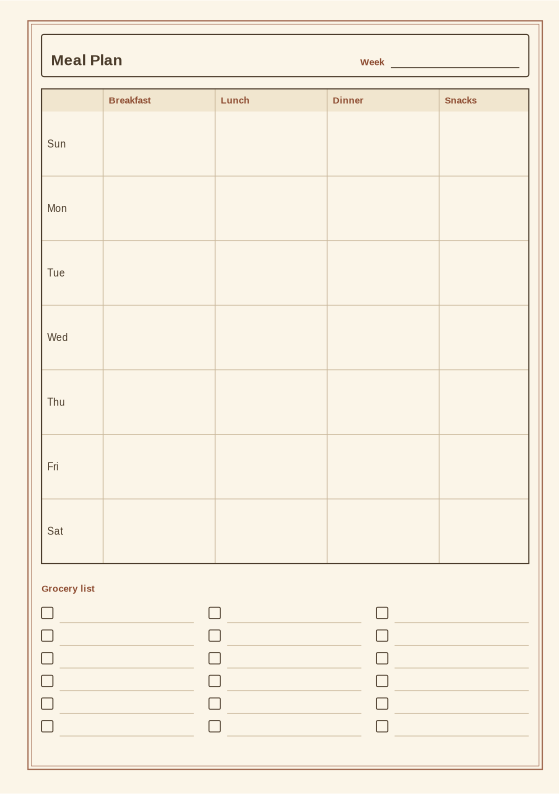
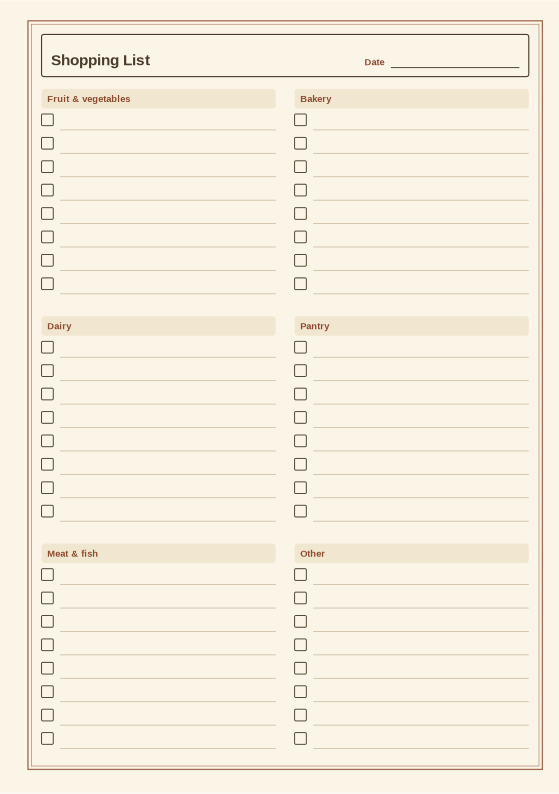
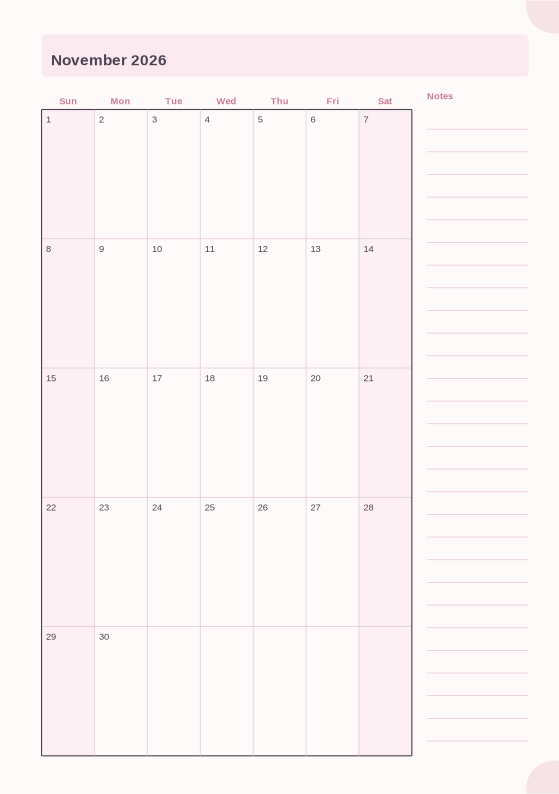
In the maker set the Currency symbol and turn the Budget summary on or off. Combine expense pages with a monthly calendar, a meal planner or shopping lists to build a home budget binder.
How to print an expense tracker
- For a budget binder, use the Letter or A4 preset and Download PDF → Reading order. Hole-punch and file one page per month.
- For a budget notebook, use the A5 or Half Letter preset and choose Print-ready booklet. Print double-sided (flip on the short edge), fold and staple.
- Print at 100% (Actual size) so the table rows keep their height.
Free sample PDFs
Print at 100% (actual size). Made with the same engine as the maker, so the spacing is exact.
Frequently asked questions
How do I track expenses on paper?
Write your budget for the month in the first box. Each time you spend money, add a row with the date, a short description, a category and the amount. At the end of the month, add up the amounts in the total row, then fill in spent and remaining.
Which categories should I use?
Keep it to a handful you can remember, such as housing, groceries, transport, eating out, bills, health and fun. Consistent categories make it easy to see where the money goes.
Can I change the currency?
Yes. Type any symbol up to four characters, such as $, €, £, ¥ or CHF. It appears in the amount column header and in the budget boxes. Leave it empty for no symbol.
What if one page is not enough for a month?
Add as many pages as you need; the table fills each page. Many people use one page per week, or one page per category such as groceries.
Related guides
- How to print a booklet double-sidedPrint your notebook PDF at actual size, choose the right duplex setting, and get pages that come out in the right order after folding.
- Paper sizes, margins and binding allowanceWhich printer paper fits which notebook size, how to set margins and the binding margin, and when to use bleed and creep.
- How to staple a booklet in the middleFold and staple a booklet through the centre with a long-reach or normal stapler. Follow the sheet-order, backing and staple-closing steps.