Planners
Printable To-Do List
This printable to-do list splits your tasks into what must get done and what would be nice to do, with a small priority mark on every line. Print one sheet for today or bind a whole to-do notebook.
What you can customize
- Title
- Priority marks
- Two columns
Works well in
- Traveler's Notebook Passport
- A6
- Traveler's Notebook Regular
- B6 (JIS)
- A5
- US Half Letter
- B5 (ISO)
- A4
- US Letter
All page sizes, from Passport to A4
Try it in another style
Start from a preset
- Two-column to-do list, US Letter Must do and nice to do side by side, with priority marks. Open in the maker →
- To-do list, A4 The same layout on A4 paper. Open in the maker →
- To-do notebook, A5 booklet 52 pages of to-do lists that print on Letter or A4 and fold in half. Open in the maker →
- Simple one-column list, Half Letter One long list without priority marks, titled for a project. Open in the maker →
What’s on the to-do list template
Each page has a header with a title and a date line, then a list of checkbox lines that fills the page.
- Two columns: Must do on the left, Nice to do on the right. Turn it off for one long list.
- Priority marks: a small diamond at the end of every line to flag the important tasks.
- Title: type your own heading, such as a project or client name, so it prints on every page.
You can mix to-do pages with daily, weekly or time-blocking pages in the same notebook, and add page numbers, a cover and a theme.
How to print a to-do list
- For loose sheets, use the Letter or A4 preset, choose Download PDF → Reading order and print single or double-sided. Or download a sample above.
- For a to-do notebook, use the A5 preset and choose Print-ready booklet. Print double-sided (flip on the short edge), fold and staple. For thicker notebooks, choose Signatures (sew).
- Print at 100% (Actual size) so the page keeps its margins.
Free sample PDFs
Print at 100% (actual size). Made with the same engine as the maker, so the spacing is exact.
Frequently asked questions
How do I use a must-do and nice-to-do list?
Write the few tasks that really have to happen today in the Must do column and everything else in Nice to do. Work through the first column before you touch the second, and move unfinished tasks to the next page.
What are the diamond marks at the end of each line?
They are priority marks. Fill in or color the diamond for urgent tasks so they stand out when you scan the list. You can turn them off in the maker.
Can I give the list my own title?
Yes. Type a title such as Work, Errands or Wedding and it prints at the top of every page instead of To-Do List. Each page also has a date line.
What is the difference between the to-do list and the checklist?
The to-do list has must-do and nice-to-do columns with priority marks. The Checklist template is a plain page of square or round checkboxes with adjustable row spacing.
Related guides
- How to print a booklet double-sidedPrint your notebook PDF at actual size, choose the right duplex setting, and get pages that come out in the right order after folding.
- Paper sizes, margins and binding allowanceWhich printer paper fits which notebook size, how to set margins and the binding margin, and when to use bleed and creep.
- How to staple a booklet in the middleFold and staple a booklet through the centre with a long-reach or normal stapler. Follow the sheet-order, backing and staple-closing steps.
- Time blocking: how to plan your day in blocksTime blocking explained: how it differs from timeboxing and task batching, how to block your day step by step, a sample schedule and a free printable planner.
Related templates
-
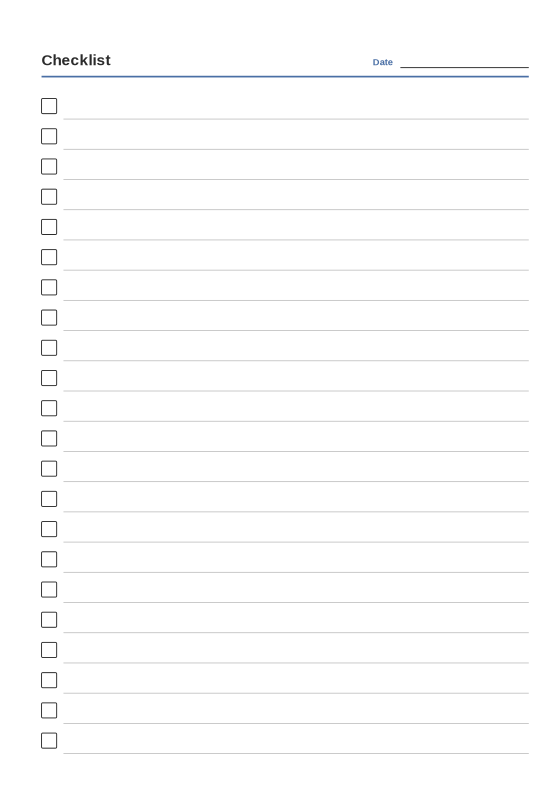
Checklist Paper
Rows of checkboxes with a title and date.
-
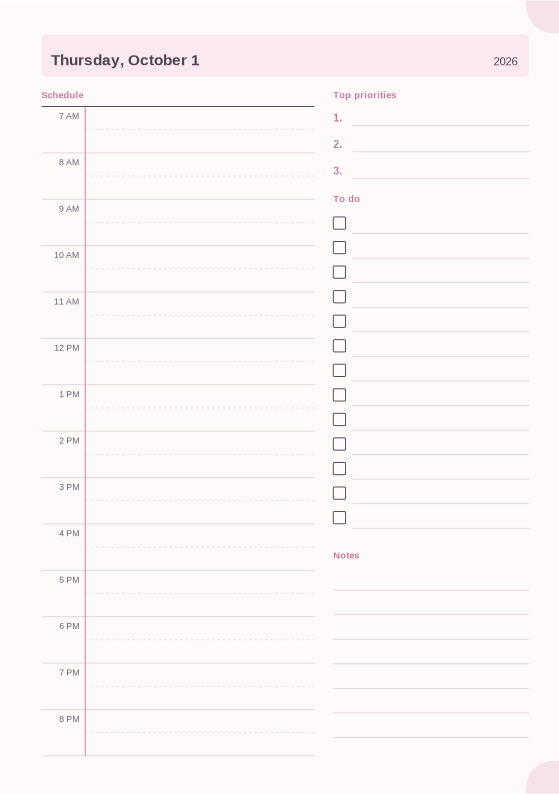
Daily Planner
Hourly schedule, top priorities, to-do list and notes.
-
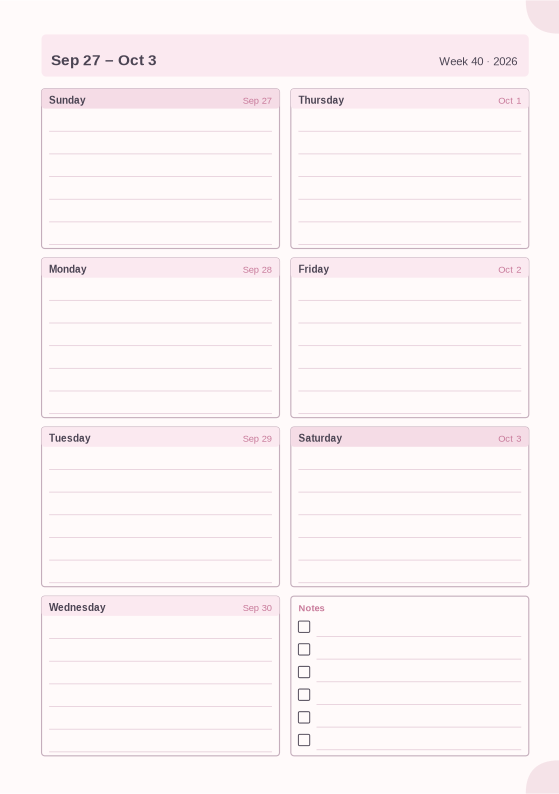
Weekly Planner
Seven days on one page with a notes box.
-
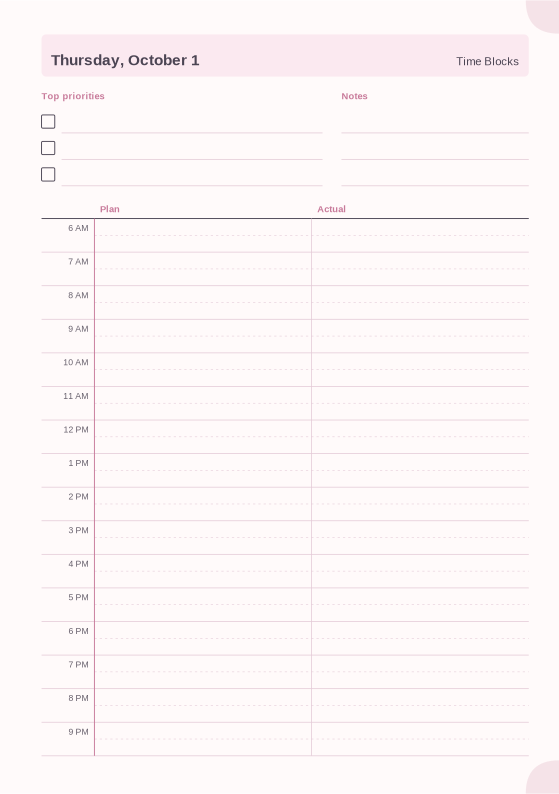
Time Blocking
Plan versus actual hourly blocks.
-
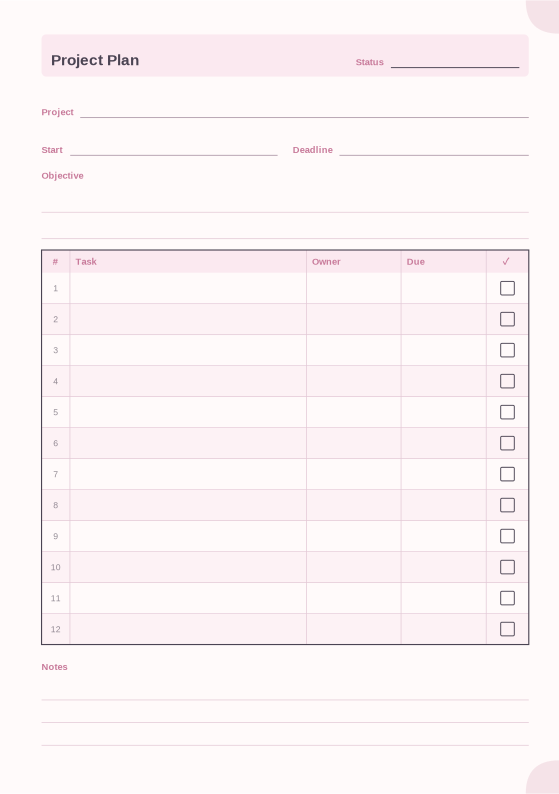
Project Planner
Objective, dates and a task table.
-
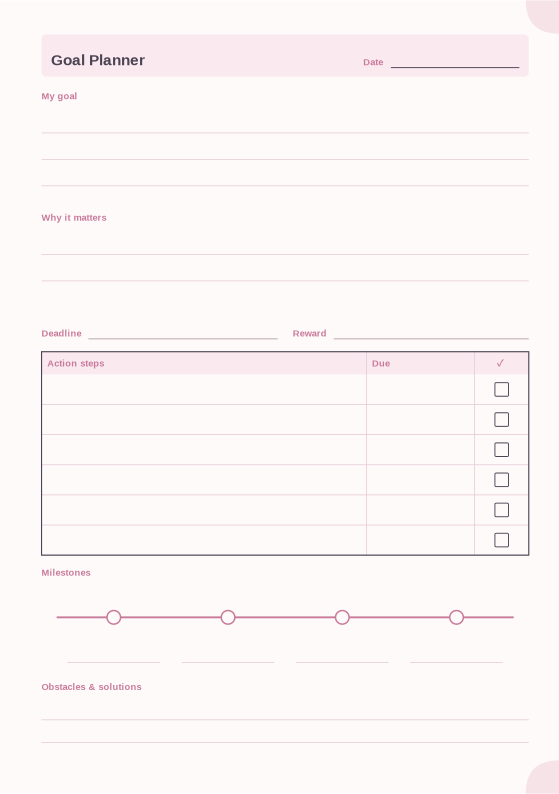
Goal Planner
Goal, motivation, action steps and milestones.














