5 min read
Time blocking: how to plan your day in blocks
Time blocking explained: how it differs from timeboxing and task batching, how to block your day step by step, a sample schedule and a free printable planner.
On this page
Time blocking means giving every part of your day a job in advance: you divide the day into blocks of time and assign each block one task or one kind of work, such as 9:00–11:00 for writing a report and 14:00–14:30 for email. Instead of working from an endless to-do list, you work from a plan you already made. A paper planner with an hourly column is all you need.
Time blocking vs timeboxing vs task batching
The three terms are often mixed up. They are different tools, and they work well together:
| Technique | What it means | Example |
|---|---|---|
| Time blocking | Reserving a block in your day for one task or type of work | 9:00–11:00: draft the report |
| Timeboxing | Giving a task a fixed time limit and stopping when it runs out | Finish the slides in 45 minutes, then move on |
| Task batching | Grouping similar small tasks into one block | Answer all emails at 11:30 and 16:00 |
The method was popularised by author Cal Newport, notably in his 2016 book Deep Work, as a way to protect time for focused, demanding work.
How to time block your day
- List your tasks. Write down everything you want to do tomorrow, from big projects to small errands. A To-Do List with must-do and nice-to-do columns helps you sort them.
- Estimate how long each takes. Be generous. Most people underestimate, so add a margin to anything new or complicated.
- Block deep work first. Put your most important, most demanding task into the time of day when you concentrate best, usually one or two blocks of 60 to 120 minutes.
- Add buffers. Leave 10 to 15 minutes between blocks for overruns, breaks and the unexpected.
- Batch shallow tasks. Email, messages, calls and admin go into one or two blocks instead of interrupting everything else.
- Plan tomorrow tonight. Spend five to ten minutes at the end of the day blocking the next one. You start the morning knowing what to do first.
- Re-block when the day changes. A meeting runs over or a child gets sick: that is normal. Do not abandon the plan; redraw the rest of the day from the current time.
A sample time-blocked day
| Time | Block |
|---|---|
| 08:00–08:30 | Plan the day, check priorities |
| 08:30–10:30 | Deep work: write report section 2 |
| 10:30–10:45 | Break |
| 10:45–11:30 | Email and messages (batched) |
| 11:30–12:30 | Team meeting |
| 12:30–13:30 | Lunch and a walk |
| 13:30–15:00 | Deep work: analyse survey results |
| 15:00–15:15 | Buffer |
| 15:15–16:15 | Calls and admin (batched) |
| 16:15–17:30 | Smaller tasks from the to-do list |
| 17:30–18:00 | Review the day, block tomorrow |
Notice that only about four hours are deep work. That is realistic for most people; filling the whole day with demanding blocks rarely works.
Time blocking for students, freelancers and parents
- Students: block your classes first, then add study blocks by subject, with a short review block each day. The study schedule guide shows how to plan the week around exams.
- Freelancers: give each client or project its own blocks, batch invoices and admin into one block a week, and try theme days, for example admin on Mondays and client work from Tuesday to Thursday.
- Parents: start with the fixed points of the day, such as the school run, meals and bedtime, and plan shorter blocks with bigger buffers. Blocking the week as a family on a Weekly Planner makes everyone’s commitments visible.
Common time blocking mistakes
- No buffers. One overrun and the whole plan collapses.
- Optimistic estimates. If tasks always run over, make your blocks longer.
- Seeing changes as failure. The plan is a tool, not a promise. Re-blocking is part of the method.
- Unprotected deep work. If anyone can book your focus time, it will disappear. Treat it like an appointment.
Print a time blocking planner
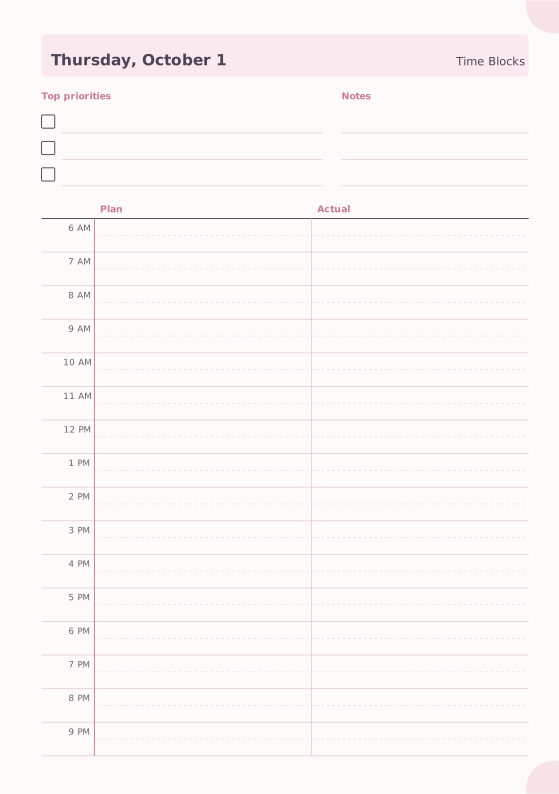
The Time Blocking template has two columns: plan your blocks on the left and record what actually happened on the right, with priorities and notes at the top. Comparing plan and reality for a week or two shows you where your estimates are off.
- Open 30 days of time blocking pages in A5. The pages are dated from today.
- Adjust First hour and Last hour to match your day, choose a 12- or 24-hour Clock, and turn Plan vs. actual on or off.
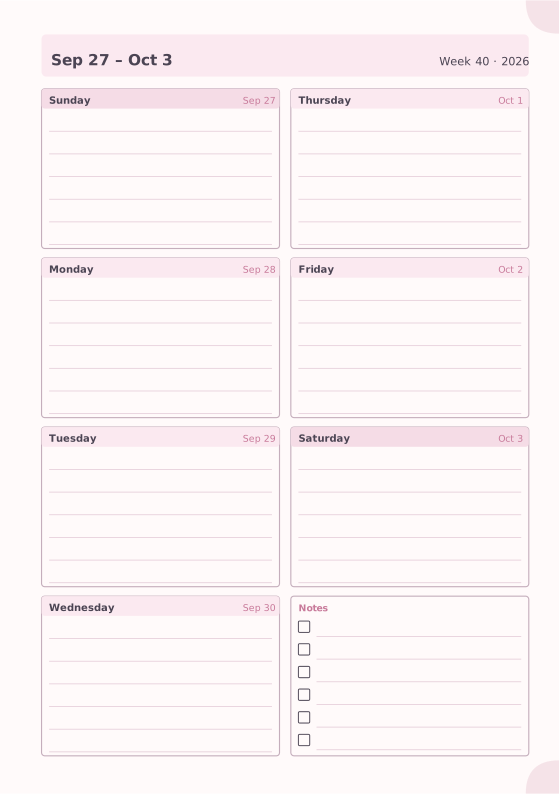
- Add a Weekly Planner page for each week and a Project Planner for bigger projects.
- Print as an A5 booklet on A4 (or Half Letter on Letter), or print single A4 or Letter pages to keep on your desk.
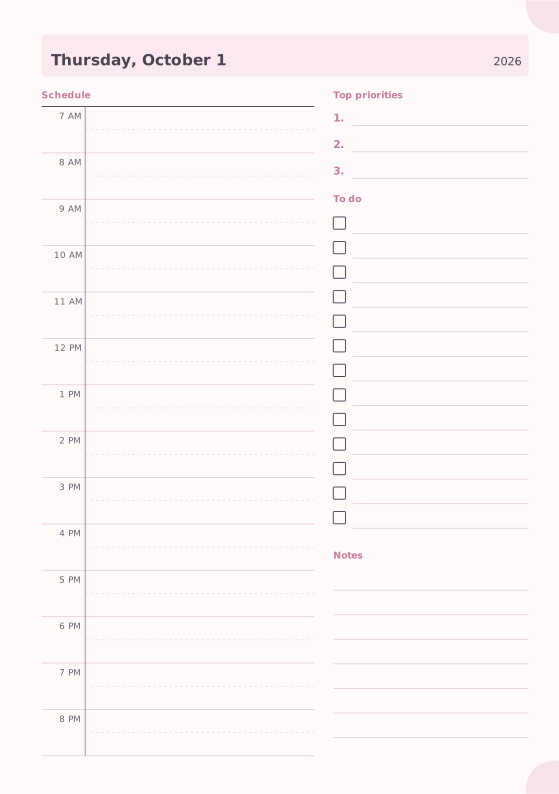
Prefer a simpler page? The Daily Planner combines an hourly schedule with top priorities and a to-do list.
FAQ
Does time blocking work if my schedule is unpredictable?
Yes, if you plan with larger buffers and expect to re-block. Even a plan you change twice a day helps you decide what matters most when time gets short.
How long should a time block be?
Deep work blocks of 60 to 120 minutes are common; shallow tasks fit into 15 to 30 minute blocks. Use whatever length matches the task and your attention span.
What is the difference between time blocking and a to-do list?
A to-do list says what to do; time blocking also says when. Many people keep both: the list collects tasks, and the blocks decide when they get done.
Should I time block my weekends?
Only if it helps. Many people block just one or two things, such as a long run or a family outing, and leave the rest of the weekend open.
Featured templates
Start from a template, then change line spacing, dates, colors and layout options.