Creative & Travel
Printable Scrapbook Page Templates
Printable scrapbook pages with photo frames to glue your pictures into and lines for the story behind them. Choose a collage, grid or instant photo layout and make a memory book of a trip, a year or a baby's first months.
What you can customize
- Layout
Works well in
- Traveler's Notebook Passport
- A6
- Traveler's Notebook Regular
- B6 (JIS)
- A5
- US Half Letter
- B5 (ISO)
- A4
- US Letter
All page sizes, from Passport to A4
Try it in another style
Start from a preset
- Collage scrapbook page, US Letter One large photo, one small photo, a tickets and notes box and story lines. Open in the maker →
- Four-photo grid, A4 Four frames with caption lines and a notes area. Open in the maker →
- Scrapbook album, A5 booklet A small bound memory book for a trip or event. Open in the maker →
- Instant photo layout, Half Letter Two instant-photo style frames and the story underneath. Open in the maker →
Scrapbook layouts to choose from
Each page has a header with a date line and one of three Layout options:
- Collage: a large photo frame, a smaller frame, a shaded Tickets & notes box with lines, and lines for the story.
- Grid: four photo frames, each with a caption line, and a notes area below.
- Instant photos: two instant-photo frames with a caption line on the wide bottom border, and lines for the story.
Collage and grid frames have photo corners drawn in, so the page looks finished even before you add pictures. Choose a theme and decorations to match the occasion.
How to print scrapbook pages
- For loose album pages, use the Letter or A4 preset and Download PDF → Reading order.
- For a bound memory book, use the A5 preset and Print-ready booklet. Print double-sided, fold and staple, or choose Signatures (sew) for a thicker book. Glued photos add bulk, so leave room at the spine.
- Print at 100% (Actual size).
Free sample PDFs
Print at 100% (actual size). Made with the same engine as the maker, so the spacing is exact.
Frequently asked questions
How do I use printable scrapbook pages?
Print the pages, glue or tape your photos into the frames, tuck tickets and small mementos into the notes box, and write the story on the lines. The frames are guides, so you can trim photos to fit or let them overlap.
Which layout should I choose?
Collage has one large photo, one small photo and a tickets and notes box. Grid has four equal frames with caption lines, good for a day in pictures. Instant photos has two instant-photo style frames with a wide bottom border and a caption line, offset like prints laid on a table.
What paper works best?
Heavier paper (120 g/m² / 32 lb or more) holds glued photos better and wrinkles less. Use photo-safe glue dots or double-sided tape.
Can I combine scrapbook pages with a journal?
Yes. Mix scrapbook pages with travel journal, memory or lined pages in one notebook, add a cover and print it as a booklet.
Related guides
- Paper sizes, margins and binding allowanceWhich printer paper fits which notebook size, how to set margins and the binding margin, and when to use bleed and creep.
- Sew signatures into a thick notebookPrint a thick notebook as several signatures, fold them, and sew them together with a simple stitch, or bind each one as a Traveler's Notebook insert.
- DIY notebook binding: 5 methods comparedHow to bind your own notebook at home: saddle stapling, pamphlet stitch, sewn signatures, Traveler's Notebook inserts and ring or disc binding, with what each needs.
Related templates
-
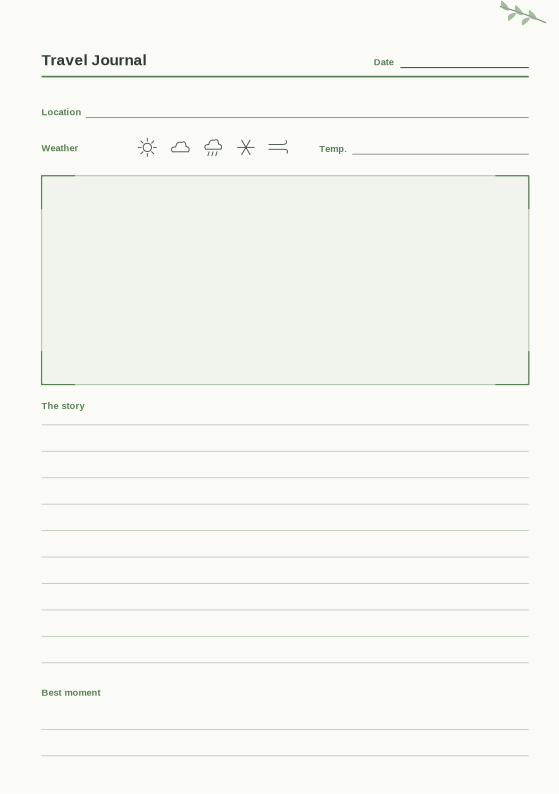
Travel Journal
Location, weather, photo space and lined pages.
-
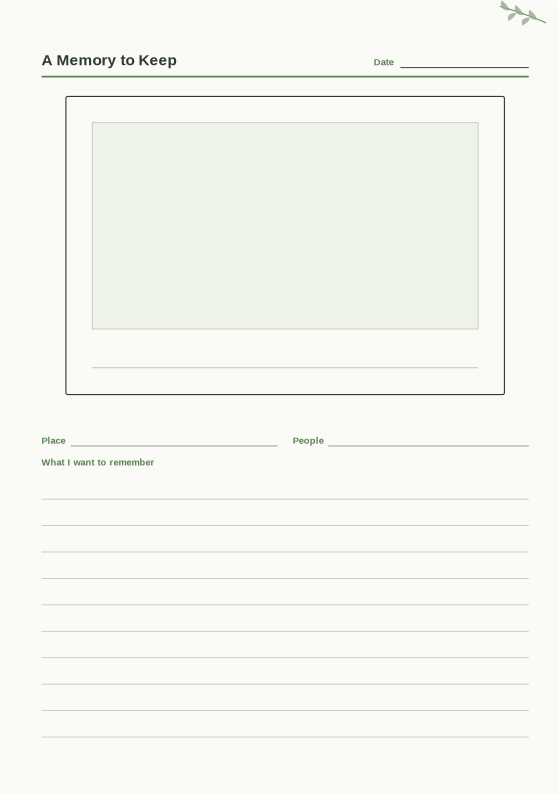
Memory Journal
A photo frame with place, people and story.
-
Sketchbook
Framed drawing area with a caption strip.
-
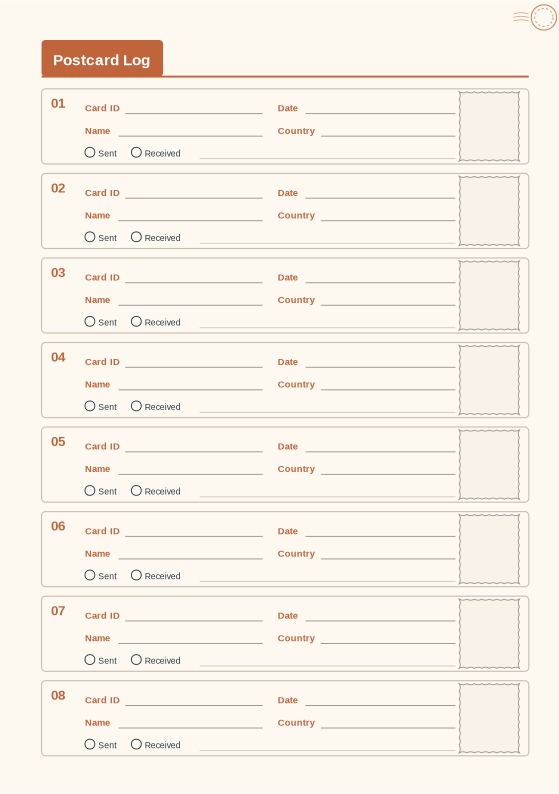
Postcard Exchange Log
Log sent and received postcards.
-
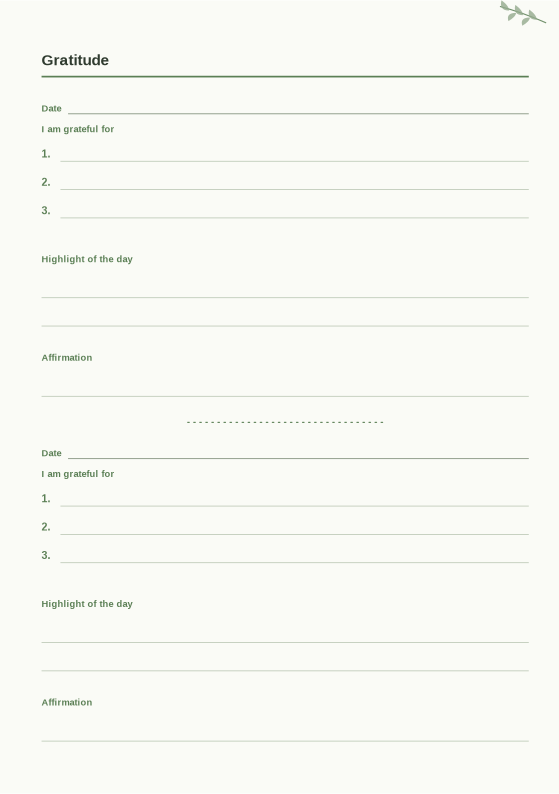
Gratitude Journal
Daily gratitude entries with highlight and affirmation.














