Creative & Travel
Printable Postcrossing Log
A printable postcard log for Postcrossing, swaps and pen pals: record each card's ID, date, name and country, mark it sent or received, and stick the stamp in the perforated box. Fill a whole notebook with your collection.
What you can customize
- Rows
Works well in
- Traveler's Notebook Passport
- A6
- Traveler's Notebook Regular
- B6 (JIS)
- A5
- US Half Letter
- B5 (ISO)
- A4
- US Letter
All page sizes, from Passport to A4
Try it in another style
Start from a preset
- Postcard log, 8 cards, US Letter Eight entries with stamp boxes per page. Open in the maker →
- Postcard log, 8 cards, A4 The same log on A4. Open in the maker →
- Postcrossing notebook, A5 booklet Six roomier entries per page in a bound notebook. Open in the maker →
- Postcard log insert, Traveler's Notebook Regular Four entries per page for a TN insert. Open in the maker →
What’s on the postcard exchange log
Each entry is a rounded box with:
- A large entry number, so you can count your cards at a glance.
- Card ID and Date lines.
- Name and Country lines.
- Sent and Received circles to tick, with a line for notes.
- A perforated, stamp-shaped box on the right.
Set Rows from 4 to 14 entries per page. Choose a theme and add decorations to make it your own. A log is handy for checking which countries you have already received cards from.
How to print the postcard log
- For a binder, use the Letter or A4 preset and Download PDF → Reading order.
- For a notebook or Traveler’s Notebook insert, choose the A5 or TN Regular preset and Print-ready booklet. Print double-sided, fold and staple. Trim the TN insert along the crop marks if it printed on a larger sheet.
- Print at 100% (Actual size).
Free sample PDFs
Print at 100% (actual size). Made with the same engine as the maker, so the spacing is exact.
Frequently asked questions
What do I write in a Postcrossing log?
For each card, write the postcard ID (such as US-1234567), the date sent or received, the person's name or username and their country, and tick Sent or Received. Stick the stamp from a received card, or a duplicate stamp, in the stamp box, or use it for a short note.
How many postcards fit on a page?
Choose 4 to 14 entries per page. Fewer entries give larger boxes for stamps and handwriting; 4 to 6 suit A5 and Traveler's Notebook inserts, 8 to 14 suit Letter and A4.
Is this an official Postcrossing product?
No. It is a free blank log you print yourself, made for anyone who sends postcards, whether through Postcrossing, swaps or pen pals.
What else goes in a postcard journal?
Add a stamp collection log, scrapbook pages for favorite cards and a lined or dot grid section for addresses and notes, then print the notebook as a booklet with a cover.
Related guides
- How to print a booklet double-sidedPrint your notebook PDF at actual size, choose the right duplex setting, and get pages that come out in the right order after folding.
- Cutting and trimming your notebookUse crop marks to cut printed sheets and trim folded booklets cleanly, with a craft knife, a paper trimmer or a guillotine.
- How to staple a booklet in the middleFold and staple a booklet through the centre with a long-reach or normal stapler. Follow the sheet-order, backing and staple-closing steps.
Related templates
-
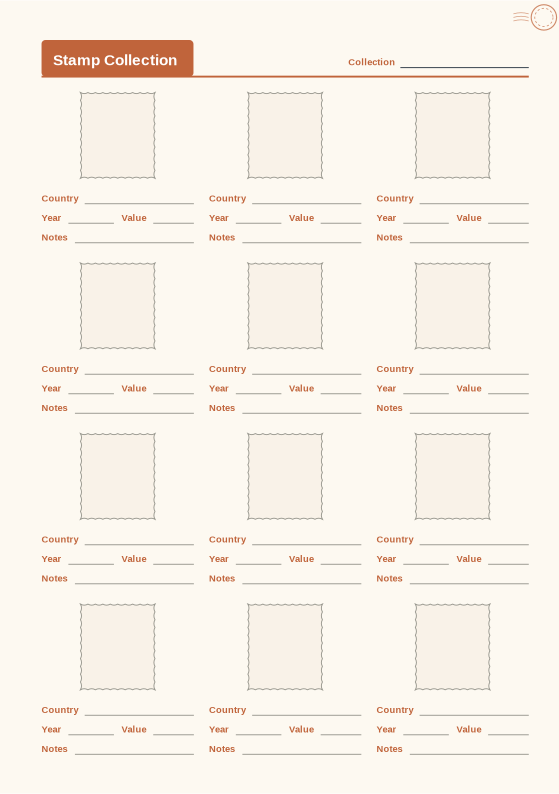
Stamp Collection Log
Perforated mounts with country, year and value.
-
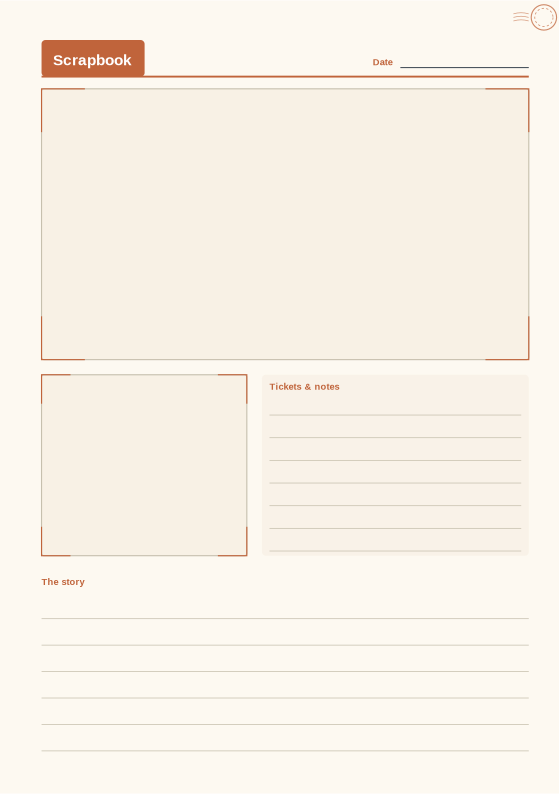
Scrapbook Layout
Photo frames with space for the story.
-
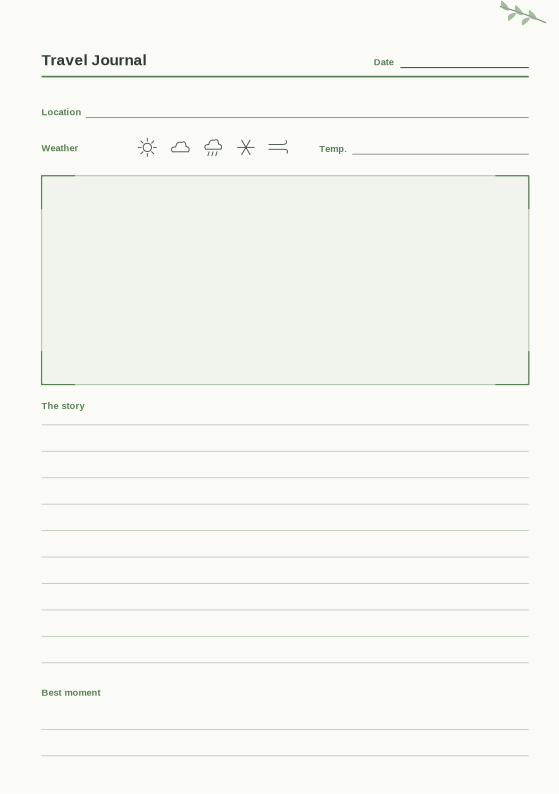
Travel Journal
Location, weather, photo space and lined pages.
-
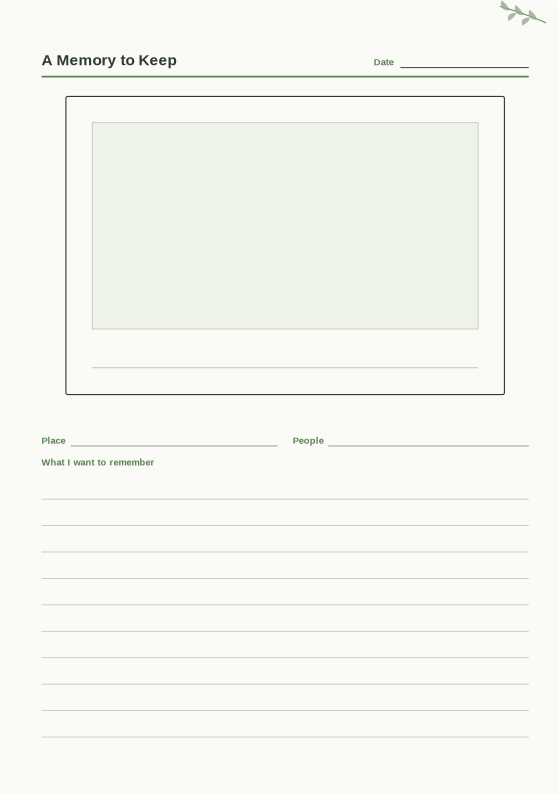
Memory Journal
A photo frame with place, people and story.
-
Checklist Paper
Rows of checkboxes with a title and date.














