Chinese character practice sheet maker
Type the characters you want to practise, or start from a preset. Each character gets a dark model, light copies to trace and empty cells, with pinyin above if you like.
How to use it
- 1Type or paste characters, or choose a preset such as numbers or a short poem.
- 2Pick the grid (tian, mi, hui or nine squares), cell size and how many copies to trace.
- 3Turn on pinyin if you want it above the cells, then download the PDF.
Questions
Is the pinyin added automatically?
Yes. Switch on "Pinyin above" and the tone-marked pinyin of each character is printed over the cells, including common words with special readings.
Does it work for traditional characters and Japanese kanji?
Yes. Traditional characters print in a traditional font on the Traditional Chinese site, and there is a preset for the first-grade kanji.
What is a hui gong ge?
A square with a smaller box in the middle. Keeping the main strokes inside the inner box helps children balance a character.
Other tools
-
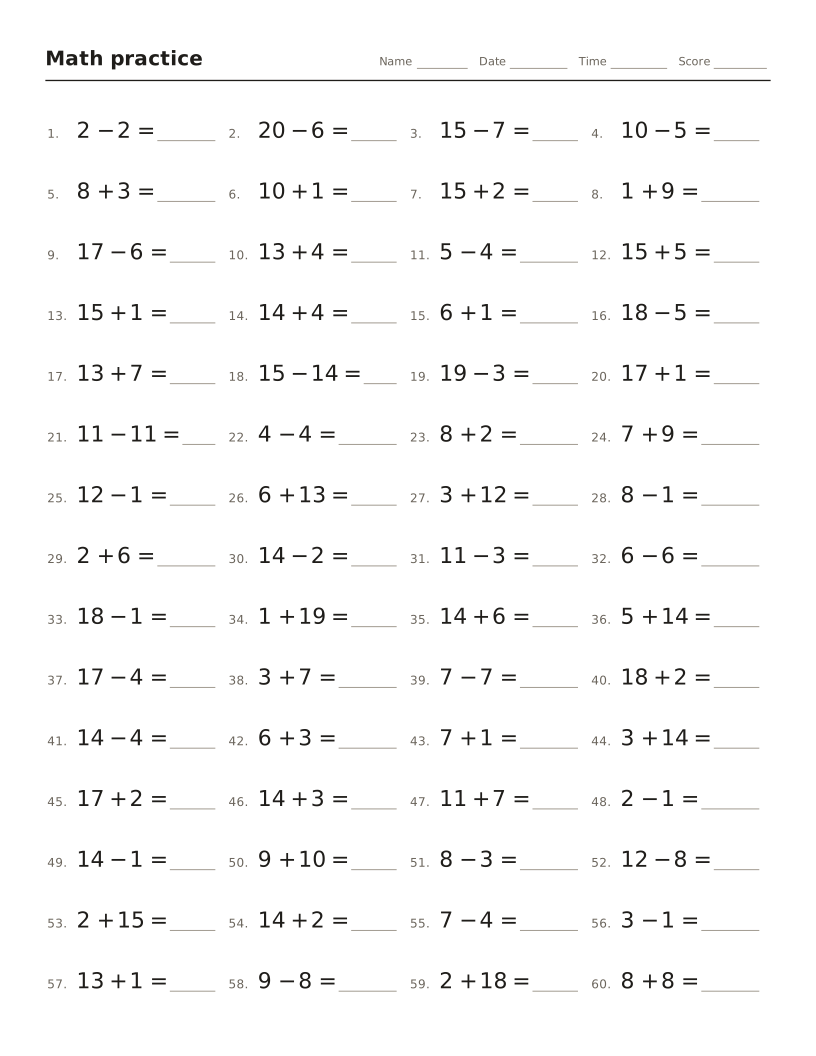
Math worksheet maker
Addition, subtraction, times tables and division drills with an answer key.
-
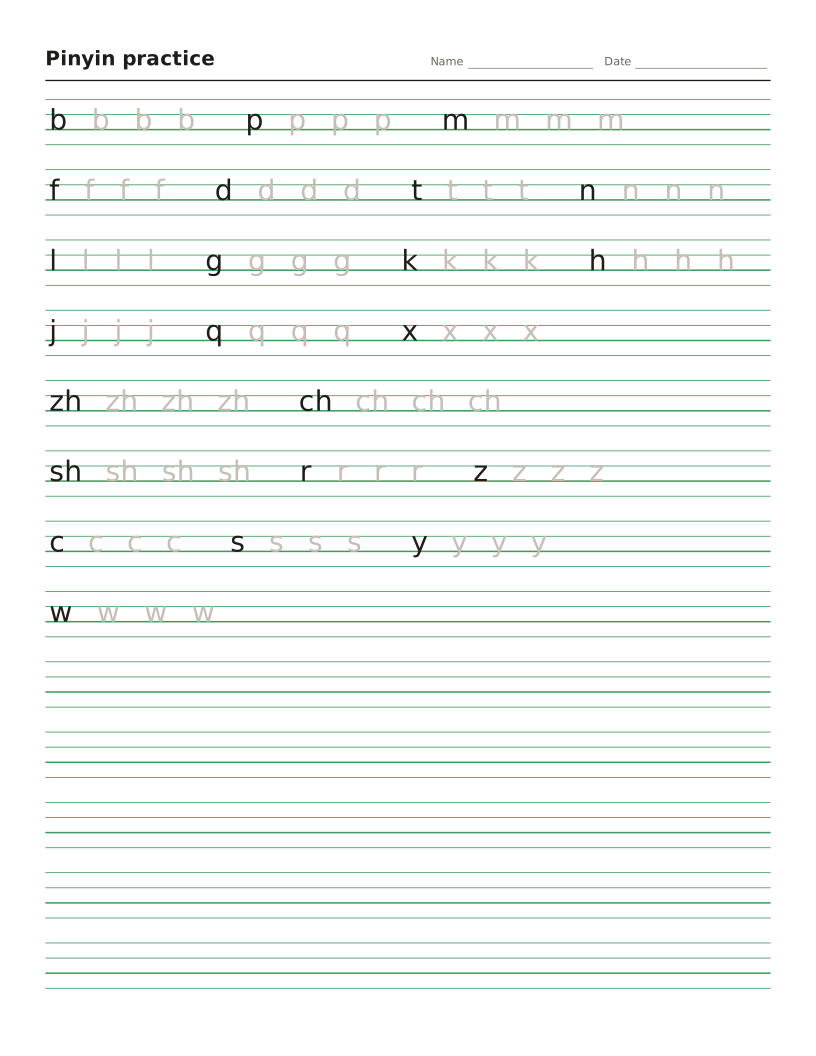
Pinyin worksheet maker
Four-line pinyin sheets for initials, finals and tones, or any text turned into pinyin.
-
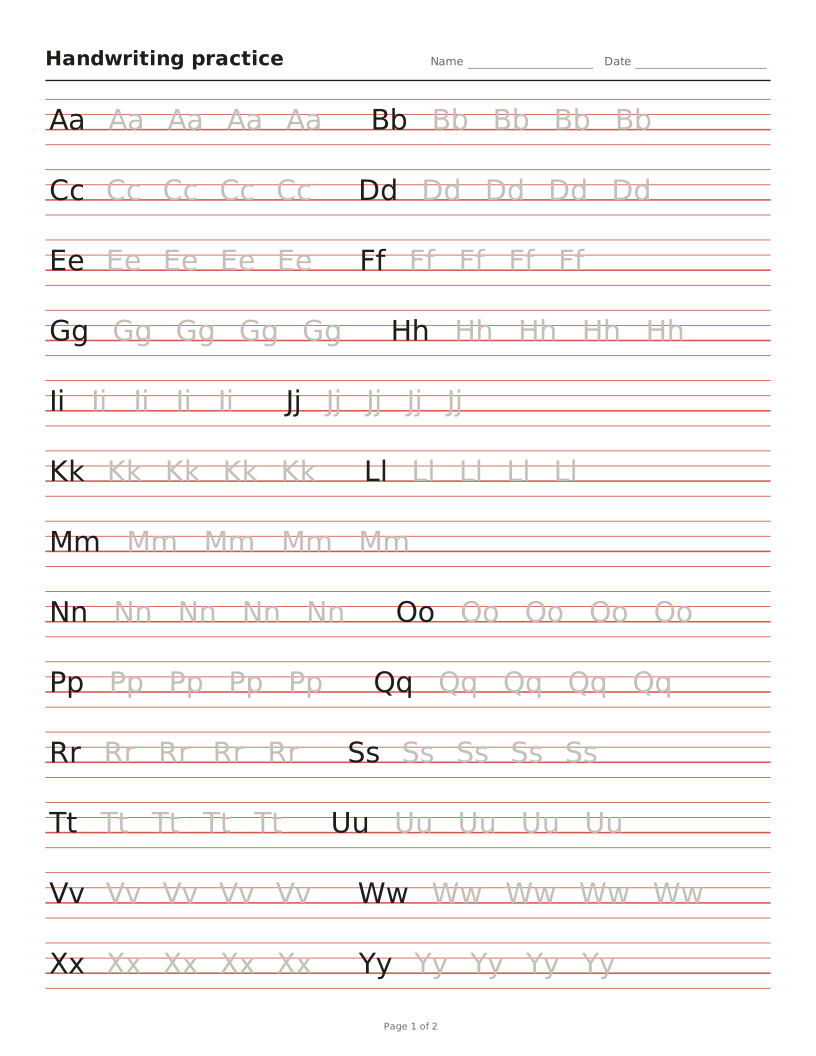
Handwriting worksheet maker
Letters, words or sentences to trace on four-line or primary lines.
-
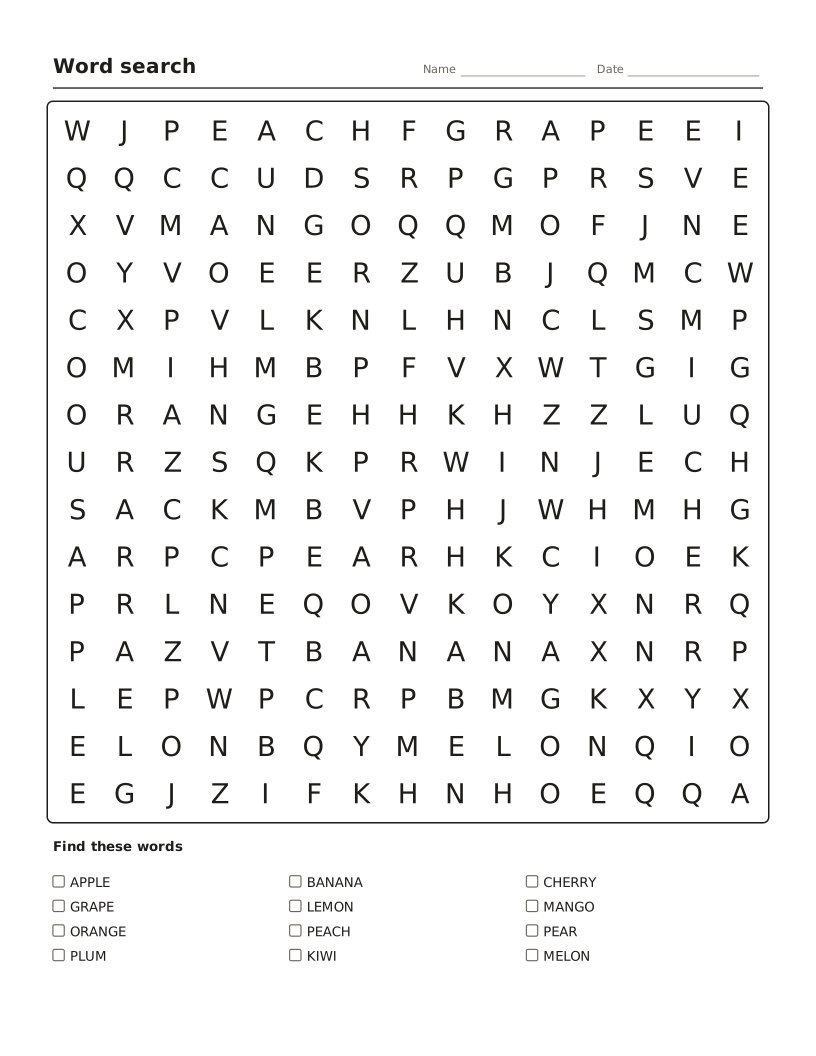
Word search maker
Hide your own words in a letter grid, with a word list and answer key.
-
Crossword maker
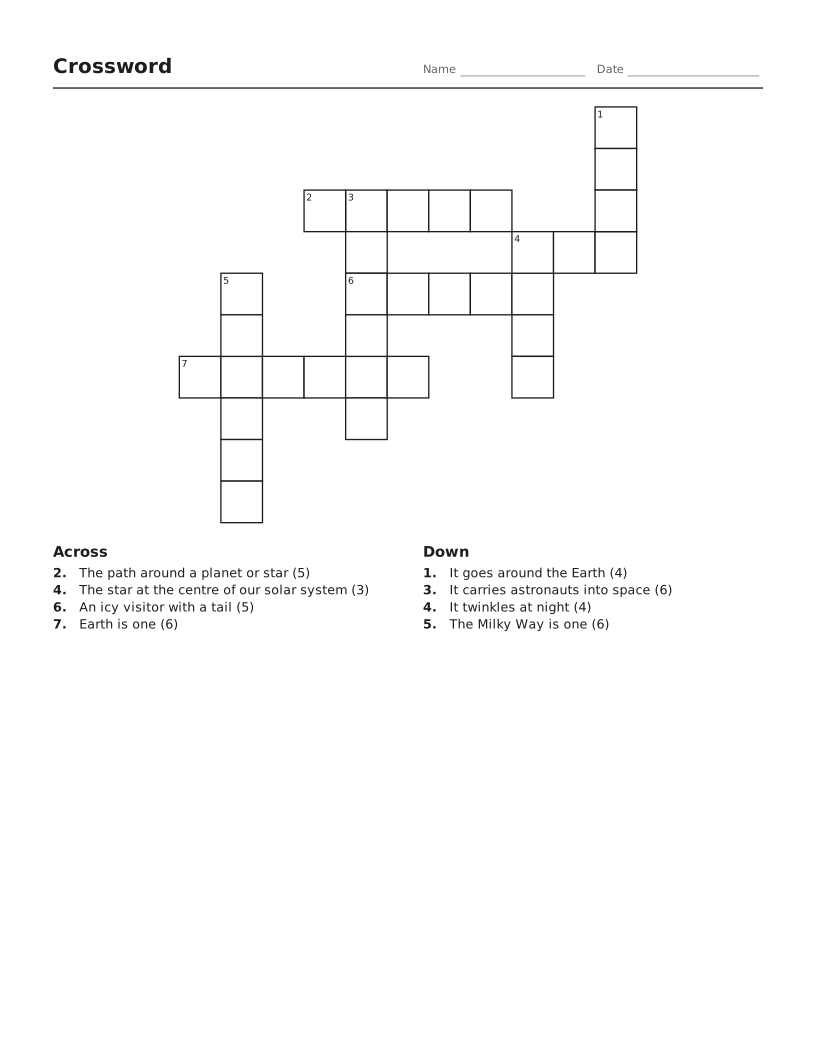
Words and clues become a numbered crossword with an answer key.
-
Bingo card maker
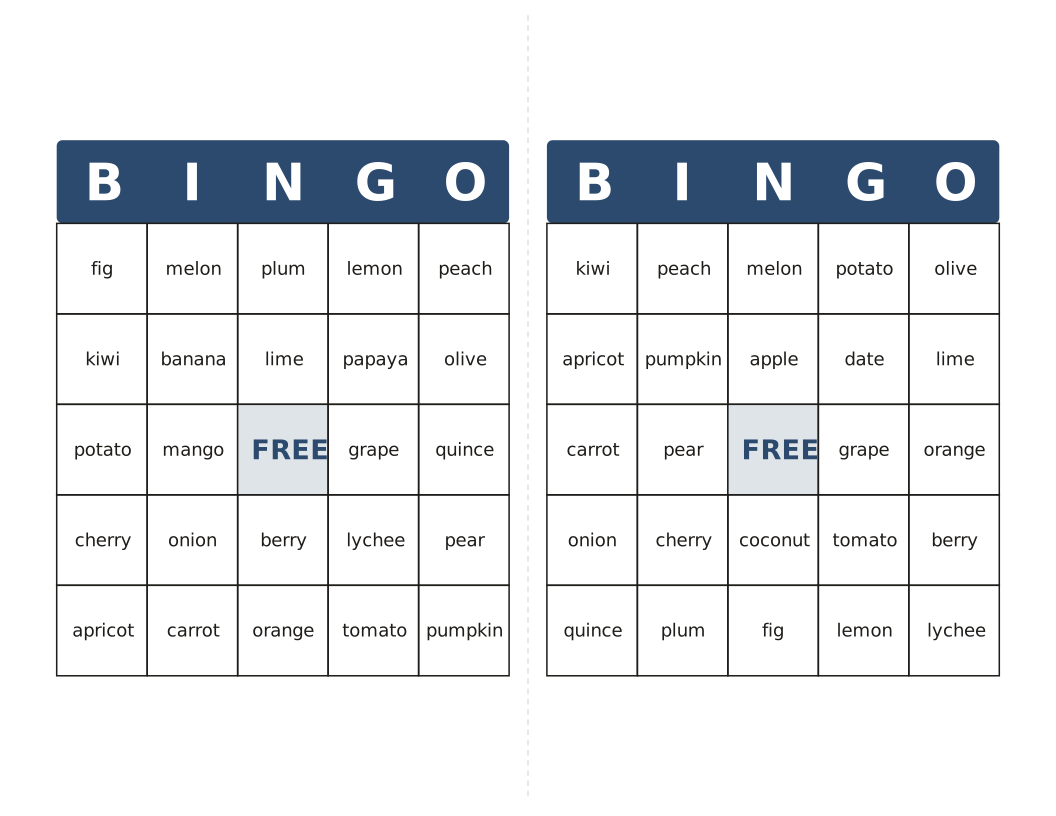
Different cards from your own words or 1–75 numbers, with a calling list.