Label maker for standard label sheets
Choose your label sheet, paste one label per line and print. The text is fitted to each label, and you can skip labels already used on a sheet.
How to use it
- 1Choose the label sheet printed on your pack, or set up a custom grid.
- 2Paste the labels, one per line, using | for line breaks.
- 3Download and print at 100% on the label sheet.
Questions
Which sheet do I have?
The product number is on the pack, such as 5160 in the US or L7160 in Europe. Equivalent store brands use the same number.
The text is slightly off on my printer. What can I do?
Print at 100% (Actual size), not Fit to page. For small shifts, use a custom grid and adjust the margins.
Can I print one label many times?
Yes. Type it once and switch on "Repeat to fill the sheet", or set the number of copies.
Other tools
-
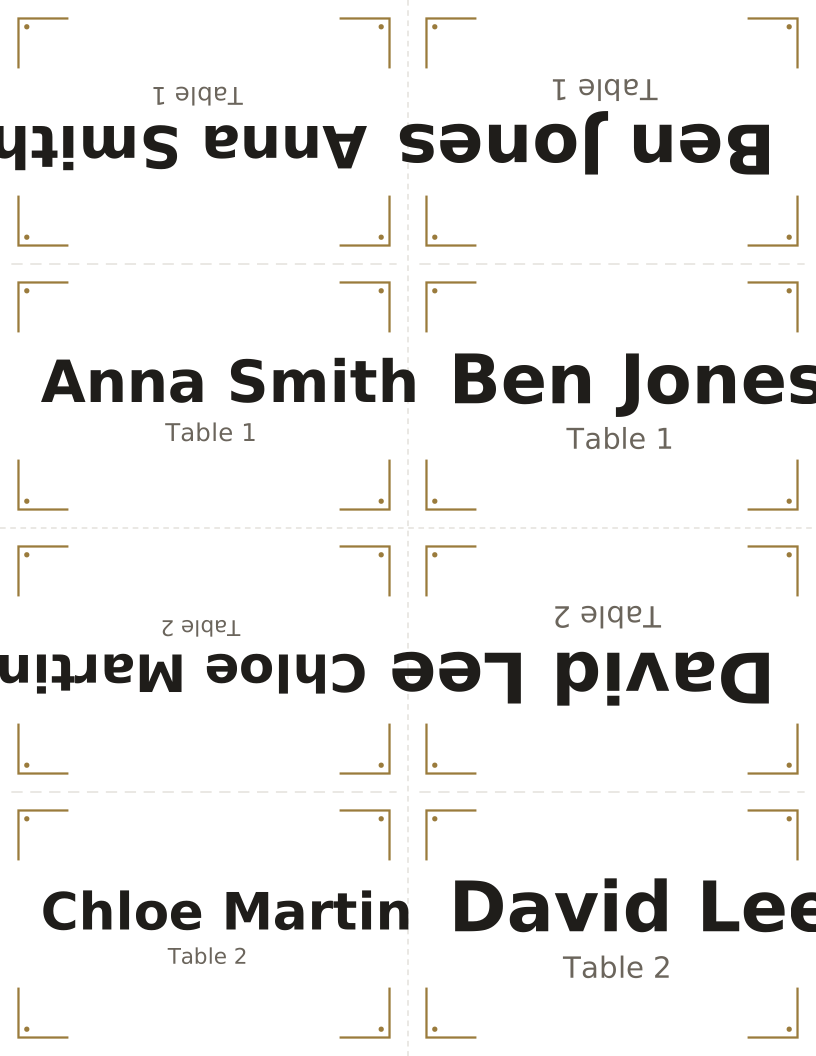
Place card maker
Folded tent cards or flat place cards from a list of names.
-
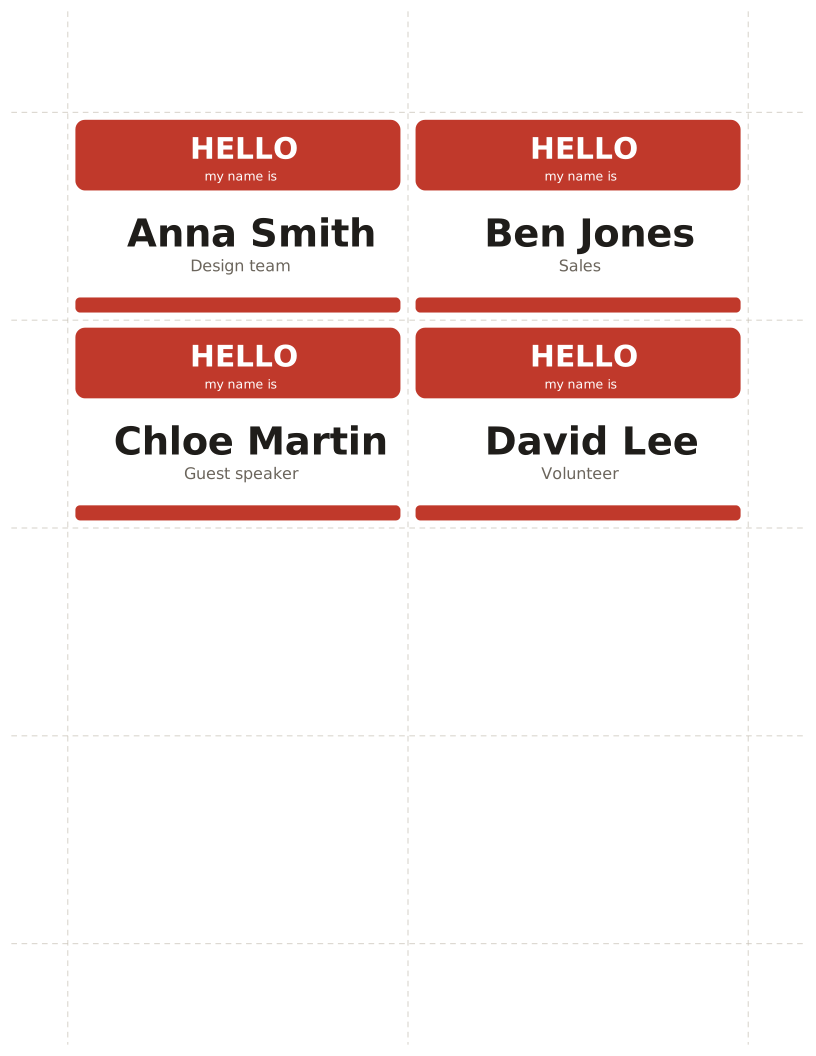
Name badge maker
"Hello my name is" tags and event badges from a name list.
-
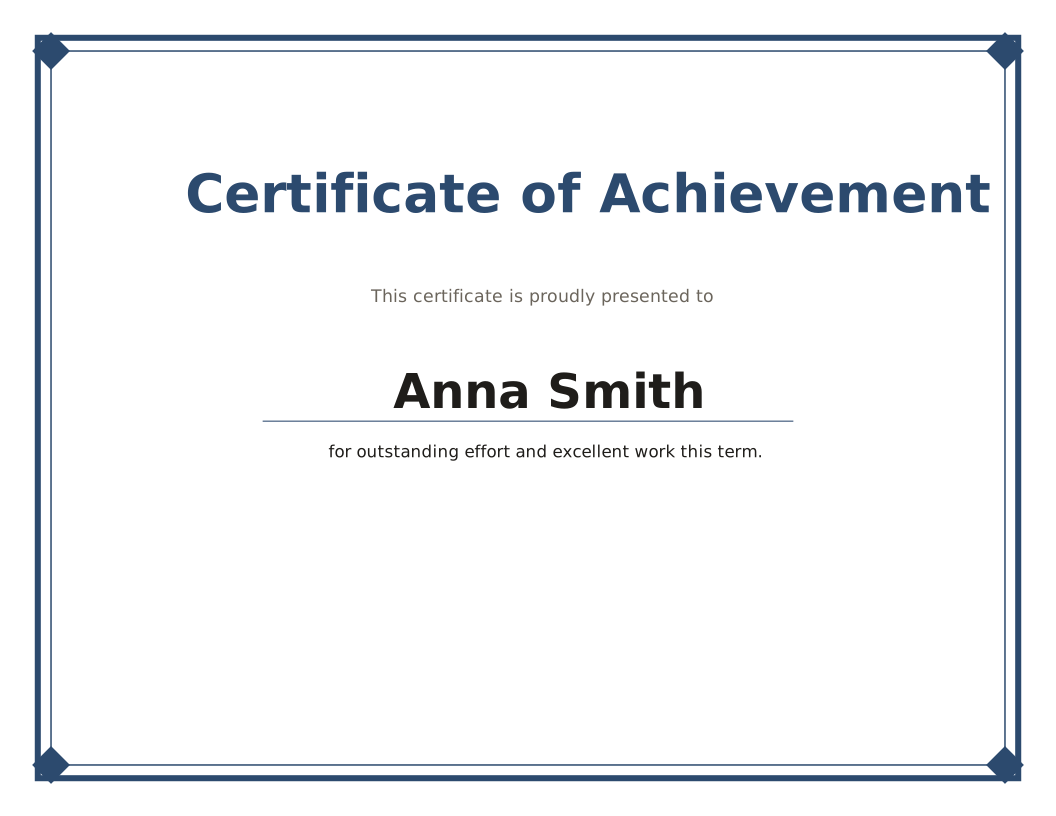
Certificate maker
Certificates and award sheets for a whole class at once.
-
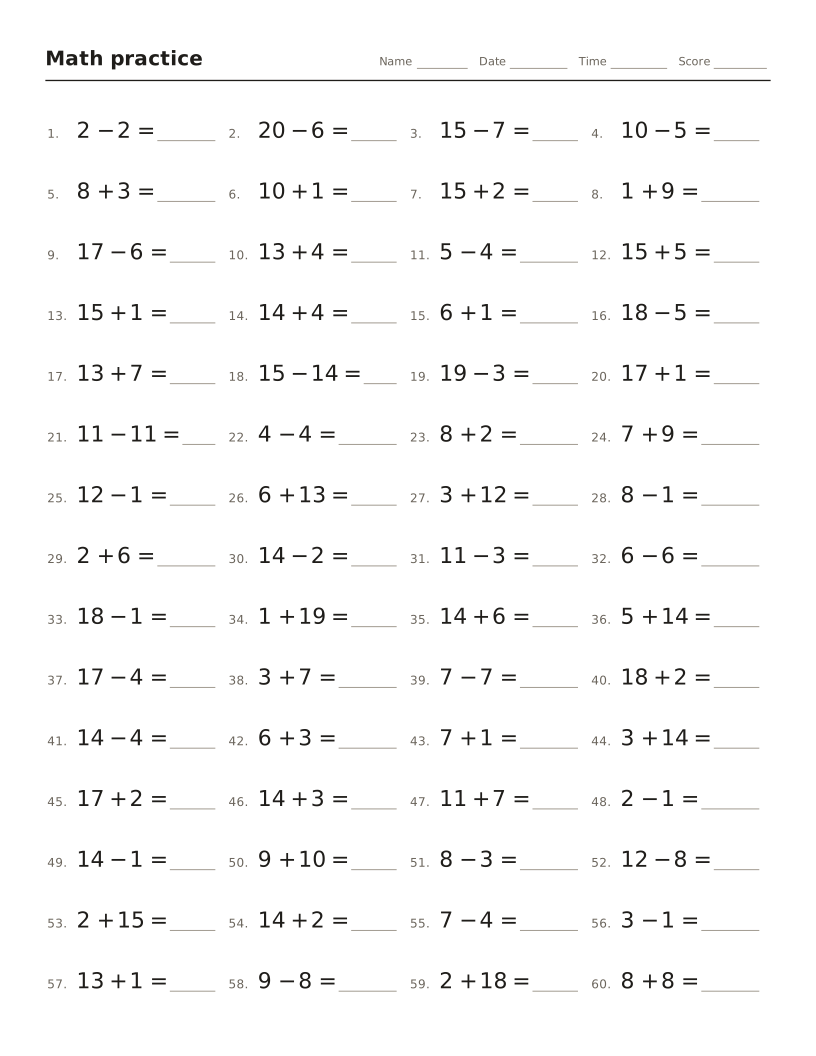
Math worksheet maker
Addition, subtraction, times tables and division drills with an answer key.
-
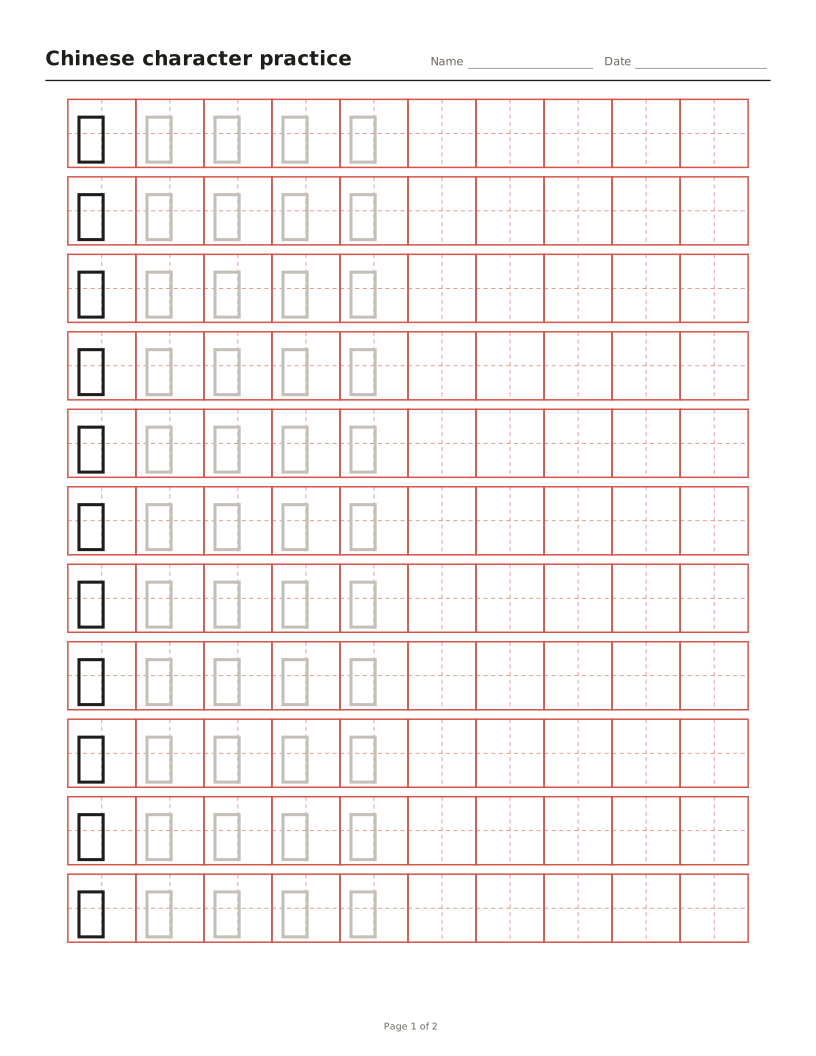
Chinese character tracing sheets
Tian, mi, hui or nine-square grids with characters to trace and optional pinyin.
-
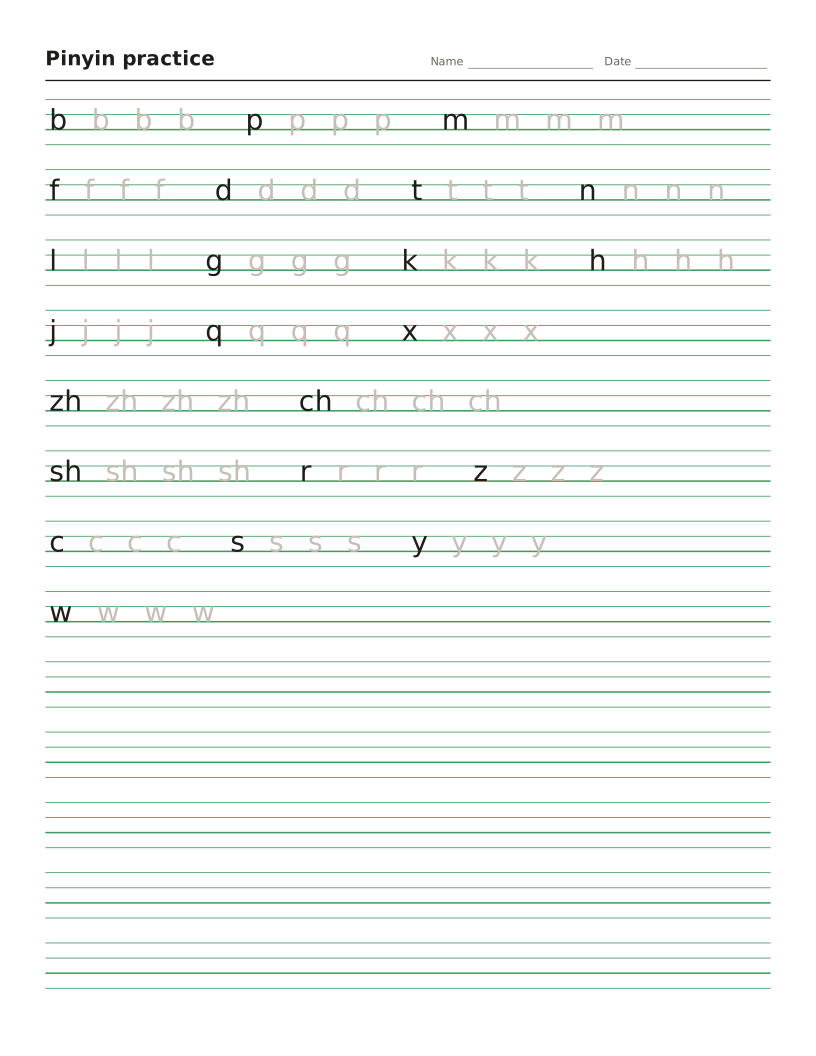
Pinyin worksheet maker
Four-line pinyin sheets for initials, finals and tones, or any text turned into pinyin.