Kids
Printable Multiplication Chart
A multiplication table to learn the times tables: print it filled in for reference, or blank so children can fill in the products themselves. The square numbers on the diagonal are highlighted.
What you can customize
- Up to
- Fill
- Highlight square numbers
Works well in
- Traveler's Notebook Passport
- A6
- Traveler's Notebook Regular
- B6 (JIS)
- A5
- US Half Letter
- B5 (ISO)
- A4
- US Letter
All page sizes, from Passport to A4
Try it in another style
Start from a preset
- Multiplication chart 1–12, US Letter Filled in up to 12 × 12, the chart used in most US schools. Open in the maker →
- Blank multiplication chart 1–12 An empty 12 × 12 grid to fill in as a times tables test. Open in the maker →
- Times table 1–10, US Letter Up to 10 × 10 with larger cells for younger learners. Open in the maker →
- Multiplication chart for a binder, A5 A small reference card, 10 × 10. Open in the maker →
What’s on the multiplication chart
- A square grid with the factors in a shaded top row and left column.
- Fill: every product printed, or blank cells to practice.
- Up to: any size from 5 × 5 to 12 × 12.
- Highlight square numbers along the diagonal.
Hang the filled chart on the wall, slip a small one into a pencil case, and use blank charts for timed practice. Coloring in one times table at a time (all the 3s, then the 6s) helps children see patterns.
Printing it
- Choose a preset and Download PDF → Reading order.
- For practice sheets, set the page count to the number of students.
- Print at 100% (Actual size); laminate the reference chart so it lasts all year.
Free sample PDFs
Print at 100% (actual size). Made with the same engine as the maker, so the spacing is exact.
Frequently asked questions
How do you read a multiplication chart?
Find one number in the top row and the other in the left column. Follow the row and the column until they meet; the number in that cell is the product. For 7 × 8, go to row 7 and column 8 to find 56.
Should I use 10 × 10 or 12 × 12?
Most US schools expect the times tables up to 12. Choose Up to 10 for beginners, or any size from 5 to 12.
How do I make a times tables test?
Set Fill to Blank and print one page per child. They fill in each product; a filled chart serves as the answer key.
Why is the diagonal highlighted?
Those are the square numbers (1, 4, 9, 16 …), where a number is multiplied by itself. It also shows that the chart is symmetrical: 3 × 7 and 7 × 3 sit on either side of the diagonal. Turn Highlight square numbers off if you prefer.
Related guides
- Calibrate your printer for exact sizesMeasure your printer once so pages print at exactly the right size, find its unprintable margins, and line up the front and back of each sheet.
- Paper sizes, margins and binding allowanceWhich printer paper fits which notebook size, how to set margins and the binding margin, and when to use bleed and creep.
- Classroom packs: printing worksheets and notebooks for a classReady-made combinations of printable pages for teachers and homeschool: handwriting packs, maths grid packs, reading logs, planners, and how to print class sets efficiently.
Related templates
-
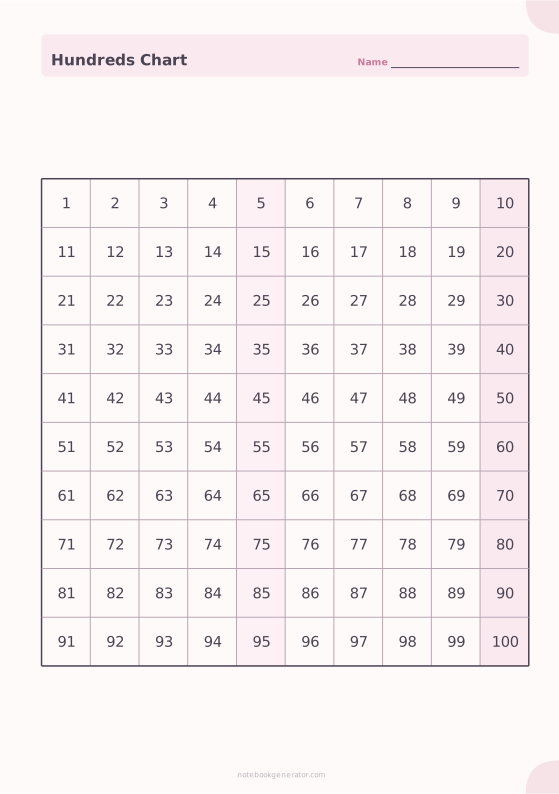
Hundreds Chart
A 1–100 or 0–99 number chart: filled, half filled or blank.
-
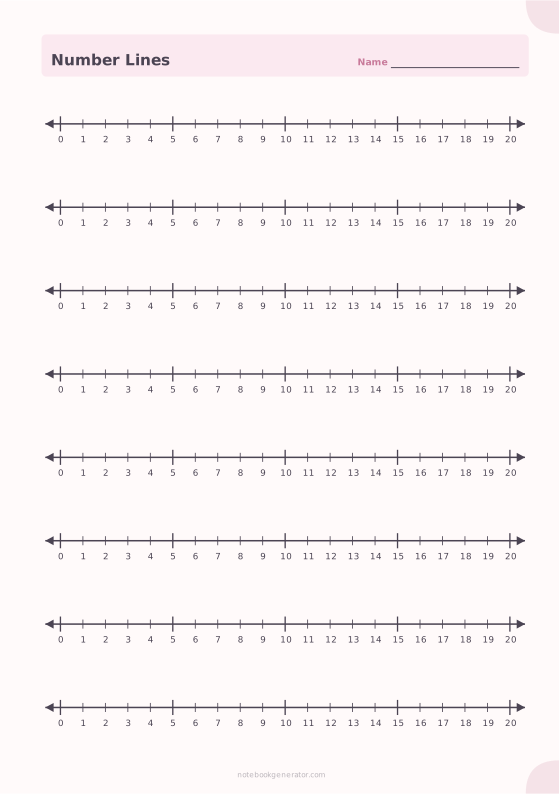
Number Lines
Number lines with a tick for every whole number, from any start to any end.
-
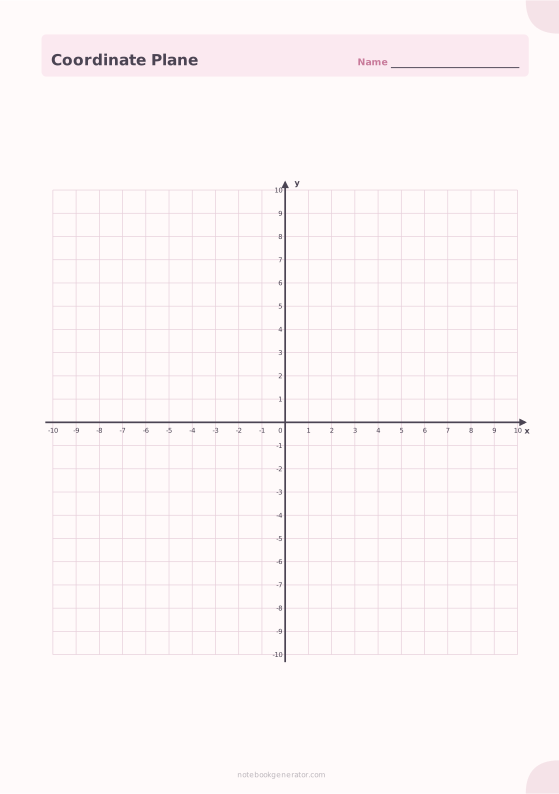
Coordinate Plane
Graph paper with x and y axes: four quadrants or the first quadrant only.
-
Square Grid
Quad-ruled squares for notes, math and diagrams.
-
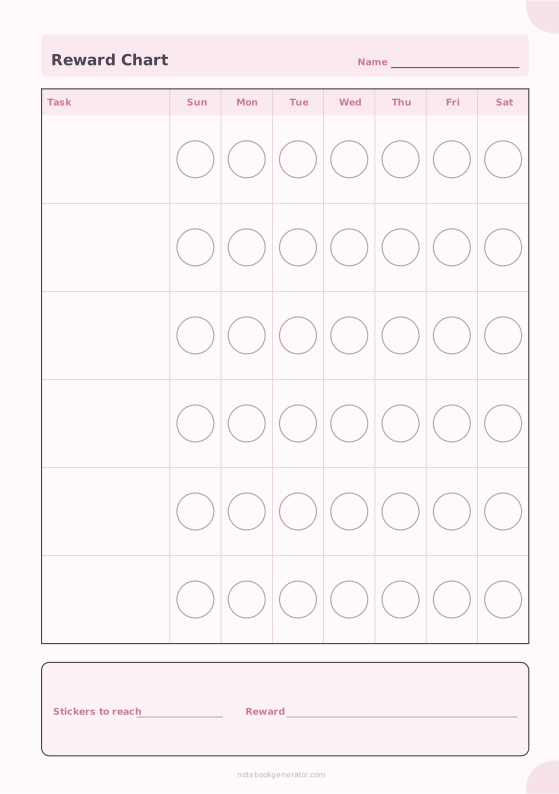
Reward Chart
A sticker chart with tasks down the side and a shape for every day.
-
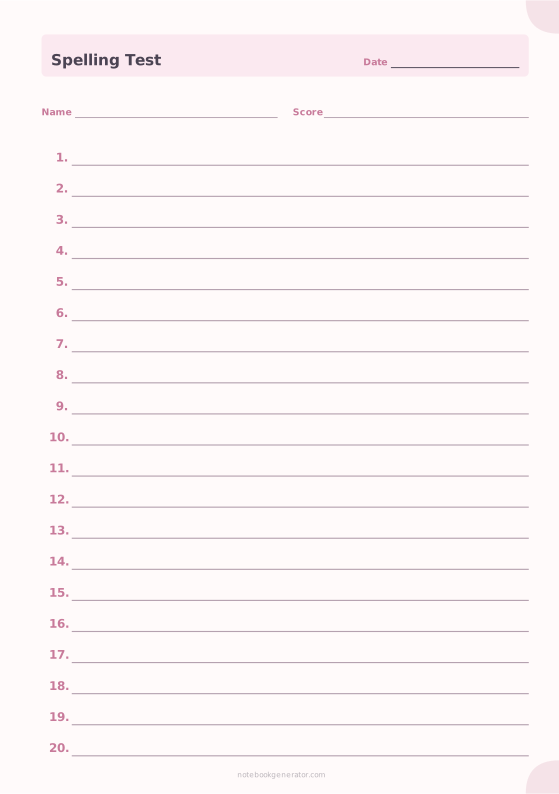
Spelling Test Paper
Numbered answer lines with name, date and score.














