Kids
Printable Reward Chart for Kids
A weekly sticker chart for kids: write the tasks or good habits down the side, then add a sticker, star or tick in the shape for each day. Agree on a sticker goal and the reward together and write them at the bottom.
What you can customize
- Tasks
- Sticker shape
- Goal and reward
Works well in
- Traveler's Notebook Passport
- A6
- Traveler's Notebook Regular
- B6 (JIS)
- A5
- US Half Letter
- B5 (ISO)
- A4
- US Letter
All page sizes, from Passport to A4
Try it in another style
Start from a preset
- Sticker chart, 6 tasks, US Letter Big circles for stickers with a goal and reward box. Open in the maker →
- Star chart for toddlers, US Letter Three tasks with large stars that are easy to color. Open in the maker →
- Chore chart, 10 tasks, US Letter Square boxes for older kids with more jobs. Open in the maker →
- Reward chart, A4 Six tasks with circles on A4. Open in the maker →
What’s on the reward chart
- Name line in the header.
- Task column with 3 to 10 rows.
- A shape for every day of the week: circle, star or square, sized for a sticker.
- Goal and reward box at the bottom: stickers to reach and the reward (optional).
Set Tasks, Sticker shape and Goal and reward in the maker. Pick a colorful theme to make the chart more fun; the PDF is free and made in your browser.
Printing the chart
- Use the Letter or A4 preset and Download PDF → Reading order. Print one sheet per week.
- Print at 100% (Actual size). Card stock holds stickers better than plain paper.
- Put it at child height on the fridge or bedroom door so they can add stickers themselves.
Free sample PDFs
Print at 100% (actual size). Made with the same engine as the maker, so the spacing is exact.
Frequently asked questions
How does a reward chart work?
Pick a few clear tasks, like brushing teeth, making the bed or reading for ten minutes. Each time your child does one, they put a sticker in that day's shape. When they reach the sticker goal written at the bottom, they get the reward you agreed on.
How many tasks should I use?
For toddlers and preschoolers, three or four tasks keep it simple and the shapes large. School-age children can manage six to ten. You can set anything from 3 to 10.
What size stickers fit?
The shapes scale with the number of tasks. With three to six tasks on Letter or A4, the shapes fit standard round stickers of about half an inch to an inch (12 to 25 mm).
Does the week start on Sunday or Monday?
By default it follows the usual first day for your language. You can change the first day of the week in the notebook settings.
Related guides
- Paper sizes, margins and binding allowanceWhich printer paper fits which notebook size, how to set margins and the binding margin, and when to use bleed and creep.
- Habit tracker ideas: 60 habits to track (and how to make it stick)60 habit tracker ideas for health, mind, productivity, home, money and learning, how to set up a tracker you will keep using, and a free printable template.
Related templates
-
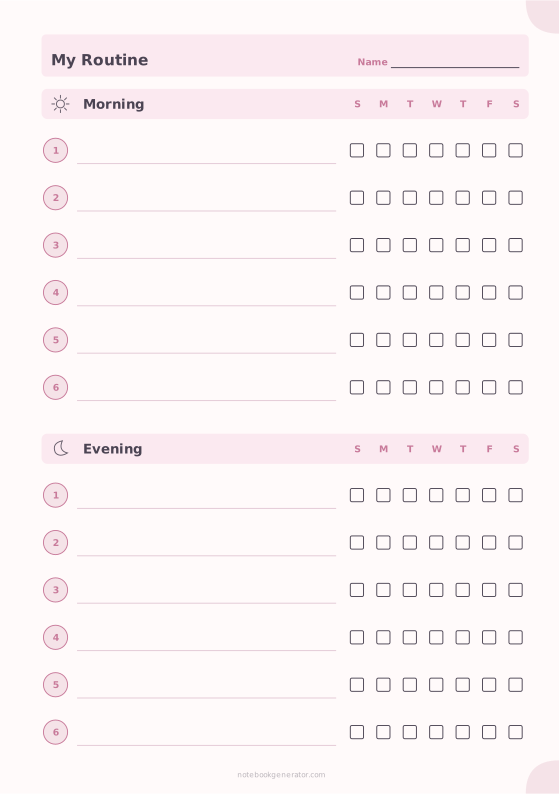
Routine Chart
Numbered morning and evening steps for kids, with a tick for each day.
-
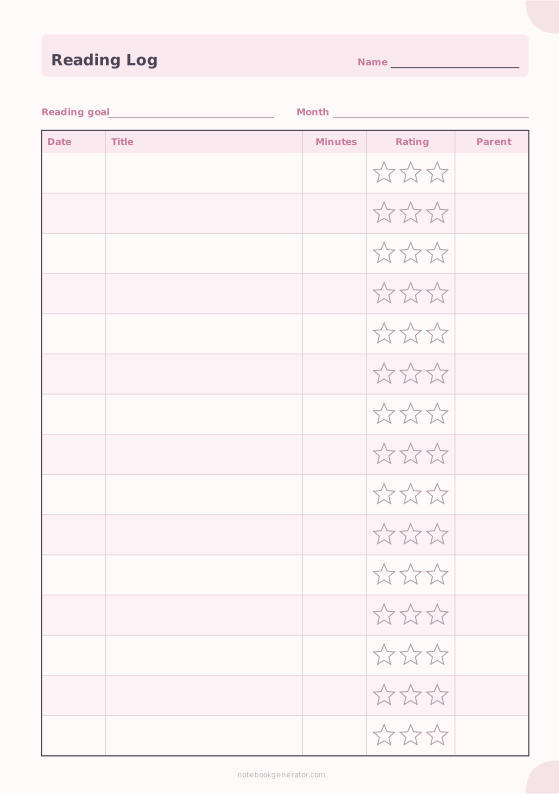
Reading Log for Kids
Date, book title, minutes read, a star rating and a parent's initials.
-
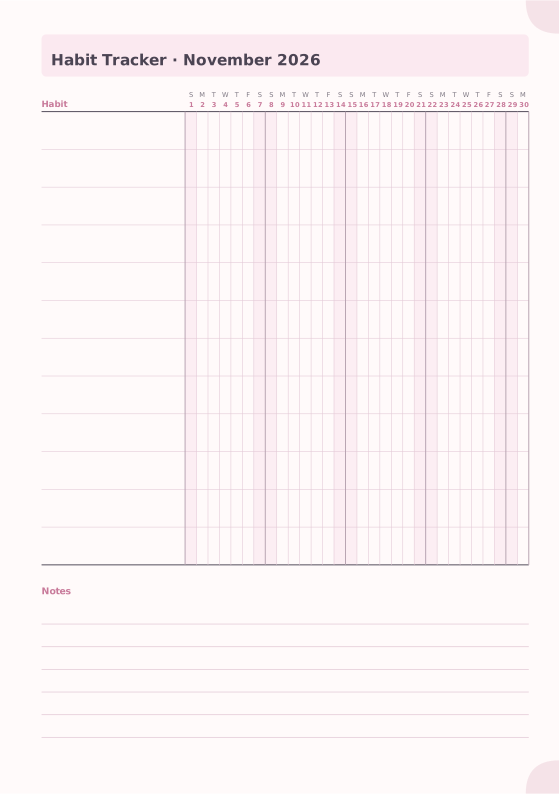
Habit Tracker
Monthly grid to track up to 20 habits.
-
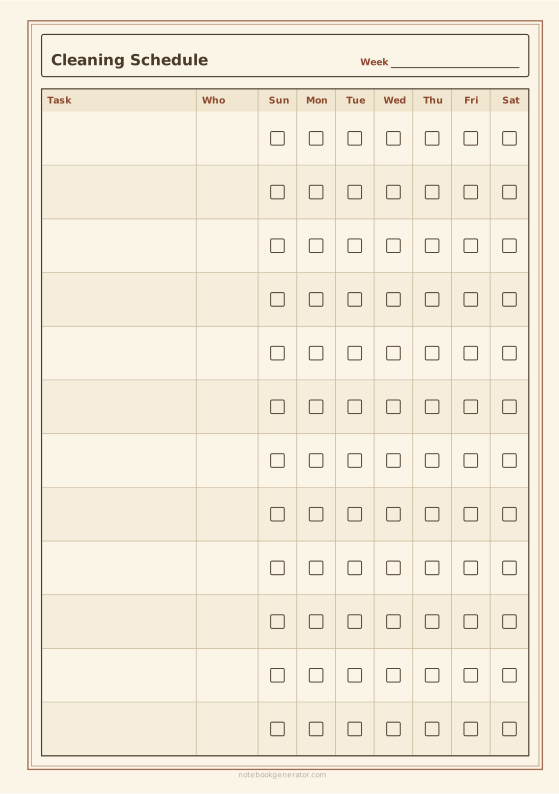
Cleaning Schedule
Chore chart with tasks, who does them and a tick box per day.
-
Checklist Paper
Rows of checkboxes with a title and date.














