Calendars
Printable Monthly Calendar for 2027 and Any Year
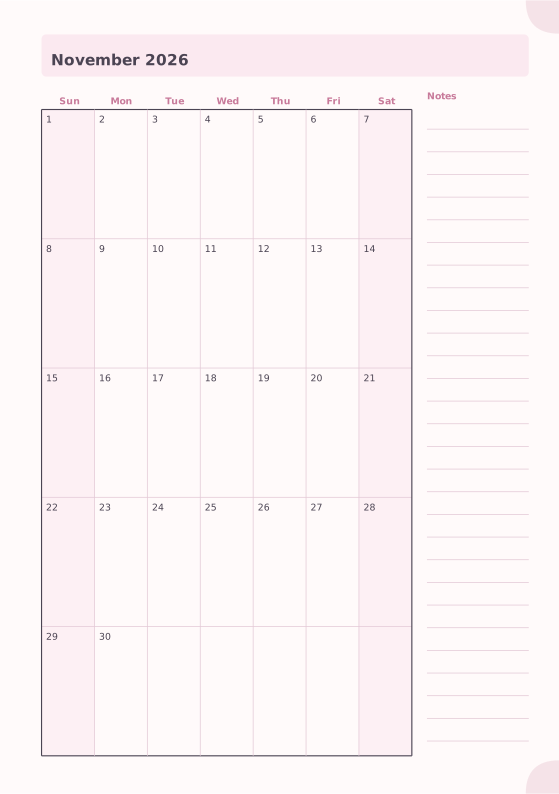
One month per page with the real dates: large day boxes, shaded weekends, the previous and next month in the corner, optional ISO week numbers and a notes column. Pick the first month, add twelve pages and you have a whole year on Letter, A4 or as an A5 planner.
Dated or undated: add a whole sequence of monthly pages in one step.
What you can customize
- Month
- Week starts on
- Notes
- Week numbers
- Previous and next month
- Shade weekends
- Writing lines in day boxes
- Caption
Works well in
- Traveler's Notebook Passport
- A6
- Traveler's Notebook Regular
- B6 (JIS)
- A5
- US Half Letter
- B5 (ISO)
- A4
- US Letter
All page sizes, from Passport to A4
Try it in another style
Start from a preset
- 2027 monthly calendar, US Letter, 12 pages January to December 2027 with a notes column. Print single-sided for a wall or binder calendar. Open in the maker →
- 2027 monthly calendar with week numbers, Monday start ISO week numbers down the side and the week starting on Monday, on A4. Open in the maker →
- 2027 A5 monthly planner (booklet) Twelve month pages with notes below; prints as a stapled booklet on A4 or Letter. Open in the maker →
- Monthly calendar with writing lines, no notes Full-width day boxes with faint writing lines for appointments. Open in the maker →
- School year 2026–2027, August to July Twelve month pages starting in August 2026. Open in the maker →
A monthly calendar with real dates
Every page shows one month: the month and year as the title, weekday names in your language, big day boxes, shaded Saturdays and Sundays, and small previous and next month grids in the corner for planning ahead. Turn on ISO week numbers for work and school, add faint writing lines inside the boxes, or move the notes to a strip below the grid. The notes column moves below the calendar on narrow pages such as A5 and Half Letter.
Add twelve pages and each page takes the next month, including the jump from December to January. The check view in the maker warns about missing or duplicate months before you print.
How to print a monthly calendar
- Wall or binder calendar: choose a Letter or A4 preset and Download PDF → Reading order, then print at 100% (Actual size).
- Planner: choose A5 or Half Letter, keep Print-ready booklet, print double-sided with the short-edge flip, fold and staple. Add weekly pages between the months if you like.
- Portrait or landscape: the calendar fills whichever page orientation you set in the notebook settings.
Free sample PDFs
Print at 100% (actual size). Made with the same engine as the maker, so the spacing is exact.
Frequently asked questions
How do I make a 2027 calendar?
Open the 2027 preset above: the first page is January 2027 and the next eleven pages follow automatically with the right weekdays. Change the first month in the page settings for any other year or a school year.
Can I print a calendar for 2026, 2028 or an older year?
Yes. Set the month of the first page to any month from 1900 to 2200; every following page continues from it. The calendar generator page has presets for this year and the next two.
Can the week start on Monday?
Yes. Each language uses its usual first day (Sunday in the US, Monday in most of Europe), and the Week starts on option forces Monday, Sunday or Saturday for this template only.
Are the week numbers ISO week numbers?
Yes. Week 1 is the week with the first Thursday of the year, as in ISO 8601. With a Sunday or Saturday start, each row shows the ISO week of its Thursday.
Are holidays included?
No. The calendar shows dates only, so it is correct in every country. Write holidays, birthdays and school breaks in the day boxes.
Related guides
- How to print a booklet double-sidedPrint your notebook PDF at actual size, choose the right duplex setting, and get pages that come out in the right order after folding.
- Double-sided printing on a home printerPrint booklets double-sided on any home printer: automatic duplex settings, manual duplex step by step, the flip on long or short edge question, and a quick test sheet.
- Paper sizes chart: A4, A5, B5 and Letter in mm and inchesA4, A5, A6, B5, US Letter, Half Letter and Legal in millimetres and inches, how A4 compares with Letter, and which size suits a journal, planner or school notebook.
- How to make your own planner and print it at homeMake your own planner: choose the size and layout, pick your sections, count the pages, build it free in your browser, then print it double-sided and bind it.
Related templates
-
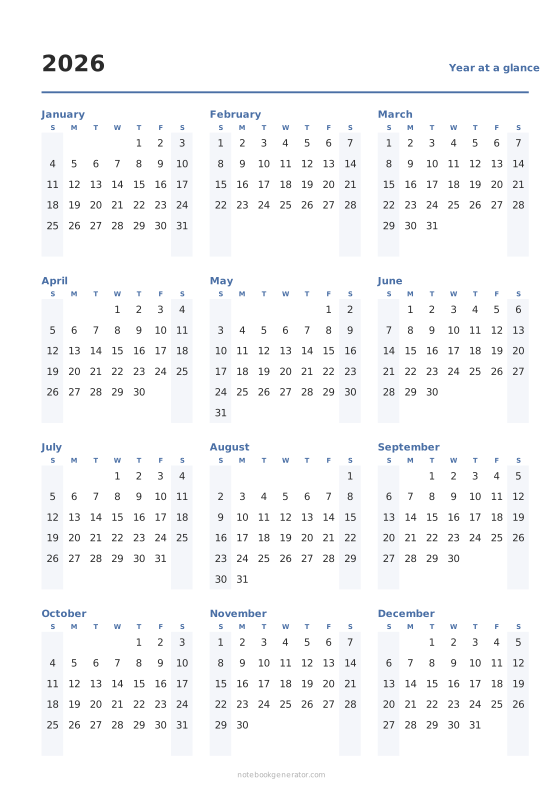
Year at a Glance
All twelve months on one page, with optional week numbers.
-
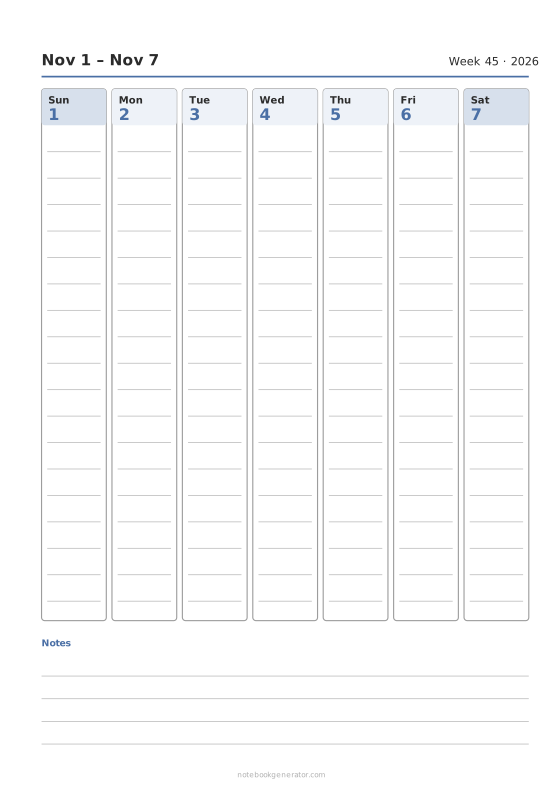
Weekly Calendar
A dated week on one page: day columns, day rows or an hourly schedule.
-
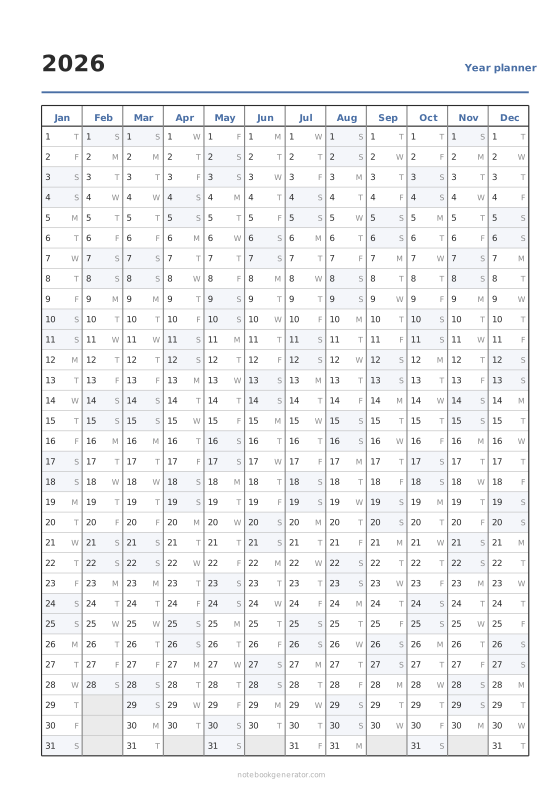
Year Planner
Linear wall planner: 12 months side by side, 31 days down, from any first month.
-
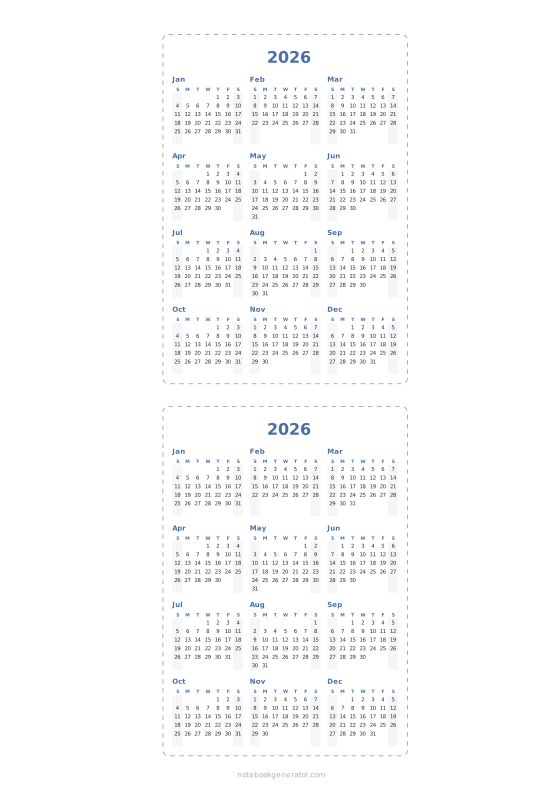
Pocket Calendar Cards
Cut-out wallet and desk cards: a whole year on a card, or one month per card.
-
Monthly Planner
Full month calendar with a notes column.














