Calendars
Year at a Glance: One-Page Yearly Calendar
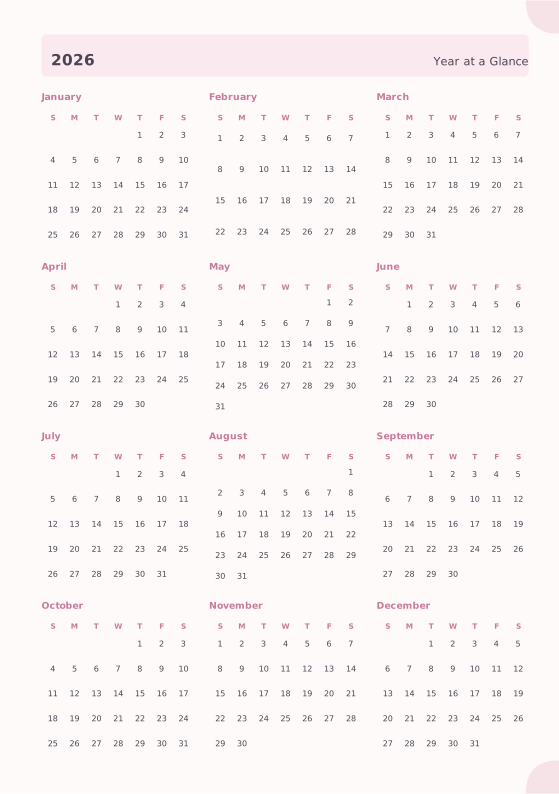
All twelve months of 2027 (or any year) on a single sheet, with weekday initials, shaded weekends and optional ISO week numbers. Print it as a wall poster, a desk card or the first page of your planner, in two, three or four columns.
Dated or undated: add a whole sequence of yearly pages in one step.
What you can customize
- Year
- Week starts on
- Columns
- Week numbers
- Shade weekends
- Caption
Works well in
- Traveler's Notebook Passport
- A6
- Traveler's Notebook Regular
- B6 (JIS)
- A5
- US Half Letter
- B5 (ISO)
- A4
- US Letter
All page sizes, from Passport to A4
Try it in another style
Start from a preset
- 2027 calendar on one page, US Letter Three columns of four months, weekends shaded. Open in the maker →
- 2027 yearly calendar with week numbers, A4 ISO week numbers beside every month, week starting on Monday. Open in the maker →
- 2026 and 2027 on two pages This year and next, one page each. Open in the maker →
- 2027 year planner page for an A5 notebook Two columns of six months, sized for the first page of a planner. Open in the maker →
The whole year on one sheet
Twelve compact month grids with the month name, weekday initials in your language, every date and shaded Saturdays and Sundays. Turn on Week numbers for a column of ISO week numbers beside each month, and set Week starts on to Monday, Sunday or Saturday if your language’s default is not what you want. A short caption, such as a family name or a project, prints next to the year.
The grid adapts to the page: three columns of four months on Letter and A4, four columns on landscape pages, two columns on narrow planner pages.
How to print a yearly calendar
- Choose a preset and the paper you have.
- Download PDF → Single pages for one sheet per page, then print at 100% (Actual size).
- For a poster, set a custom notebook size of 297 × 420 mm (A3); for a planner, use the year page as the first page before the monthly and weekly pages.
Free sample PDFs
Print at 100% (actual size). Made with the same engine as the maker, so the spacing is exact.
Frequently asked questions
How do I print the 2027 calendar on one page?
Open the one-page preset, keep one page and choose Download PDF → Single pages or Reading order. Print at 100% on Letter or A4; for a poster, set a custom notebook size of 297 × 420 mm (A3) and the layout scales with the page.
Can I print a different year?
Yes. Change the Year option to any year from 1900 to 2200, or add a second page for the following year: each new page takes the next year.
Are the week numbers ISO weeks?
Yes. Week numbers follow ISO 8601, so week 1 contains the first Thursday of January. They are shown in a small column beside each month when the option is on.
Portrait or landscape?
Both. The automatic layout uses three columns on portrait pages and four on landscape pages; you can also force two, three or four columns.
Related guides
- Calibrate your printer for exact sizesMeasure your printer once so pages print at exactly the right size, find its unprintable margins, and line up the front and back of each sheet.
- Double-sided printing on a home printerPrint booklets double-sided on any home printer: automatic duplex settings, manual duplex step by step, the flip on long or short edge question, and a quick test sheet.
- Paper sizes chart: A4, A5, B5 and Letter in mm and inchesA4, A5, A6, B5, US Letter, Half Letter and Legal in millimetres and inches, how A4 compares with Letter, and which size suits a journal, planner or school notebook.
Related templates
-
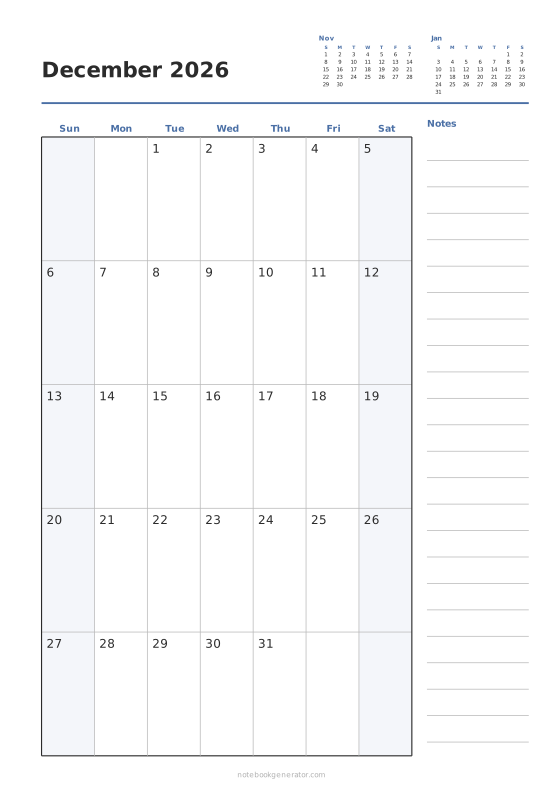
Monthly Calendar
One month per page with big day boxes, week numbers and a notes column.
-
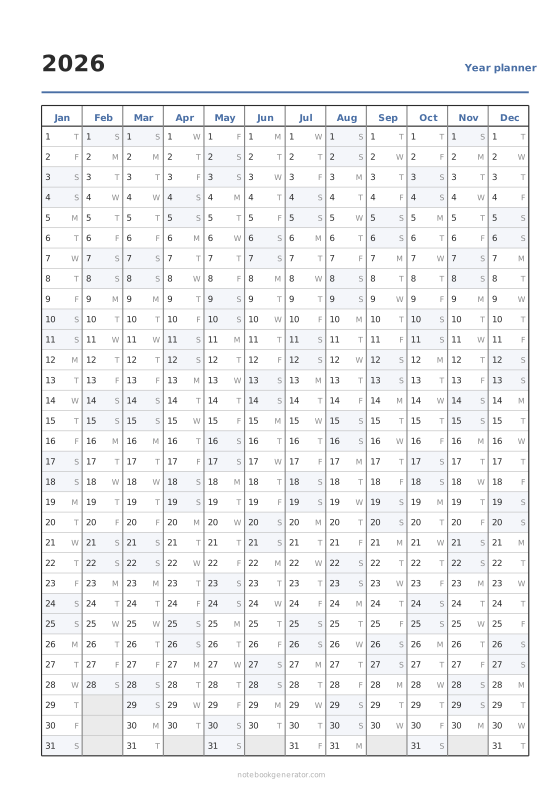
Year Planner
Linear wall planner: 12 months side by side, 31 days down, from any first month.
-
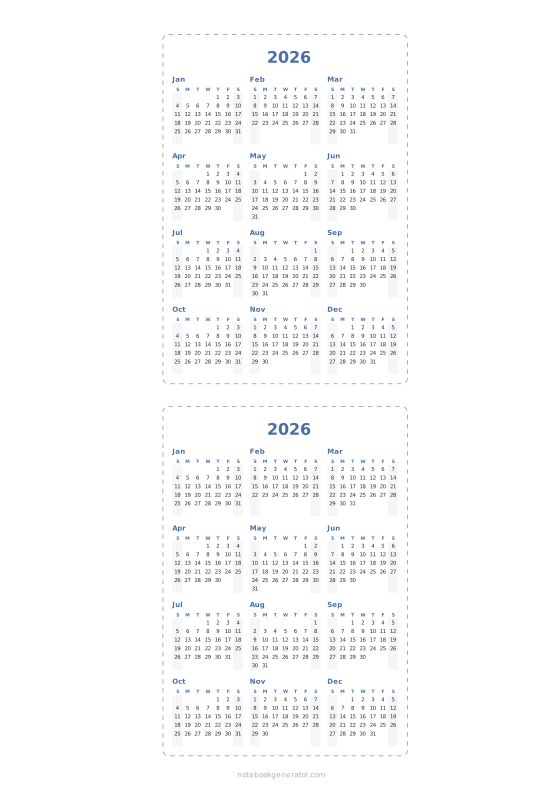
Pocket Calendar Cards
Cut-out wallet and desk cards: a whole year on a card, or one month per card.
-
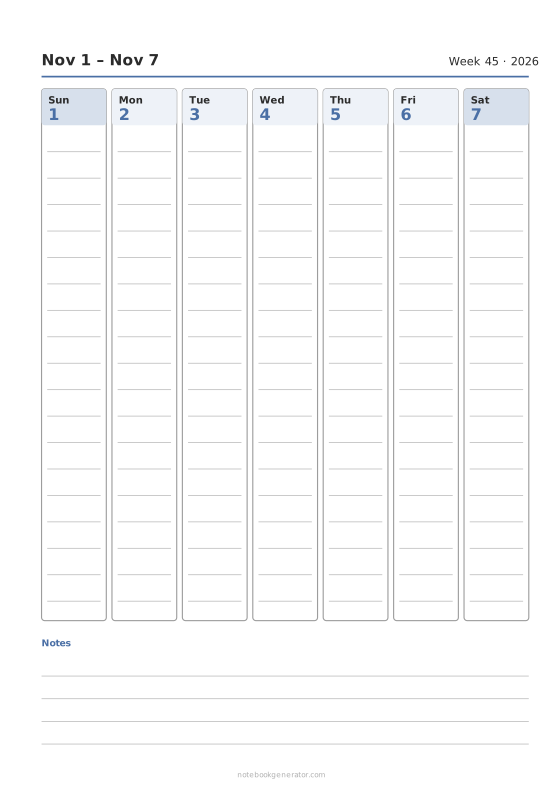
Weekly Calendar
A dated week on one page: day columns, day rows or an hourly schedule.
-
Yearly Overview
Twelve mini calendars or a twelve-month list.














