Calendars
Linear Year Planner: Calendar Year or School Year
The wall planner used in offices and classrooms: twelve month columns with the days running down the page, weekday initials and shaded weekends, so a whole year of deadlines, holidays and terms fits on one sheet. Start in January or in August or September for an academic year planner.
Dated or undated: add a whole sequence of yearly pages in one step.
What you can customize
- Year
- First month
- Week starts on
- Shade weekends
- Weekday initials
- Caption
Works well in
- Traveler's Notebook Passport
- A6
- Traveler's Notebook Regular
- B6 (JIS)
- A5
- US Half Letter
- B5 (ISO)
- A4
- US Letter
All page sizes, from Passport to A4
Try it in another style
Start from a preset
- 2027 year planner, US Letter January to December 2027 in twelve columns. Open in the maker →
- Academic year planner 2026–2027, A4 August 2026 to July 2027; the title reads 2026–2027. Open in the maker →
- School year planner 2027–2028 from September September 2027 to August 2028. Open in the maker →
- 2027 year planner without weekday initials, Letter Plain day numbers and shaded weekends only, for a cleaner look. Open in the maker →
A year in columns
Each column is a month and each row a day of the month, so the same date of every month lines up and a glance shows which weekday it falls on. Cells for days that do not exist (30 February, 31 April) are greyed out, weekends are shaded, and the weekday initial sits in each cell. Write terms, holidays, deadlines, birthdays and project phases straight into the cells, or draw bars across weeks for longer stretches.
Choose the first month for any twelve-month span: January for a calendar year, August or September for the school year, April for a Japanese or UK financial year. The title shows one year or both.
How to print a year planner
- Open a preset and set the first month and the year.
- Download PDF → Single pages and print at 100% (Actual size) on Letter or A4.
- For a wall poster, set a custom notebook size of 297 × 420 mm (A3) or let a copy shop enlarge the A4 PDF to A3.
Free sample PDFs
Print at 100% (actual size). Made with the same engine as the maker, so the spacing is exact.
Frequently asked questions
How do I make an academic year planner?
Set First month to August or September. The columns then run from that month to the same month next year, and the title shows both years, for example 2026–2027.
What do the letters next to the day numbers mean?
The weekday initial in your language (M, T, W … or Mo, Di … depending on the language). Saturdays and Sundays are shaded as well. Turn the initials off with the Weekday initials option.
Can I print it landscape?
Yes. On a landscape page the months become rows and the 31 days run across, which gives wider cells for writing.
Can I print a bigger planner?
Yes. In the notebook settings choose Custom size and enter 297 × 420 mm (A3) or 11 × 17 in (Tabloid), then download Single pages. Everything scales with the page, so the cells stay in proportion. A copy shop can also enlarge the A4 PDF to A3.
Related guides
- Calibrate your printer for exact sizesMeasure your printer once so pages print at exactly the right size, find its unprintable margins, and line up the front and back of each sheet.
- Classroom packs: printing worksheets and notebooks for a classReady-made combinations of printable pages for teachers and homeschool: handwriting packs, maths grid packs, reading logs, planners, and how to print class sets efficiently.
- Paper sizes chart: A4, A5, B5 and Letter in mm and inchesA4, A5, A6, B5, US Letter, Half Letter and Legal in millimetres and inches, how A4 compares with Letter, and which size suits a journal, planner or school notebook.
Related templates
-
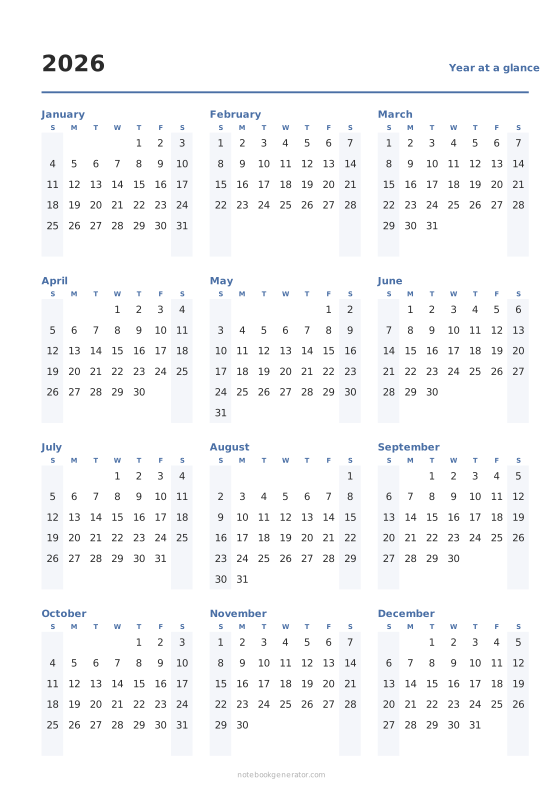
Year at a Glance
All twelve months on one page, with optional week numbers.
-
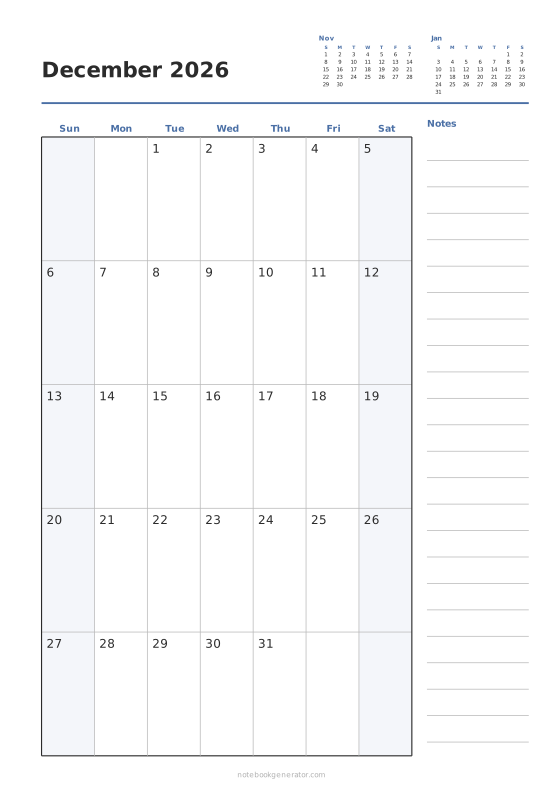
Monthly Calendar
One month per page with big day boxes, week numbers and a notes column.
-
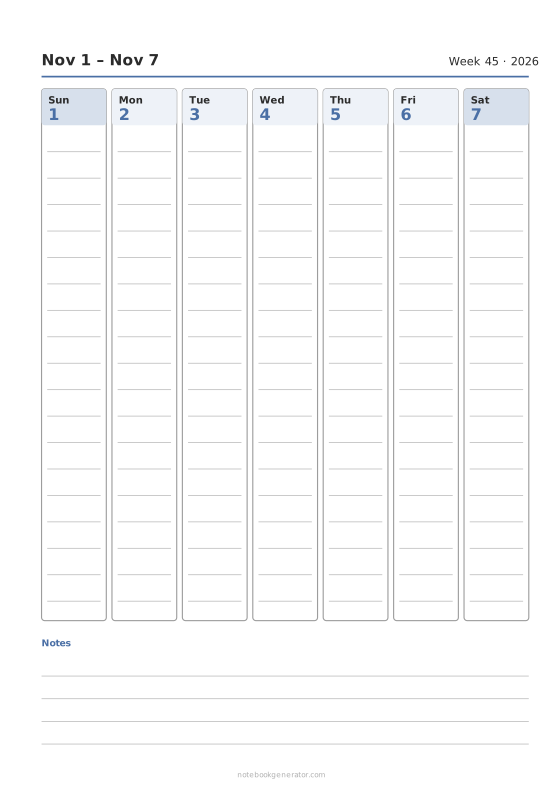
Weekly Calendar
A dated week on one page: day columns, day rows or an hourly schedule.
-
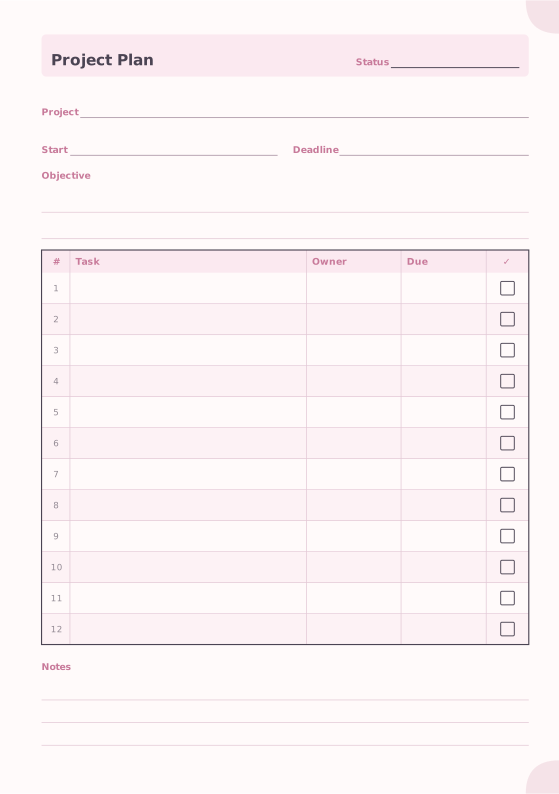
Project Planner
Objective, dates and a task table.
-
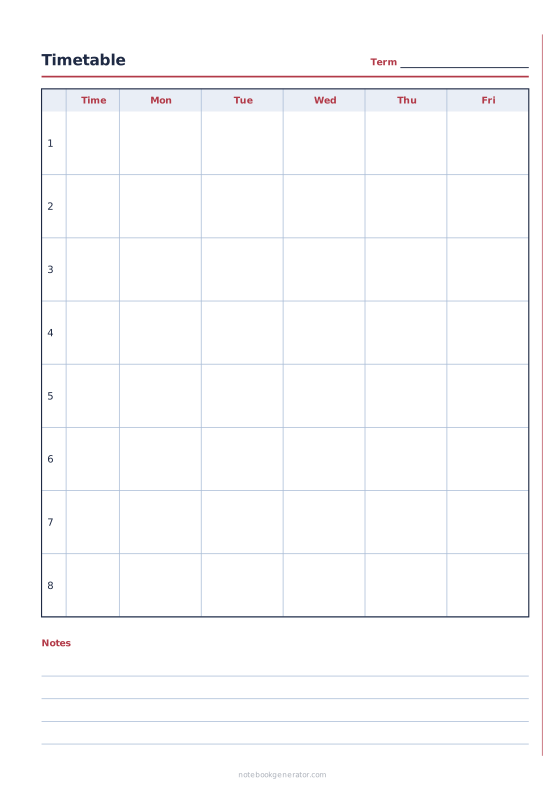
School Timetable
Class schedule with periods, times and 5, 6 or 7 school days.














