Study & Work
Printable Class Schedule Template
This class schedule template lays out your school week as a timetable: numbered periods down the side, school days across. Print one for the binder, the fridge and the locker.
What you can customize
- School days
- Periods
- Time column
- Notes box
Works well in
- Traveler's Notebook Passport
- A6
- Traveler's Notebook Regular
- B6 (JIS)
- A5
- US Half Letter
- B5 (ISO)
- A4
- US Letter
All page sizes, from Passport to A4
Try it in another style
Start from a preset
- School timetable, 5 days, US Letter Eight periods with a time column and a notes box. Open in the maker →
- School timetable, 6 days, A4 For schools with Saturday classes. Open in the maker →
- Class schedule for a planner, A5 Six periods for the front of a student planner. Open in the maker →
- University schedule, 12 periods, 7 days Hourly blocks without a notes box, for full weeks. Open in the maker →
What’s on the class schedule template
The timetable is a table with numbered periods in the first column and one column per school day. The header has a term line so you can keep timetables from past terms.
- School days: 5, 6 or 7 days, starting on Monday.
- Periods: 4 to 12 rows.
- Time column: a column for the start and end times of each period. Turn it off for more room.
- Notes box: lined space under the timetable.
Day names follow your notebook language, and long names are shortened automatically when the columns are narrow. Teachers can use it as a teaching timetable with class and room in each cell.
How to print the school timetable
- Open the Letter or A4 preset and choose Download PDF → Reading order, or download a sample above. One page is usually all you need.
- For a planner, choose the planner size, add the timetable before your other pages and download a Print-ready booklet.
- Print at 100% (Actual size). Laminate a copy for the locker or fridge so it lasts all term.
Free sample PDFs
Print at 100% (actual size). Made with the same engine as the maker, so the spacing is exact.
Frequently asked questions
How do I fill in a class schedule?
Write the start and end time of each period in the time column, then the subject and room in each day cell. Color-code subjects with highlighters so you can read the week at a glance.
How many periods and days can I choose?
From 4 to 12 periods and 5, 6 or 7 school days. The days start on Monday. Use 12 periods for hourly university timetables or for schools with short lessons.
Can I put the timetable in a student planner?
Yes. Add one timetable page at the front of a notebook, followed by weekly planner, study planner or assignment tracker pages, and print it as a booklet in A5, Half Letter or another planner size.
Is there space for notes?
An optional notes box sits under the timetable for things like teacher names, room numbers or club days. Turn it off to make the timetable taller.
Related guides
- How to print a booklet double-sidedPrint your notebook PDF at actual size, choose the right duplex setting, and get pages that come out in the right order after folding.
- Paper sizes, margins and binding allowanceWhich printer paper fits which notebook size, how to set margins and the binding margin, and when to use bleed and creep.
- How to make a study schedule (with a printable planner)Make a study schedule step by step: list exams and deadlines, map your week, plan sessions with spaced repetition and active recall, and print a free study planner.
Related templates
-
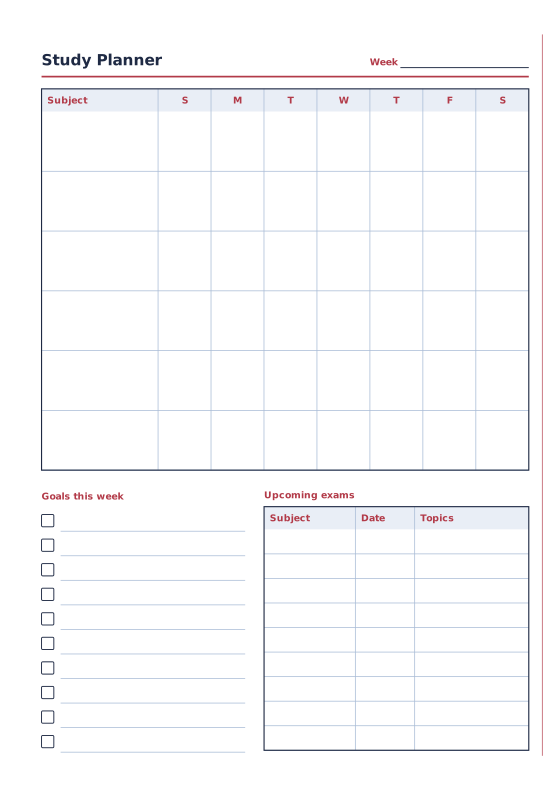
Study Planner
Weekly subject grid, goals and exam dates.
-
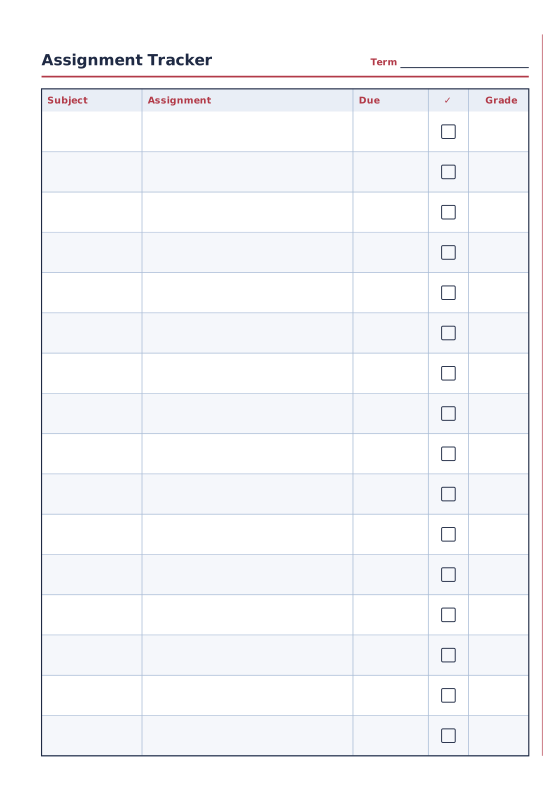
Assignment Tracker
Subjects, assignments, due dates and grades.
-
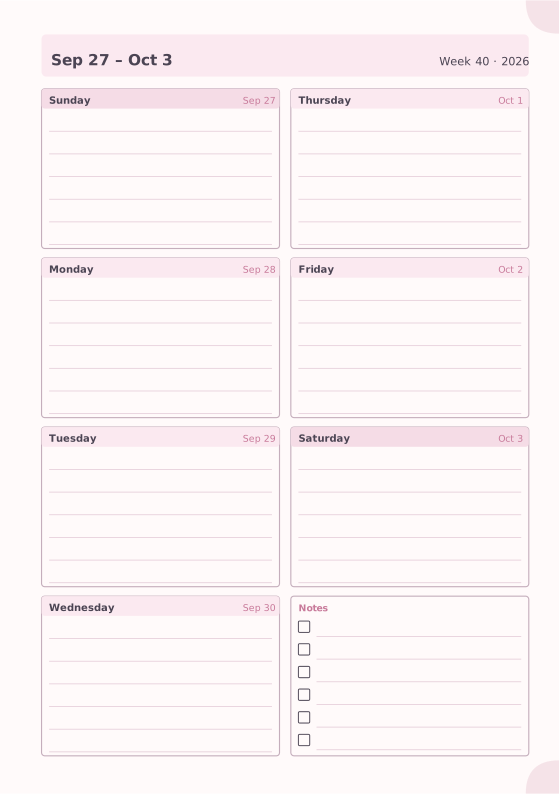
Weekly Planner
Seven days on one page with a notes box.
-
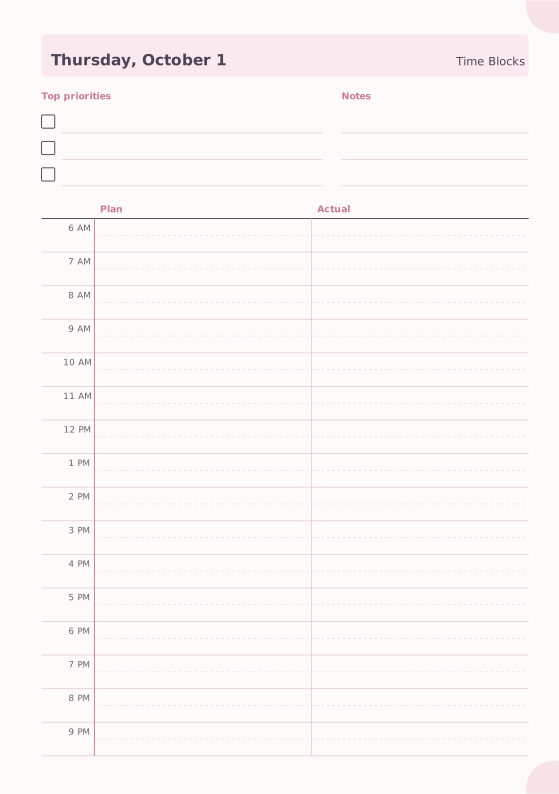
Time Blocking
Plan versus actual hourly blocks.
-
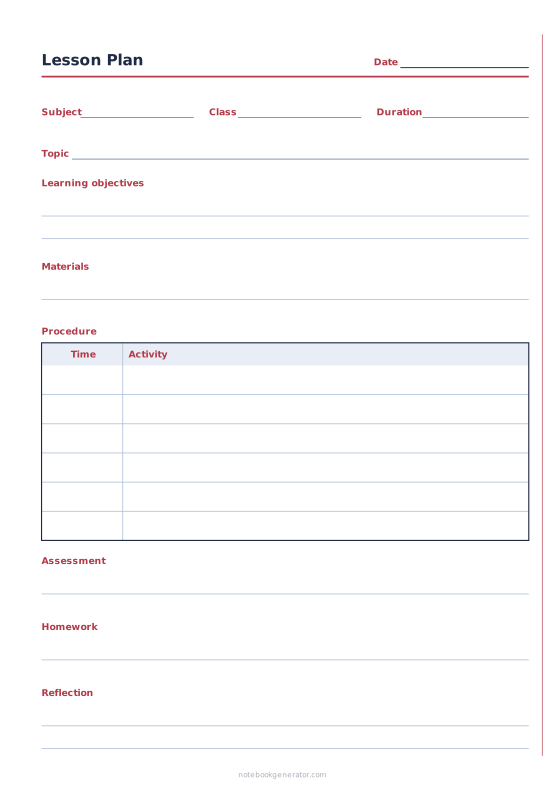
Lesson Plan
One-lesson plan with objectives, materials, timed steps and follow-up.














