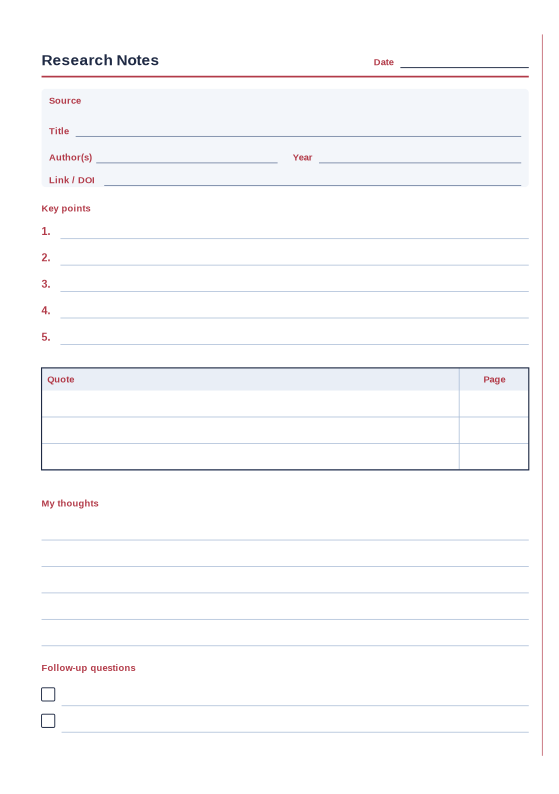
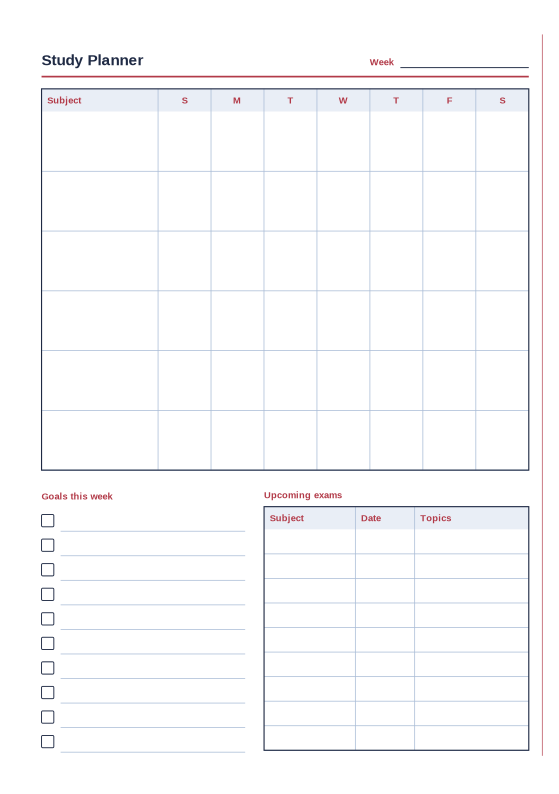
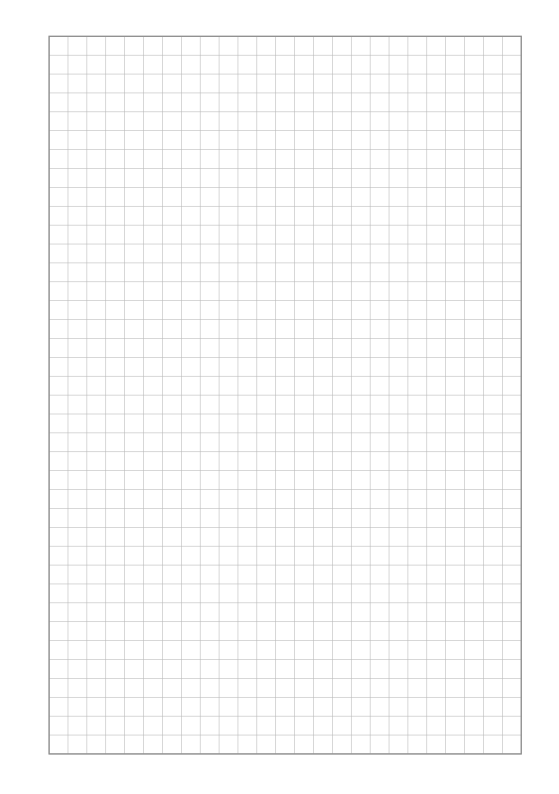
Cornell Notes
Cornell Notes Template (A4)
A4 is the standard paper for students in the UK, Europe, Australia, India and most of the world, so these Cornell sheets fit your printer, your ring binder and your folders. The large page leaves room for diagrams, worked examples and long lecture notes.
- Page size
- 8.268 × 11.693 in210 × 297 mm
- Paper for 32 pages
- 8 × A3, double-sided
Start from a preset
- Cornell notes for a ring binder, 10 pages 7 mm lines. Download as Reading order and print on A4. Open in the maker →
- Cornell revision sheets, larger summary box 30% summary area for exam revision and past-paper notes. Open in the maker →
- A4 Cornell notebook, 32 pages A bound booklet on 8 sheets of A3, for a print shop or an A3 printer. Open in the maker →
Cornell notes on A4
A4 (210 × 297 mm) gives the Cornell layout the most room of the common sizes: a wide notes area for lecture notes, equations and sketches, a 30% cue column for questions and keywords, and a summary box at the bottom of every page. It is the natural choice for ring binders, lever-arch files and handing in notes.
- Set the summary height up to 35% if you use the box for revision.
- Widen the cue column to 40% for subjects with many terms, such as biology or law.
- Type the module name as the page title so every sheet is labelled.
How to print A4 Cornell sheets
- Open a preset above and set the page count and title.
- Choose Download PDF → Reading order for loose sheets, or Single pages for one page per sheet.
- Print on A4 at 100% (Actual size), single- or double-sided.
- Punch the sheets and file them by subject.
For a full-size bound notebook, keep Print-ready booklet and print on A3, double-sided with the short-edge flip, then fold and staple the stack. With more than about 10 sheets, choose Signatures (sew) binding.
Free sample PDFs
Print at 100% (actual size). Made with the same engine as the maker, so the spacing is exact.
Frequently asked questions
How do I print A4 Cornell notes on a home printer?
Choose Download PDF → Reading order (or Single pages). Every PDF page is one A4 sheet in normal order, so it prints on any printer. Use 100% (Actual size) so the lines keep their spacing.
What line spacing should I use on A4?
7 mm is a comfortable default and close to standard narrow-ruled exercise paper. Choose 8 mm for larger handwriting or 6 mm to fit more lines on each page.
Can I make a bound A4 notebook?
Yes, with A3 paper. Keep Print-ready booklet: each A3 sheet holds 4 A4 pages, so 32 pages take 8 sheets. Print double-sided on the short edge at a print shop or on an A3 printer, then fold and staple.
A4 or A5 for Cornell notes?
A4 suits binders, long lectures and subjects with diagrams. If you want a small bound notebook from a normal home printer, choose A5: it prints as a booklet on ordinary A4 paper.
Related guides
- Paper sizes, margins and binding allowanceWhich printer paper fits which notebook size, how to set margins and the binding margin, and when to use bleed and creep.
- Binding styles compared: staple, sew, ring, disc and glueSaddle stitch, pamphlet stitch, multi-signature sewing, ring binders, disc binding and perfect binding compared: tools, cost, page count and how each one opens.
- Double-sided printing on a home printerPrint booklets double-sided on any home printer: automatic duplex settings, manual duplex step by step, the flip on long or short edge question, and a quick test sheet.