Study & Work
Printable Research Notes Template
This research notes template gives every source its own page: citation details, key points, quotes with page numbers, your own thoughts and follow-up questions. It keeps a literature review organized from the first reading to the final draft.
What you can customize
- Line spacing
Works well in
- Traveler's Notebook Passport
- A6
- Traveler's Notebook Regular
- B6 (JIS)
- A5
- US Half Letter
- B5 (ISO)
- A4
- US Letter
All page sizes, from Passport to A4
Try it in another style
Start from a preset
- Research notes, US Letter One source per page for a thesis or paper binder. Open in the maker →
- Research notes, A4 The same layout on A4. Open in the maker →
- Reading notes notebook, A5 booklet 32 sources in a bound notebook. Open in the maker →
- Compact research notes, B5 Tighter 6 mm lines for small handwriting. Open in the maker →
What’s on the research notes page
- Source: a shaded box with lines for title, author(s), year and link / DOI.
- Key points: numbered lines for the main arguments and findings.
- Quotes: a table with a page column, so every quote is ready to cite.
- My thoughts: lined space for your analysis and connections to other sources.
- Follow-up questions: a short checklist of what to look up next.
The header has a date line. Line spacing (5–10 mm) applies to all writing areas. Use it for a literature review, thesis, dissertation, history project or any reading-heavy course.
How to print research notes
- For a binder, use the Letter or A4 preset and Download PDF → Reading order. Hole-punch and file the pages by topic.
- For a notebook, use the A5 or B5 preset and Print-ready booklet. Print double-sided, fold and staple, or choose Signatures (sew) for more than about 10 sheets.
- Print at 100% (Actual size).
Free sample PDFs
Print at 100% (actual size). Made with the same engine as the maker, so the spacing is exact.
Frequently asked questions
How do I take research notes from a source?
Fill in the source box first (title, authors, year, link or DOI) so you can cite it later. Then summarize the main arguments as numbered key points, copy exact quotes with their page numbers, and write your own reactions separately under My thoughts. End with questions to follow up.
Why keep quotes and my own thoughts apart?
Separating copied text from your own ideas makes citing easy and helps you avoid accidental plagiarism. The quote table has a page column for that reason.
What line spacing should I use?
The default is 7 mm, and you can choose 5 to 10 mm. Smaller spacing fits more on B5 or A5 pages; larger spacing is easier on Letter or A4.
What else goes well with research notes?
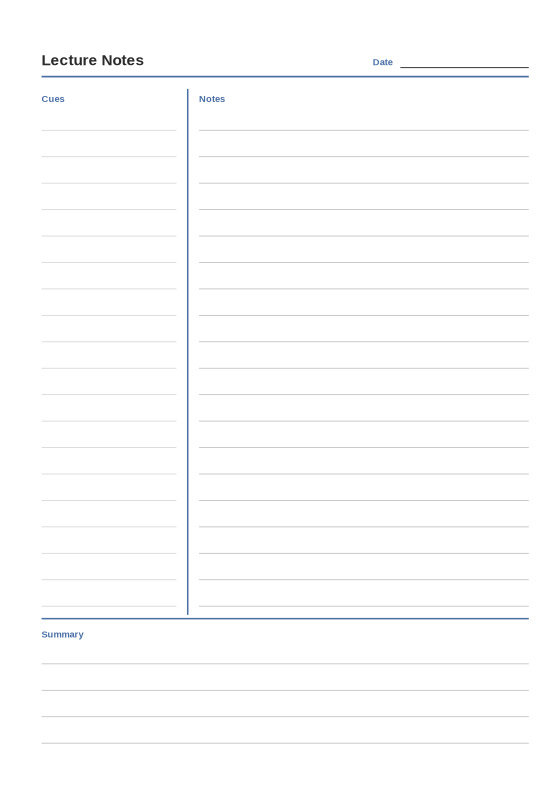
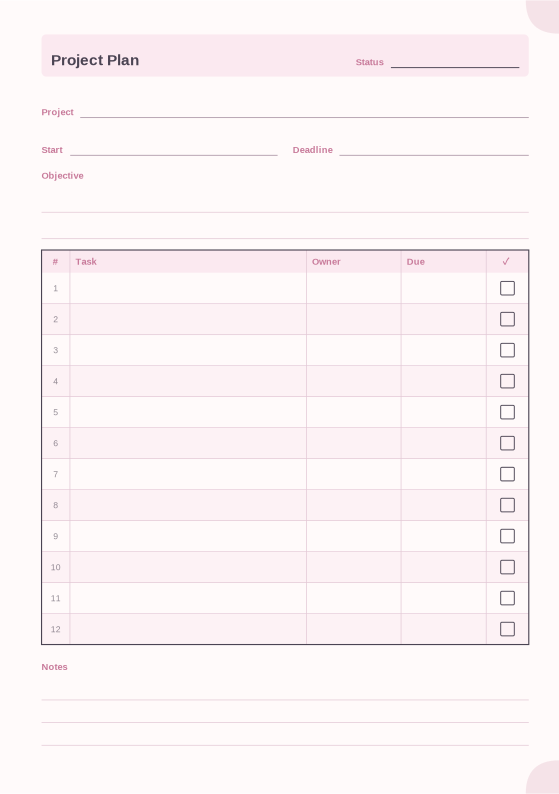
Cornell notes for lectures, a project planner for thesis milestones, and lined or dot grid pages for drafts. Mix them in one notebook and print it as a booklet.
Related guides
- How to print a booklet double-sidedPrint your notebook PDF at actual size, choose the right duplex setting, and get pages that come out in the right order after folding.
- Paper sizes, margins and binding allowanceWhich printer paper fits which notebook size, how to set margins and the binding margin, and when to use bleed and creep.
- Sew signatures into a thick notebookPrint a thick notebook as several signatures, fold them, and sew them together with a simple stitch, or bind each one as a Traveler's Notebook insert.
- Note-taking methods: 6 ways to take notes comparedThe Cornell, outline, mapping, charting, sentence and boxing methods explained, with a comparison table, the best paper for each and how to choose by subject.