Cornell Notes
Half Letter Cornell Notebook (5.5 × 8.5 in)
Half Letter is the easiest Cornell notebook to make at home in the US: each page is half a sheet of regular printer paper, so any home printer can do it. You get a pocket-sized notebook for one class that fits in a backpack pocket or a pencil case.
- Page size
- 5.5 × 8.5 in139.7 × 215.9 mm
- Paper for 48 pages
- 12 × US Letter, double-sided
Start from a preset
- Half Letter Cornell notebook, 32 pages 8 sheets of Letter paper. One class for a few weeks of lectures. Open in the maker →
- Half Letter Cornell notebook, 48 pages 12 sheets of Letter paper, still thin enough for a regular stapler. Open in the maker →
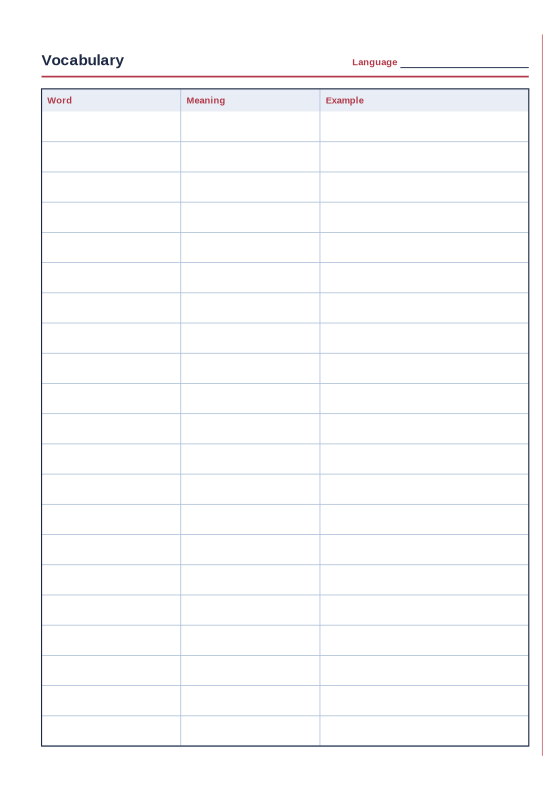
- Vocabulary Cornell booklet, wide cue column 40% cue column for words and definitions in a language or science class. Open in the maker →
Why a Half Letter Cornell notebook
Half Letter (5.5 × 8.5 in, also called Statement size) is exactly half of a Letter sheet. That makes it the one booklet size every US home printer can produce, and the result is a real notebook with a folded spine instead of a stack of loose sheets. One booklet per class keeps lecture notes, cues and summaries together and in order.
Each page keeps the full Cornell layout: notes on the right, a cue column on the left for review questions, and a summary box at the bottom.
How to make it on Letter paper
- Open a preset above, set the page count and type the class name as the page title.
- Click Download PDF and keep Print-ready booklet. The pages are already in the right order.
- Load regular Letter paper and print double-sided, flip on the short edge, at 100% (Actual size).
- Fold the whole stack in half, crease it, and staple twice on the fold. Trim the open edge if the inner sheets stick out.
Free sample PDFs
Print at 100% (actual size). Made with the same engine as the maker, so the spacing is exact.
Frequently asked questions
Can I print a Half Letter booklet on my home printer?
Yes. That is the point of this size: the booklet prints on the same 8.5 × 11 in Letter paper your printer already uses. No Tabloid paper or copy shop needed.
My printer has no automatic duplex. What do I do?
Print the odd pages (fronts) first, put the stack back in the tray with the printed side positioned as your printer needs, then print the even pages (backs). Try it with one sheet first so you know which way to reinsert the paper.
How many pages can I staple?
A regular stapler handles about 10–12 sheets of Letter paper, which is 40–48 Half Letter pages. A long-reach stapler makes it easier to reach the middle of the fold. For a thicker notebook, choose the Signatures (sew) binding.
What line spacing works on Half Letter?
The page is 5.5 in wide, so slightly tighter lines than college ruled feel right; the presets use 6.5 mm. Use 7.1 mm if you want the same ruling as your college ruled paper.
Related guides
- How to print a booklet double-sidedPrint your notebook PDF at actual size, choose the right duplex setting, and get pages that come out in the right order after folding.
- How to staple a booklet in the middleFold and staple a booklet through the centre with a long-reach or normal stapler. Follow the sheet-order, backing and staple-closing steps.
- Double-sided printing on a home printerPrint booklets double-sided on any home printer: automatic duplex settings, manual duplex step by step, the flip on long or short edge question, and a quick test sheet.