Music
Printable Blank Lead Sheet
A lead sheet template for jazz standards, pop songs and worship sets: one melody staff per line, space above it for chord symbols, a lyric line under it, and a header for the title, tempo and composer.
What you can customize
- Staves per page
- Staff line gap
- Clef
- Bar lines per staff
- Lyric line
Works well in
- Traveler's Notebook Passport
- A6
- Traveler's Notebook Regular
- B6 (JIS)
- A5
- US Half Letter
- B5 (ISO)
- A4
- US Letter
All page sizes, from Passport to A4
Try it in another style
Start from a preset
- Lead sheet, 8 staves, US Letter Treble clef, 4 bars per line, lyric lines. Open in the maker →
- Lead sheet, 9 staves, A4 European paper size with the same layout. Open in the maker →
- Jazz chart without lyrics More staves and room for chord symbols only. Open in the maker →
- Bass clef lead sheet For bass lines and low melodies. Open in the maker →
A lead sheet layout that reads at a glance
The header has a centered title line with fields for tempo/style and composer. Below, each line has:
- space for chord symbols above the staff,
- a five-line staff with a treble, bass or no clef and 0 to 8 bar lines,
- a light lyric line under the staff (optional).
Print a stack for gigs and rehearsals, or bind them into a fake book with a cover and section dividers.
How to print a lead sheet
- Use the Letter or A4 preset and Download PDF → Reading order.
- To make a songbook, add the pages to an A5 project and choose Print-ready booklet.
- Print at 100% (Actual size).
Free sample PDFs
Print at 100% (actual size). Made with the same engine as the maker, so the spacing is exact.
Frequently asked questions
What is a lead sheet?
A lead sheet shows the melody on one staff, the chord symbols above it and the lyrics below. Bands, jazz musicians and worship teams use it to play a song without a full arrangement.
Where do the chord symbols go?
Each staff has open space above it for chord symbols such as Cmaj7 or G/B, placed over the beat where the chord changes.
Can I change the number of bars per line?
Yes. Choose 0 to 8 bar lines per staff. Four bars per line is the usual layout for a 32-bar song form.
Can I turn off the lyric lines?
Yes. Turn off the lyric line for instrumental charts and use more staves per page instead.
Related guides
- How to print a booklet double-sidedPrint your notebook PDF at actual size, choose the right duplex setting, and get pages that come out in the right order after folding.
- How to staple a booklet in the middleFold and staple a booklet through the centre with a long-reach or normal stapler. Follow the sheet-order, backing and staple-closing steps.
Related templates
-
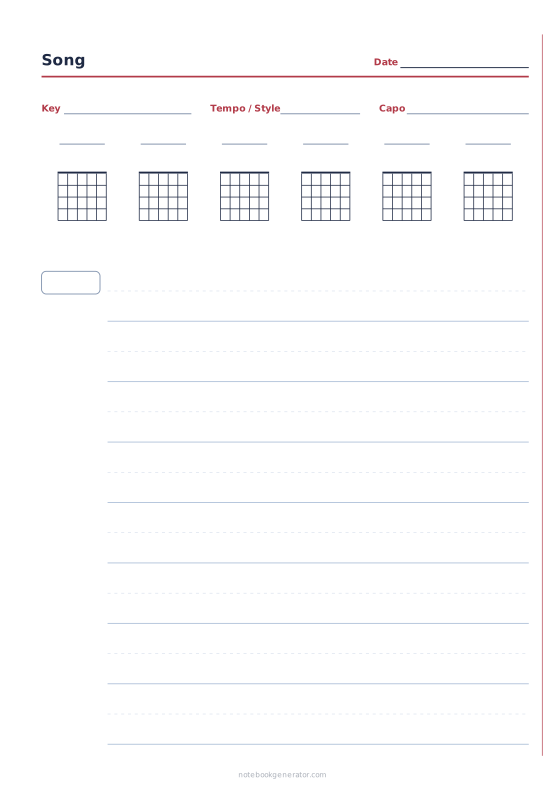
Songwriting Sheet
Key, tempo and capo fields, chord boxes and verse blocks with chord and lyric lines.
-
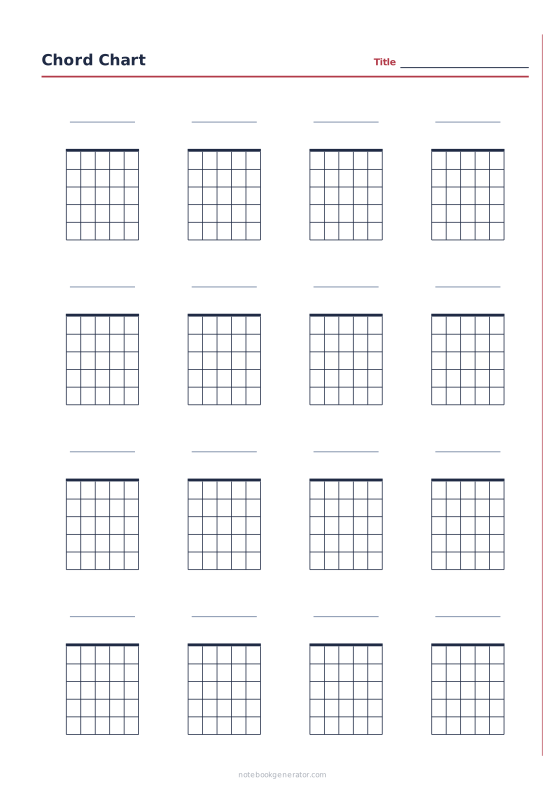
Chord Chart
Blank chord diagrams, or a ready-made chart of common guitar or ukulele chords.
-
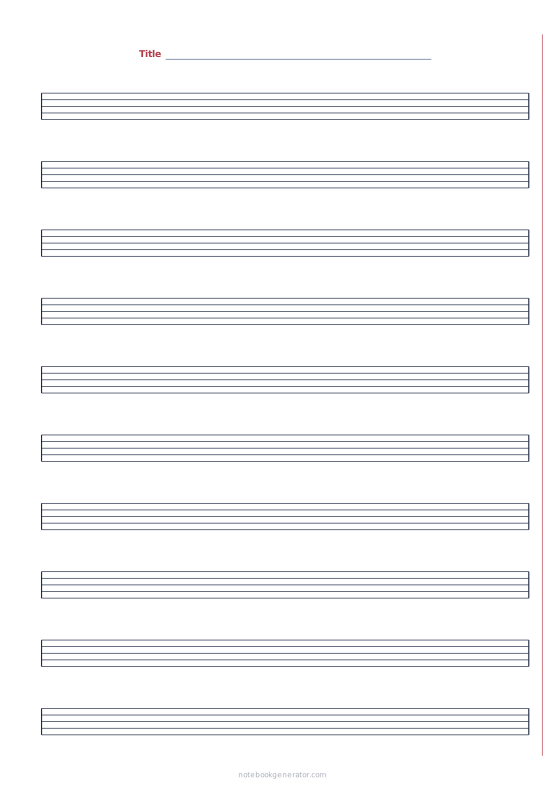
Staff Paper
Blank sheet music with five-line staves, optional clefs and bar lines.
-
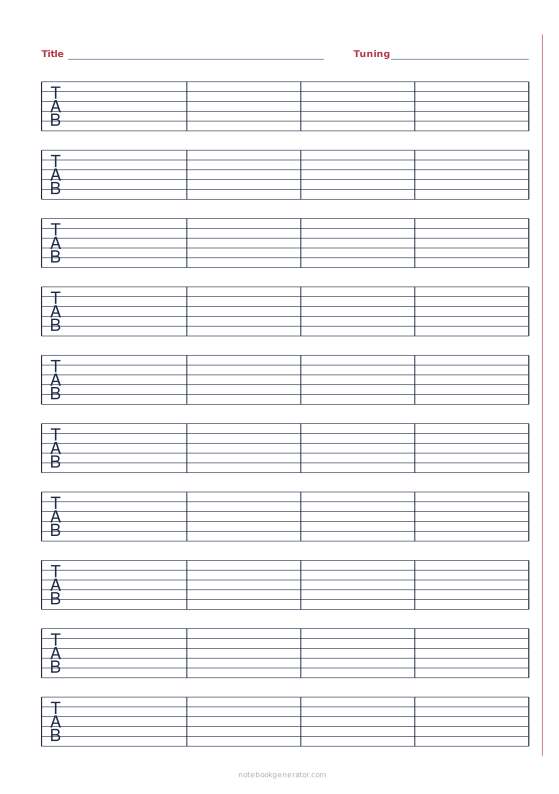
Guitar Tab Paper
Blank tablature for guitar, 7-string, bass, ukulele, mandolin and banjo.
-
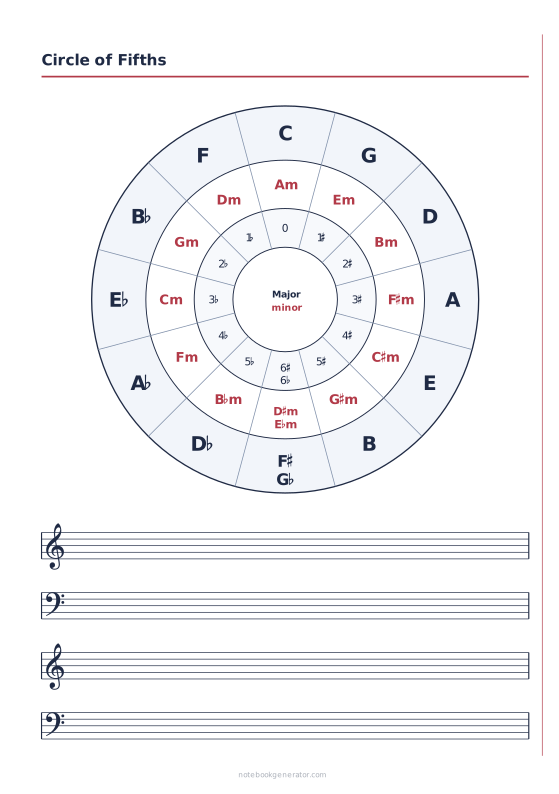
Circle of Fifths
Major and minor keys with their key signatures, plus practice staves.














