Celestial edition
Celestial moon digital planner
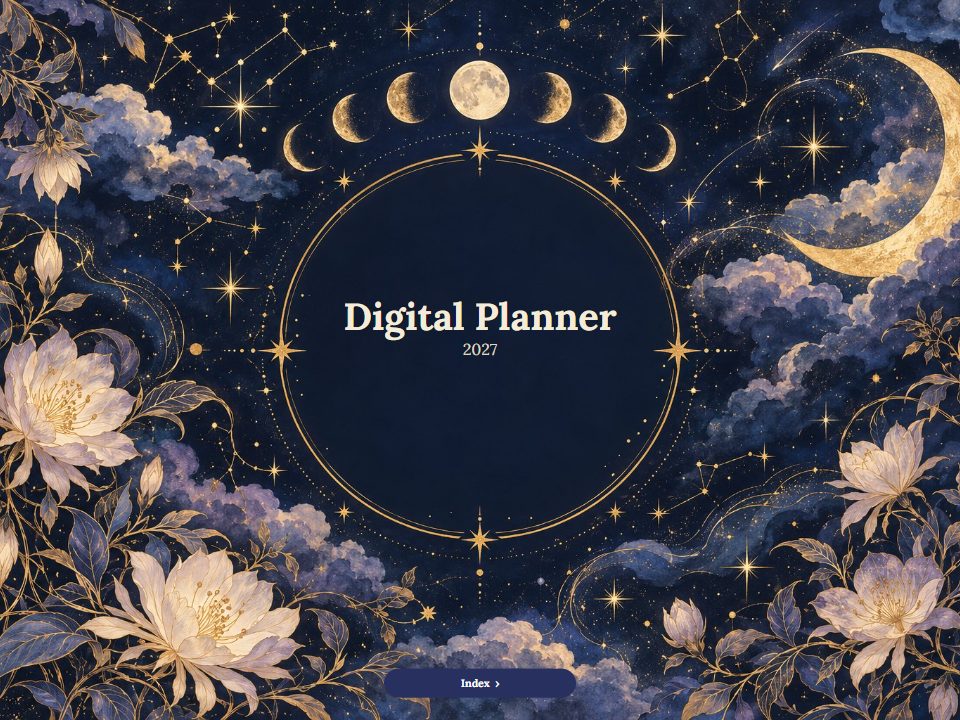
Midnight blue, gold constellations, a crescent moon and white flowers that bloom at night. For planners who set intentions at the new moon and review at the full.














-
A night sky on every month
Moon phases and constellations on the cover and month arches, with gold stars between the pages.
-
Moon and star stickers
Crescent moons, a full moon, constellations, crystals, a telescope and an hourglass, plus labels and eight starry washi tapes.
-
Made for rituals
Goals, habits and gratitude pages sit one tap away from every week, ready for monthly intentions.
Inside the Celestial planner
Real pages from the planner, drawn by the same code as your PDF. Every tab and date on them is a link.
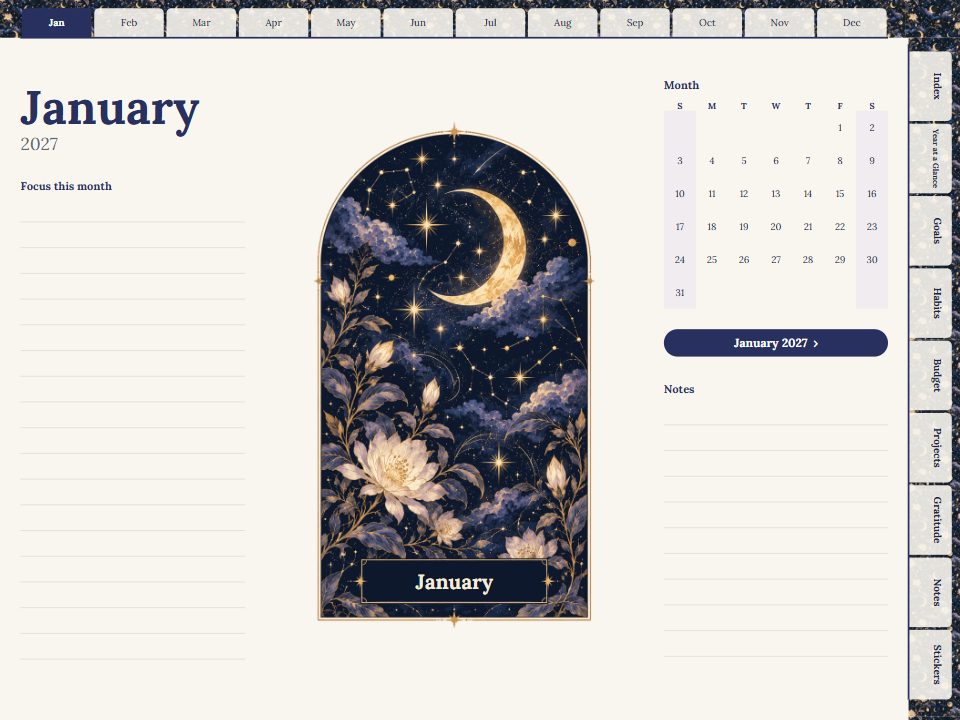
A full-page opener for every month
Each month begins with the edition's arch, a mini calendar and lines for what to focus on. The index links straight to it, and every date leads on to its week and day.
Stickers, labels and washi tape
The Celestial set, on sticker pages inside the planner and as full-size PNGs for your app's sticker library.



























Make the Celestial planner yours
Choose the year, language and layout, look through every page in the preview, then get the full planner for $7.99.
Questions
Does it show the real moon phases for my dates?
No. The moon phases are part of the artwork, not an astronomical calendar for your year.
Is the page background dark?
The cover and month arches are midnight blue; working pages are light so writing stays easy to read. The Classic edition offers fully dark paper.
Can I use it as a manifestation journal?
Yes. Use the goals and gratitude sections and the notes pages for intentions, scripting and reflections.
Can I see it before buying?
Yes. The live preview shows every page of the planner with your settings, and the tabs and dates link just as they do in the PDF.
Which apps does it work in?
Any app that opens PDFs and follows their internal links: GoodNotes, Notability, Noteshelf, Penly, Xodo, Samsung Notes, Apple Books and desktop readers. Import the file as a document, then tap the tabs.
How is payment handled?
Checkout is handled by Waffo Pancake, our Merchant of Record. It accepts major cards and the other payment methods shown at checkout, and charges any applicable VAT or sales tax. Your card details never reach this site.