Wagara edition
Japanese digital planner
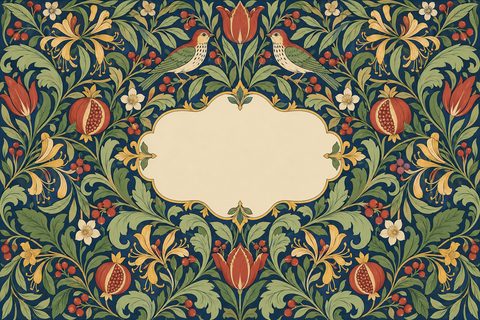
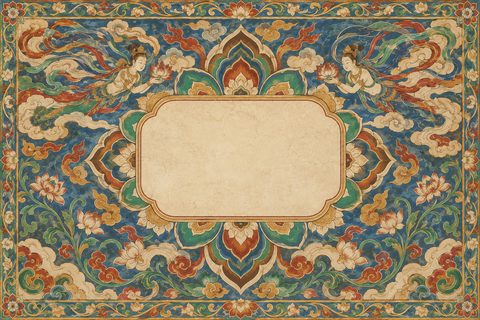
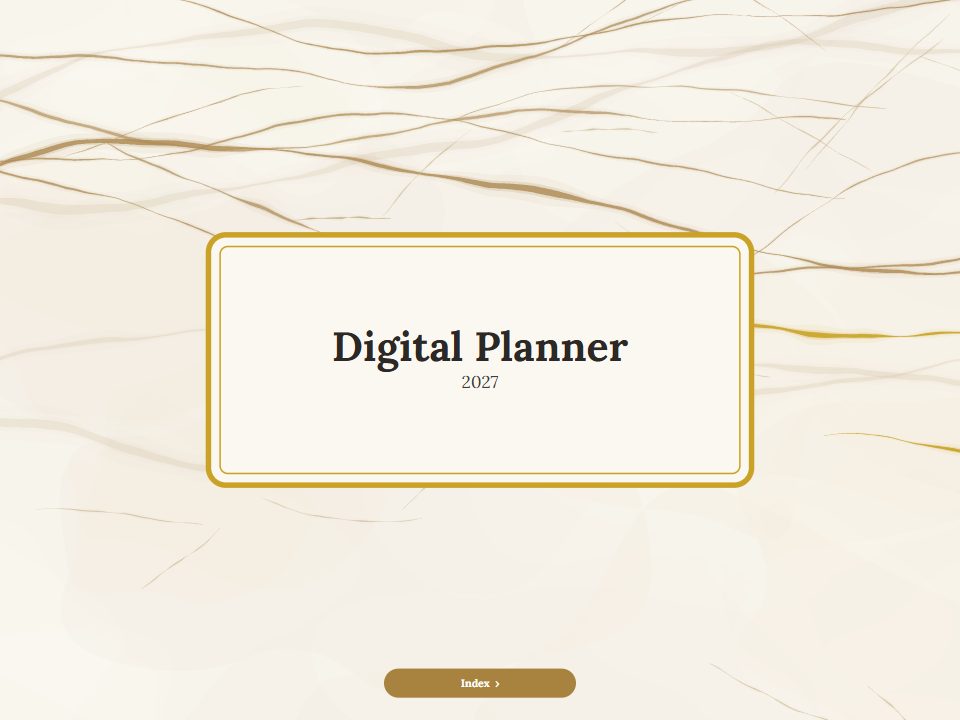
Traditional Japanese patterns, wagara, in indigo, vermilion and gold: seigaiha waves, asanoha, cranes in flight and cherry blossom. Month names and labels can be in Japanese or any of 12 languages.















-
Classic wagara motifs
Seigaiha, asanoha, yagasuri and ichimatsu bands, with cranes and sakura on the cover and month arches.
-
Japanese dates and labels
Choose 日本語 for 1月, 月火水木金土日 and every label, with the week starting on Sunday or Monday.
-
Koi, daruma and Mount Fuji
The sticker set has cranes, koi, a daruma, a beckoning cat, fans, lanterns, a torii and Mount Fuji, plus labels and eight washi tapes.
Inside the Wagara planner
Real pages from the planner, drawn by the same code as your PDF. Every tab and date on them is a link.
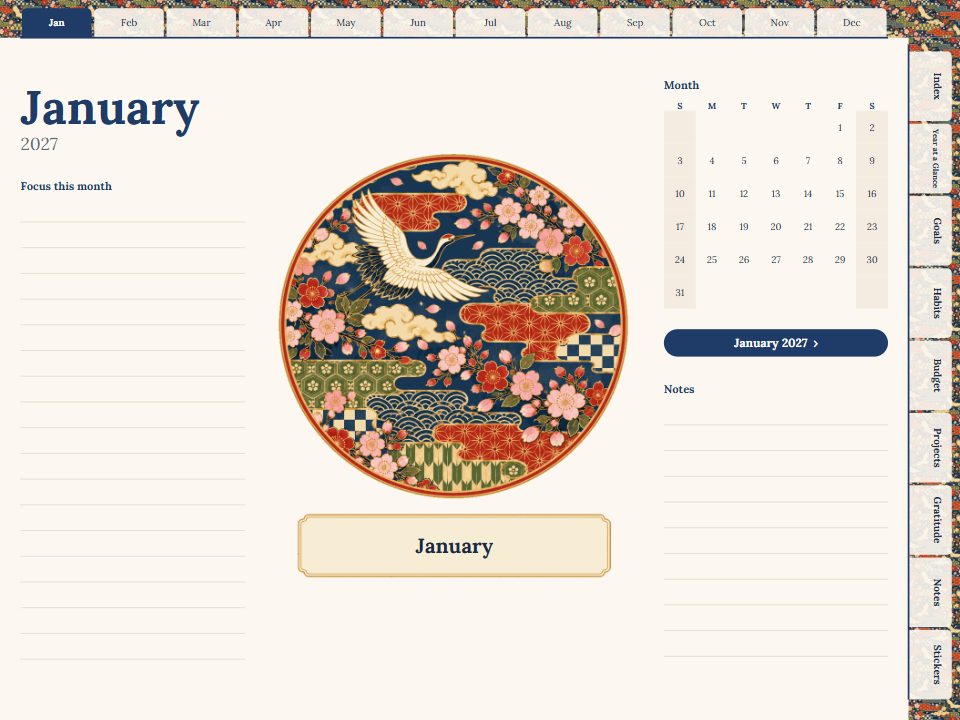
A full-page opener for every month
Each month begins with the edition's arch, a mini calendar and lines for what to focus on. The index links straight to it, and every date leads on to its week and day.
Stickers, labels and washi tape
The Wagara set, on sticker pages inside the planner and as full-size PNGs for your app's sticker library.























Make the Wagara planner yours
Choose the year, language and layout, look through every page in the preview, then get the full planner for $7.99.
Questions
Can the planner be fully in Japanese?
Yes. Set the planner language to 日本語 and month names, weekdays and printed labels are in Japanese. The cover title can be anything you type.
Is it a dated or an undated planner?
Either. Choose a year and a first month, or switch to undated and fill in the dates yourself.
Which tablets does it work on?
iPad, Android tablets and desktop readers. Any app that opens PDFs and follows their links, such as GoodNotes, Notability or Noteshelf.
Are the patterns the same on every page?
The cover and month arches carry the full illustrations; week and day pages use lighter ornaments so they stay easy to write on.
Which apps does it work in?
Any app that opens PDFs and follows their internal links: GoodNotes, Notability, Noteshelf, Penly, Xodo, Samsung Notes, Apple Books and desktop readers. Import the file as a document, then tap the tabs.
How is payment handled?
Checkout is handled by Waffo Pancake, our Merchant of Record. It accepts major cards and the other payment methods shown at checkout, and charges any applicable VAT or sales tax. Your card details never reach this site.