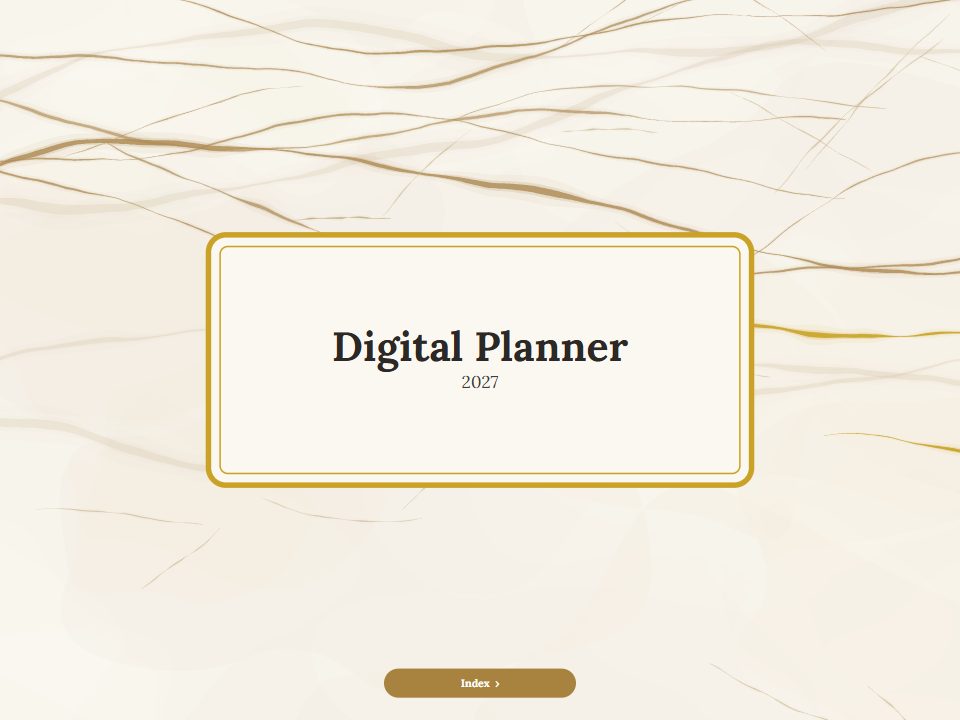
Steampunk edition
Steampunk digital planner
Brass gears, airships and Victorian machinery: on the cover, on a full-page opener for every month and on a matching sticker set. A hyperlinked PDF for GoodNotes, Notability and every PDF note app, in your language.















-
The art on every month
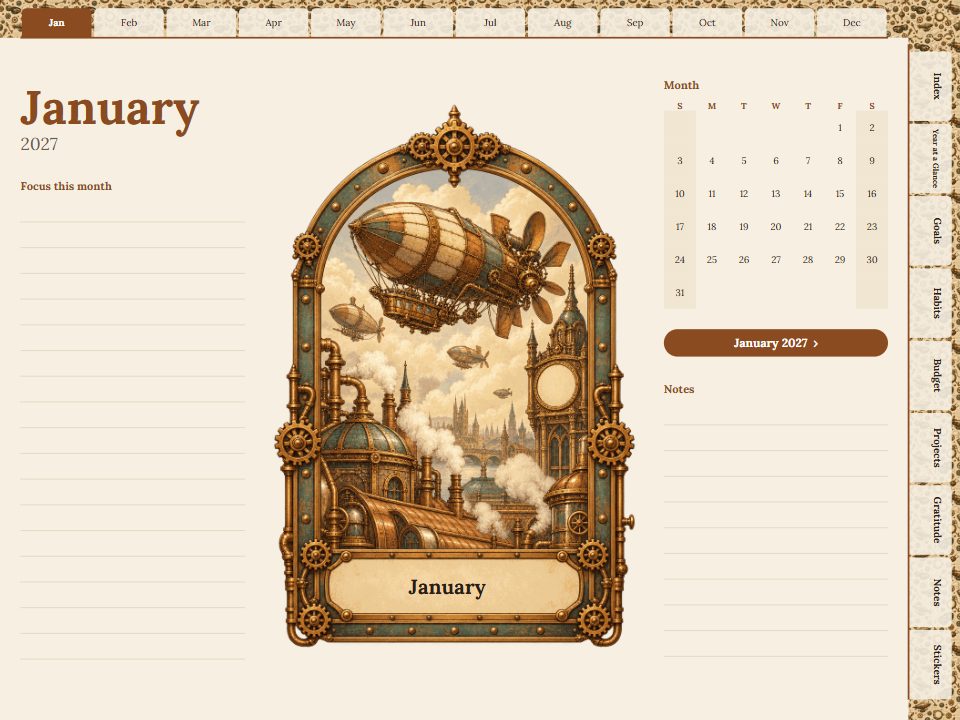
Each month opens with the edition's illustrated arch, a mini calendar and links to every week and day.
-
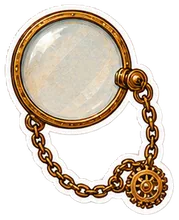
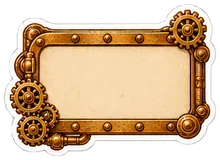
A matching sticker set
Sticker, label, washi tape and border pages in the same style, plus full-size PNGs for your app.
-
Made to your settings
Any year or undated, 12 languages, landscape or portrait, and the sections you need.
Inside the Steampunk planner
Real pages from the planner, drawn by the same code as your PDF. Every tab and date on them is a link.
A full-page opener for every month
Each month begins with the edition's arch, a mini calendar and lines for what to focus on. The index links straight to it, and every date leads on to its week and day.
Stickers, labels and washi tape
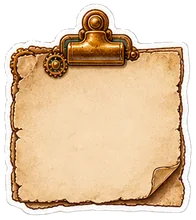
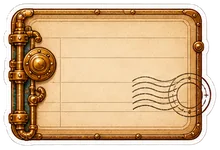
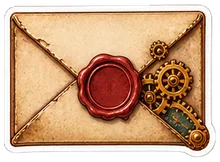
The Steampunk set, on sticker pages inside the planner and as full-size PNGs for your app's sticker library.






















Make the Steampunk planner yours
Choose the year, language and layout, look through every page in the preview, then get the full planner for $7.99.
Questions
Can I change the year, language and layout?
Yes. This page opens the designer with the Steampunk edition chosen; everything else is up to you.
Does it work in GoodNotes and on Android?
Yes. It is a standard PDF with real links, for GoodNotes, Notability, Noteshelf, Samsung Notes, Xodo and other PDF apps.
Can I see it before buying?
Yes. The live preview shows every page of the planner with your settings, and the tabs and dates link just as they do in the PDF.
Which apps does it work in?
Any app that opens PDFs and follows their internal links: GoodNotes, Notability, Noteshelf, Penly, Xodo, Samsung Notes, Apple Books and desktop readers. Import the file as a document, then tap the tabs.
How is payment handled?
Checkout is handled by Waffo Pancake, our Merchant of Record. It accepts major cards and the other payment methods shown at checkout, and charges any applicable VAT or sales tax. Your card details never reach this site.