Kids
Printable Notebook Labels
A sheet of labels for school notebooks, folders and books, with lines for the name, subject, class and school. Print on plain paper and glue them on, or print on full-sheet sticker paper and cut them out.
What you can customize
- Labels per sheet
- Frame
- School line
Works well in
- Traveler's Notebook Passport
- A6
- Traveler's Notebook Regular
- B6 (JIS)
- A5
- US Half Letter
- B5 (ISO)
- A4
- US Letter
All page sizes, from Passport to A4
Try it in another style
Start from a preset
- 8 notebook labels, US Letter Rounded frames with name, subject, class and school. Open in the maker →
- 12 small labels, US Letter Dashed frames for folders, workbooks and pencil cases. Open in the maker →
- 4 large labels, US Letter Double frames for binders and composition notebooks. Open in the maker →
- 10 labels without school line, A4 Name, subject and class only. Open in the maker →
What’s on each label
- Name, subject and class lines.
- School line (optional).
- A rounded, double or dashed frame to cut along.
In the maker set Labels per sheet (4 to 12), the Frame and the School line. The sheet is a single page; colors follow your theme.
Printing and cutting the labels
- Use the Letter or A4 preset and Download PDF → Reading order. Print as many copies as you have notebooks to label.
- Print at 100% (Actual size) so the labels keep their size, and do a test on plain paper before using sticker sheets.
- Cut along the frames with scissors or a paper trimmer, then stick them on the covers.
Free sample PDFs
Print at 100% (actual size). Made with the same engine as the maker, so the spacing is exact.
Frequently asked questions
What paper should I print notebook labels on?
Full-sheet sticker paper (sticker or label paper for inkjet or laser printers) is easiest: print, cut along the frames and stick. On plain paper, cut them out and use a glue stick or clear tape.
How many labels fit on a sheet?
Choose 4, 6, 8, 10 or 12. Four labels come in one column and are large enough for binders; 6 to 12 are arranged in two columns.
Can I change the colors?
Yes. The frames follow the theme you pick in the maker, so you can use a different theme for each child or each subject.
Can I fill in names before printing?
The labels print with blank lines to write on by hand. Write with a permanent marker or fine pen so the name does not smudge.
Related guides
- Calibrate your printer for exact sizesMeasure your printer once so pages print at exactly the right size, find its unprintable margins, and line up the front and back of each sheet.
- Paper sizes, margins and binding allowanceWhich printer paper fits which notebook size, how to set margins and the binding margin, and when to use bleed and creep.
- Cutting and trimming your notebookUse crop marks to cut printed sheets and trim folded booklets cleanly, with a craft knife, a paper trimmer or a guillotine.
Related templates
-
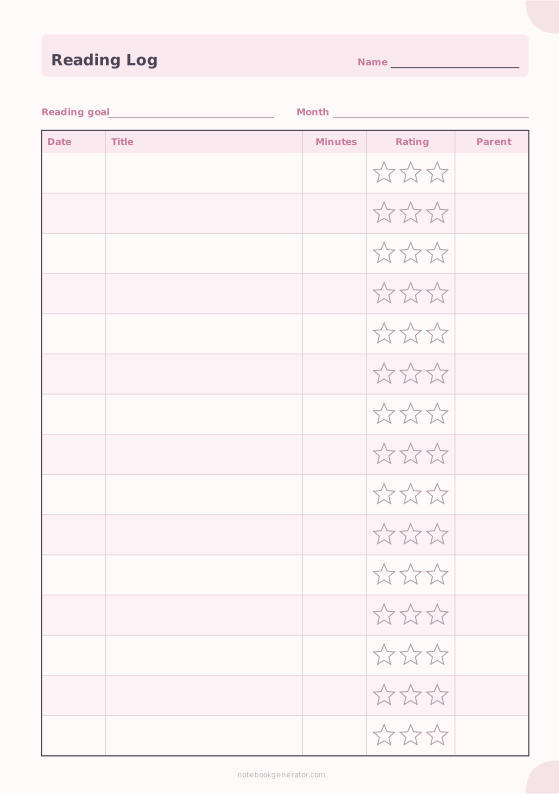
Reading Log for Kids
Date, book title, minutes read, a star rating and a parent's initials.
-
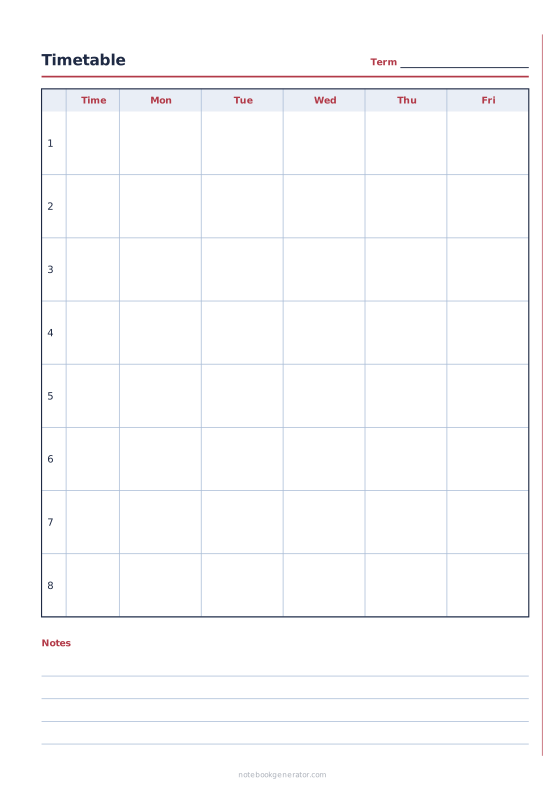
School Timetable
Class schedule with periods, times and 5, 6 or 7 school days.
-
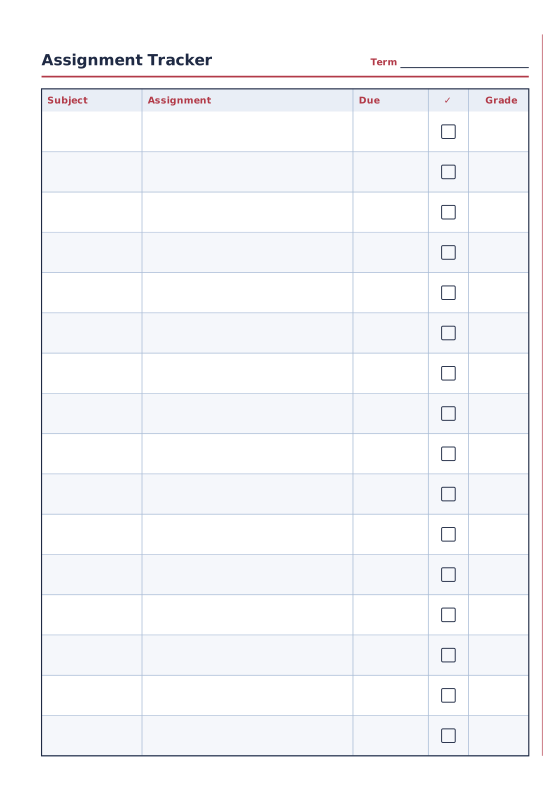
Assignment Tracker
Subjects, assignments, due dates and grades.
-
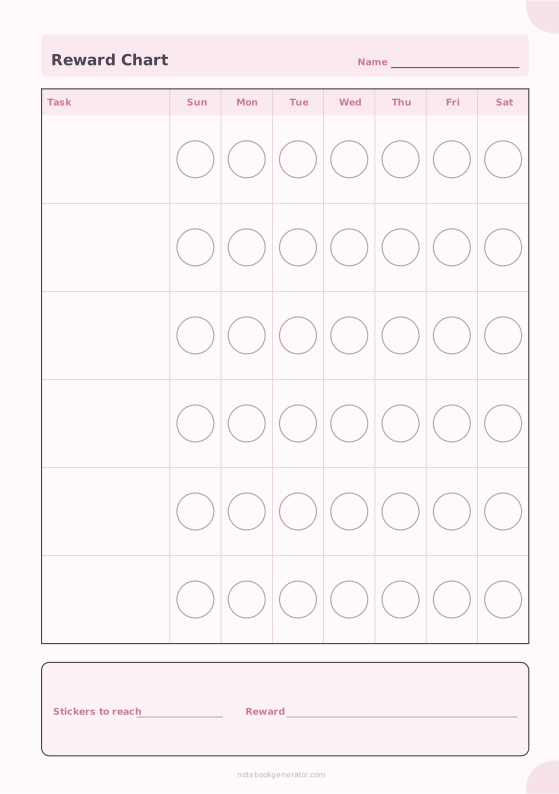
Reward Chart
A sticker chart with tasks down the side and a shape for every day.
-
Checklist Paper
Rows of checkboxes with a title and date.














