Study & Work
Printable Gradebook for Teachers
A teacher grade sheet that prints in seconds: students down the side, assignments and tests across the top, a tall band to write each assignment’s name and date, and a total column at the end.
What you can customize
- Students
- Assignments
- Total column
Works well in
- Traveler's Notebook Passport
- A6
- Traveler's Notebook Regular
- B6 (JIS)
- A5
- US Half Letter
- B5 (ISO)
- A4
- US Letter
All page sizes, from Passport to A4
Try it in another style
Start from a preset
- Gradebook, 25 students × 12 assignments, US Letter One class per page with a total column. Open in the maker →
- Large class, 35 students × 15 assignments Smaller rows for a big class or a full grading period. Open in the maker →
- Small group, 12 students × 8 assignments Roomier cells for comments or letter grades. Open in the maker →
- Grade sheet without total, A4 For rubric scores or checkmarks that are not added up. Open in the maker →
What’s on the gradebook
- Class line in the header.
- Assignment band: a tall box above each column for the assignment name and a date line.
- Student rows: numbered rows with a wide name column, shaded every other row for easy reading.
- Total column at the end, which you can turn off.
Write your roster once on the first page, then photocopy it for the next grading period, or print a fresh set from the maker whenever you need it.
Printing it
- Use the Letter or A4 preset and Download PDF → Reading order.
- Print at 100% (Actual size) so the cells stay large enough for two-digit scores.
- Keep the sheets in your planning binder, one tab per class.
Free sample PDFs
Print at 100% (actual size). Made with the same engine as the maker, so the spacing is exact.
Frequently asked questions
How many students and assignments fit on one page?
Set Students from 10 to 40 and Assignments from 5 to 25. The rows and columns share the page evenly, so fewer of each gives larger cells.
Where do I write the assignment names?
Above the numbered columns is a tall band. Write each assignment, quiz or test name there, turned sideways if you like, with its date on the line below.
Can I use it for a whole semester?
Print one page per grading period, or several pages per class and keep them in a binder. Each page has a Class line in the header.
Is it suitable for attendance too?
For attendance there is a separate attendance sheet with the days of the month across the top and present and absent totals.
Related guides
- Calibrate your printer for exact sizesMeasure your printer once so pages print at exactly the right size, find its unprintable margins, and line up the front and back of each sheet.
- Paper sizes, margins and binding allowanceWhich printer paper fits which notebook size, how to set margins and the binding margin, and when to use bleed and creep.
- Classroom packs: printing worksheets and notebooks for a classReady-made combinations of printable pages for teachers and homeschool: handwriting packs, maths grid packs, reading logs, planners, and how to print class sets efficiently.
Related templates
-
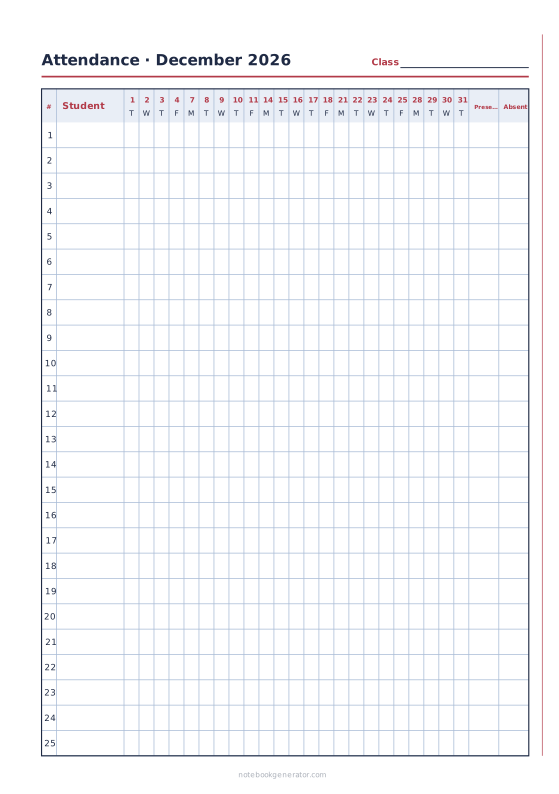
Attendance Sheet
A monthly class register: students down, days across, present and absent totals.
-
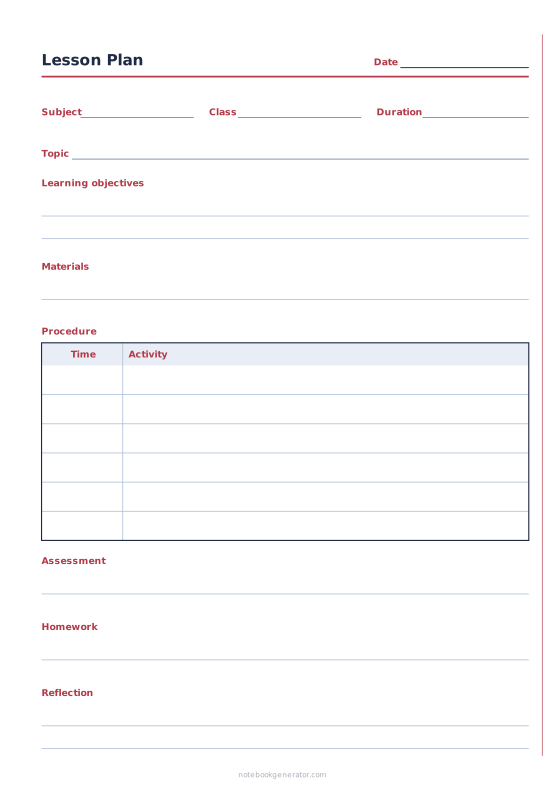
Lesson Plan
One-lesson plan with objectives, materials, timed steps and follow-up.
-
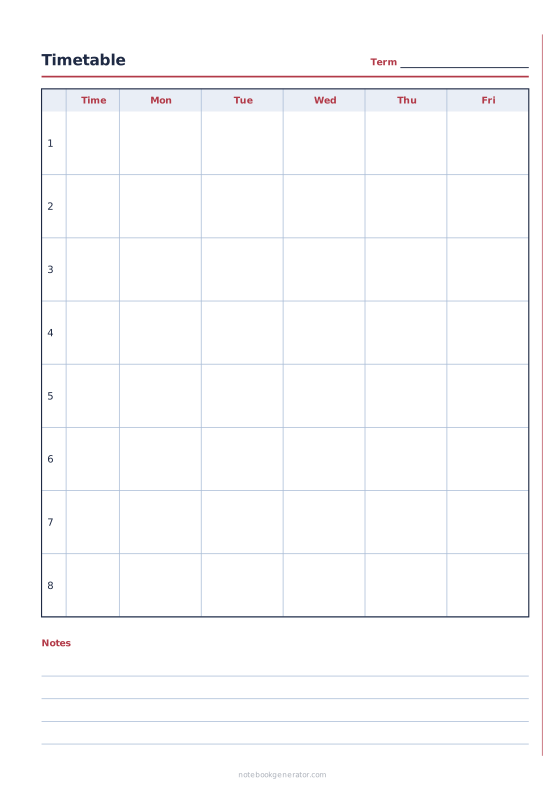
School Timetable
Class schedule with periods, times and 5, 6 or 7 school days.
-
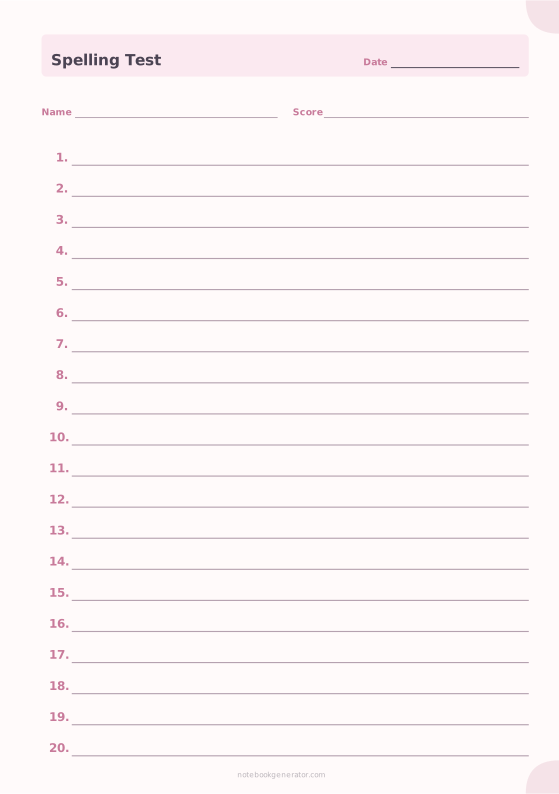
Spelling Test Paper
Numbered answer lines with name, date and score.
-
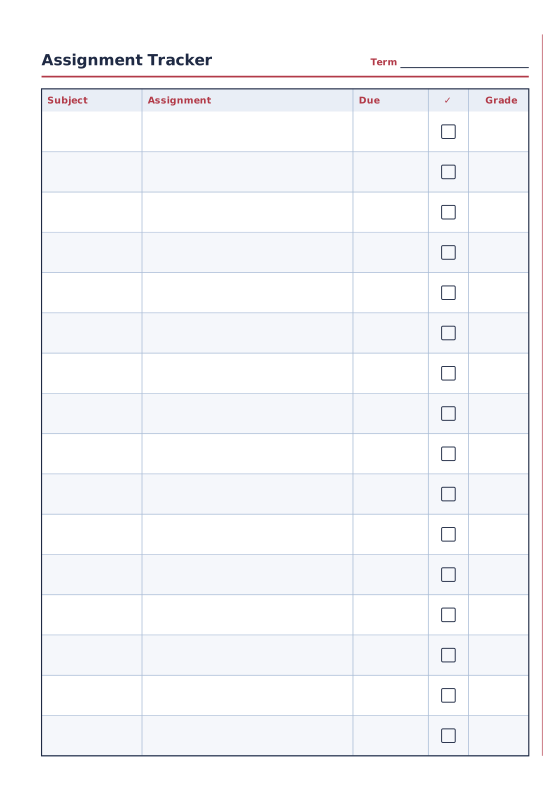
Assignment Tracker
Subjects, assignments, due dates and grades.
-
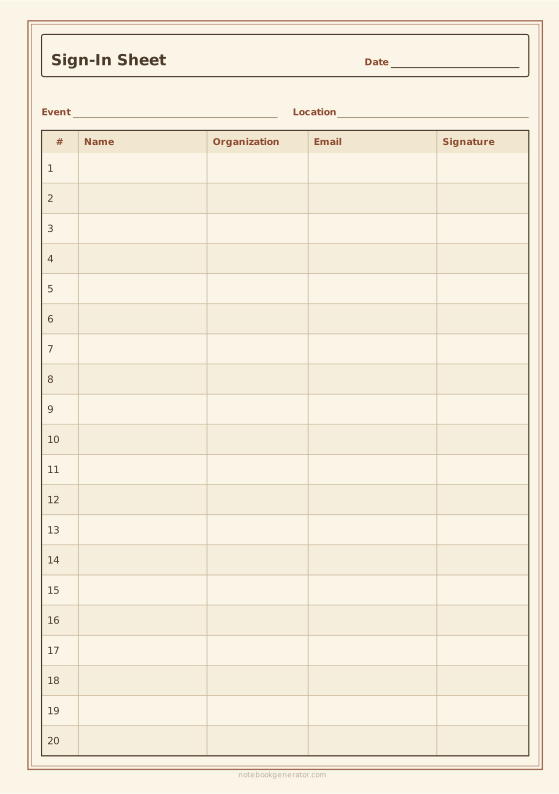
Sign-In Sheet
Numbered sign-in rows for a meeting, front-desk visitors or an event.














