Study & Work
Printable Monthly Attendance Sheet
A monthly attendance register for your class, club or Sunday school: a row per student, a column per day with the weekday letter, and totals for present and absent at the end of each row.
Dated or undated: add a whole sequence of monthly pages in one step.
What you can customize
- Month
- Students
- School days only
- Total column
Works well in
- Traveler's Notebook Passport
- A6
- Traveler's Notebook Regular
- B6 (JIS)
- A5
- US Half Letter
- B5 (ISO)
- A4
- US Letter
All page sizes, from Passport to A4
Try it in another style
Start from a preset
- Attendance sheet, school days only, 2027 January to December 2027, weekends left out, 25 students. Open in the maker →
- Attendance sheet with weekends shaded Every day of the month, for clubs, camps or weekend classes. Open in the maker →
- Blank attendance sheet, 31 days No month set, so you write the dates and use it any month. Open in the maker →
- Large class, 35 students, A4 School days of January 2027 with more rows. Open in the maker →
What’s on the attendance sheet
- The month and year in the header (or a blank line), plus a Class line.
- A numbered Student column with a wide name field.
- One column per day with its date and weekday letter; weekends shaded, or left out with School days only.
- Present and Absent total columns, which you can turn off.
Leave Month empty for an undated sheet with 31 columns. It works for after-school clubs, sports teams and volunteer rotas as well as classes.
Printing it
- Pick a preset and Download PDF → Reading order. Twelve pages cover a year.
- Print at 100% (Actual size); the day cells are narrow, so scaling down makes them hard to tick.
- Clip the month’s sheet to your clipboard and file finished months behind it.
Free sample PDFs
Print at 100% (actual size). Made with the same engine as the maker, so the spacing is exact.
Frequently asked questions
How do I mark attendance?
Write the students’ names once, then mark each day with a tick or P for present and A or a dot for absent. At the end of the month count the marks into the Present and Absent columns.
Can I leave out weekends?
Yes. Choose a Month and turn on School days only; Saturdays and Sundays are then left out and the weekday columns get wider. Holidays you simply cross out.
How many students fit?
Set Students from 10 to 40. For a class over 40, print two pages per month.
Can I print a whole school year?
Set the first month, for example August or September, and the page count to the number of months. Each page continues with the next month.
Related guides
- Calibrate your printer for exact sizesMeasure your printer once so pages print at exactly the right size, find its unprintable margins, and line up the front and back of each sheet.
- Paper sizes, margins and binding allowanceWhich printer paper fits which notebook size, how to set margins and the binding margin, and when to use bleed and creep.
- Classroom packs: printing worksheets and notebooks for a classReady-made combinations of printable pages for teachers and homeschool: handwriting packs, maths grid packs, reading logs, planners, and how to print class sets efficiently.
Related templates
-
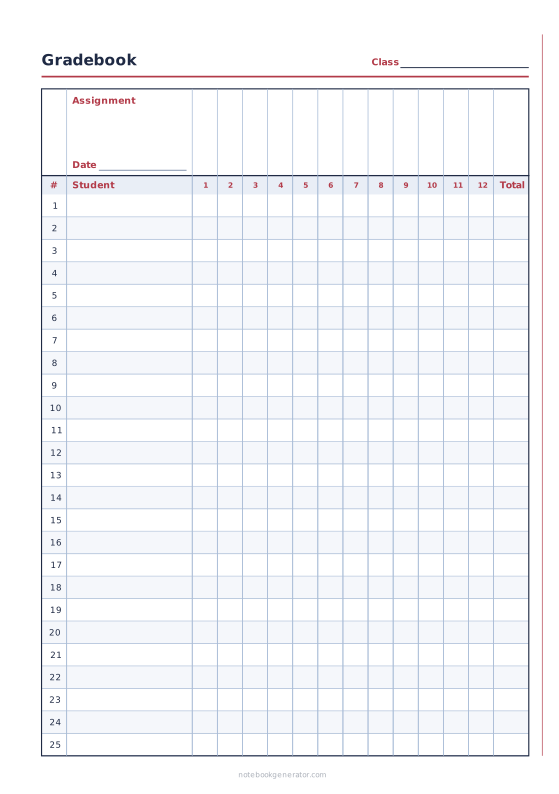
Gradebook
Students down the side, assignments across, with a total column.
-
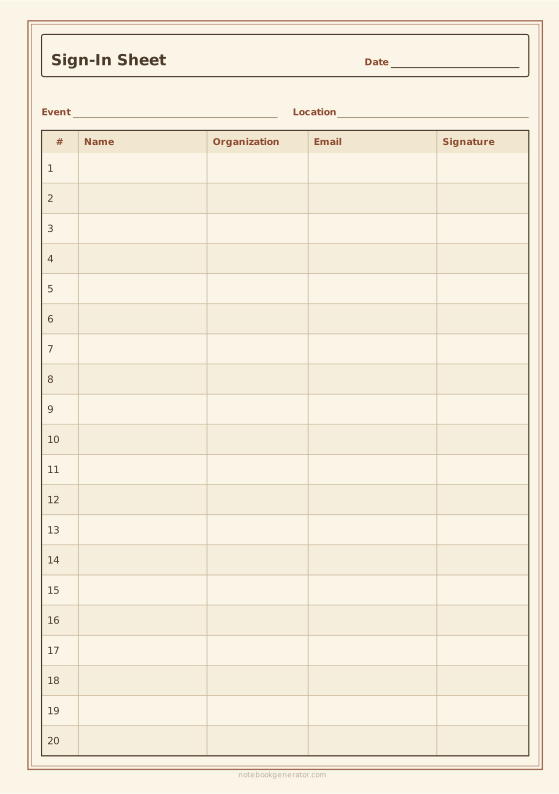
Sign-In Sheet
Numbered sign-in rows for a meeting, front-desk visitors or an event.
-
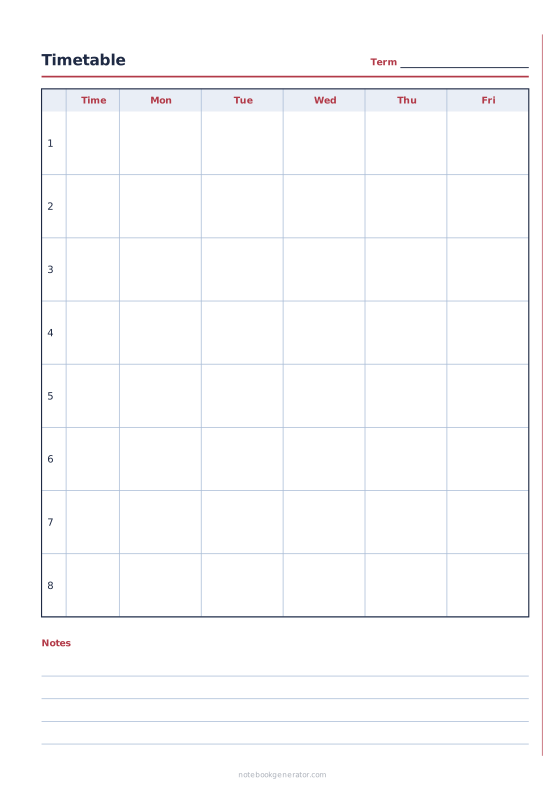
School Timetable
Class schedule with periods, times and 5, 6 or 7 school days.
-
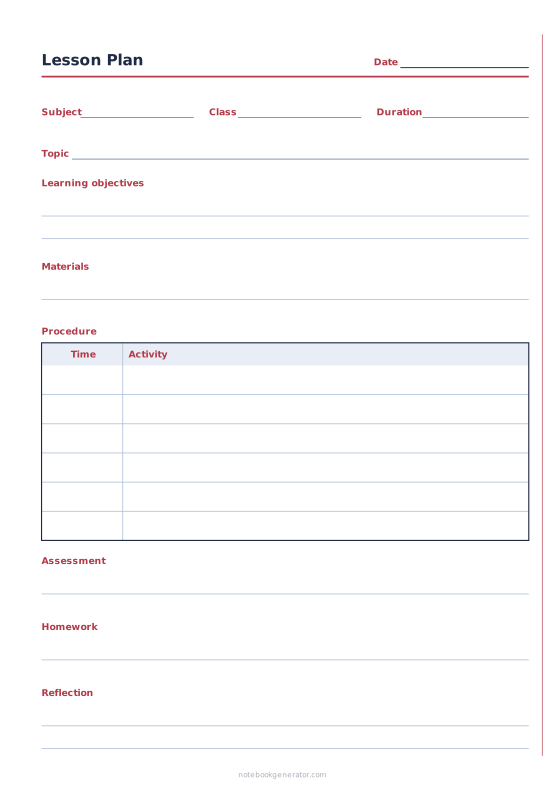
Lesson Plan
One-lesson plan with objectives, materials, timed steps and follow-up.
-
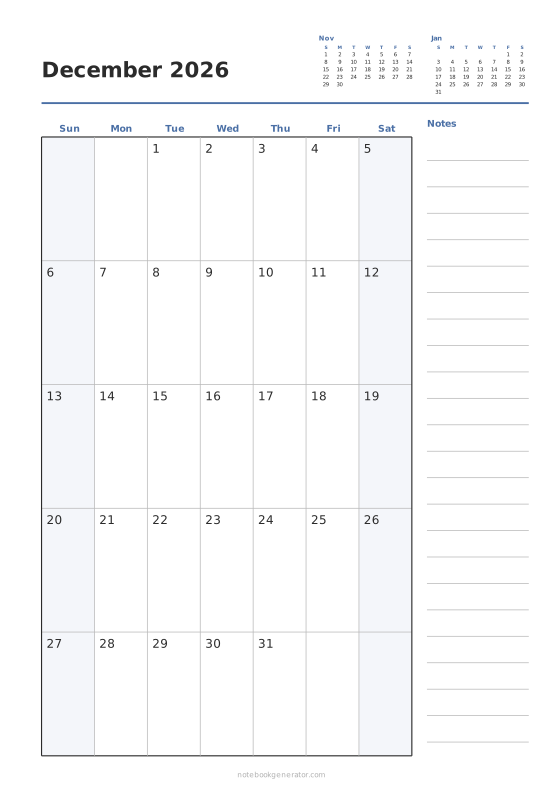
Monthly Calendar
One month per page with big day boxes, week numbers and a notes column.
-
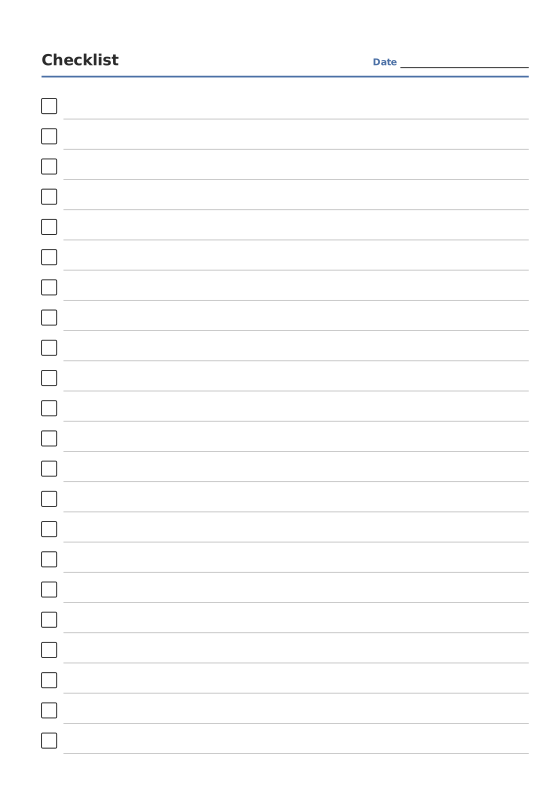
Checklist Paper
Rows of checkboxes with a title and date.














