Personal Life
Printable Sign-In Sheet
A sign-in sheet with numbered rows for meetings, workshops, front desks and events. Choose the meeting layout, a visitor log with time in and out, or an event sign-up sheet that collects email and phone.
What you can customize
- Type
- Rows
Works well in
- Traveler's Notebook Passport
- A6
- Traveler's Notebook Regular
- B6 (JIS)
- A5
- US Half Letter
- B5 (ISO)
- A4
- US Letter
All page sizes, from Passport to A4
Try it in another style
Start from a preset
- Meeting sign-in sheet, 20 rows, US Letter Name, organization, email and signature. Open in the maker →
- Visitor log, US Letter Name, company, visiting, time in, time out and signature. Open in the maker →
- Event sign-up sheet, US Letter Name, email, phone and a box to opt in to updates. Open in the maker →
- Workshop sign-in, 12 rows, A4 Tall rows for a small group, easy to sign. Open in the maker →
Three sign-in layouts
- Meeting: for team meetings, trainings and board meetings, with signature column for records.
- Visitor log: for reception desks, offices, schools and building sites, with the person visited and times in and out.
- Event: for open days, fairs and club stands, collecting contact details and an opt-in tick.
Each sheet has a date line in the header and numbered rows, so you can count attendance at a glance afterwards.
Printing it
- Choose a layout and Download PDF → Reading order. Print a few extra pages for busy events.
- Put the sheets on a clipboard with a pen attached.
- Print at 100% (Actual size) so the rows keep their height.
Free sample PDFs
Print at 100% (actual size). Made with the same engine as the maker, so the spacing is exact.
Frequently asked questions
Which columns does each layout have?
Meeting: name, organization, email and signature. Visitor log: name, company, visiting, time in, time out and signature. Event: name, email, phone and a box to opt in to updates. Every layout has numbered rows and a date line.
How many people fit on one page?
Set Rows from 10 to 30. Twenty is comfortable for writing an email address; use fewer rows if people sign standing up at a desk.
Can I add the meeting name and place?
Yes. The meeting and event layouts have event and location lines under the header; the visitor log has a location line.
Is an opt-in box enough for a mailing list?
It shows who asked for updates. Depending on where you are, you may need to tell people how you will use their details; write a short note on the sheet or a sign beside it.
Related guides
- Calibrate your printer for exact sizesMeasure your printer once so pages print at exactly the right size, find its unprintable margins, and line up the front and back of each sheet.
- Paper sizes, margins and binding allowanceWhich printer paper fits which notebook size, how to set margins and the binding margin, and when to use bleed and creep.
- Classroom packs: printing worksheets and notebooks for a classReady-made combinations of printable pages for teachers and homeschool: handwriting packs, maths grid packs, reading logs, planners, and how to print class sets efficiently.
Related templates
-
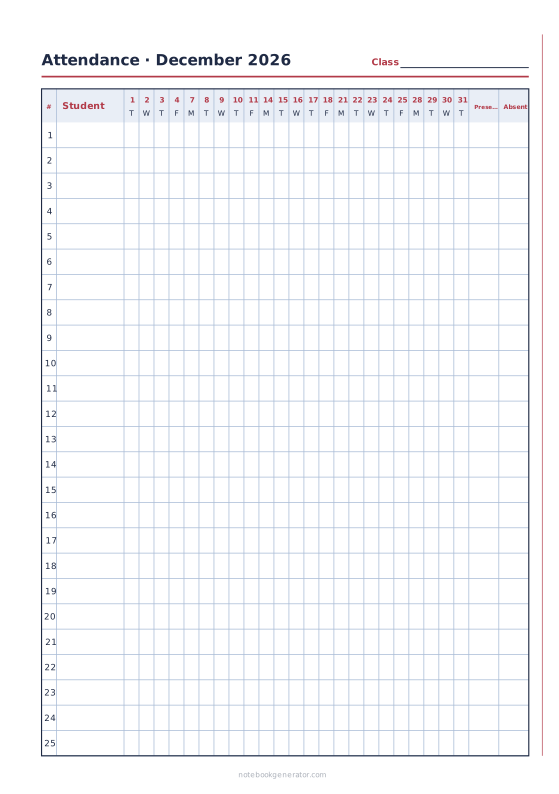
Attendance Sheet
A monthly class register: students down, days across, present and absent totals.
-
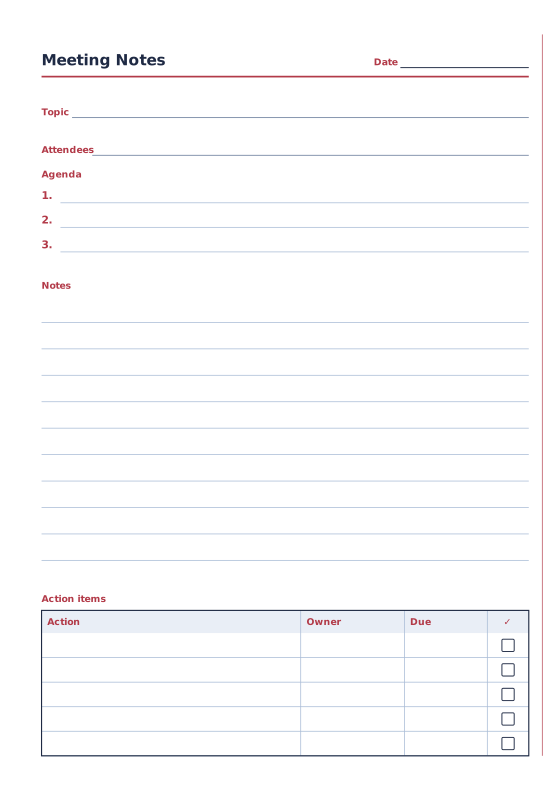
Meeting Notes
Agenda, notes and an action items table.
-
Checklist Paper
Rows of checkboxes with a title and date.
-
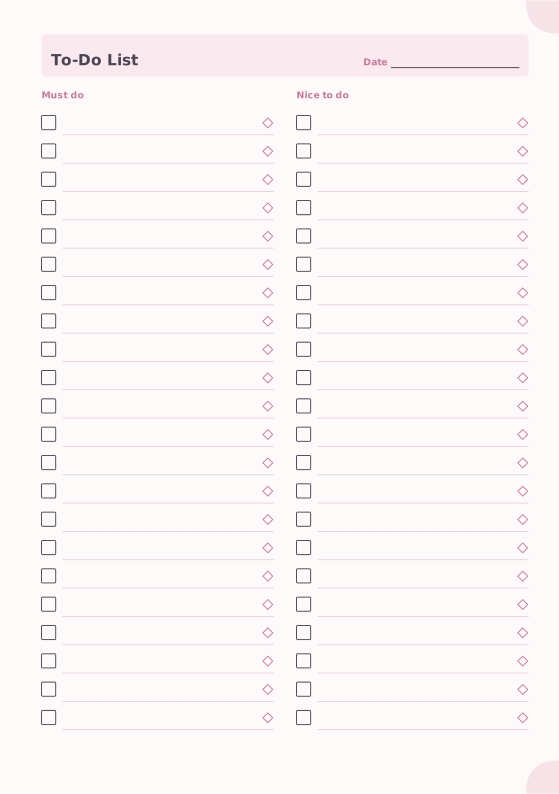
To-Do List
Must-do and nice-to-do checklists with priority marks.
-
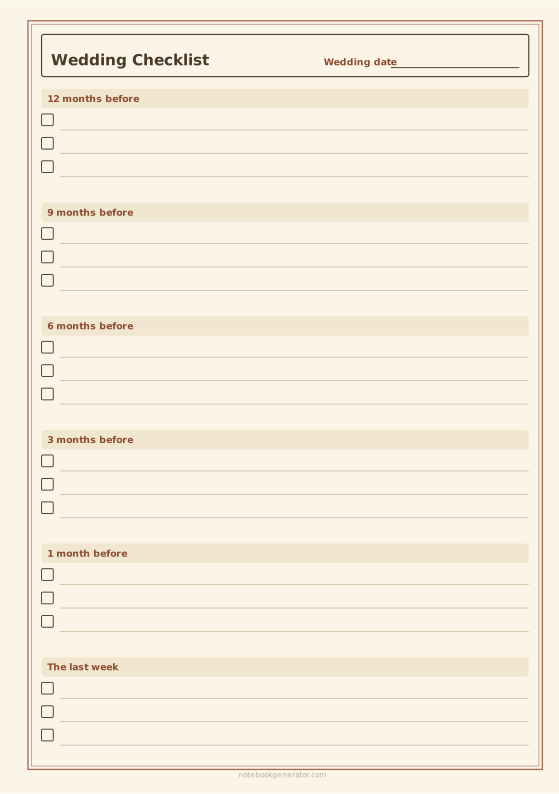
Wedding Planner
A timeline checklist, a budget sheet or a guest list with RSVPs.
-
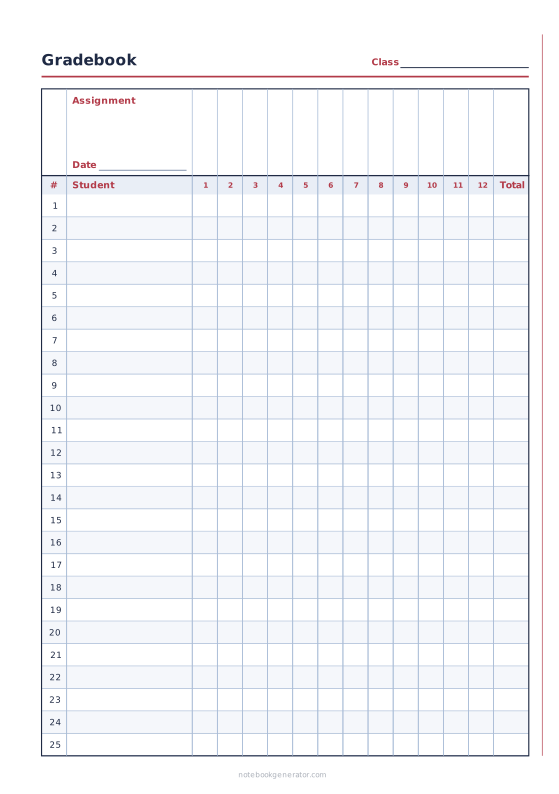
Gradebook
Students down the side, assignments across, with a total column.














